
About Haven Commands
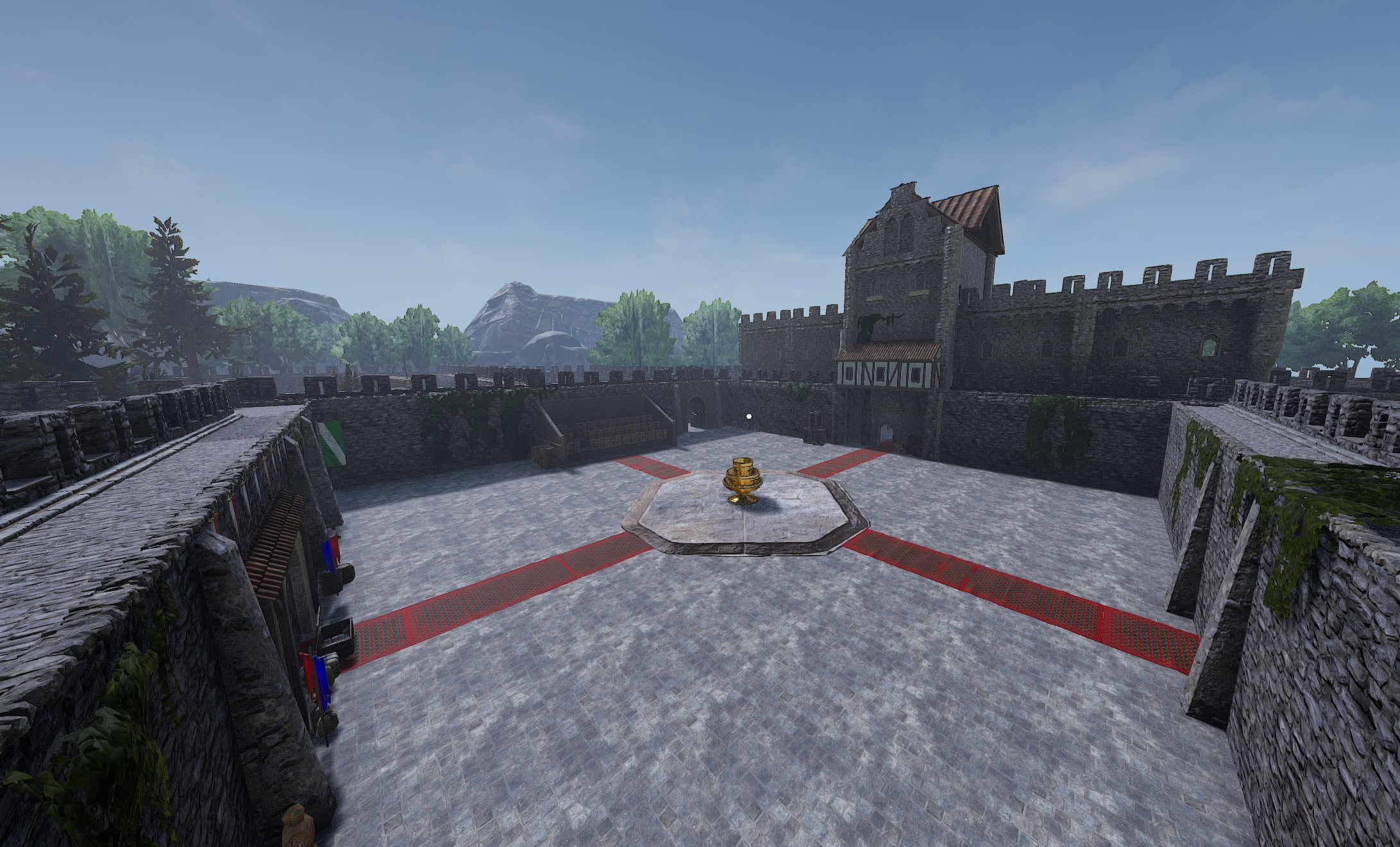
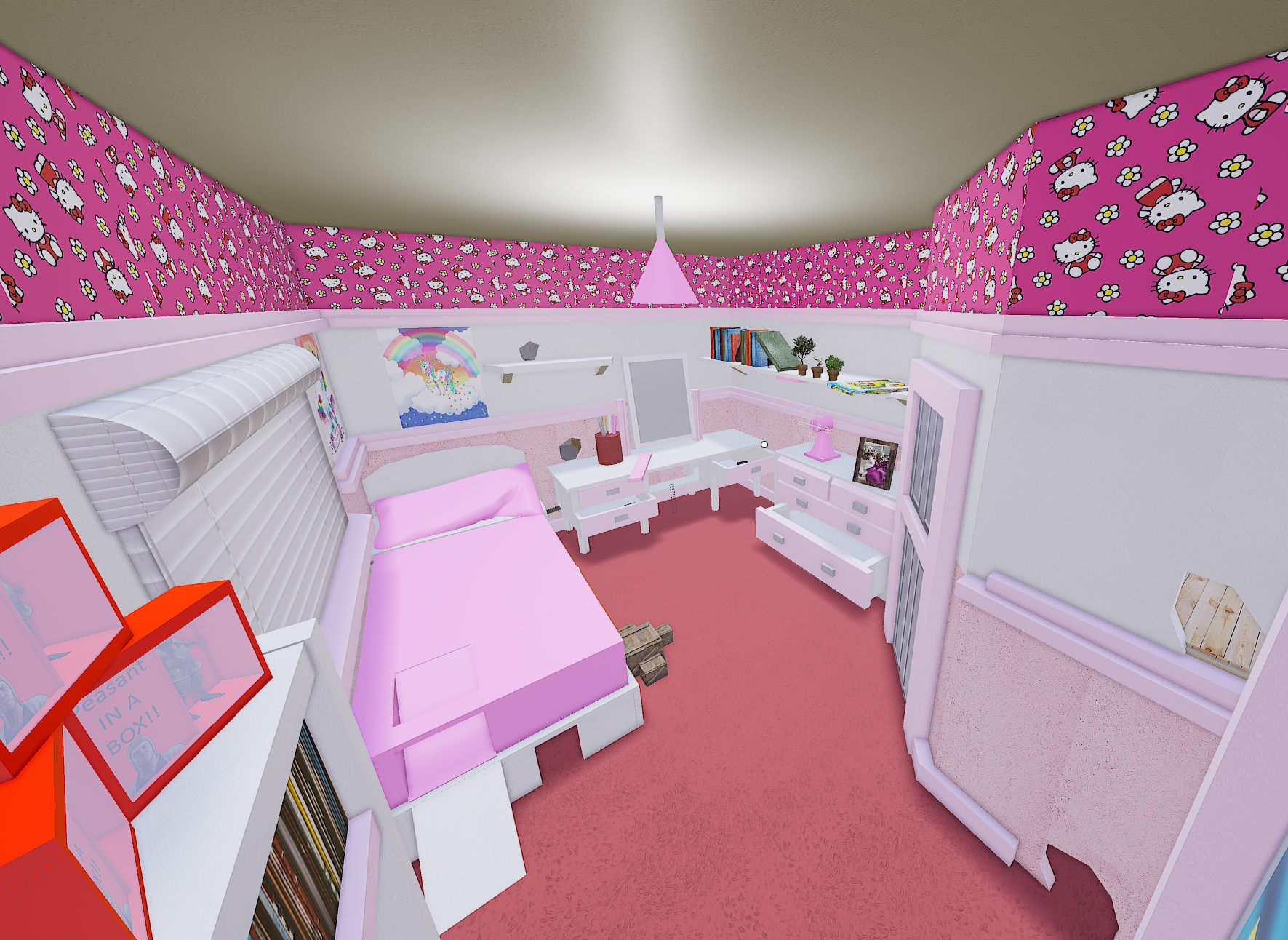
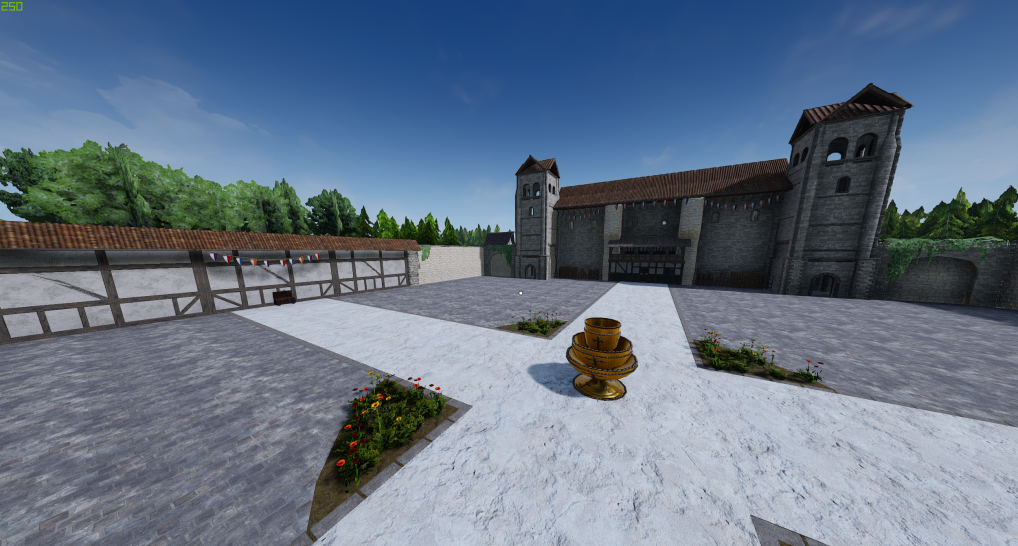
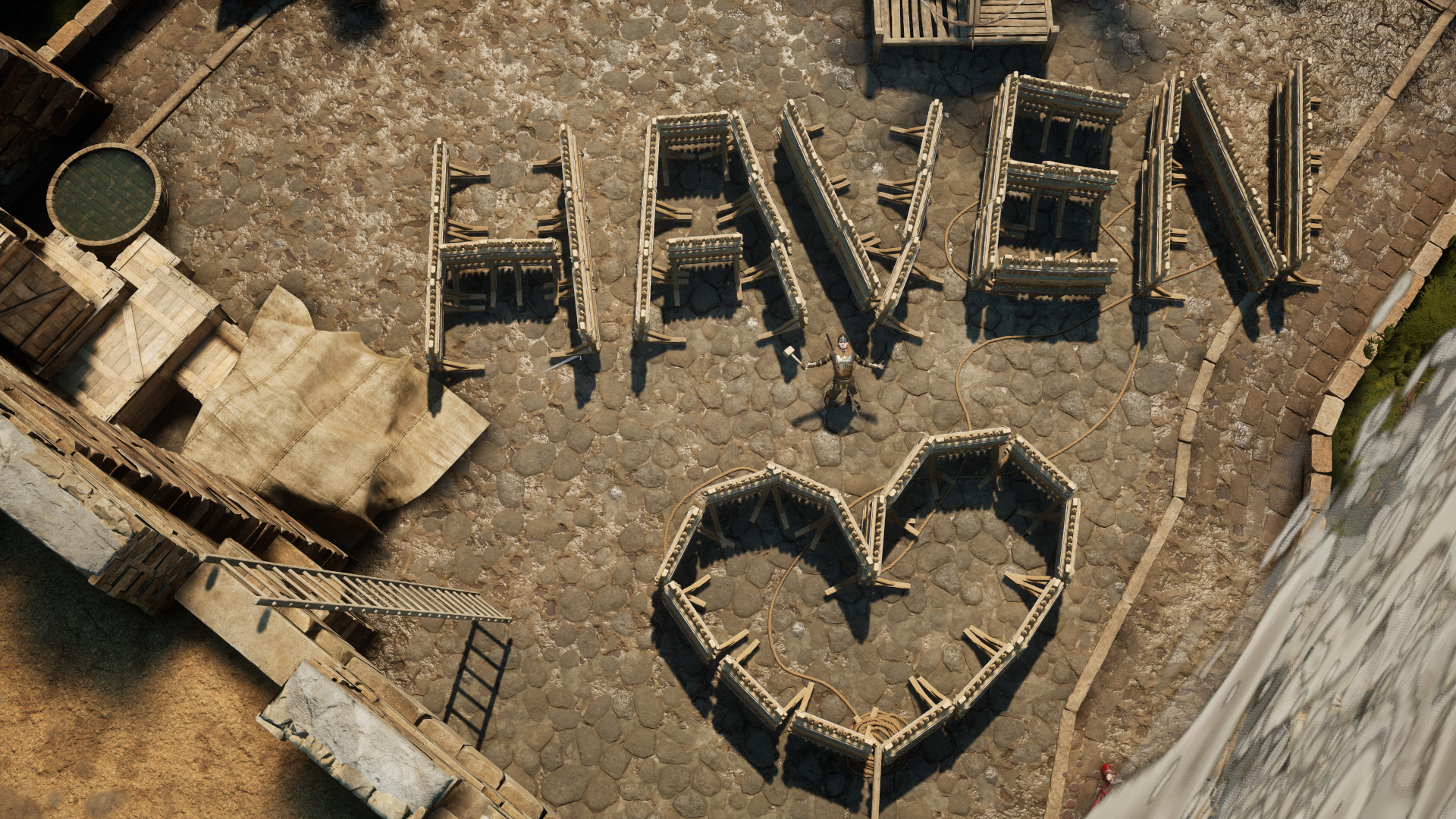
From mod.ioCreated for the friendly EU server Haven. Includes a building mode with previews, weapons, map modifications, and chat commands. The buildables are automatically saved so will persist across play sessions.
Created for the friendly EU server Haven. Includes a building mode with previews, weapons, map modifications, and chat commands.
The buildables are automatically saved so will persist across play sessions.
This mod includes a periodic chat announcement for the Haven discord server, and shows the Haven welcome screen on server join.
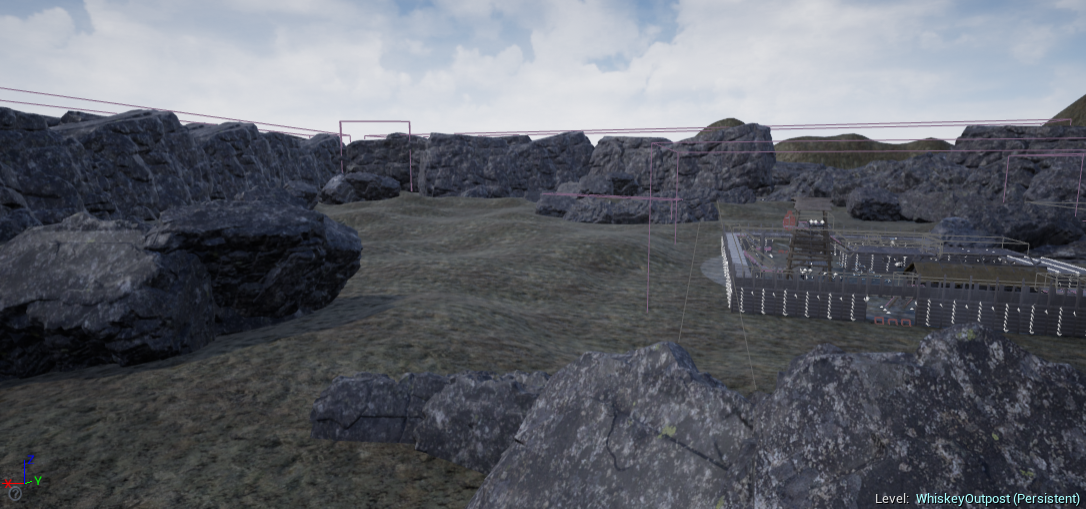
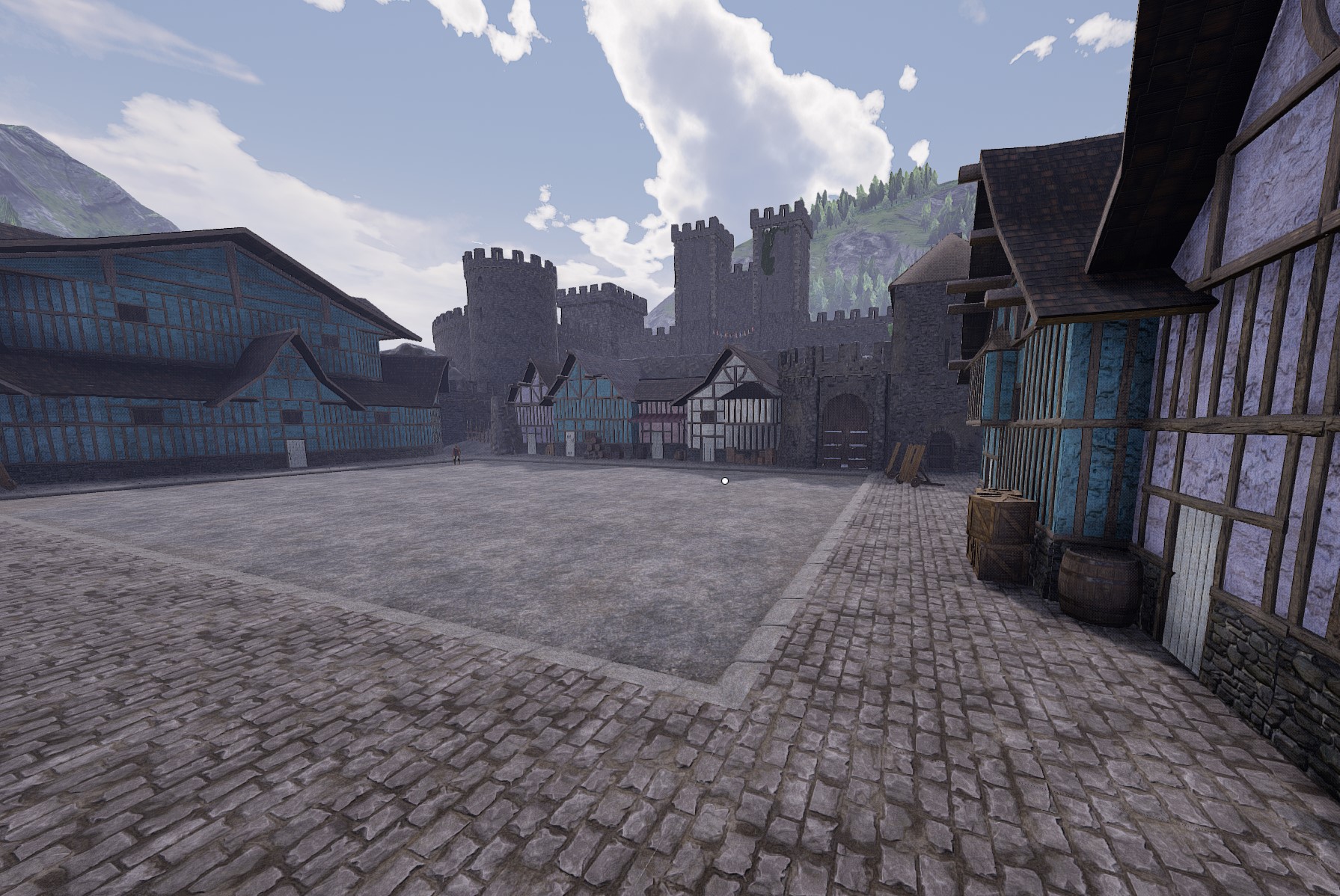
Features bounds removal including some collision fixes for: Contraband, Tourney, Moshpit.
Buildables Usage
Press F5 to open the build menu. Press a key once to display a preview. Press again to place.
If you open the chat whilst in the F5 menu, it will stop working. Close and re-open the F5 menu.
To delete, stand within 3m of the object, hover your cursor over it, and press F7. Works with the F5 menu open or closed.
Buildable Save System
Each level has 10 save slots. Every 15 minutes, the currently spawned buildables are saved to the active slot. This is shown via a message from the SERVER in the chat. There is an extra save when the match ends.
This allows players with Haven Commands access to add to their creations across play sessions - and it means that players can spawn in to a nicely and uniquely built map.
My server is able to save 600 buildables in 5ms, and can load them in 150ms.
<table class="table-auto"> <tbody> <tr> <td>Description</td> <td>Command</td> <td>Access Level</td> </tr> <tr> <td>Display Current Save Slot</td> <td>.hc slot</td> <td>Admin</td> </tr> <tr> <td>Change Save Slot</td> <td>.hc slot 1 (slot 1-10 inclusive)</td> <td>Admin</td> </tr> <tr> <td>Manual Save to Current Slot</td> <td>.hc save</td> <td>Admin</td> </tr> <tr> <td>Clear Buildables</td> <td>.hc clear</td> <td>Admin</td> </tr> </tbody> </table>Use manual save when:
- Clearing buildables, to wipe the current slot.
- Before manually changing the current slot, else changes since the last auto-save will be lost.
When changing the current slot, the active buildables are replaced with those from the new slot.
When loading into any level, the last used slot for that level is automatically loaded.
Buildables List
These can be spawned via the F5 menu or the specified chat commands, where listed.
<table class="table-auto"> <tbody> <tr> <td>Description</td> <td>Command</td> </tr> <tr> <td>Castle Gate</td> <td>.hb cg</td> </tr> <tr> <td>Log Wall</td> <td>.hb lw</td> </tr> <tr> <td>Log Wall with Window</td> <td>.hb lww</td> </tr> <tr> <td>Log Wall with Doorway</td> <td>.hb lwd</td> </tr> <tr> <td>Wooden Door</td> <td>.hb wd</td> </tr> <tr> <td>Plank Floor</td> <td>.hb pf</td> </tr> <tr> <td>Stairs 2 Up</td> <td>.hb s2</td> </tr> <tr> <td>Stairs 2 Down</td> <td>.hb s2d</td> </tr> <tr> <td>Potted Bush</td> <td> </td> </tr> <tr> <td>Potted Tree</td> <td> </td> </tr> <tr> <td>Flower Bed 2</td> <td>.hb fp2</td> </tr> <tr> <td>Log Swing</td> <td>.hb logswing</td> </tr> <tr> <td>Chair</td> <td> </td> </tr> <tr> <td>Pumpkin</td> <td>.hb pumpkin</td> </tr> <tr> <td>Table Small</td> <td> </td> </tr> <tr> <td>Ladder 3, 5, 9, 11m</td> <td>.hb l3, .hb l5, .hb l9, .hb l11</td> </tr> <tr> <td>Palisade</td> <td> </td> </tr> <tr> <td>Rock</td> <td> </td> </tr> <tr> <td>Large Tree</td> <td> </td> </tr> <tr> <td>Brazier</td> <td> </td> </tr> <tr> <td>Brazier (Bright)</td> <td> </td> </tr> <tr> <td>Storage Shack 1</td> <td> </td> </tr> <tr> <td>Storage Shack 2</td> <td> </td> </tr> <tr> <td>Open Tent</td> <td> </td> </tr> <tr> <td>Building 1</td> <td> </td> </tr> <tr> <td>Building 2</td> <td> </td> </tr> <tr> <td>Demon Horde Castello King (fights for team 0, chip damage removed)</td> <td>.hb dhck</td> </tr> <tr> <td>Demon Horde Summoner (red team)</td> <td>.hb dhsr</td> </tr> <tr> <td>Demon Horde Summoner (blue team)</td> <td>.hb dhsb</td> </tr> <tr> <td>Haven Armaments</td> <td> </td> </tr> <tr> <td>Gun Rack</td> <td> </td> </tr> </tbody> </table>Buildables Notes:
- The Castle Gate is interactive.
Haven Commands List
<table class="table-auto"> <tbody> <tr> <td>Command</td> <td>Description</td> <td>Access Level</td> </tr> <tr> <td>.hc team red/blue</td> <td>Changes the player to red/blue team, even when it violates team balance.</td> <td>All</td> </tr> <tr> <td>.hc restrict playerName</td> <td>Prevents the player from using firearms, throwables, and vehicles. Lasts until the match ends or until toggled.</td> <td>HavenCommands</td> </tr> </tbody> </table>Weapon List
<table class="table-auto"> <tbody> <tr> <td>Name</td> <td>Credits</td> </tr> <tr> <td>Purple Dildo</td> <td>"Dildo Sword" (https://skfb.ly/oNrwu) by DaaGHrii is licensed under Creative Commons Attribution (https://creativecommons.org/licenses/by/4.0/).</td> </tr> <tr> <td>Katana</td> <td>"Katanas" (https://skfb.ly/oyZVC) by LP Cupcake is licensed under Creative Commons Attribution (https://creativecommons.org/licenses/by/4.0/).</td> </tr> <tr> <td>D6</td> <td>"Dice d6 low-poly PBR" (https://skfb.ly/oprCp) by Armor and Rum is licensed under Creative Commons Attribution (https://creativecommons.org/licenses/by/4.0/).</td> </tr> <tr> <td>Russian Revolver</td> <td>"Nagant M1895 Revolver" (https://skfb.ly/6QXzZ) by Mateusz Woliński is licensed under Creative Commons Attribution (https://creativecommons.org/licenses/by/4.0/).</td> </tr> </tbody> </table>
Weapon Notes:
- The value of the D6 is synced only if dropped (e.g. x8 + xx6).
- The Russian Revolver has some... old... manufacturing defects :D
- It also uses a custom firearm system, so unlike the 1411 and blunderbuss, the bullet comes from the barrel (where-ever it is pointing).
Easter Eggs
- "Do Not Touch" sign. Spawn locations:
Highlights
From source dataFootprint
Rated a light load on a server.
Last update
Its author last shipped an update 10 mo ago.
Haven Commands on Nxeon
From our catalogue- One-click install
- Not available. One-click install isn't available for this game's mods yet. Download it and upload it to your server in Files.
- Server load
- light
- Smallest plan we suggest
- Mordhau — 4 GB (4 GB RAM). This follows our own load rating above, not a benchmark.
- Latest build
- 1.5.4, released 2026-01-14
Run Haven Commands on a Mordhau server
Deploy a server above, then upload the file in Files.
What kind of mod it is
From the catalogAdmin & protection
Permissions, moderation, anti-cheat and land protection for the people running the server.
Compatibility
- Game
- Mordhau
Verified at the source
- ✓mod.ioOfficial listing, checked 2026-11-05Open ↗
- ✓AuthorLiam23490, as published on mod.io
- ✓LicenseNot published by the sourceFree