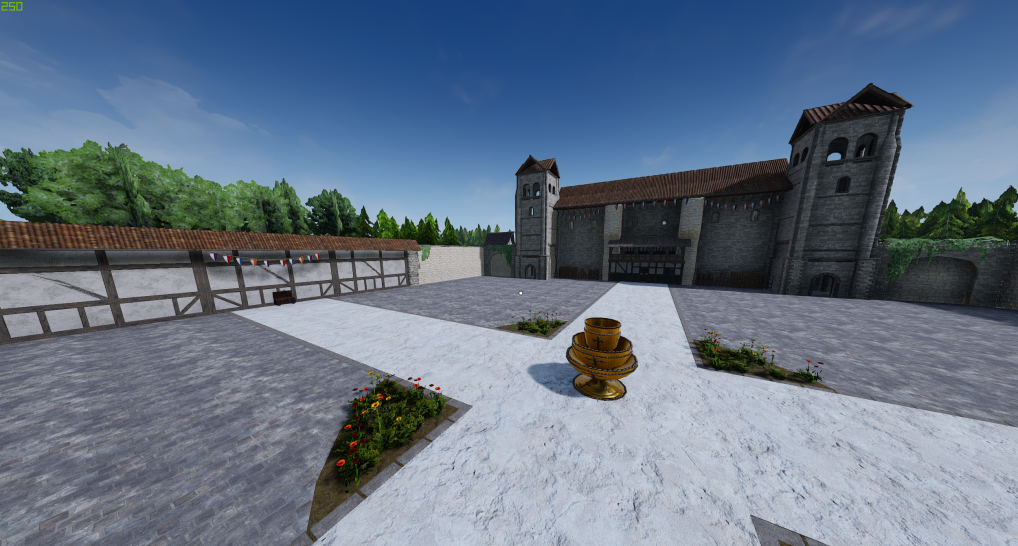
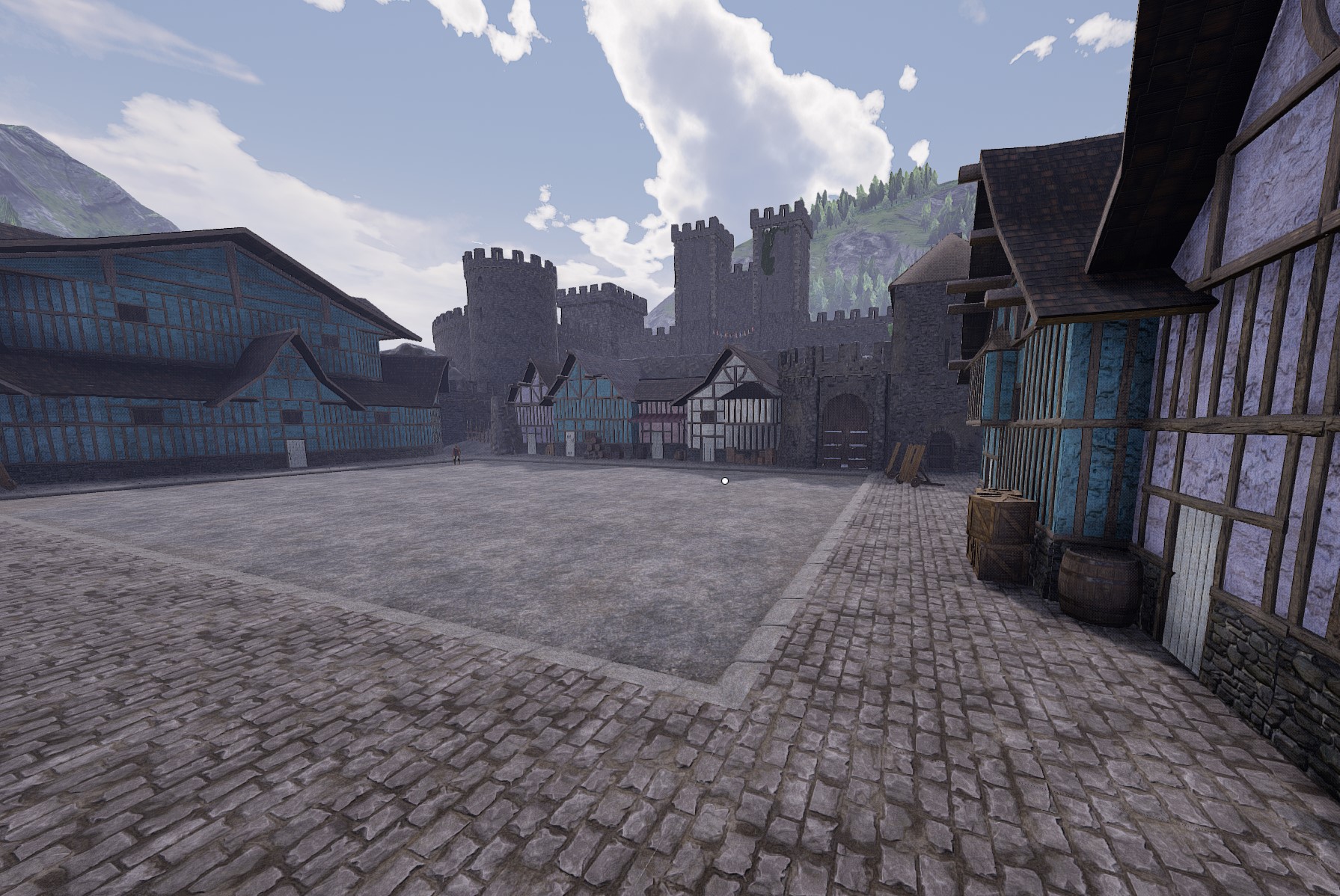
About Lutemod
From mod.ioThe lutemod is an in game, clientside, replacement for the 3rd party lutebot. Please note that it still requires a 3rd party app to add songs to the game, which can be downloaded below.
The lutemod is now compatible with the new instrument. This is a new version so don't forget to delete the old version when updating!
Useful Links :
Join the bard communities : here and here
Check out the game I'm working on here
Detailed Installation Guide : https://steamcommunity.com/sharedfiles/filedetails/?id=2608360977
What you'll need to use the lutemod :
-The 3rd party converter app is now integrated in the lutebot 3 that can be downloaded here. The old converter is still available here
-Cswic's Mod Autoloader (Check the mod dependancies below)
Once you have everything, go to AppData\Local\Mordhau\Saved\Config\WindowsClient and add the following to Game.ini :
[/Game/Mordhau/Maps/ClientModMap/BP_ClientModLoaderActor.BP_ClientModLoaderActor_C]
ClientMods=/Game/Mordhau/Maps/LuteMod/Client/BP_LuteModClientLoader.BP_LuteModClientLoader_C
ModListWidgetStayTime=5.0
In the same folder, add this to Engine.ini :
[/Script/EngineSettings.GameMapsSettings]
GameDefaultMap=/Game/Mordhau/Maps/ClientModMap/ClientMod_MainMenu.ClientMod_MainMenu
This will add the lutemod in the list of mods the clientside mod autoloader will load on startup.
How to use the lutemod :
First, boot up the game and make sure the lutemod shows up in the list of clientside mods on the main menu.
Then, go on local play or join a game and press the kick button (F by default) to open the song selection menu, which should be empty.
Once that's done, you should be able to boot up the lutemod converter app and start adding songs, which will then show up in the song selection menu.
When you select a song, press the feint button (Q by default) to play/pause.
Highlights
From source dataFootprint
Rated a light load on a server.
Last update
Its author last shipped an update 5 yr ago.
Lutemod on Nxeon
From our catalogue- One-click install
- Not available. One-click install isn't available for this game's mods yet. Download it and upload it to your server in Files.
- Server load
- light
- Smallest plan we suggest
- Mordhau — 4 GB (4 GB RAM). This follows our own load rating above, not a benchmark.
- Latest build
- 1.3.0, released 2021-12-01
Run Lutemod on a Mordhau server
Deploy a server above, then upload the file in Files.
What kind of mod it is
From the catalogMisc
Its source category doesn’t say more about what it does, so NxLabs lists it under Other.
Compatibility
- Game
- Mordhau
Verified at the source
- ✓mod.ioOfficial listing, checked 2026-10-30Open ↗
- ✓AuthorÐ│MontyleGueux, as published on mod.io
- ✓LicenseNot published by the sourceFree