
About Moderation Assist
From mod.ioEnhances moderation in Mordhau: auto PlayerList, vote kick logs, SpectatorList, copy player/build info on hover, and useful aliases for quick commands.
Client-side mod to streamline and enhance moderation tasks.
Features
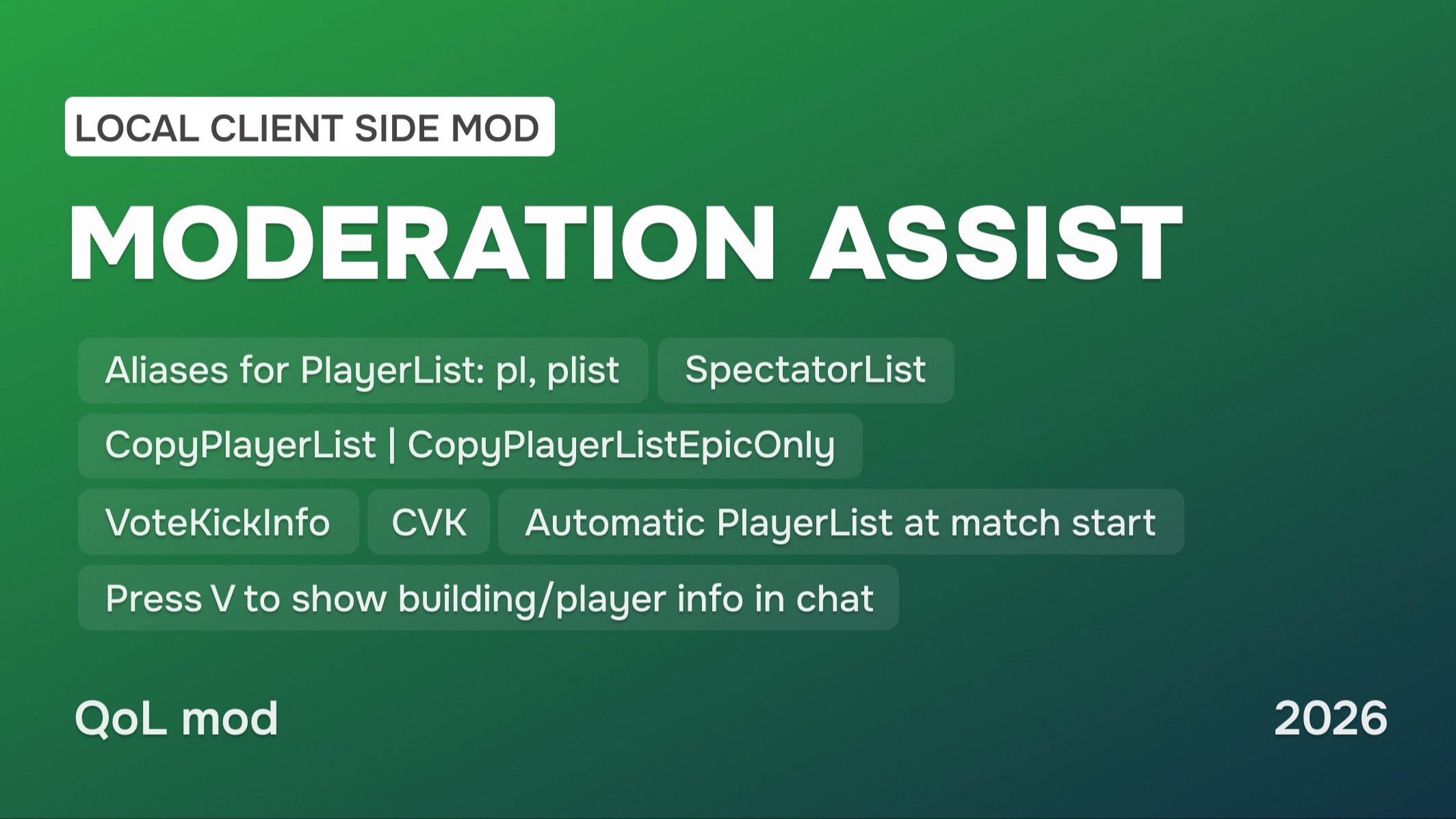
1. Automatic PlayerList [optionally] – displays player list on server join or map change.
Command: ModAssist.AutoPlayerList <0|1> – 0 = Disable, 1 = Enable (default)
2. VoteKickInfo – logs detailed vote kick info (Date/Time, Target, Initiator, TeamDamage %, Server Name) in console.
Commands: VoteKickInfo, vki
3. PlayerList Aliases – quick access to PlayerList.
Commands: plist, pl
4. CopyPlayerList – copy all player IDs to clipboard (optionally filter out Epic accounts).
Commands: CopyPlayerList, CopyPlayerListEpicOnly
5. CancelVoteKick Alias – shorthand for canceling a vote kick.
Command: cvk
6. SpecList – see which players are currently in spectator mode.
Command: SpecList
7. Player/Build Info Shortcut – hover over a player/build and press V (BattleCryAction button) to copy/display their info in chat and clipboard.
Info includes: Team | Object | Player Name – PlayFabID | Server Name | Date
(WIP: players on horses and catapults are not yet displayed)
Command: ModAssist.NotifyOnCopy <0|1> Enables or disables a chat notification when copying info on hover. 0 = Disable, 1 = Enable (default).
How to Use
Open the console (~) and use the commands.
Installation Instructions
🏷 If you are already using client-side mods, you can skip step 1.
1. Installing AutoLoader
- Go to https://mod.io/g/mordhau/m/clientside-mod-autoloader and install the AutoLoader Mod by @cswic.
- Follow the instructions on the page. This will simplify the use of this mod and other client-side mods in the long run.
2. Installing the Mod
- Choose the manual installation option to download the file and unzip it.
- Right-click Mordhau in Steam → Manage → Browse Local Files.
- Go to Mordhau/Content and open the CustomPaks folder (If the folder does not exist, create it manually).
- Copy the .pak file into /Mordhau/Content/CustomPaks, like any other client-side mod.
3. Configuring Game.ini
- Open the file: <user>/AppData/Local/Mordhau/Saved/Config/WindowsClient/Game.ini
- Add the following lines:
If you are already using other client-side mods (e.g., LuteMod, GuardianSpectatorUtility), simply add the line to the existing AutoLoader section.
[/AutoLoader/BP_AutoLoaderActor.BP_AutoLoaderActor_C]ClientMods=/ModerationAssist/BP_ModAssistClientMod.BP_ModAssistClientMod_C
4. Restart the game
Feedback
I would be glad to receive your feedback and ideas for future updates.
This is strictly a client-side mod and is not intended for servers.
Don’t forget to check out my other mods
- Client-side Mod | Steal His Look Plus
- Client-side Mod | Visual Filter Switcher
- Map | Adamantium: FFA and Duels
Highlights
From source dataFootprint
Rated a light load on a server.
Last update
Its author last shipped an update 10 mo ago.
Moderation Assist on Nxeon
From our catalogue- One-click install
- Not available. One-click install isn't available for this game's mods yet. Download it and upload it to your server in Files.
- Server load
- light
- Smallest plan we suggest
- Mordhau — 4 GB (4 GB RAM). This follows our own load rating above, not a benchmark.
- Latest build
- 1.1.1, released 2026-01-24
Run Moderation Assist on a Mordhau server
Deploy a server above, then upload the file in Files.
What kind of mod it is
From the catalogAdmin & protection
Permissions, moderation, anti-cheat and land protection for the people running the server.
Compatibility
- Game
- Mordhau
Verified at the source
- ✓mod.ioOfficial listing, checked 2026-11-05Open ↗
- ✓AuthorUMBERIUM, as published on mod.io
- ✓LicenseNot published by the sourceFree