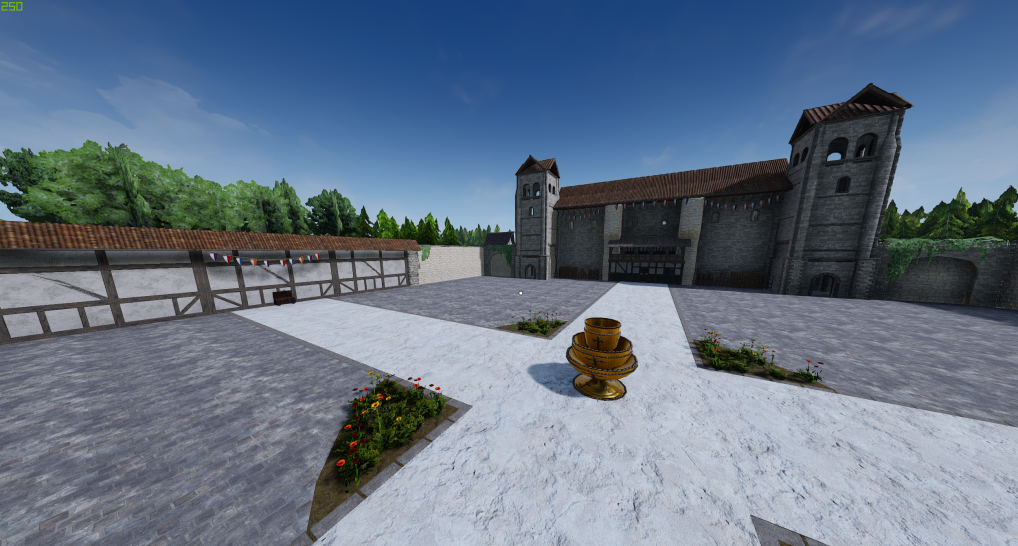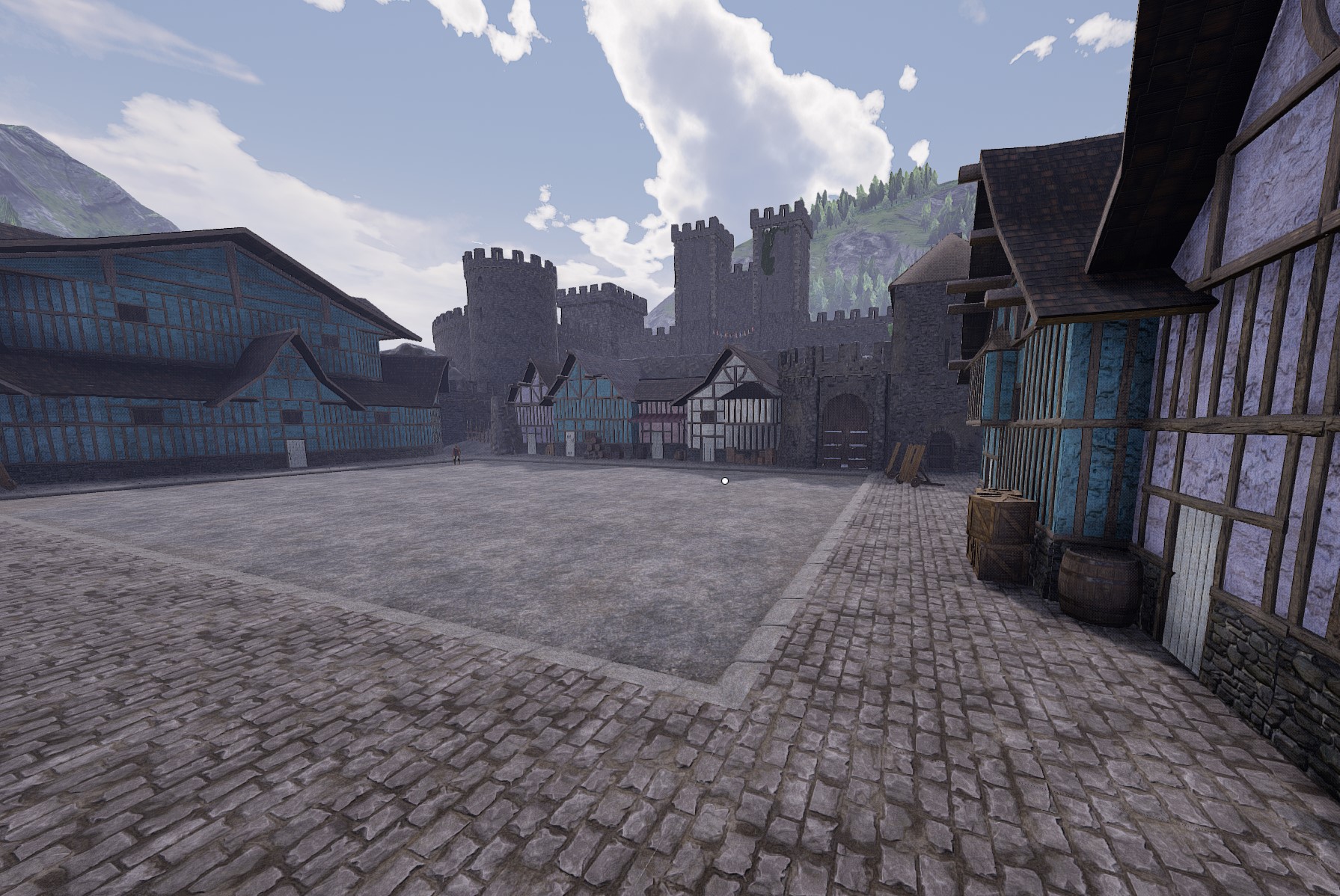

About OG Flourish Mod
From mod.ioOriginal Flourish
This mod replaces the newer flourish with the old one.
To install this mod:
1) First go to Mordhau.mod.io to install the clientside mod autoloader. Follow the instructions there. This will make using the mod and other clientside mods easier in the long run.
2) Select the install manually option to download the files. Copy and paste the .pak file into your Mordhau/Content/CustomPaks folder like you would any other clientside mod. If you do not have a CustomPaks folder already in Mordhau/Content then create one.
3) Open your Game.ini file located in <user>/appdata/local/mordhau/saved/config/windowsclient/game.ini.
4) Add the following lines, or add a new clientside mod entry if you already are using other client mods such as heartbeat mod, lutemod, or skin mod.
[/AutoLoader/BP_AutoLoaderActor.BP_AutoLoaderActor_C]
ClientMods=/OGFlourish/BP_Flourisher.BP_Flourisher_C
Or just add this line to the Autoloader section if you have other client mods.
ClientMods=/OGFlourish/BP_Flourisher.BP_Flourisher_C
Highlights
From source dataFootprint
Rated a light load on a server.
Last update
Its author last shipped an update 4 yr ago.
OG Flourish Mod on Nxeon
From our catalogue- One-click install
- Not available. One-click install isn't available for this game's mods yet. Download it and upload it to your server in Files.
- Server load
- light
- Smallest plan we suggest
- Mordhau — 4 GB (4 GB RAM). This follows our own load rating above, not a benchmark.
- Latest build
- 1.01, released 2023-05-06
Run OG Flourish Mod on a Mordhau server
Deploy a server above, then upload the file in Files.
What kind of mod it is
From the catalogCosmetics, visuals & audio
Skins, textures, shaders, models and sound — how the game looks and sounds.
Compatibility
- Game
- Mordhau
Verified at the source
- ✓mod.ioOfficial listing, checked 2026-10-30Open ↗
- ✓AuthorCswic, as published on mod.io
- ✓LicenseNot published by the sourceFree