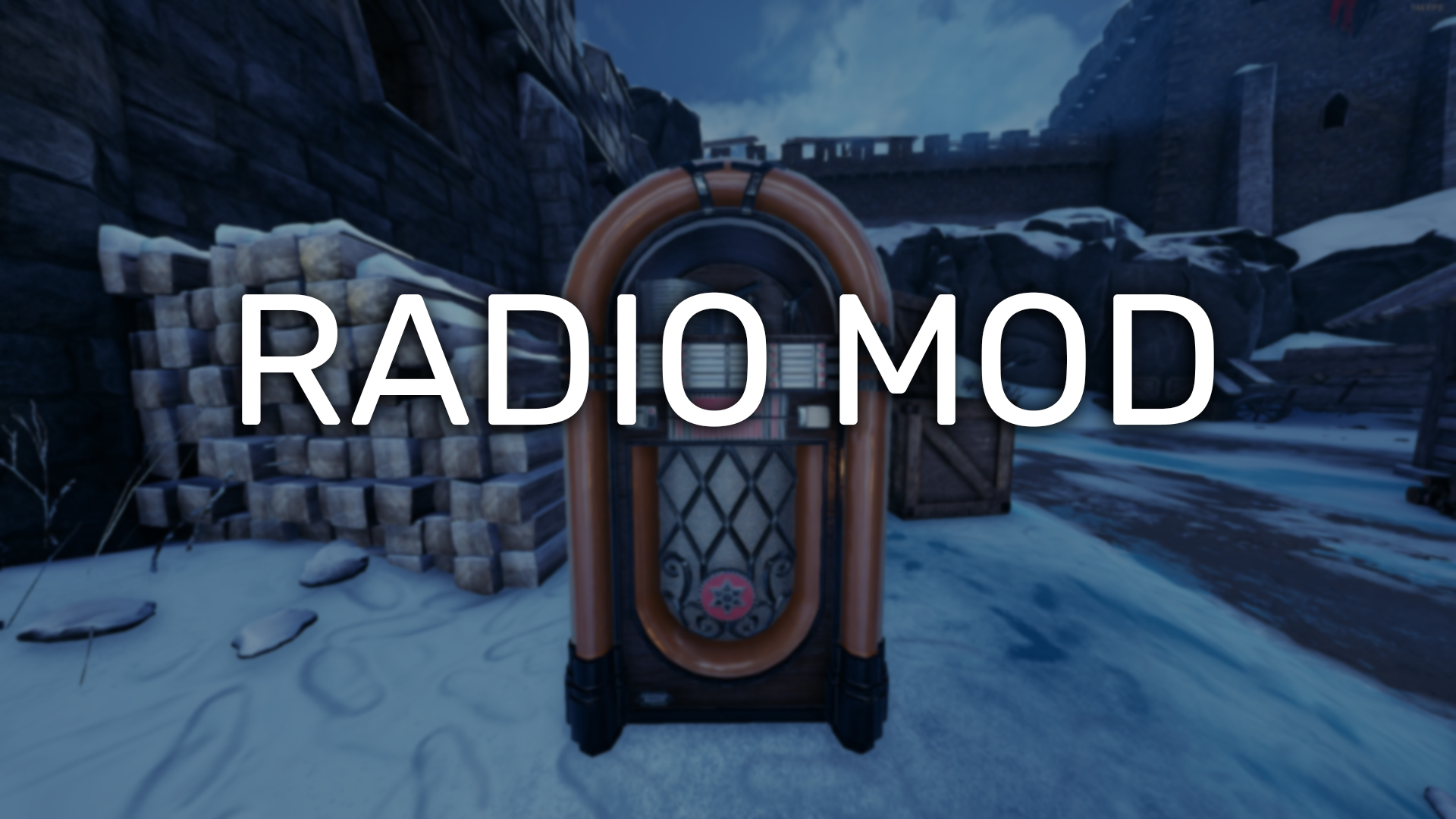

About Radio Mod
From mod.ioAn in-game radio that can play any song from YouTube.
An in-game radio that can play any song from YouTube.
Features
- Synced playback across all players
- Full YouTube search
- Queue system that stores up to 8 songs at once
- Favorites tab for saving your favorite songs without having to search
- Playlist mode, if you only want to allow songs from a specific YouTube playlist
- Volume control, both local for each player and global for the whole server
- Vote skip system
- Radio's position, rotation, and volume ranges can be set and saved independently for each map and game mode
- Admin skip and remove from queue buttons
- Players that are server muted will not be allowed to queue songs
- Admin settings panel for even more control
- A cute squirrel
Installation
- Open your server's game.ini file
- Under the
[/Script/Mordhau.MordhauGameSession]section, change:bAllowHttpRequests=FalsetobAllowHttpRequests=True(create this line if you don't have it) - Under the
[/Script/Mordhau.MordhauGameSession]section, add:Mods=3280881 - Under the
[/Script/Mordhau.MordhauGameMode]section, add:SpawnServerActorsOnMapLoad=/RadioMod/BP_RadioManager.BP_RadioManager_C
Admin Chat Commands
.radio- opens the radio menu, regardless of where you are.radio setpos current- sets and saves the radio's position to your character's current position in the map.radio setpos x,y,z- sets and saves the radio's position to the x,y,z values (ex..radio setpos 120,470,0).radio setrot current- sets and saves the radio's rotation to your character's current rotation.radio setrot x- sets and saves the radio's rotation to the x value (ex..radio setrot 180)
* The above commands save the radio's location for the current map and game mode, allowing different locations to be set for every map.
Optional Config Variables
Paste this new section at the bottom of your server's game.ini file, if you wish to use either of these optional settings.
Example:
[RadioMod]
DiscordWebhook="https://discord.com/api/webhooks/1234/asdf"
ChatLogs=Server
MaxSeconds=600
SquirrelName="Nibbles"
- The DiscordWebhook variable can be set to a Discord Webhook in your Discord server. It will log all queue submissions to whichever channel you set your webhook to.
- The ChatLogs variable changes the mode in which queue submissions are logged to in-game chat. The three modes are False, Player, and Server. Default mode is Server.
- The MaxSeconds variable can be set to a lower value if you wish to not allow songs over x seconds.
By default, the mod will connect to my radio server. If you wish to self-host, you can learn more here: https://github.com/TheSaltySeaCow/Radio-Mod-Backend
Join the Discord for updates! https://discord.gg/dejFwzP9Tb
Linux Server Pak: https://drive.google.com/drive/folders/1ZaKEMxYE8AFj6haB63-KxVC27vrog8KJ?usp=sharing
Donations are not required, but are greatly appreciated! ❤️ https://ko-fi.com/thesaltyseacow
Highlights
From source dataFootprint
Rated a light load on a server.
Last update
Its author last shipped an update 24 mo ago.
Radio Mod on Nxeon
From our catalogue- One-click install
- Not available. One-click install isn't available for this game's mods yet. Download it and upload it to your server in Files.
- Server load
- light
- Smallest plan we suggest
- Mordhau — 4 GB (4 GB RAM). This follows our own load rating above, not a benchmark.
- Latest build
- 1.6.0, released 2024-11-13
Run Radio Mod on a Mordhau server
Deploy a server above, then upload the file in Files.
What kind of mod it is
From the catalogCosmetics, visuals & audio
Skins, textures, shaders, models and sound — how the game looks and sounds.
Compatibility
- Game
- Mordhau
Verified at the source
- ✓mod.ioOfficial listing, checked 2026-10-30Open ↗
- ✓AuthorTheSaltySeaCow, as published on mod.io
- ✓LicenseNot published by the sourceFree