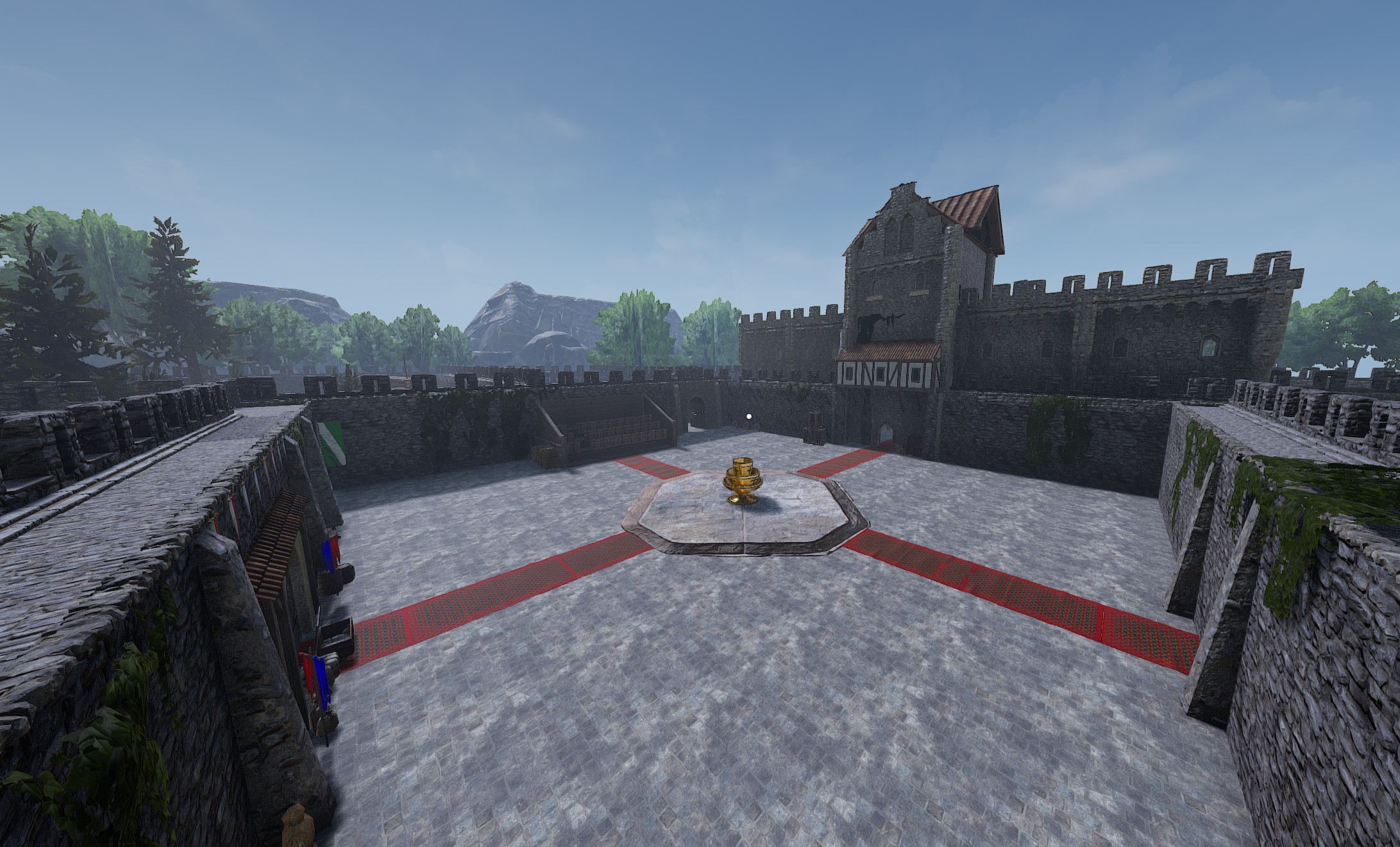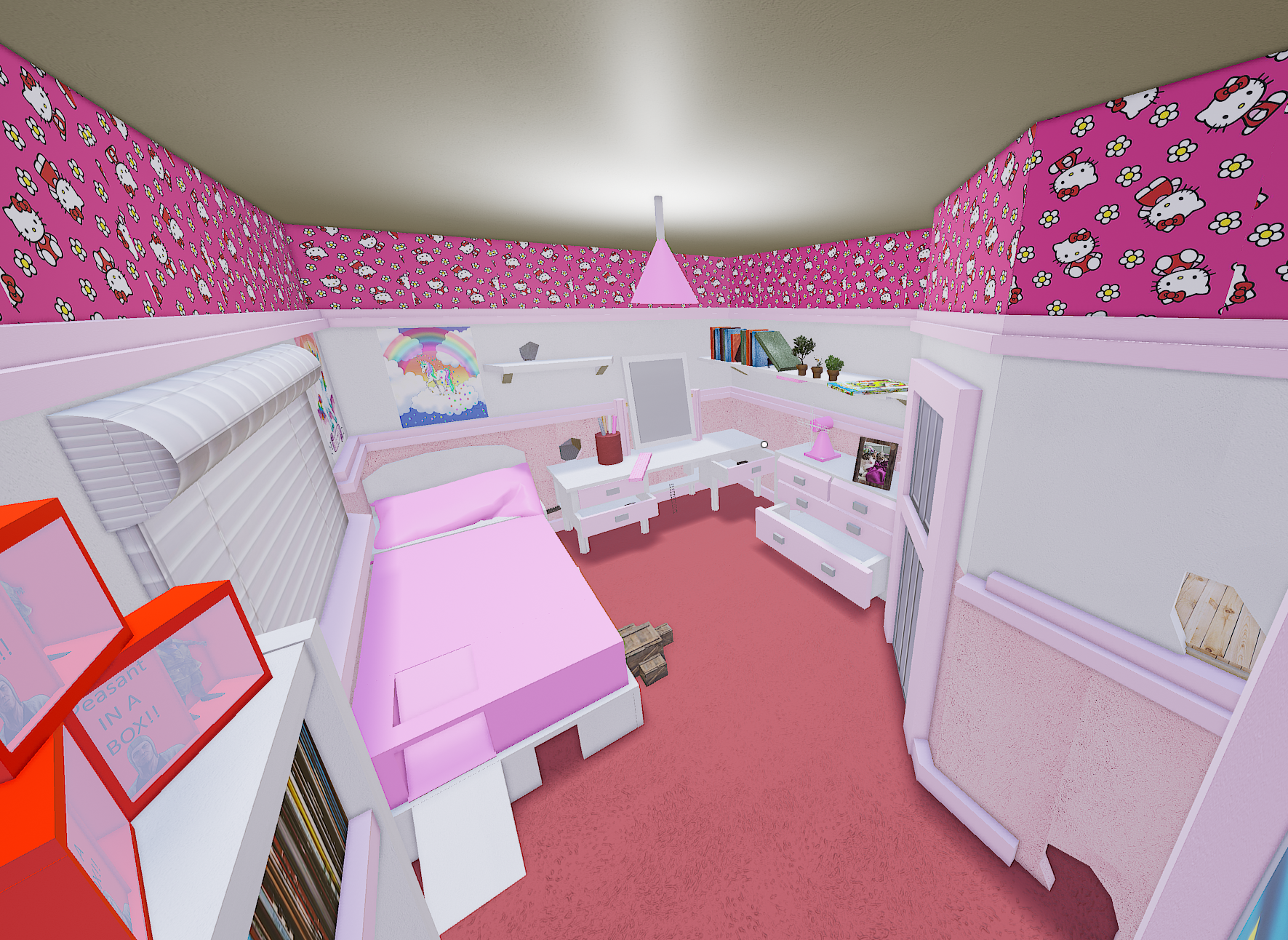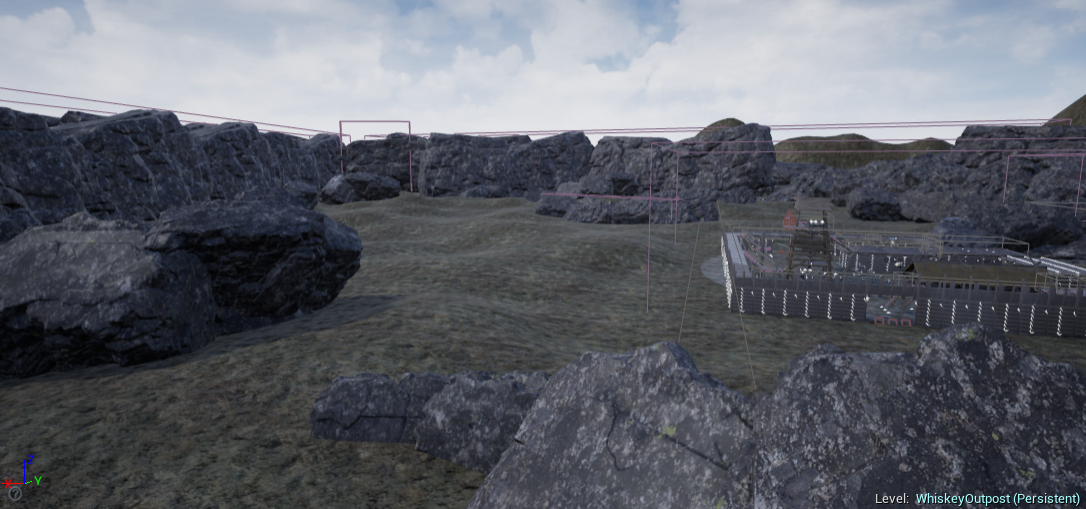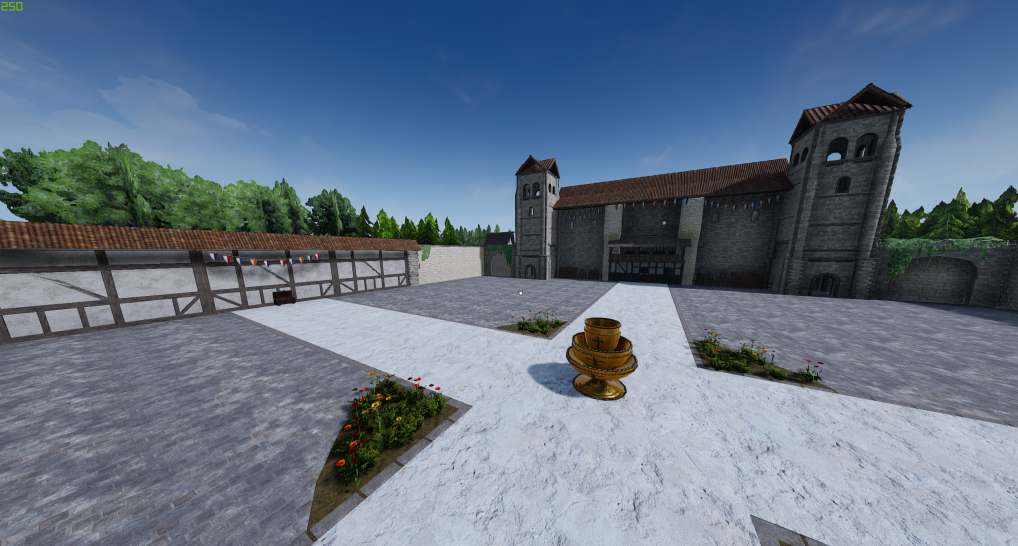

About Visual Filter Switcher
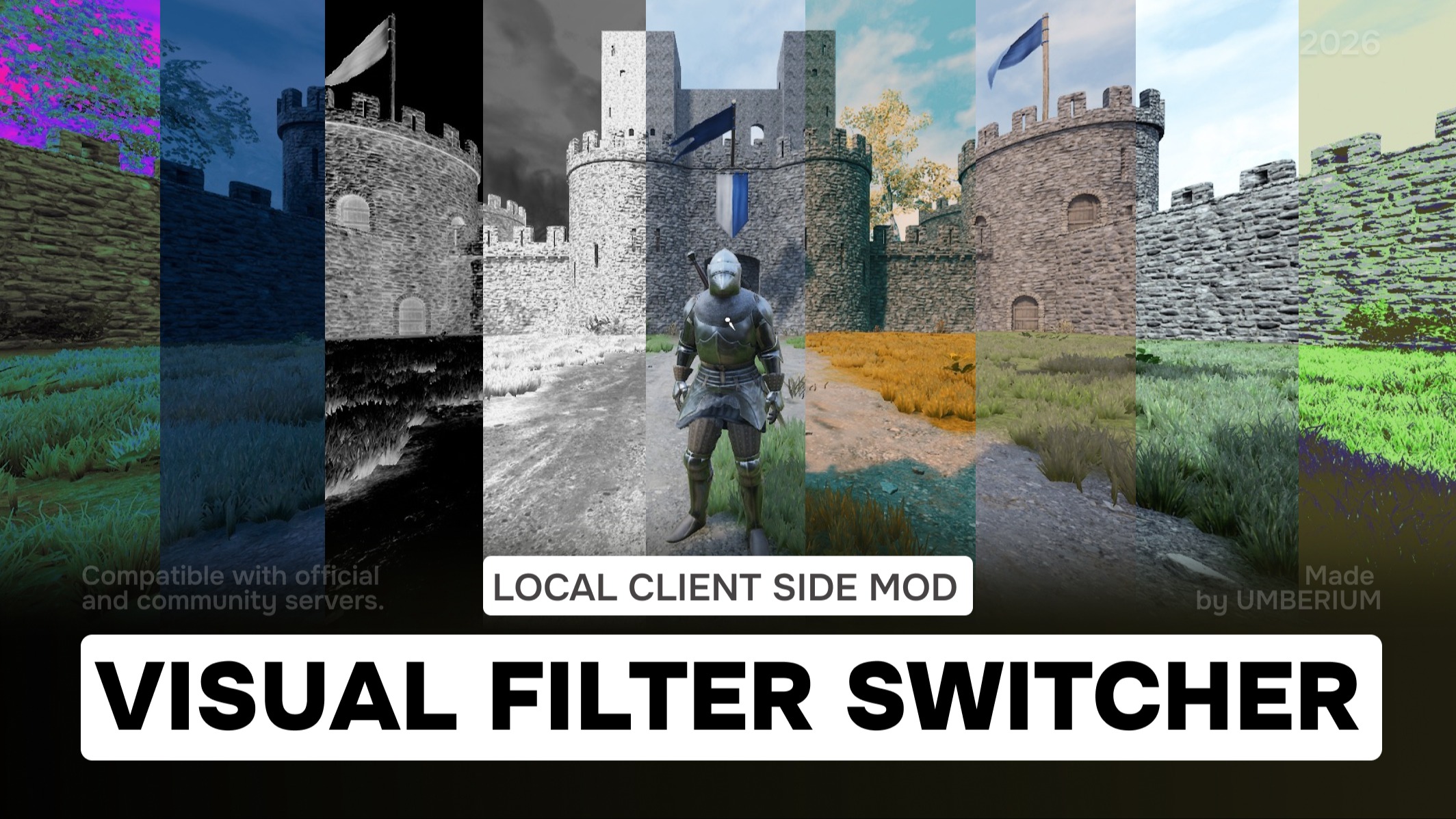
From mod.ioVisual Filter Switcher – a client-side mod with 100+ filters (cinematic, B/W, sepia, Cubanismo, Moonlight, and more). Switch filters via console, auto-apply feature included, works safely on official and community servers.
Visual Filter Switcher is a client-side visual mod that allows you to instantly change the game’s color grading and overall atmosphere. It lets you experience battles with a completely new visual style – without affecting gameplay or other players.
⚠ Work in progress (WIP). A full menu for easier filter selection is planned for the future.
Features
- Auto-apply filter on game start [optionally]
Set a default filter that will automatically be applied when you launch a map. -
Instant visual style switching
Change color grading and atmosphere on the fly using console commands. -
Fully client-side
The mod works only on your client. It does not affect servers, gameplay balance, or other players’ visuals. -
Works everywhere
Compatible with all game states:- Frontline/Invasion
- Deathmatch/TDM
- Skirmish
- Horde/DH
- Over 100 built-in visual styles
Includes a wide range of presets – from subtle cinematic looks to extreme black-and-white filters. -
Multiple built-in visual styles
Includes a wide variety of presets, from subtle cinematic looks to extreme black-and-white filters. -
Safe to use on all servers
Works on both official and community servers. Anti-cheat is not affected, as the mod is purely visual.
⚠ On some maps (Cortile, Dungeon, Taiga, Noria, Feitoria, Totenwald), filters may not work due to engine limitations. Looking for a solution.
<table> <thead> <tr> <th>::</th> <th>::</th> <th>::</th> <th>::</th> </tr> </thead> <tbody> <tr> <td>Default</td> <td>2Strip</td> <td>3Strip</td> <td>Highlight</td> </tr> <tr> <td>Moonlight</td> <td>Blackwhite</td> <td>Kidnplay</td> <td>Desert</td> </tr> <tr> <td>CrispWinter</td> <td>CrispWarm</td> <td>Chroma</td> <td>CandleLight</td> </tr> <tr> <td>YellowPurple</td> <td>HorrorBlue</td> <td>LateSunset</td> <td>FoggyNight</td> </tr> <tr> <td>FilmStock</td> <td>Arabica</td> <td>Chocolate</td> <td>Freska</td> </tr> <tr> <td>Lenox</td> <td>Rastr</td> <td>Glass</td> <td>Vintage</td> </tr> <tr> <td>DayNight</td> <td>RedFromLuma</td> <td>OrangeContrast</td> <td>Green</td> </tr> <tr> <td>FallColors</td> <td>Sofia</td> <td>BlackWhite1</td> <td>BlackWhite2</td> </tr> <tr> <td>BlackWhite3</td> <td>Blue1</td> <td>Blue2</td> <td>Blue3</td> </tr> <tr> <td>CaramelShade</td> <td>Colorful</td> <td>DarkenColor</td> <td>Dramatic</td> </tr> <tr> <td>Film1</td> <td>Film2</td> <td>Lavander</td> <td>Lime1</td> </tr> <tr> <td>Lime2</td> <td>Lime3</td> <td>Monotint1</td> <td>Monotint2</td> </tr> <tr> <td>Monotint3</td> <td>Negative1</td> <td>Negative2</td> <td>Negative3</td> </tr> <tr> <td>Pastel</td> <td>RetroCycle</td> <td>Varna</td> <td>DarkMedieval</td> </tr> <tr> <td>Sepia1</td> <td>Sepia2</td> <td>Sepia3</td> <td>Sepia4</td> </tr> <tr> <td>Miami</td> <td>70s</td> <td>Amelie</td> <td>Aviator</td> </tr> <tr> <td>BladeRunner</td> <td>Bleach</td> <td>Brooklyn</td> <td>Celadon</td> </tr> <tr> <td>Chamoisee</td> <td>Cubanismo</td> <td>Drive</td> <td>Duotone</td> </tr> <tr> <td>Emulsion</td> <td>Enemy</td> <td>GrandBudapesht</td> <td>Hannibal</td> </tr> <tr> <td>Her</td> <td>MadMax</td> <td>Matrix1</td> <td>Revenant</td> </tr> <tr> <td>Spy</td> <td>StrangerThings</td> <td>Summer</td> <td>80s</td> </tr> <tr> <td>90s</td> <td>ColdIce</td> <td>GreenContrasty</td> <td>DirtyTown</td> </tr> <tr> <td>Dream1</td> <td>DustyLight</td> <td>Faded</td> <td>GoldenYears</td> </tr> <tr> <td>GreenAction</td> <td>HorrorDay</td> <td>Hyla</td> <td>NightCrawler</td> </tr> <tr> <td>NostalgiaHoney</td> <td>Oppenheimer</td> <td>OrangeDark</td> <td>RainishStyle</td> </tr> <tr> <td>SaturatedBlue</td> <td>SciFi1</td> <td>SciFi2</td> <td>SciFi3</td> </tr> <tr> <td>Vintage2</td> <td>NeonPastel</td> <td> </td> <td> </td> </tr> </tbody> </table>Available Filters
How to Use
Open the console (~) and use the commands:
- VFS <name> — Applied the specified visual filter by name.
- VFS.List — Displays a list of all available visual filters.
- VFS.Random — Select and applies a random visual filter.
- VFS.SetDefault — Set the default visual filter used on game start.
- VFS.Reset — Restores the Visual Filter Switcher to the map's default filter.
Installation Instructions
Highlights
From source dataFootprint
Rated a light load on a server.
Last update
Its author last shipped an update 9 mo ago.
Visual Filter Switcher on Nxeon
From our catalogue- One-click install
- Not available. One-click install isn't available for this game's mods yet. Download it and upload it to your server in Files.
- Server load
- light
- Smallest plan we suggest
- Mordhau — 4 GB (4 GB RAM). This follows our own load rating above, not a benchmark.
- Latest build
- 0.9.1, released 2026-01-24
Run Visual Filter Switcher on a Mordhau server
Deploy a server above, then upload the file in Files.
What kind of mod it is
From the catalogQuality of life & UI
Small conveniences, tweaks and interface improvements players notice straight away.
Compatibility
- Game
- Mordhau
Verified at the source
- ✓mod.ioOfficial listing, checked 2026-11-04Open ↗
- ✓AuthorUMBERIUM, as published on mod.io
- ✓LicenseNot published by the sourceFree