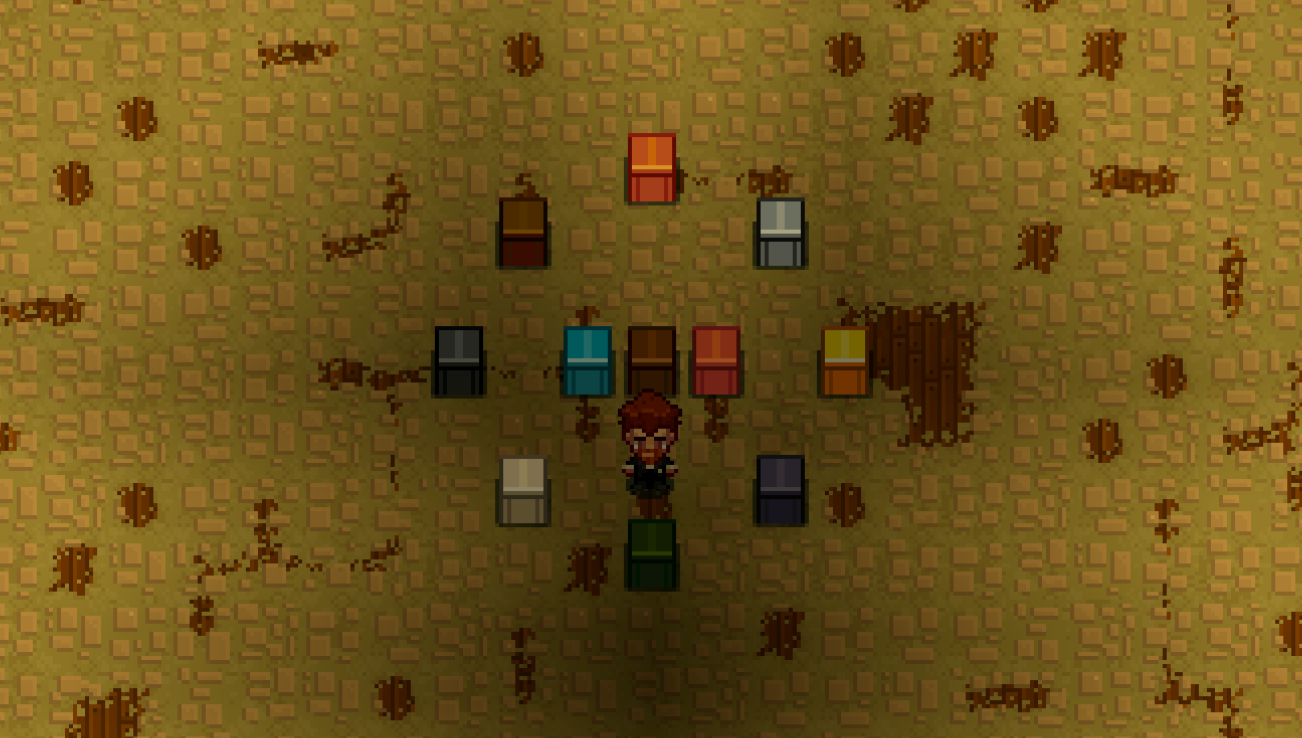
About Increased Stack Size
From Steam WorkshopMod Information Mod version: 2.1.1 Game version: 1.0.2 Increased Stack Size Feeling that your inventory is always full of stone when mining? Wish to increase the stack size of items? This is the…
Mod Information
Mod version: 2.1.1
Game version: 1.0.2
Increased Stack Size
Feeling that your inventory is always full of stone when mining? Wish to increase the stack size of items? This is the perfect mod for you!
Increased Stack Size 2.0 Released ❗❗
In November 2025, a whole new version of Increased Stack Size is released! Let us welcome the Increased Stack Size 2.0!
Well, what's new in this version, you might ask? Roll the drum please...
PER-CLASS STACK SIZE MULTIPLIER!!!
Now, you can set a separate multiplier for each class! Want your stone to have a multiplier of 10 but not your pickaxe? I got you covered! Just use the command `/stacksize set StonePlaceableItem 10 and `/stacksize set PickaxeToolItem 1`. The settings are world-based, so you have to set them for each world... right? Nope, global settings can be configured by editing the file `dianchia.increasedstacksize.cfg` located at `%APPDATA%\Necesse\cfg\mods` for Windows and `.config/Necesse/cfg/mods` for Linux. You can refer to the next section for a detailed explanation on how to set up this configuration file.
But WAIT, how do I know the class name? I only know the in-game display name. Fear not, the mod author (me) has provided a way to search for the class name via the display name. Just visit here and you are good to go~
Setting the multiplier
Version 2.x
Three commands are provided for admin, a.k.a., the one with OWNER permission.
/stacksize set [world/global] <classname> <multiplier>
/stacksize get [world/global] [classname]
/stacksize unset [world/global] <classname>
- `/stacksize set`: `classname` and `multiplier` arguments are required.
- `/stacksize get`: returns all multipliers set if no arguments are provided.
- `/stacksize unset`: `classname` is required. This command unsets the multiplier for the specified item, causing the item to inherit the multiplier from its parent class.
To set a multiplier globally, use `/stacksize set global <classname> <multiplier>`. For example, `/stacksize set global CoinPouch 1`.
As for normal users, there's only one command provided.
/getstacksize [classname]
This command returns the stack size set for the specified item, or all items if none are specified.
[hr][/hr]
Global Configuration
For those playing on server, please make sure that the config file is on your server and not your local computer
Optionally, a config file can be used to configure the stack size globally. If you're on Windows, navigate to `%APPDATA%\Necesse\cfg\mods` to find the file. On Linux, you can find it under `.config/Necesse/cfg/mods`. The file `dianchia.increasedstacksize.cfg` should already be created if you've played the game with this mod enabled. But if not found, create the file manually, just make sure the name is the same. Below is an example of the content of the file. Copy it into the file and modify it as you like.
{
	SETTINGS = {
		IncreasedStackSize = Item:5;necesse.inventory.item.miscItem.CoinPouch:1
	}
}
You can either use a fully qualified name, such as `necesse.inventory.item.Item` or a simple name `Item`. The simplified name will be converted to a fully qualified name when the configuration is saved by the game. Refer to this website to find the class an item belongs to.
[hr][/hr]
Version 1.x
Two commands are provided, `/stacksize set <multiplier>` and `/stacksize get`.
[hr][/hr]
Version 0.x
To set the multiplier, run the command "/setstacksizemultiplier" in the game.
Note that you can only run this command if you have permission higher than or equal to "OWNER" Please only give this permission to someone you trust.
Multiplayer
This mod needs to be downloaded for both the host and client if playing in multiplayer.
Important Notes
- If you decrease the multiplier, DO NOT sort your inventory or any chest, as you will lose the item that has a stack size more than the current maximum stack size. Instead, drop the item on the ground and pick it up again.
Disclaimer: The mod author is not responsible for any items lost due to incorrect usage of this mod
Known Bugs
- A stack of items can be enchanted with a single scroll.
GitHub
Bugs can be reported to here
Collection
here are a few mods I wrote
Support me ☕
The mods are created without any profit motive, but if you like the mod, consider buy me a coffee
Highlights
From source dataFootprint
A 472 KB download, rated a light load on a server.
Last update
Its author last shipped an update 11 mo ago.
Increased Stack Size on Nxeon
From our catalogue- One-click install
- Supported on Nxeon Necesse servers. We download it from Steam Workshop, place it, and restart the server.
- Server load
- light
- Smallest plan we suggest
- Necesse — 1 GB (1 GB RAM). This follows our own load rating above, not a benchmark.
- Latest build
- 2025-11-26, released 2025-11-26, 472 KB
Game versions by loader
| Loader | Game versions | Newest |
|---|---|---|
| Workshop |
From 1 recorded build of Increased Stack Size.
Run Increased Stack Size on a Necesse server
Pick a server or deploy a new one above; it is installed in one click.
What kind of mod it is
From the catalogQuality of life & UI
Small conveniences, tweaks and interface improvements players notice straight away.
Compatibility
- Game
- Necesse
- File size
- 472 KB
Verified at the source
- ✓Steam WorkshopOfficial listing, checked 2026-10-16Open ↗
- ✓Authorchipmunks, as published on Steam Workshop
- ✓LicenseNot published by the sourceFree