






About Efficiency Light Indicator(ELI)
From ficsit.appThis mod lets users customize machine indicator light colors based on a user-defined efficiency threshold.
Efficiency Light Indicator
Got a MEGA factory and struggling to tell which machines are actually running at 100% efficiency because all the lights are just green? Tired of opening every machine's UI just to check. This mod allows you to customize the color of machine indicator lights when a machine is operating at specified efficiency. You are also able to decide if you want the color to change based on if machine produces above or below your set value for specific machine states: Has crystals, Has Power Shard, Has Error (No Power) , and Standby (Idle).
The color is selected using Satisfactory's built in color picker, using the same style as signs: Hue, Saturation, and Brightness. Color presets are currently not supported.
Special Thanks
To SirDigby for the inspiration and help with bug fixing!Make sure in config DisableMod is not Checked This mod works with Satisfactory Plus: https://ficsit.app/mod/SatisfactoryPlus
Supported machines include:
- Most Satisfactory Machines
- SatisfactroyPlus machines
How It Works (Click the Image below)
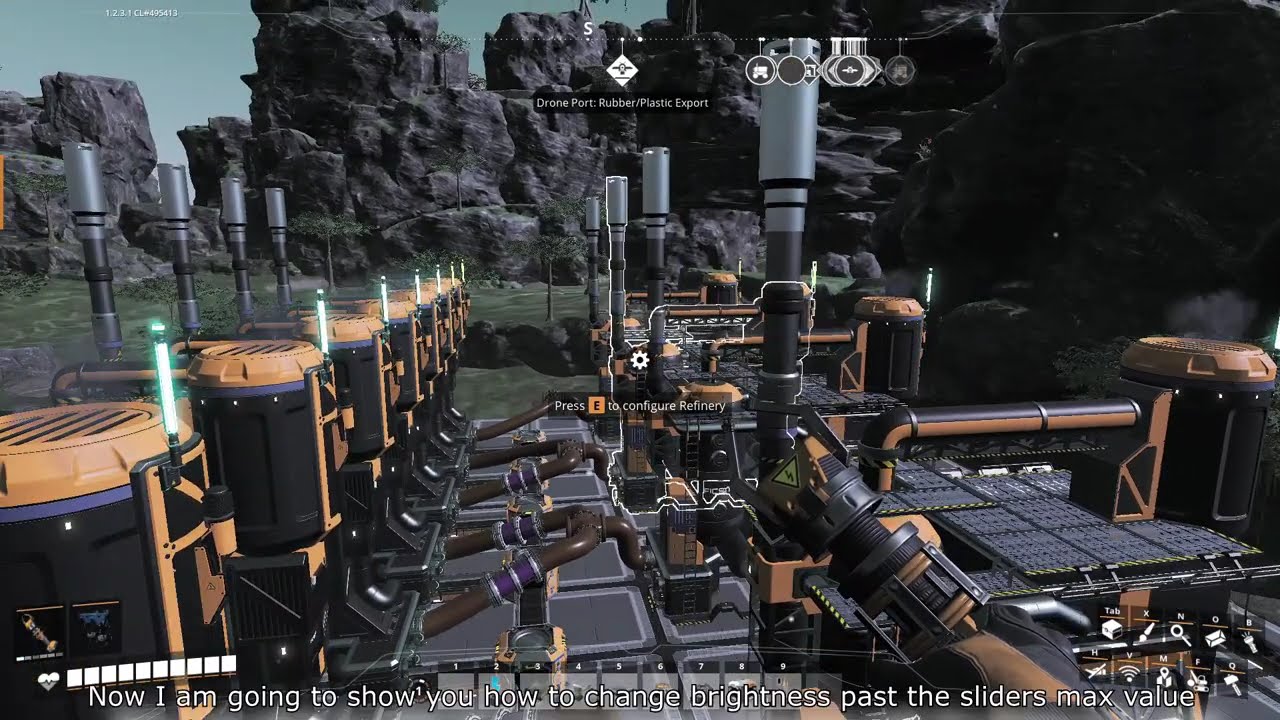
Clicking the images redirects to YouTube.The video below demonstrates how the mod works:
<!--
Fix Sign Button(Disabled)
The "Fix Sign" button was intended for Kinstruction.
This fixes the sign/billboard background bug introduced in the 1.2 update involving: Vertical gradients, Horizontal gradients, Rectangle backgrounds
<a href="https://www.youtube.com/watch?v=YBGd-od-eqc&t"> 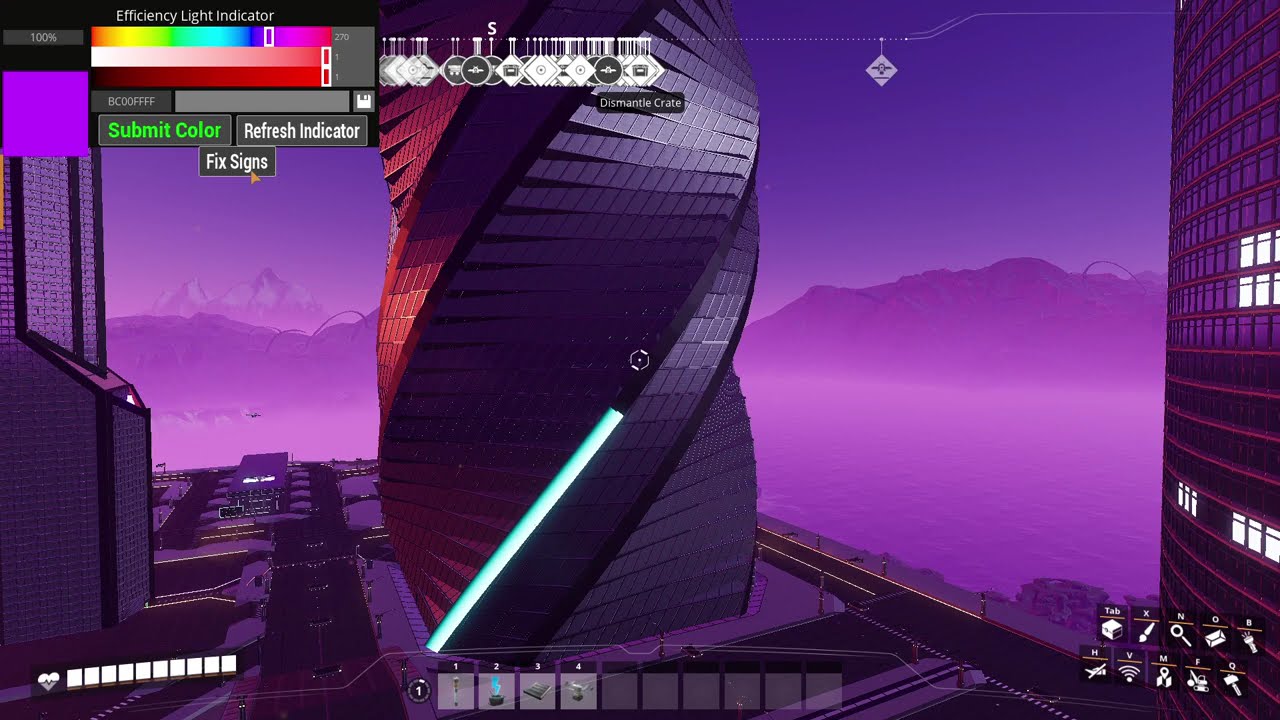 -->
-->
How to Edit Keybind To Open UI
Open Main menu --> Go to Options --> Find Efficiency Light Indicator Mod section
How To Submit New Color
- Hold Ctrl + k (default) to open Indicator UI
- Use the sliders or enter a Hex color value.
- You can also enter values manually:
- Click the number box next to a slider.
- Enter your value. (integer)
- Press "Enter" key", submit button should flash red.
- Wait for the Submit button to turn GREEN, then click Submit.
- Press CTRL + K (Default key), Escape key, or "X" symbol at the top right to close the UI.
How To Modify Color Settings
- Click "Greater Than" or "Less Than" button. Update Indicator" button should flash red
- Wait for "Update Indicator" button to turn GREEN, then press it
- Press CTRL + K (Default key), Escape key, or "X" symbol at the top right to close the UI.
How To Modify Color States
- Hold Ctrl + k (default) to open Indicator UI
- Select the state(s) you want to modify (turns orange if active)(toggles).
- Use the sliders or enter a Hex color value.
- You can also enter values manually
- Above the Hue slider shows which state(s) are affected
- Multiple states can be modified at once
- Unselect a state (button text is not orange) to keeps it current color
- Moving the color slider changes the color preview it affects
- When no state is selected by default , only affects producing machines with out Power shards being used
- Wait for the Submit button to turn GREEN, then click Submit.
- Press CTRL + K (Default key), Escape key, or "X" symbol at the top right to close the UI.
Important Information
Colors are only updated when one of the following occurs:
- The Submit button is pressed.
- The Update Indicator button is pressed.
- The world is saved and reloaded.
- The machine changes production state (for example, transitioning from idle to producing).
Automatic updates are currently disabled to reduce performance impact. Also I could not get async timer to work properly where the user can set the timer interval directly. (In-Progress?) This mod was tested using Kinstruction's Cyberpunk Build World 2026.
Need Help?
Please report issues in the Satisfactory Modding Discord:help-using-mods → Efficiency Light Indicator (ELI)
Future Plans
- Allow customer ranges and color customization for those ranges(In-pogress)
- Add custom timer to auto update indicators(Done)
Highlights
From source dataGame versions
Built for Satisfactory >=502094.
Footprint
Rated a light load on a server.
Last update
Its author last shipped an update 45d ago.
Efficiency Light Indicator(ELI) on Nxeon
From our catalogue- One-click install
- Supported on Nxeon Satisfactory servers. We download it from ficsit.app, place it, and restart the server.
- Server side
- Required on the server
- Server load
- light
- Smallest plan we suggest
- Satisfactory — 8 GB (8 GB RAM). This follows our own load rating above, not a benchmark.
- Latest build
- 1.4.1, released 2026-09-01
Run Efficiency Light Indicator(ELI) on a Satisfactory server
Pick a server or deploy a new one above; it is installed in one click.
What kind of mod it is
From the catalogQuality of life & UI
Small conveniences, tweaks and interface improvements players notice straight away.
Runs on your server
From source side supportficsit.app lists Efficiency Light Indicator(ELI) as required on the server. Check its ficsit.app page to see whether players need it too.
Compatibility
- Game
- Satisfactory
- Runs on
- Serverrequired on the server
- Game versions
- >=502094
Verified at the source
- ✓ficsit.appOfficial listing, checked 2026-10-16Open ↗
- ✓AuthorKIllerRain, as published on ficsit.app
- ✓LicenseNot published by the sourceFree








