






About Move Tool
From ficsit.appA tool that allows for moving structures instead of dismantling and rebuilding them
This mod adds the Move Tool
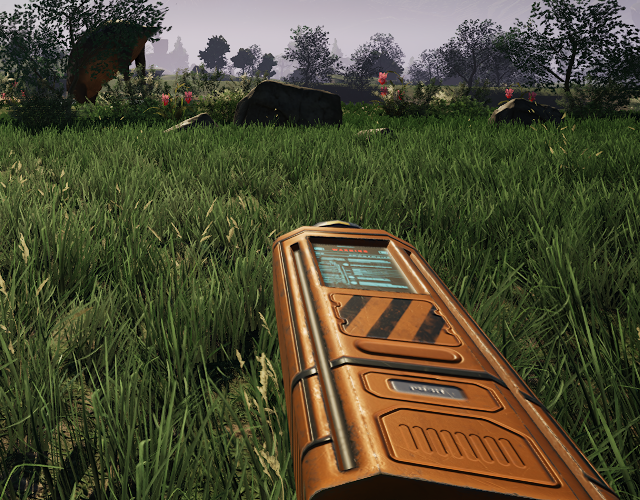
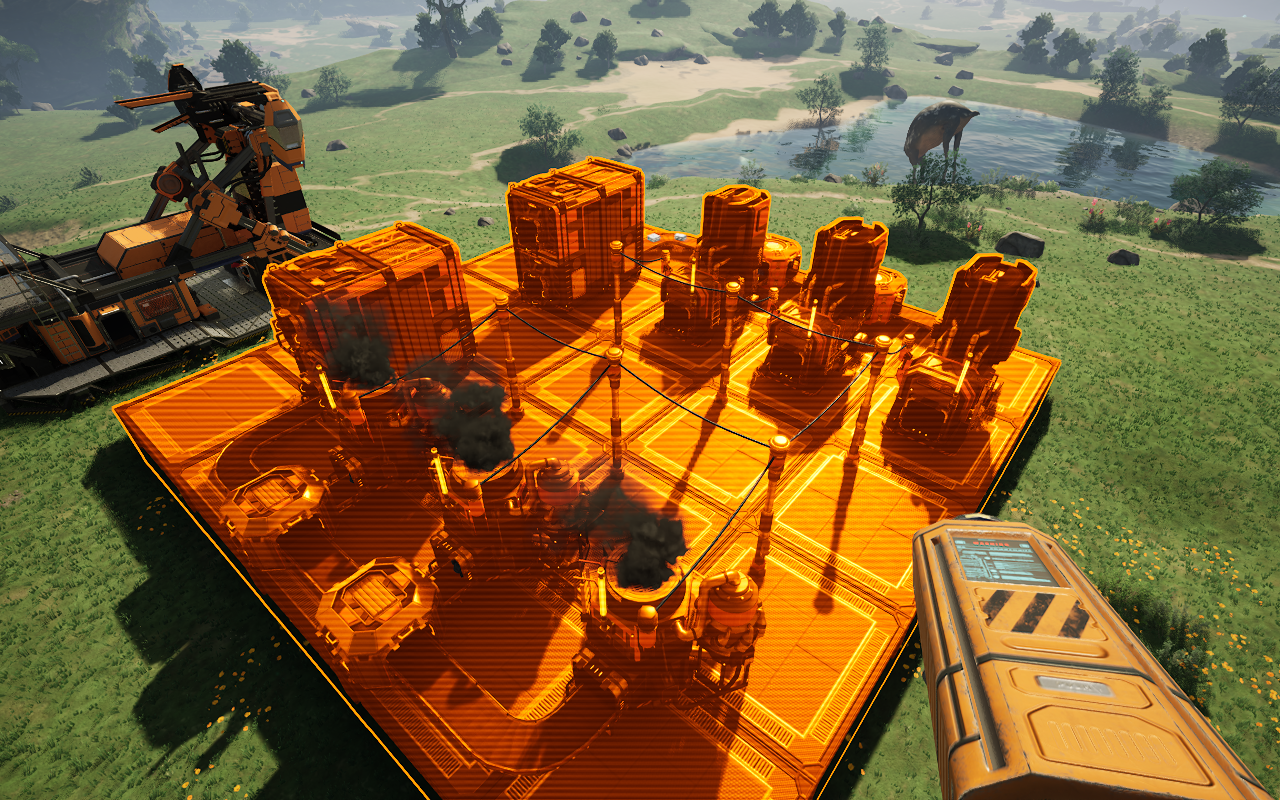
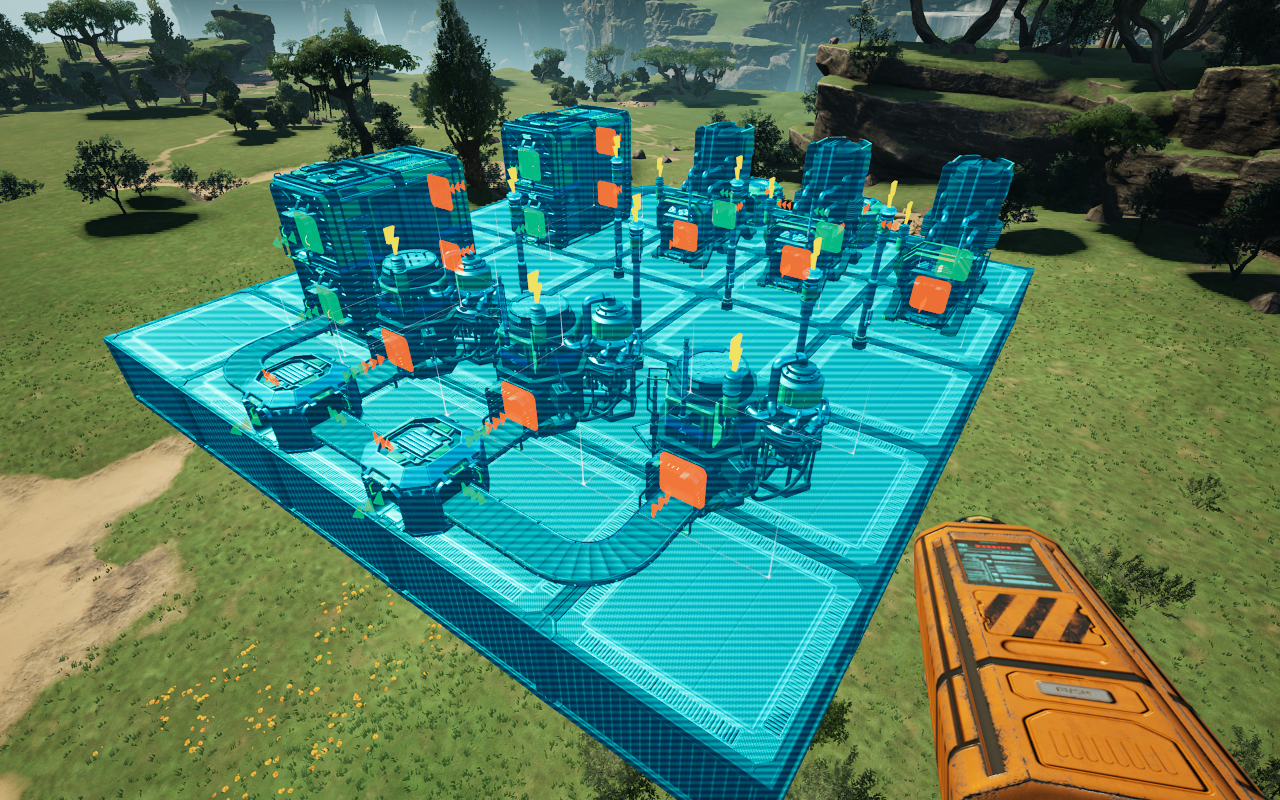
Moving a structure
Left click a structure to pick it up, and left click again to set it down. Right click puts it back where it was. While you're holding something, normal hologram controls work: scroll wheel to rotate, H to lock the hologram in place, arrow keys and Page Up/Down to nudge it.
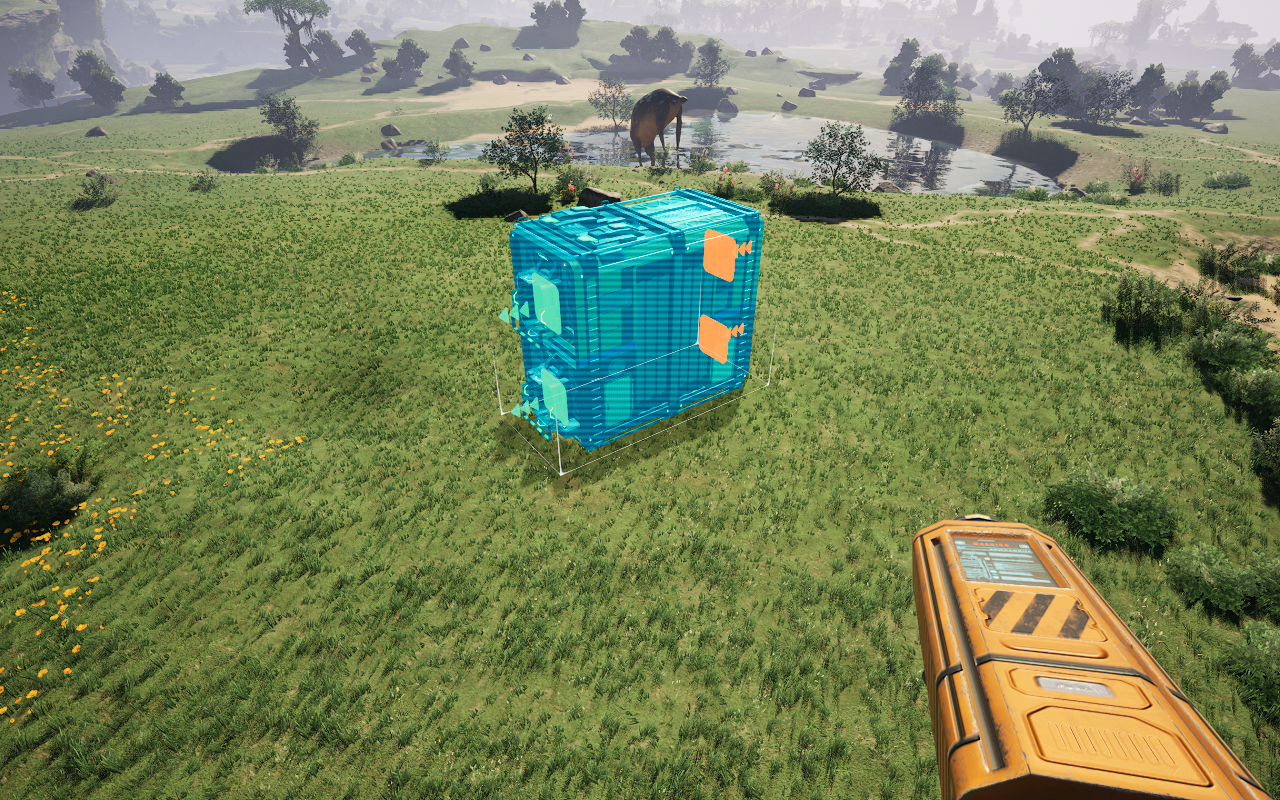
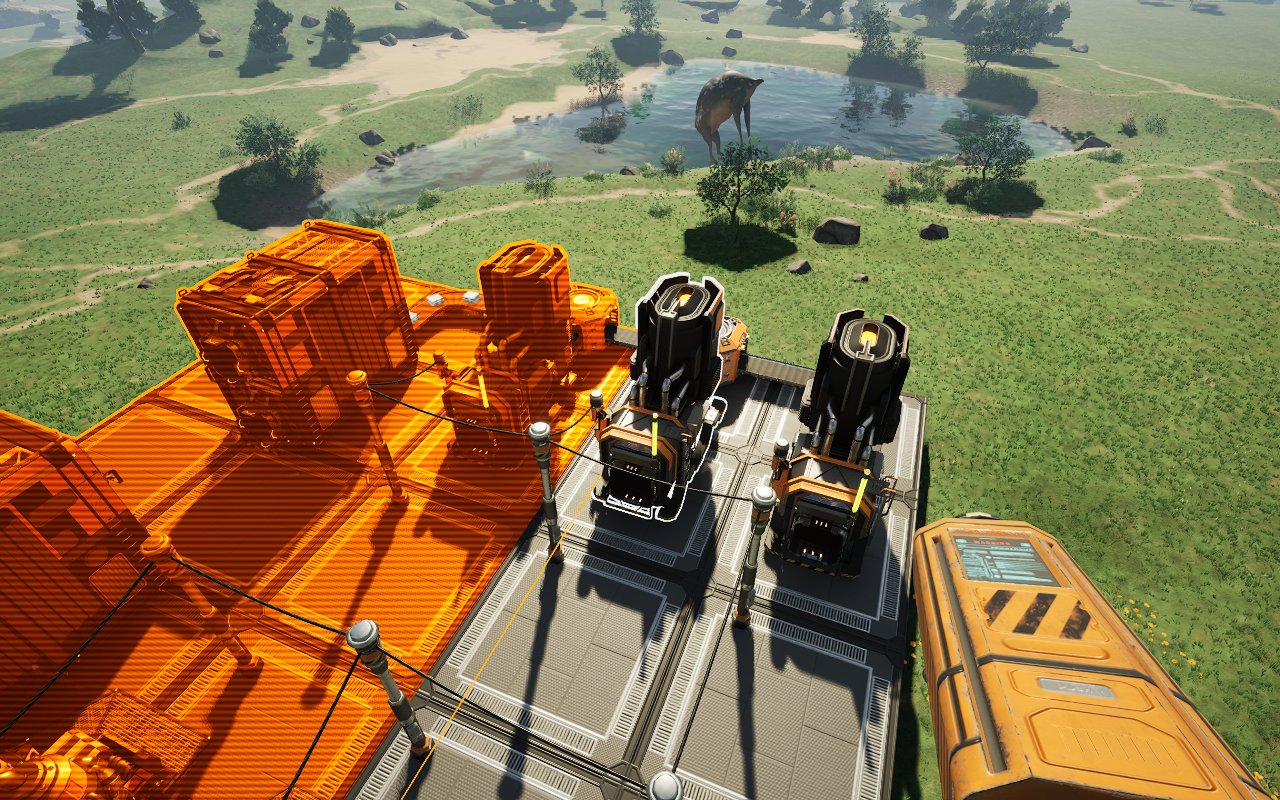
Moving multiple structures
Ctrl + Left click structures to select them, or hold it down and sweep across a whole area. Left click then picks up the entire selection at once, and right click cancels it. The selection moves as one piece, with the same rotation and adjustment controls as a single structure.
While selecting, press G to filter your selection on the highlighted object (press G again on the same object, or nothing in particular, to clear the filter).
Press R to cycle modes: Blueprint Mode, which allows you to select and move a blueprint group, and In Place mode, which locks the hologram initially so you can nudge/rotate/adjust structures in place. Pressing R while moving a single conveyor lift also allows you to reverse the direction, like in vanilla.
Inventories, contents, belts, and connections are preserved through moves, so long as each piece is included in your selection.
Reporting issues
Report issues here: https://github.com/JoshMckayMods/MoveTool-assets/issues. Please include what you did, what went wrong, and any other information.
Notes
Some buildings (rail-connected train stations or path connected truck stations, elevators, vehicle paths, drone ports, rail signals) are not movable due to complexity in how Satisfactory handles these structures.
Most move tool actions use your vanilla keybinds, except for multi-select, and large nudging (Shift by default). To rebind multi-select, enable the option for the vanilla keybind in the in-game config.
You can also turn off structure placement rules in the config (allowing you to place structures almost anywhere). There are several more settings and customization options in there that you can access as well.
Credits
3D model created by Roy Sousa.
Highlights
From source dataGame versions
Built for Satisfactory >=502094.
Footprint
Rated a light load on a server.
Dependencies
Needs 1 other project installed alongside it.
Move Tool on Nxeon
From our catalogue- One-click install
- Supported on Nxeon Satisfactory servers. We download it from ficsit.app, place it, and restart the server.
- Server side
- Required on the server
- Server load
- light
- Smallest plan we suggest
- Satisfactory — 8 GB (8 GB RAM). This follows our own load rating above, not a benchmark.
- Latest build
- 1.5.4, released 2026-10-09
Recent builds
| Build | Released | Game versions | Loaders |
|---|---|---|---|
| 1.5.4 | 2026-10-09 | >=502094 | n/a |
| 1.5.3 | 2026-09-24 | >=502094 | n/a |
Run Move Tool on a Satisfactory server
Pick a server or deploy a new one above; it is installed in one click.
What kind of mod it is
From the catalogWeapons, items & crafting
New weapons, gear, items and the recipes to make them.
Runs on your server
From source side supportficsit.app lists Move Tool as required on the server. Check its ficsit.app page to see whether players need it too.
Compatibility
- Game
- Satisfactory
- Runs on
- Serverrequired on the server
- Game versions
- >=502094
- Requires
- 1 other project installed alongside it.
Verified at the source
- ✓ficsit.appOfficial listing, checked 2026-10-15Open ↗
- ✓AuthorJoshMckay, as published on ficsit.app
- ✓LicenseNot published by the sourceFree








