







About Pioneer Production Planner
From ficsit.appPlan multi-product factories, power production and transport in-game using the recipes and unlocks from your current save.
Pioneer Production Planner
Plan your factory. Follow the flow. Build it in Satisfactory.
Pioneer Production Planner brings production chains, power planning and a personal build checklist into the game. Set your targets, explore the graph and turn useful by-products into the next production step.
Version 1.7.3 · German & English interface · Mod reference: SFPFactoryPlanner
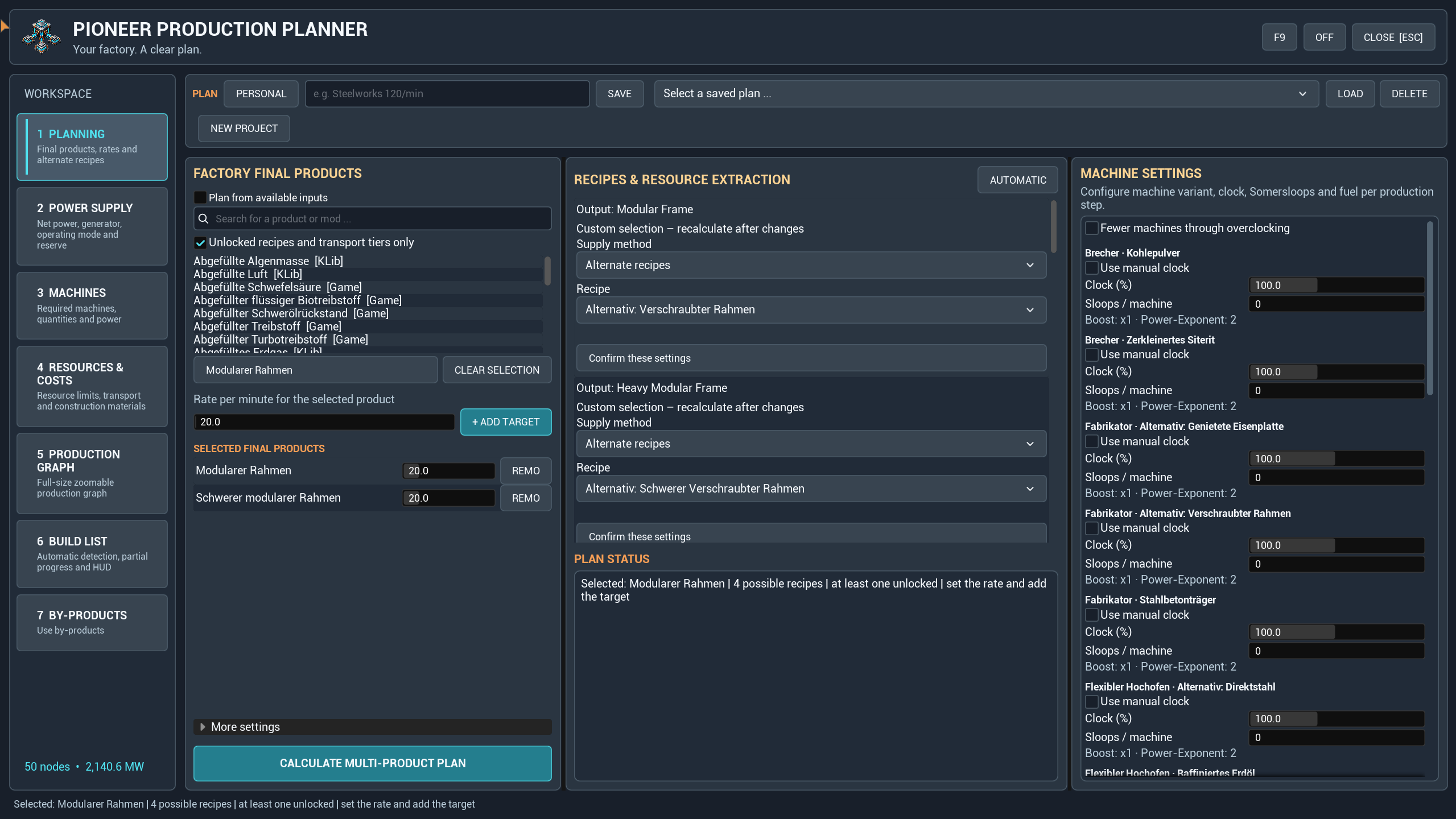
New in 1.7.3
- Redesigned interface with a fixed left navigation, consistent controls and a new logo.
- Change recipes directly from graph machine cards. Inspect ingredients, products and by-products per minute before applying the choice and recalculating.
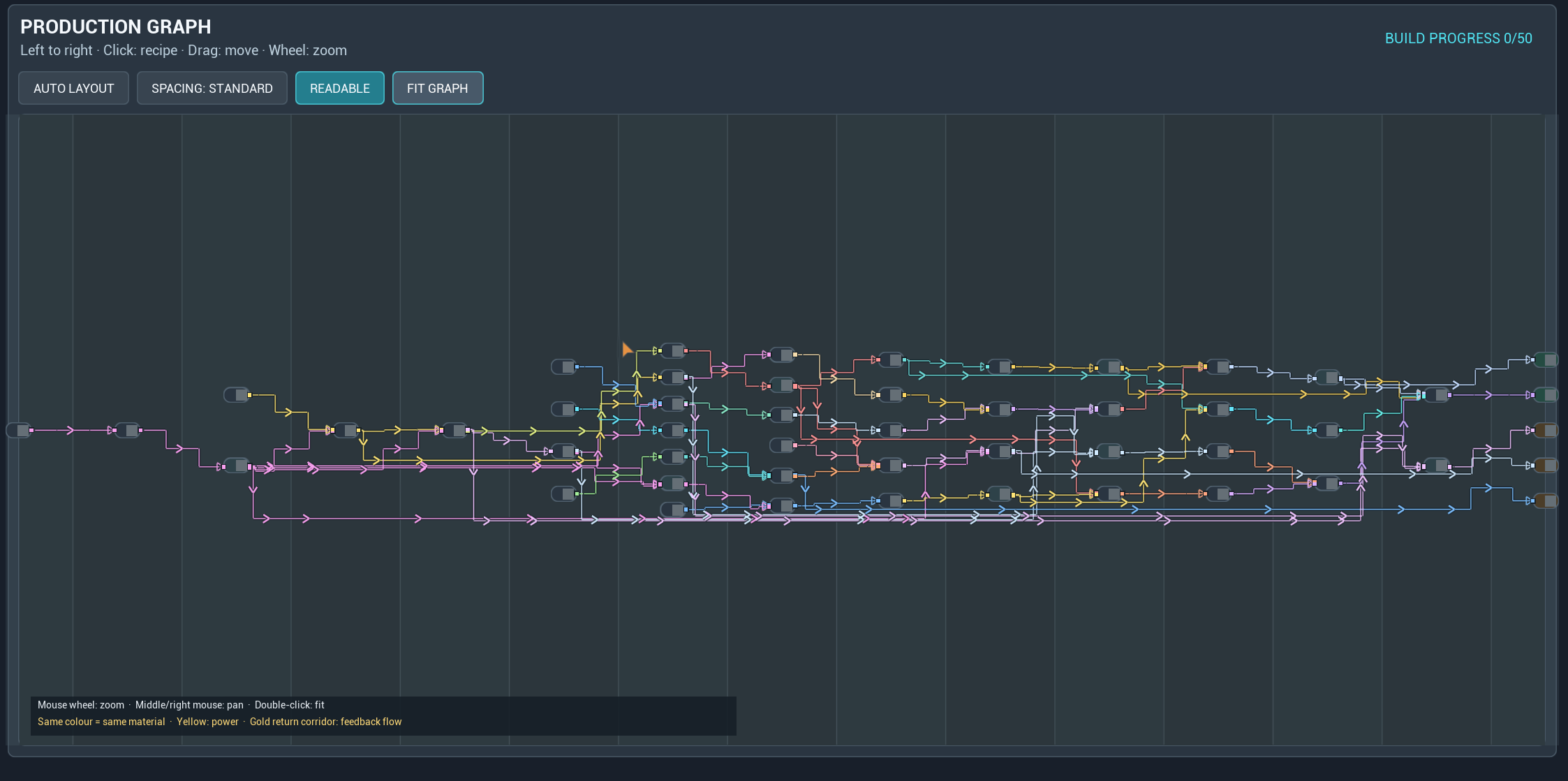
- A continuous left-to-right graph with standard or open spacing. Use Readable to return to the start at a useful zoom, or Fit Graph for the whole factory.
- Saved personal views and spacing. Recipe changes preserve zoom and focus where possible; a failed calculation keeps the previous plan.
Plan around your goals
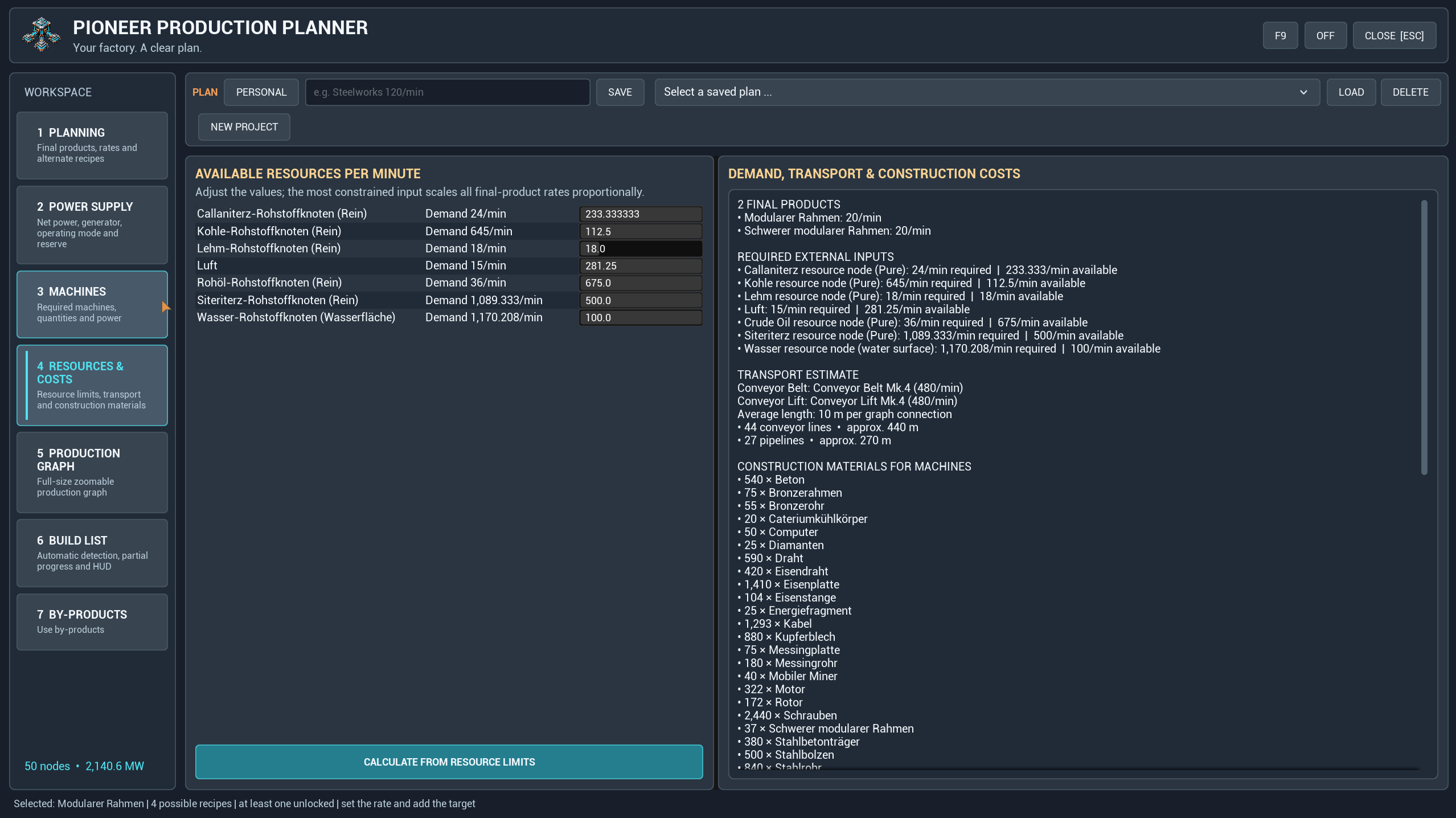
Plan several products together or work from available resource limits. Review machine counts, clock speeds, power demand and construction materials. Select alternative recipes, use the unlock filter and adjust production amplification where supported.
Transport settings include belts, lifts and pipelines, with compatible tiers discovered from the running game. Transport figures are planning estimates, not a measurement of routes you have built.
Understand every production step
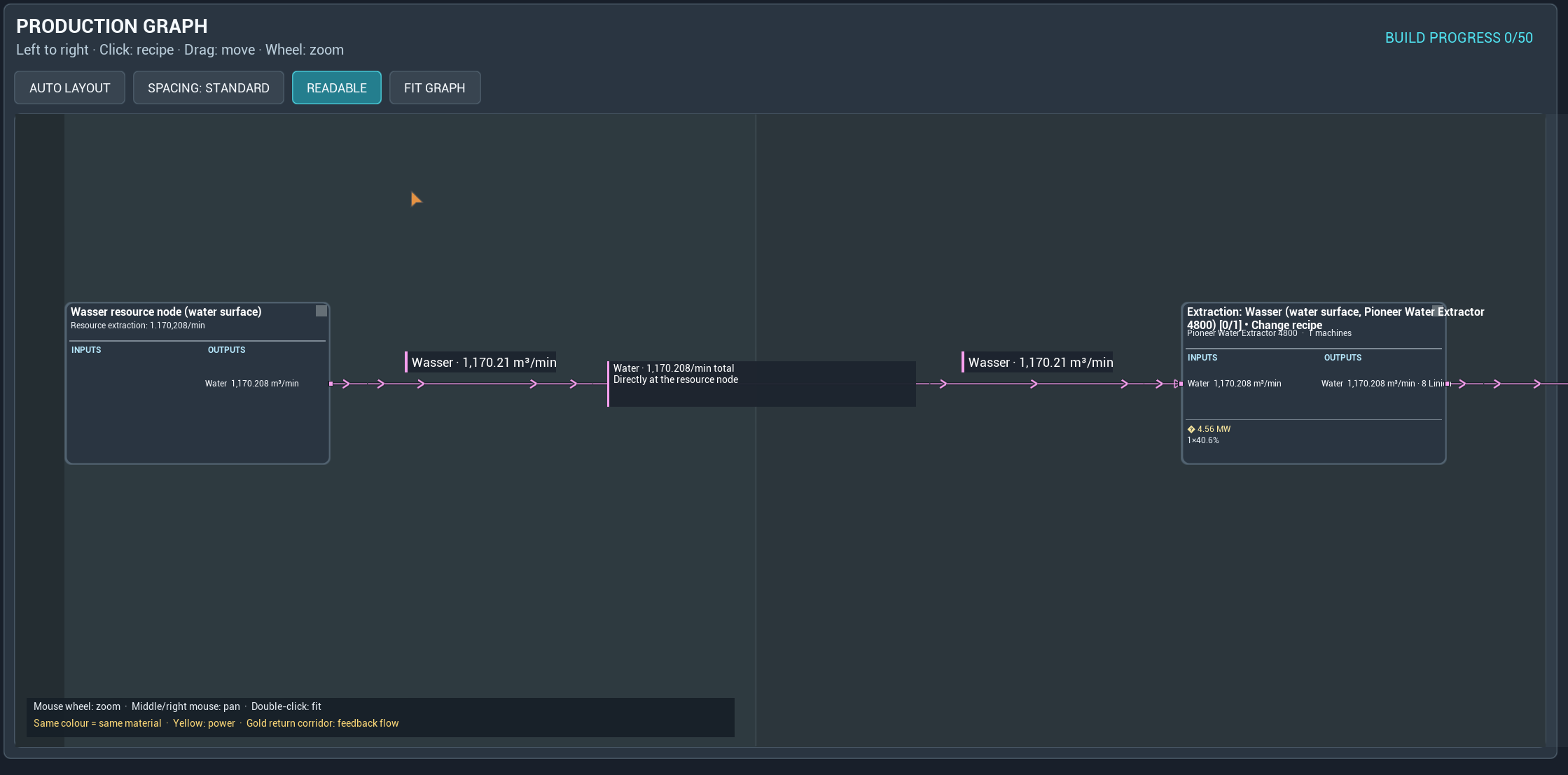
Follow material flows from left to right, zoom into machine cards and arrange the view to suit your factory. Recipe previews show rates for the selected step's current demand, including the machine count and clock speed.
Applying a recipe creates a manual override for that product throughout the plan and recalculates the production chain.
Give by-products a purpose
Select a by-product in the graph or open the by-products section to explore compatible processing recipes. Preview a suggestion, then add a production branch. Compatible fuel options can also be used for a power branch.
Proposals and added processing branches are visually separated so you can distinguish the original production chain from its extensions.
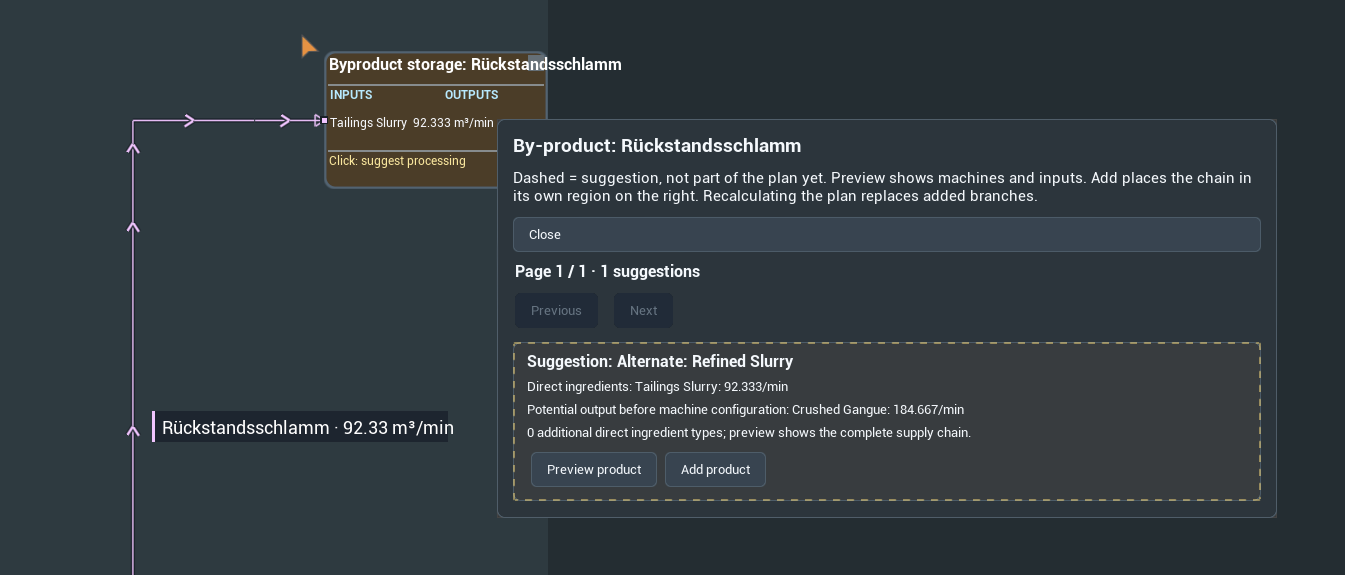
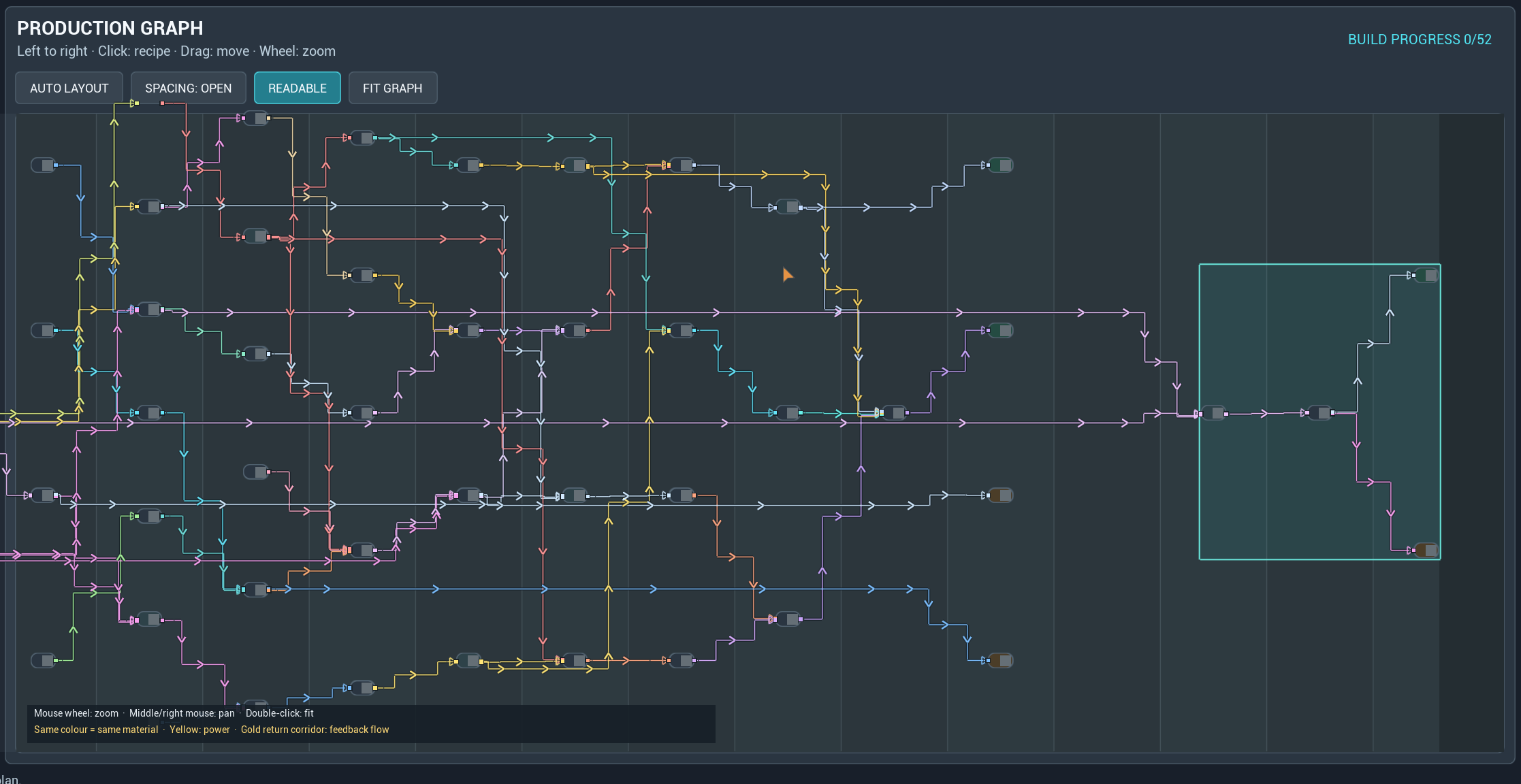
Added branches are changed through the by-product selection; their graph recipe dialog is for inspection. Recalculating the main plan replaces appended branches. Named saved plans preserve the branches they contain.
Plan power alongside production
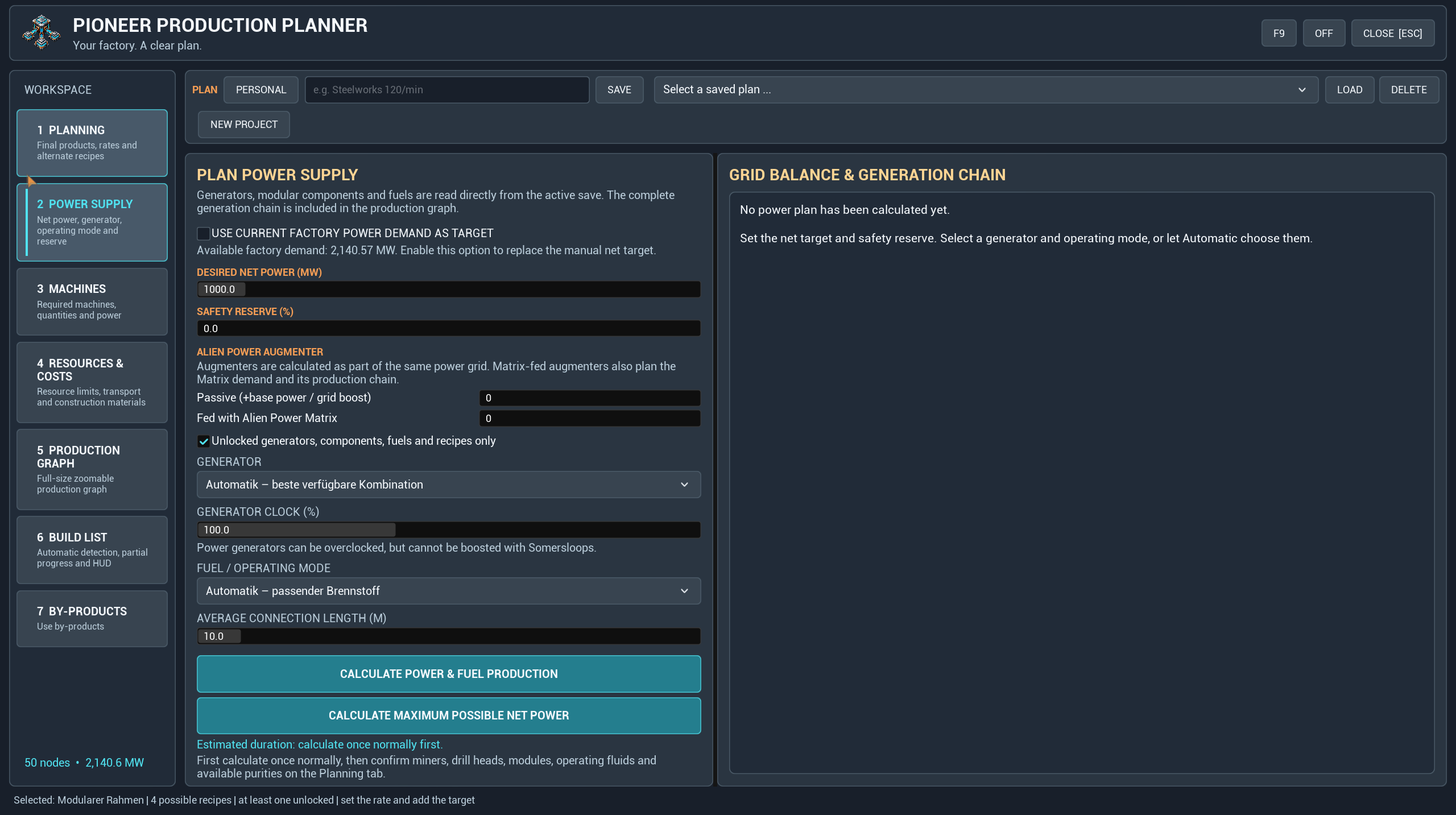
Choose generators and fuels, set the desired net output and reserve, or use the factory's calculated demand. Include the fuel production chain and its own consumption, and calculate the maximum possible net power for the selected constraints.
Build at your own pace
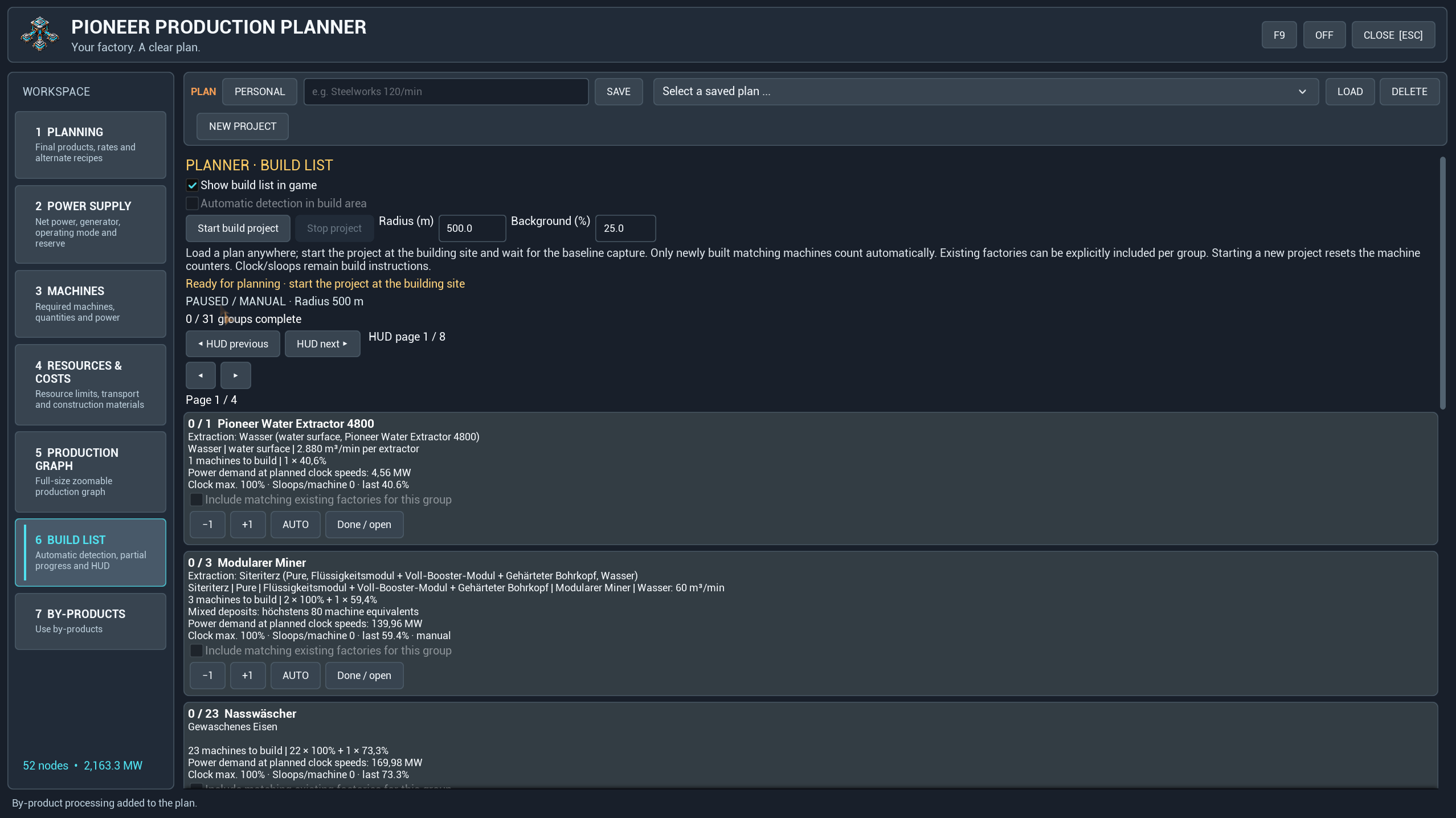
The personal build list tracks partial progress and provides manual corrections, completion controls and an optional transparent HUD. HUD pages switch manually, so you decide which part stays visible.
Load or calculate a plan whenever you like. Start the build project at the actual construction site to capture the existing machines as a baseline. Automatic tracking then counts matching new machines within your selected area; existing machines can be included explicitly. Demolition and manual corrections let you adjust progress as the site changes.
Build progress belongs to each player, including when a plan design is shared. Machine detection counts buildings; clock and amplification settings remain instructions to configure yourself.
Getting started
- Install Pioneer Production Planner through Satisfactory Mod Manager.
- Open the planner with your configured shortcut or enter
/sfpplanner openin chat. Use/sfpplanner hotkey resetif you need to restore the default shortcut. - Choose your products and rates, check recipes and settings, then calculate.
- Inspect the graph, resources and power needs. Save the plan when you are ready.
- At your build site, start the build project and enable the HUD if wanted.
New Project resets the current working plan so you can start again. Named saved plans and shared plans remain available.
Compatibility and support
Recipes and compatible machine data are read from the running game. The screenshots include modded content, including Satisfactory Plus; those items are examples and are not required for every plan. Support depends on the data exposed by each mod, and mod-provided item names may retain their original language.
Highlights
From source dataGame versions
Built for Satisfactory >=502094.
Footprint
Rated a light load on a server.
Dependencies
Needs 1 other project installed alongside it.
Pioneer Production Planner on Nxeon
From our catalogue- One-click install
- Supported on Nxeon Satisfactory servers. We download it from ficsit.app, place it, and restart the server.
- Server side
- Required on the server
- Server load
- light
- Smallest plan we suggest
- Satisfactory — 8 GB (8 GB RAM). This follows our own load rating above, not a benchmark.
- Latest build
- 1.7.5, released 2026-10-11
Recent builds
| Build | Released | Game versions | Loaders |
|---|---|---|---|
| 1.7.5 | 2026-10-11 | >=502094 | n/a |
| 1.7.4 | 2026-10-07 | >=502094 | n/a |
| 1.7.3 | 2026-10-06 | >=502094 | n/a |
| 1.7.2 | 2026-10-01 | >=502094 | n/a |
| 1.7.1 | 2026-09-29 | >=502094 | n/a |
Run Pioneer Production Planner on a Satisfactory server
Pick a server or deploy a new one above; it is installed in one click.
What kind of mod it is
From the catalogWeapons, items & crafting
New weapons, gear, items and the recipes to make them.
Runs on your server
From source side supportficsit.app lists Pioneer Production Planner as required on the server. Check its ficsit.app page to see whether players need it too.
Compatibility
- Game
- Satisfactory
- Runs on
- Serverrequired on the server
- Game versions
- >=502094
- Requires
- 1 other project installed alongside it.
Verified at the source
- ✓ficsit.appOfficial listing, checked 2026-10-15Open ↗
- ✓AuthorDoesewicht, as published on ficsit.app
- ✓LicenseNot published by the sourceFree








