






About Polyglot
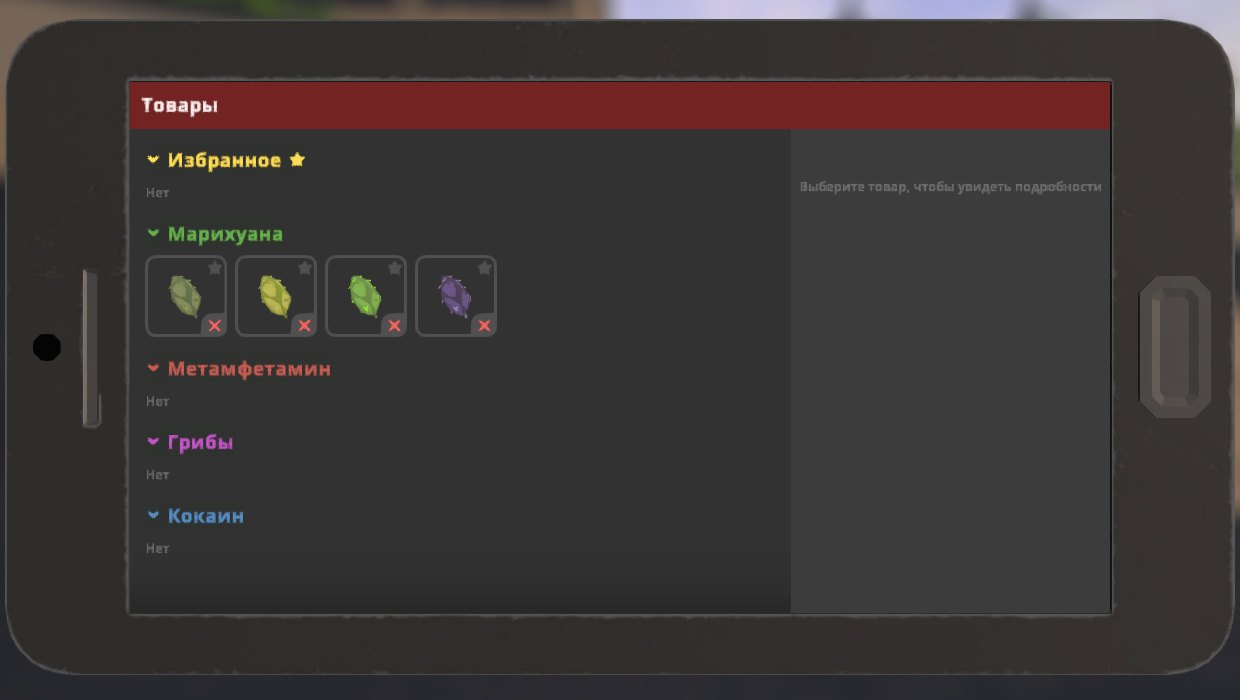
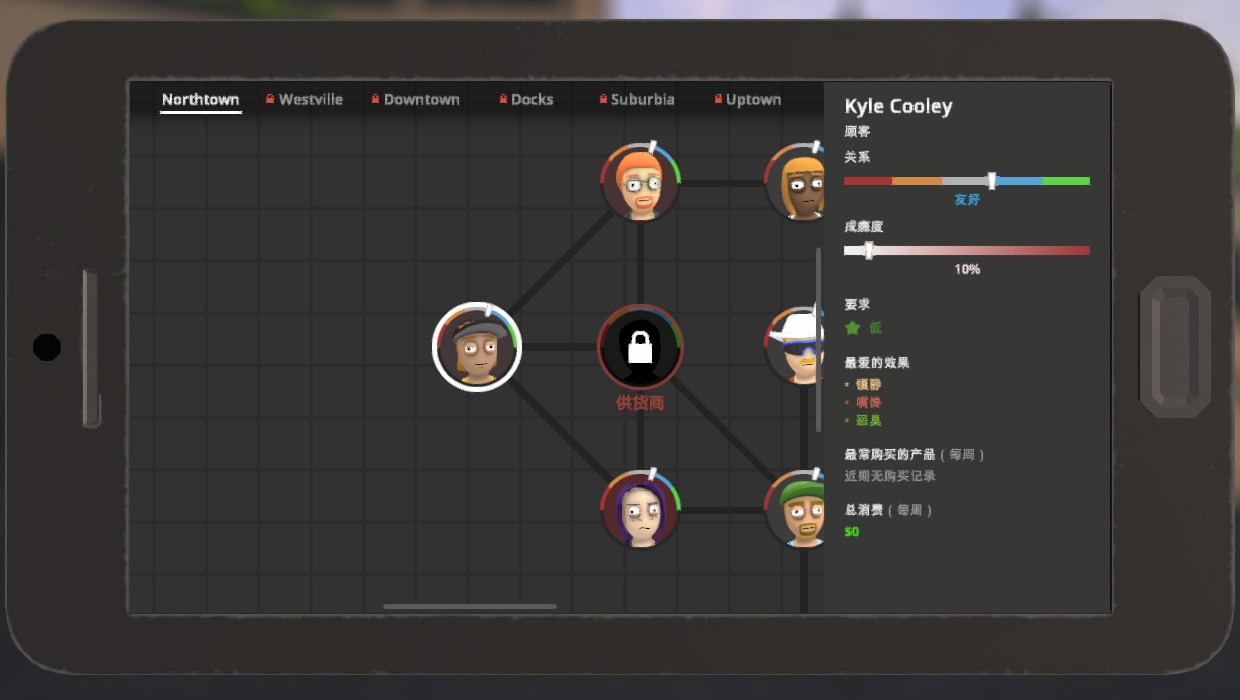
From ThunderstorePlay Schedule I in 13 languages (RU, UK, DE, FR, ES, PT-BR, IT, PL, TR, ZH, JA, KO) and switch instantly in Settings or with F9. Fonts match the game's look. IL2CPP build.
Polyglot
> IL2CPP build for the default Steam branch. Playing on the alternate (Mono) branch? Install Polyglot_Mono instead.
Play Schedule I in 13 languages and switch between them instantly — no restart, no extra downloads, everything in one mod.
English · Русский · Українська · Deutsch · Français · Español · Português (Brasil) · Italiano · Polski · Türkçe · 简体中文 · 日本語 · 한국어
Features
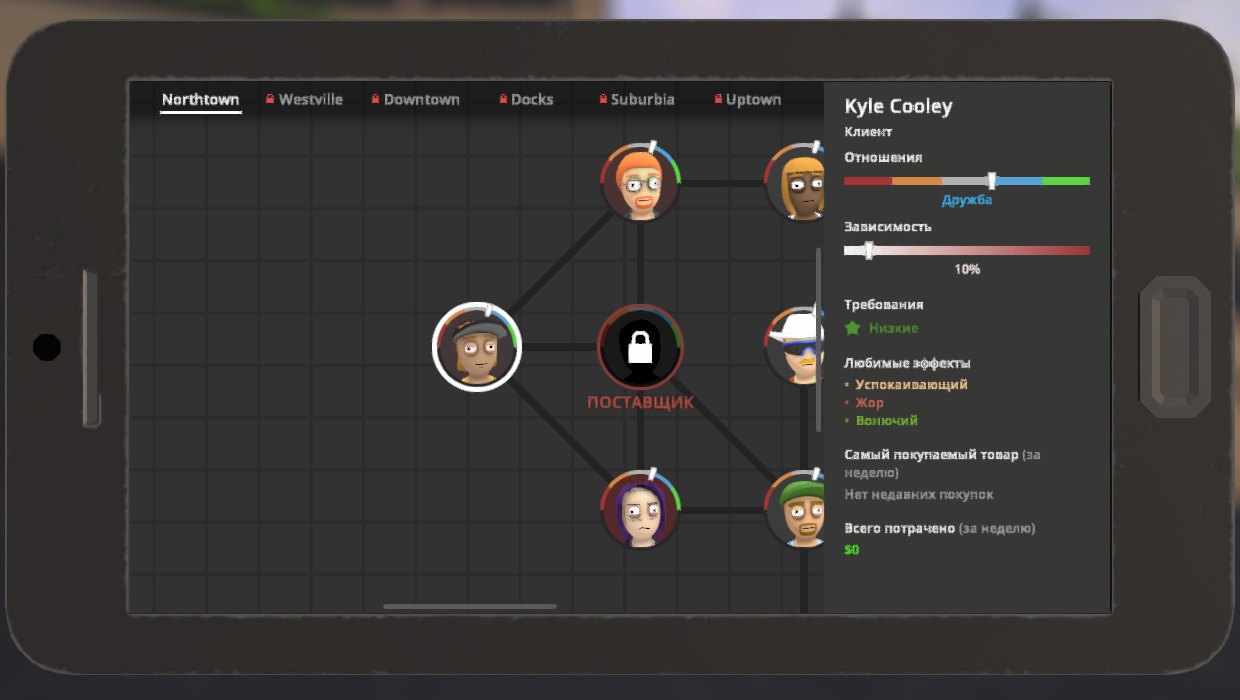
- Full translation of the game: menus, settings, HUD, phone apps, items, quests, dialogue, phone
calls, hints, notifications, the tutorial — about 4,000 strings per language.
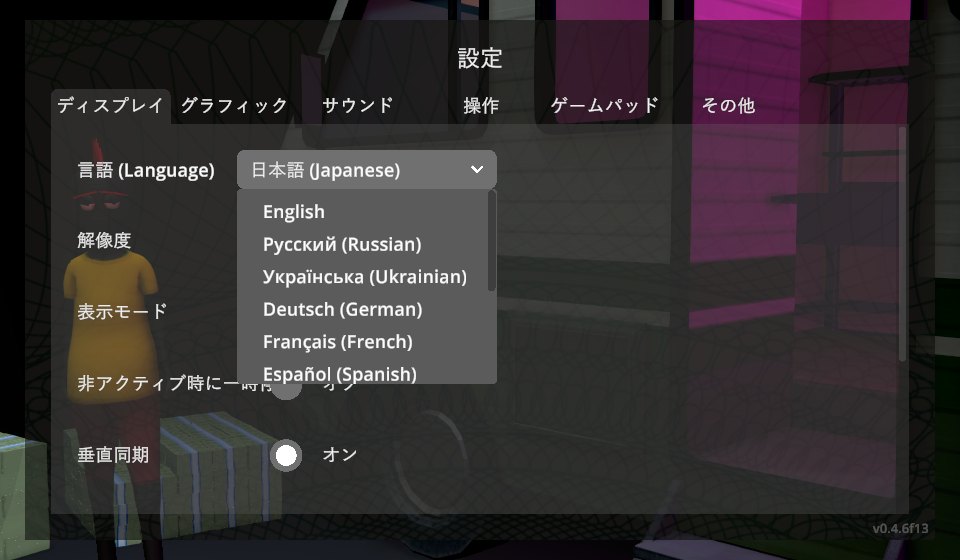
- Switch languages live: Settings → Display → Language (the game's own dropdown, in the main menu
and the pause menu) or press F9 to cycle.
- Looks like the original: Cyrillic, Latin Extended and Greek are drawn with the same Open Sans
weights the game uses; Chinese, Japanese and Korean use Windows system fonts.
- Longer translations are fitted into the game's fixed-size labels automatically instead of being cut off.
- Safe: translation happens only when text is drawn, the game keeps working with its English strings,
so game logic, saves and multiplayer are unaffected. Players in one lobby can use different languages.
- Dynamic text (prices, amounts, names, times) is handled with number and placeholder templates.
- Easy to extend: drop your own translation files into
UserData, or add a whole new language.
Installation
With a mod manager (r2modman, Thunderstore App): install Polyglot for the default Steam branch or Polyglot_Mono for the alternate branch. Also on Nexus Mods.
Manually:
- Install MelonLoader 0.7.3 (0.7.1 is not supported).
- Download
Polyglot-<version>-IL2CPP.zip(default Steam branch) orPolyglot-<version>-Mono.zip
(alternate branch) from Releases.
- Extract it into the game folder so that
Mods/Polyglot_Il2Cpp.dll(or_Mono.dll) is in place. - Start the game and pick your language in Settings → Display.
Only install the build matching your game branch.
Configuration
UserData/MelonPreferences.cfg:
[Polyglot]
Language = "en"          # active language code; also set from the Settings screen
CycleHotkey = "F9"       # key that switches to the next language, "None" to disable
CycleLanguages = ""      # languages the hotkey cycles through, e.g. "en,ru" (empty = all)
LogUntranslated = false  # collect untranslated texts into UserData/Polyglot/untranslated_<code>.txt
CustomFontPath = ""      # .ttf/.otf/.ttc used as last-resort fallback (e.g. CJK on Linux/Proton)
Translations
Built-in translations live in languages/<code>.txt. Your own files in UserData/Polyglot/languages/<code>/*.txt are loaded on top and override built-in entries; a folder with a new code adds a new language.
// comment
@name=Русский                 native name shown in the language list (also @english=, @script=)
Continue=Продолжить           exact text
Day {0}=День {0}              {0}, {1}… stand for numbers in the text
It'll cost <PRICE>.=Это будет стоить <PRICE>.        game placeholders are matched and re-inserted
r:"^Sold (.+) to (.+)$"=Продано: $1 → $2              regex rules (captured groups are translated too)
Escapes: \n, \t, \\, \= (a literal = in the key). Rich-text tags (<color=…>, <b>…) must be kept as in the English text.
To find missing strings, set LogUntranslated = true, play a bit, and fill in the generated UserData/Polyglot/untranslated_<code>.txt (it's already in the right format). Pull requests with fixes are welcome; per-language terminology is kept in corpus/tr/<code>/glossary.md.
Known limitations
- Text baked into textures (signs, posters) and item/product/place names that are proper nouns stay in English.
- A few English words are used by the game for two different things (e.g. "Cool" is both the air
conditioner mode and a customer reply), so one of the two reads a bit off.
- On Linux/Proton the CJK system fonts may be missing — set
CustomFontPathto a font that has the glyphs.
Changelog
See CHANGELOG.md.
Credits
Developed with AI assistance (Claude by Anthropic): the code and the translations were produced with AI, then checked in game on both branches with automated in-game tests. Native speakers' corrections are very welcome.
License
Highlights
From source dataLoaders
Runs on BepInEx.
Footprint
Rated a light load on a server.
Last update
Its author last shipped an update 23d ago.
Polyglot on Nxeon
From our catalogue- One-click install
- Not available. One-click install isn't available for this game's mods yet. Download it and upload it to your server in Files.
- Server type needed
- BepInEx
- Server load
- light
- Latest build
- 1.2.3, released 2026-10-12
Game versions by loader
| Loader | Game versions | Newest |
|---|---|---|
| BepInEx |
From 5 recorded builds of Polyglot.
Recent builds
| Build | Released | Game versions | Loaders |
|---|---|---|---|
| 1.2.3 | 2026-10-12 | n/a | BepInEx |
| 1.2.2 | 2026-10-03 | n/a | BepInEx |
| 1.2.1 | 2026-10-03 | n/a | BepInEx |
| 1.2.0 | 2026-10-01 | n/a | BepInEx |
| 1.1.0 | 2026-09-30 | n/a | BepInEx |
Dependencies
- Required: MelonLoader
Declared by the newest build that lists any. Required ones are installed with it on one-click installs.
What kind of mod it is
From the catalogBuilding & decoration
Blocks, furniture, decorations and building tools.
Compatibility
- Game
- Schedule I
- Loaders
- BepInEx
- Requires
- One-click install needs a BepInEx server.
Verified at the source
- ✓ThunderstoreOfficial listing, checked 2026-10-12Open ↗
- ✓AuthorBbIJABNPOBATEJb, as published on Thunderstore
- ✓LicenseNot published by the sourceFree












