About FreeBuild No Snap / Support
From Steam WorkshopThe mod has been updated. If you are already using it, please run INSTALL_OVERLAY.bat one more time! Seriously, why won't roofs go on top of walls? I almost lost my mind building, so I just made a…
The mod has been updated. If you are already using it, please run INSTALL_OVERLAY.bat one more time!
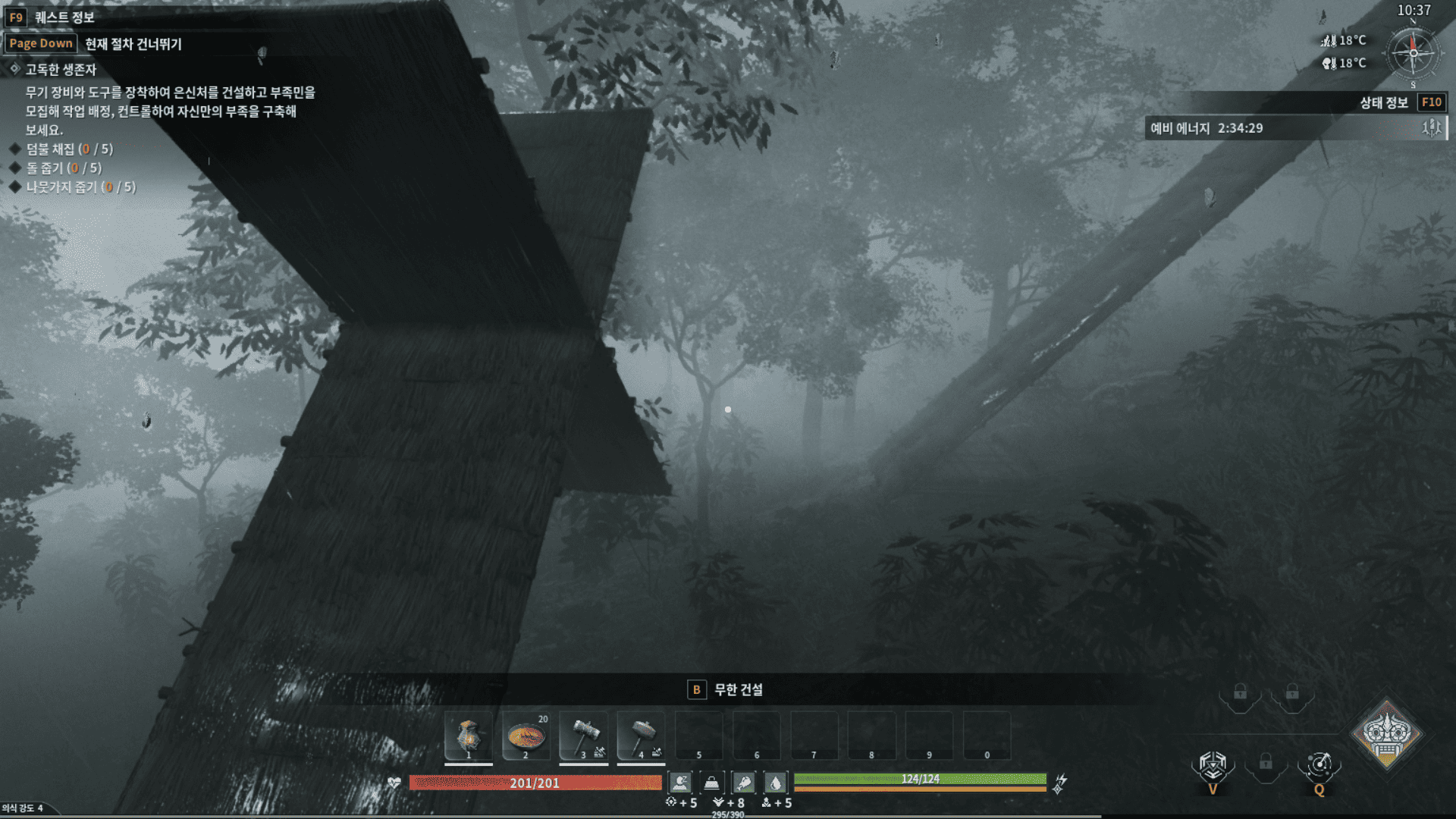
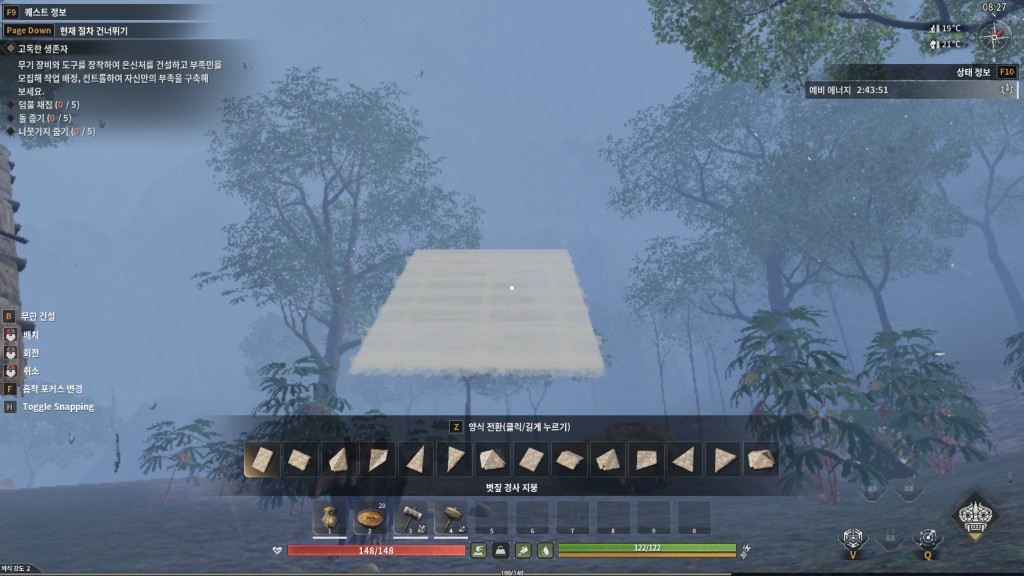
Seriously, why won't roofs go on top of walls? I almost lost my mind building, so I just made a mod. I pray for the day this mod becomes obsolete.
FreeBuild - No Snap / No Support
Place buildings freely, without having to attach them to an existing structure.
What this mod removes
- "Adhere to other building"
- "No supporting buildings nearby"
For relaxed collisions, try using the FreeBuild Plus (Relaxed Collision, No Support Required, No Attachment Needed) mod! https://steamcommunity.com/sharedfiles/filedetails/?id=3775582493
Why do I need INSTALL_OVERLAY.bat?
Steam only downloads the mod into the Mods folder. That is not enough for this mod to work.
INSTALL_OVERLAY.bat is a one-time install button. It copies 2 small patch files into the game folder so Soulmask can actually use them.
Think of it like this:
- Subscribe = download the files
- INSTALL_OVERLAY.bat = install the files so they work
It does not change or delete the main game files. It only copies 2 extra patch files. You only need to run it once (or again after a big game update).
Installation (required)
Subscribing alone is not enough. Please follow every step once. [olist] [*]Subscribe to this item. [*]Start Soulmask, wait for the main menu, then close the game. This lets Steam download the mod files. [*]In your Steam Library, right-click Soulmask and choose Manage then Browse local files. [*]Open the folder WS\Mods\FreeBuildNoSnapSupport. [*]Double-click INSTALL_OVERLAY.bat. [*]Wait for Installation complete, then press any key to close the window. [*]Start Soulmask, open Mods in the main menu, select FreeBuild and press Apply. [*]Fully close the game and start it again. [/olist]
How to confirm it works
Try placing a roof piece in mid-air. If it can be placed without any "Adhere to other building" or "No supporting buildings nearby" warning, the mod is active.
Troubleshooting
- Access denied when running the file: right-click INSTALL_OVERLAY.bat and choose Run as administrator.
- Folder or file missing: make sure the Steam download finished, then start and close the game once and check again.
- Stopped working after a game update: simply run INSTALL_OVERLAY.bat again.
- Nothing changes in game: confirm the mod is applied in the Mods menu and that you restarted the game afterwards.
- May conflict with other mods that change building placement.
How to uninstall
Run UNINSTALL_OVERLAY.bat from the same folder, then unsubscribe from this item.
Dedicated servers
Add [code]-mod="3770914189"[/code] to the server launch arguments, and copy both files from the mod's OverlayPaks folder into the server's WS\Content\Paks folder.
Mod ID: 3770914189
Highlights
From source dataFootprint
Rated a light load on a server.
Last update
Its author last shipped an update 3 mo ago.
FreeBuild No Snap / Support on Nxeon
From our catalogue- One-click install
- Supported on Nxeon Soulmask servers. We download it from Steam Workshop, place it, and restart the server.
- Server load
- light
- Smallest plan we suggest
- Soulmask — 6 GB (6 GB RAM). This follows our own load rating above, not a benchmark.
- Latest build
- 2026-07-30, released 2026-07-30
Game versions by loader
| Loader | Game versions | Newest |
|---|---|---|
| Workshop |
From 1 recorded build of FreeBuild No Snap / Support.
Run FreeBuild No Snap / Support on a Soulmask server
Pick a server or deploy a new one above; it is installed in one click.
What kind of mod it is
From the catalogBuilding & decoration
Blocks, furniture, decorations and building tools.
Compatibility
- Game
- Soulmask
Verified at the source
- ✓Steam WorkshopOfficial listing, checked 2026-11-04Open ↗
- ✓Authorchlghksgml01, as published on Steam Workshop
- ✓LicenseNot published by the sourceFree