About FreeBuild Plus
From Steam WorkshopFreeBuild Plus Place buildings freely — snap / support / floating and collision / overlap — in one overlay. This merges the old FreeBuild No Snap / Support features with the collision /…
FreeBuild Plus
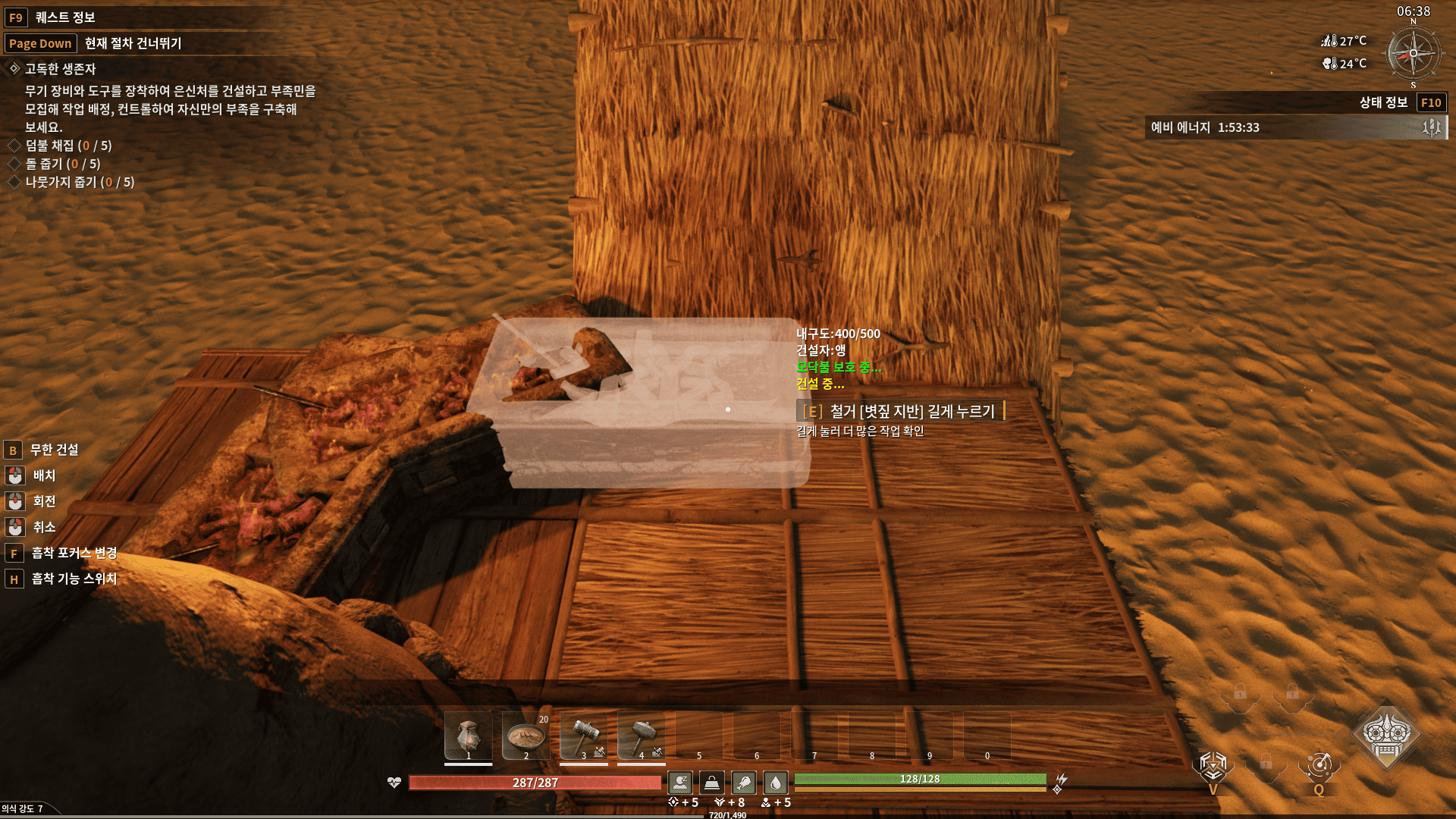
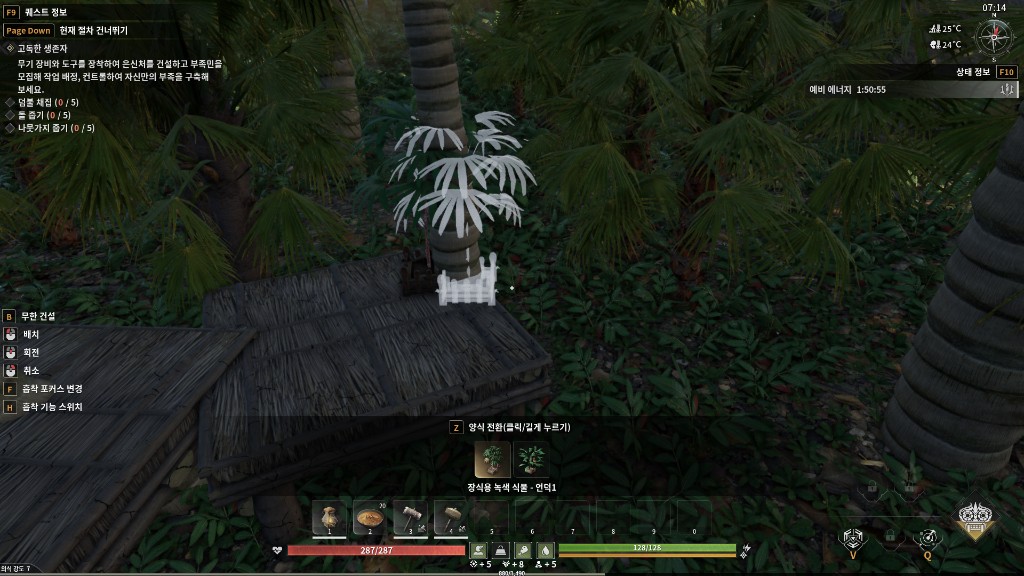
Place buildings freely — snap / support / floating and collision / overlap — in one overlay.
This merges the old FreeBuild No Snap / Support features with the collision / dense-placement research into a single mod.
What this mod removes / relaxes
- "Adhere to other building"
- "No supporting buildings nearby"
- The block on placing pieces in mid-air
- Many "building collision detected" / overlap blocks (structures, décor, and most placeables)
What still may block placement
- Some terrain-vs-terrain cases (left intentional in testing)
- Rare edge cases after big game updates — re-run the installer if needed
Important — use this mod alone
Do not also run the old FreeBuild or FreeBuild No Collision overlays. Unsubscribe those Workshop items so their patch files do not conflict with FreeBuild Plus.
Why do I need INSTALL_OVERLAY.bat?
Steam only downloads the mod into the Mods folder. That is not enough for this mod to work.
INSTALL_OVERLAY.bat is a one-time install button. It copies 2 small patch files into the game folder so Soulmask can actually use them.
Think of it like this:
- Subscribe = download the files
- INSTALL_OVERLAY.bat = install the files so they work
It does not change or delete the main game files. It only copies 2 extra patch files. You only need to run it once (or again after a big game update).
Installation (required)
Subscribing alone is not enough. Please follow every step once. [olist] [*]Subscribe to this item. [*]Start Soulmask, wait for the main menu, then close the game. This lets Steam download the mod files. [*]In your Steam Library, right-click Soulmask and choose Manage then Browse local files. [*]Open the folder WS\Mods\FreeBuildPlus. [*]Double-click INSTALL_OVERLAY.bat. [*]Wait for Installation complete, then press any key to close the window. [*]Start Soulmask, open Mods in the main menu, select FreeBuild Plus and press Apply. [*]Fully close the game and start it again. [/olist]
How to confirm it works
- Try placing a foundation or roof piece in mid-air without "Adhere to other building" / "No supporting buildings nearby".
- Try overlapping walls / roofs / décor with grass or nearby pieces — many collision blocks should be gone.
Troubleshooting
- Access denied when running the file: right-click INSTALL_OVERLAY.bat and choose Run as administrator.
- Folder or file missing: make sure the Steam download finished, then start and close the game once and check again.
- Stopped working after a game update: simply run INSTALL_OVERLAY.bat again.
- Nothing changes in game: confirm the mod is applied in the Mods menu and that you restarted the game afterwards.
- Still seeing old FreeBuild behavior only / conflicts: unsubscribe old FreeBuild / No Collision, run UNINSTALL_OVERLAY.bat once, then run INSTALL_OVERLAY.bat again from FreeBuildPlus.
- May conflict with other mods that change building placement.
How to uninstall
Run UNINSTALL_OVERLAY.bat from the same folder, then unsubscribe from this item.
Dedicated servers
Add [code]-mod="3775582493"[/code] to the server launch arguments, and copy both files from the mod's OverlayPaks folder into the server's WS\Content\Paks folder.
Mod ID: 3775582493
Links
GitHub: https://github.com/chlghksgml01/FreeBuildPlus
Highlights
From source dataFootprint
Rated a light load on a server.
Last update
Its author last shipped an update 3 mo ago.
FreeBuild Plus on Nxeon
From our catalogue- One-click install
- Supported on Nxeon Soulmask servers. We download it from Steam Workshop, place it, and restart the server.
- Server load
- light
- Smallest plan we suggest
- Soulmask — 6 GB (6 GB RAM). This follows our own load rating above, not a benchmark.
- Latest build
- 2026-08-09, released 2026-08-09
Game versions by loader
| Loader | Game versions | Newest |
|---|---|---|
| Workshop |
From 1 recorded build of FreeBuild Plus.
Run FreeBuild Plus on a Soulmask server
Pick a server or deploy a new one above; it is installed in one click.
What kind of mod it is
From the catalogBuilding & decoration
Blocks, furniture, decorations and building tools.
Compatibility
- Game
- Soulmask
Verified at the source
- ✓Steam WorkshopOfficial listing, checked 2026-11-03Open ↗
- ✓Authorchlghksgml01, as published on Steam Workshop
- ✓LicenseNot published by the sourceFree