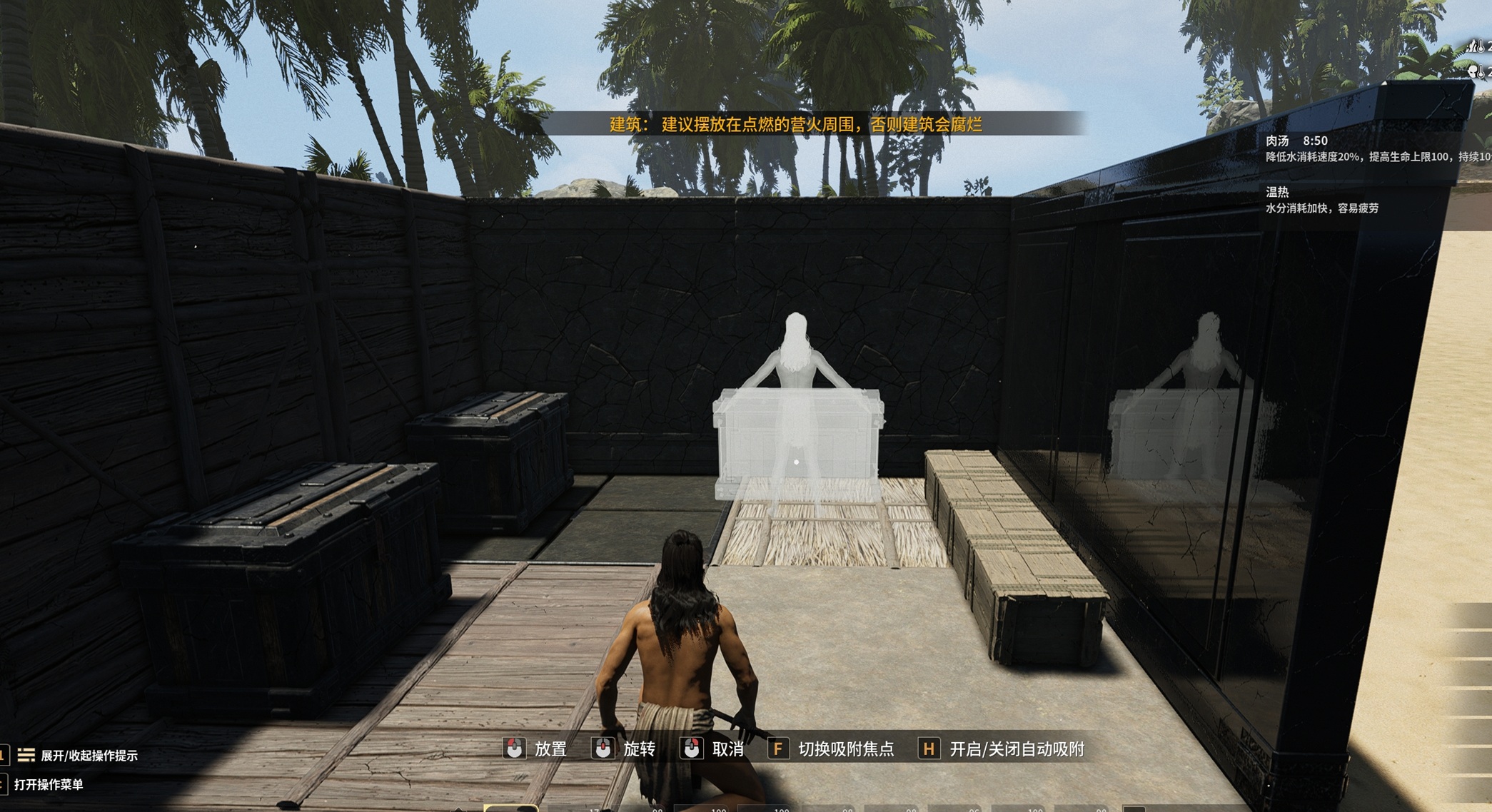
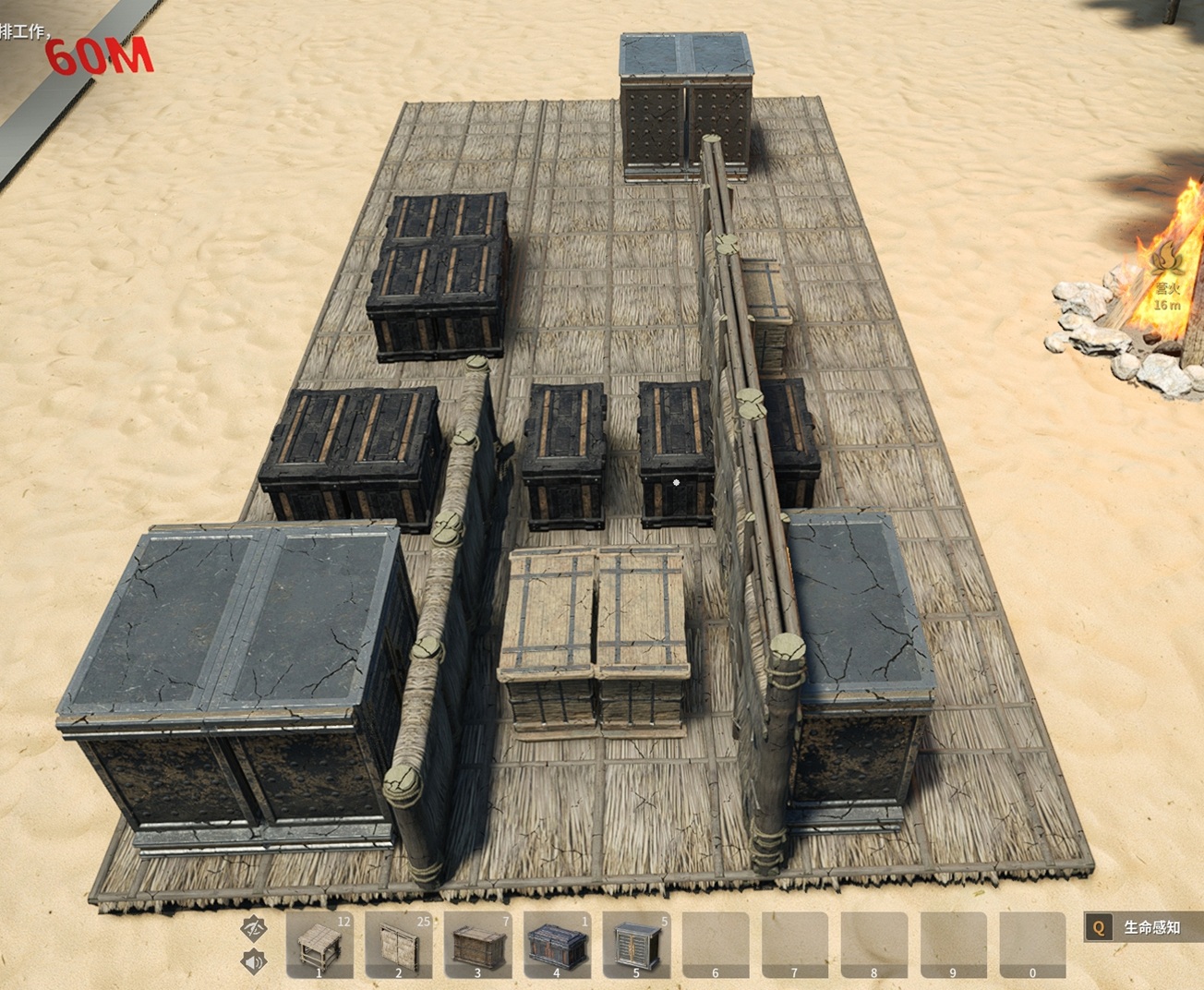
About Large box + box alignment
From Steam WorkshopGoogle Translate Modifying game assets will cause transformations to become unresponsive; you need to hold down the Z key to switch. Therefore, only the thatched walls were modified. Use the thatched…
Google Translate
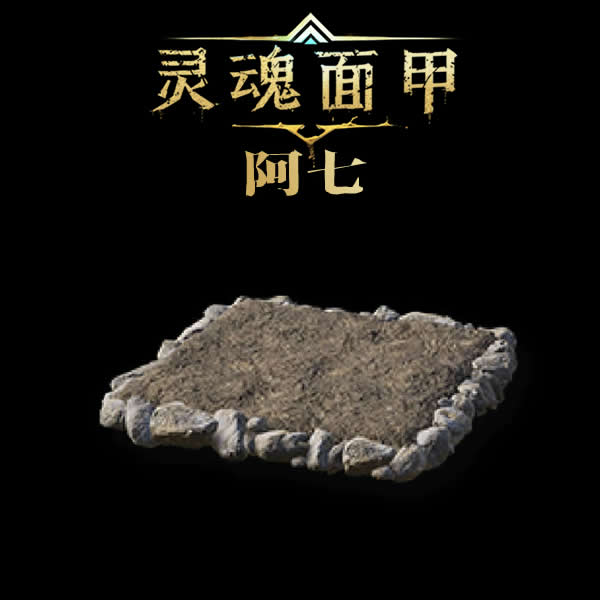
Modifying game assets will cause transformations to become unresponsive; you need to hold down the Z key to switch. Therefore, only the thatched walls were modified. Use the thatched walls for positioning when aligning boxes.
【Incompatible with other box modification mods; this mod needs to be placed under other box modification mods when sorting.】
【Modifications】
- Modified the working range of boxes to 100 meters.
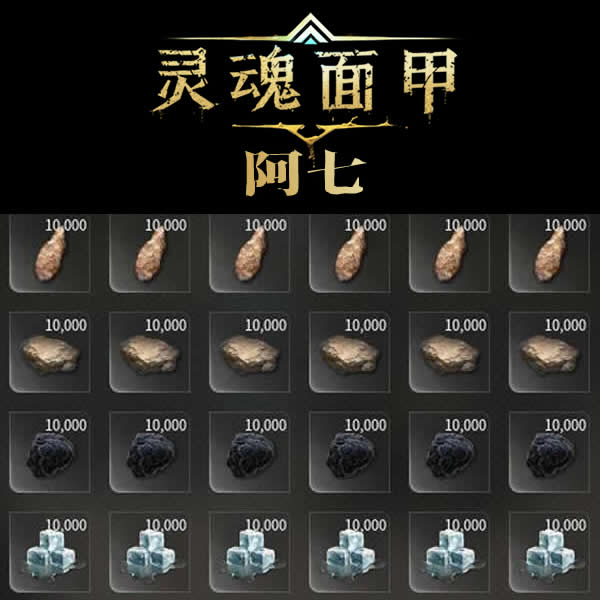
- Modified box inventory size: 60-120-264-528-792, Ice Cellar 120.
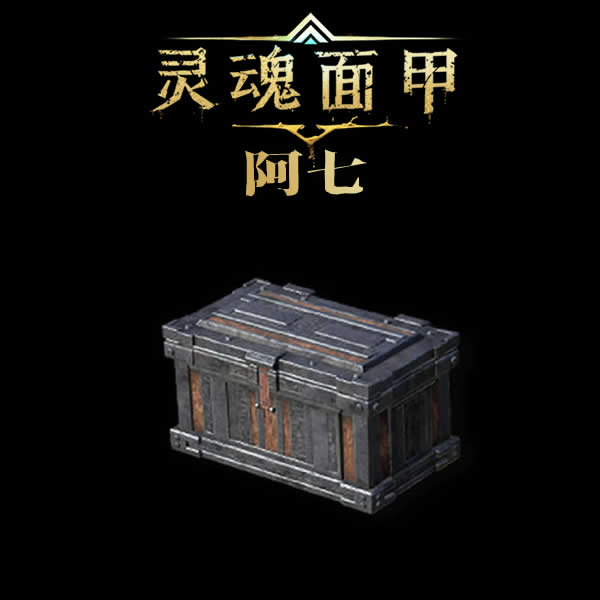
- Added front anchor points to large wooden crates, metal crates, and forged steel storage cabinets; two can be placed side-by-side without walls.
- Using high thatched walls for positioning, all boxes can be placed against walls.
- Using half thatched walls for positioning, boxes can be placed side-by-side in the center of the floor; only large wooden crates, metal crates, and forged steel storage cabinets were modified.
[hr][/hr]
Old save files require repositioning walls for anchor points to take effect! Pay attention to the character's shadow position when placing boxes; use the mouse wheel to rotate if the position is incorrect.
Highlights
From source dataFootprint
Rated a light load on a server.
Last update
Its author last shipped an update 11 mo ago.
Large box + box alignment on Nxeon
From our catalogue- One-click install
- Supported on Nxeon Soulmask servers. We download it from Steam Workshop, place it, and restart the server.
- Server load
- light
- Smallest plan we suggest
- Soulmask — 6 GB (6 GB RAM). This follows our own load rating above, not a benchmark.
- Latest build
- 2025-12-05, released 2025-12-05
Game versions by loader
| Loader | Game versions | Newest |
|---|---|---|
| Workshop |
From 1 recorded build of Large box + box alignment.
Run Large box + box alignment on a Soulmask server
Pick a server or deploy a new one above; it is installed in one click.
What kind of mod it is
From the catalogListed on Steam Workshop as “Workshop”
Building & decoration
Blocks, furniture, decorations and building tools.
Compatibility
- Game
- Soulmask
Verified at the source
- ✓Steam WorkshopOfficial listing, checked 2026-11-01Open ↗
- ✓AuthorCatnip., as published on Steam Workshop
- ✓LicenseNot published by the sourceFree