About SquadDeck
From Steam WorkshopSquadDeck — Google Slides in Squad Brief your squad like a pro without ever leaving the game. SquadDeck puts a working presentation screen in Squad. Paste a Google Slides link and your slides show up…
SquadDeck — Google Slides in Squad
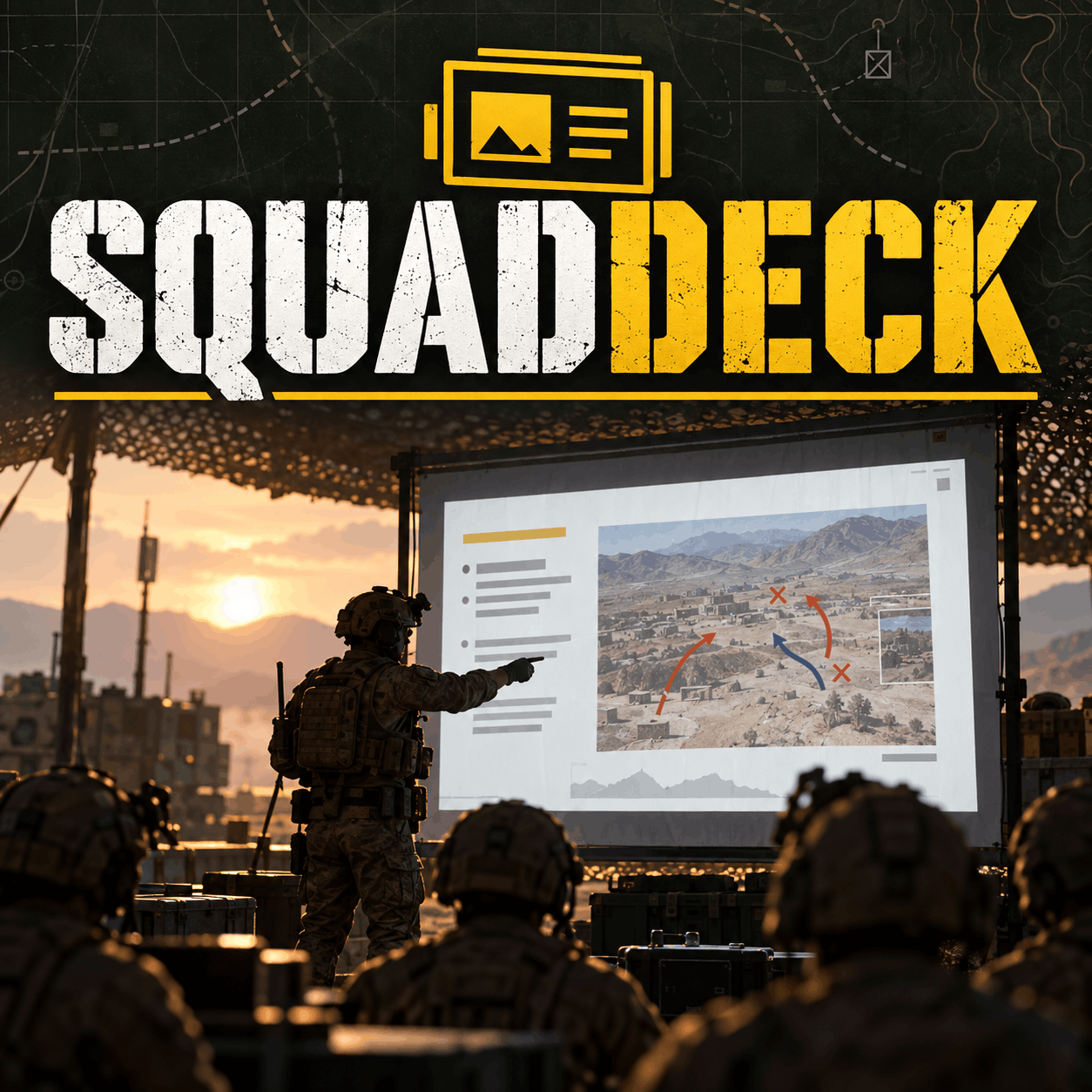
Brief your squad like a pro without ever leaving the game. SquadDeck puts a working presentation screen in Squad. Paste a Google Slides link and your slides show up on an in-game screen. Then walk around, face your audience and click through your deck with the keyboard or a USB presentation clicker.
Mission briefings, recruit training, clan events, tournament rules, server introductions: present them where the action is, not on a Discord stream nobody watches.
[hr][/hr]
✔ Features
- Google Slides support – paste the link to any Google Slides deck and it loads straight onto the screen.
- Presenter mode – once you start presenting, the panel closes and you keep full control of your character. Walk, turn, point, and change slides at the same time.
- USB clicker support – PgUp/PgDn work, so most wireless presentation clickers work out of the box.
- Several screen types – a large billboard, a monitor and a lecture board, for a briefing tent, a classroom or a full-size outdoor briefing.
- Live slide counter – a small corner hint shows which slide you're on and the controls.
- Built-in instructions – an empty screen explains how to use it, so anyone can get started.
- Any keyboard layout – only layout-independent keys, so it works the same on QWERTY and AZERTY.
- No conflicts with Zeus – the keys are chosen so they don't clash with SquidBots Zeus.
[hr][/hr]
🚀 How to use
[olist] [*]Make your Google Slides deck shareable: Share → General access → Anyone with the link. [*]Walk up to a SquadDeck screen and press F. [*]Paste your Google Slides link. [*]Click Load & Present and you're live. [/olist]
⌨ Presenter keys
[table] [tr][th]Key[/th][th]Action[/th][/tr] [tr][td]→ / Page Down[/td][td]Next slide[/td][/tr] [tr][td]← / Page Up[/td][td]Previous slide[/td][/tr] [tr][td]Home / End[/td][td]First / last slide[/td][/tr] [tr][td]Delete[/td][td]Stop presenting[/td][/tr] [tr][td]F (on a screen)[/td][td]Open the setup panel / take over that screen[/td][/tr] [/table]
[hr][/hr]
💡 Perfect for
- Milsim units and clans: mission briefings with maps, objectives and comms plans
- Training servers: teach new players about roles, FOBs, logistics and rules
- Events and tournaments: rules, brackets, schedules and sponsors
- Community servers: a welcome or rules board in the main base
[hr][/hr]
❓ FAQ
Does it work with PowerPoint or PDF? Only Google Slides. Got a PowerPoint? Upload it to Google Drive, open it with Google Slides, and share the link.
My slides don't load? Check that the deck is shared as "Anyone with the link". Private decks can't be loaded.
Do slides update when I edit the deck? Load the link again to fetch the latest version.
[hr][/hr]
🛠 Version 1.5
- Stop presenting is now Delete (Backspace clashed with Zeus kit switching)
- New standby screen with built-in instru
- Stopping a presentation now also closes the setup panel
- Bug fixes
Found a bug or have an idea? Leave a comment below. Feedback shapes the next update!
👍 Like SquadDeck? Give it a thumbs up and add it to your favorites so others can find it too!
Highlights
From source dataFootprint
Rated a light load on a server.
Last update
Its author last shipped an update 16d ago.
SquadDeck on Nxeon
From our catalogue- One-click install
- Supported on Nxeon Squad servers. We download it from Steam Workshop, place it, and restart the server.
- Server load
- light
- Smallest plan we suggest
- Squad — 16 GB (16 GB RAM). This follows our own load rating above, not a benchmark.
- Latest build
- 2026-10-19, released 2026-10-19
Game versions by loader
| Loader | Game versions | Newest |
|---|---|---|
| Workshop |
From 3 recorded builds of SquadDeck.
Recent builds
| Build | Released | Game versions | Loaders |
|---|---|---|---|
| 2026-10-19 | 2026-10-19 | n/a | Workshop |
| 2026-10-10 | 2026-10-10 | n/a | Workshop |
| 2026-10-09 | 2026-10-09 | n/a | Workshop |
Run SquadDeck on a Squad server
Pick a server or deploy a new one above; it is installed in one click.
What kind of mod it is
From the catalogWorkshop
Its source category doesn’t say more about what it does, so NxLabs lists it under Other.
Compatibility
- Game
- Squad
Verified at the source
- ✓Steam WorkshopOfficial listing, checked 2026-11-03Open ↗
- ✓Author=7Cav=1LT.Grayson.J, as published on Steam Workshop
- ✓LicenseNot published by the sourceFree