






About Adjustable Grow Lights automation
From Steam WorkshopControl grow lights activity with dials. Monitor selected amount of light and darkness in minutes from LED displays. You have two dials and two LED displays. With the first dial you control at what…
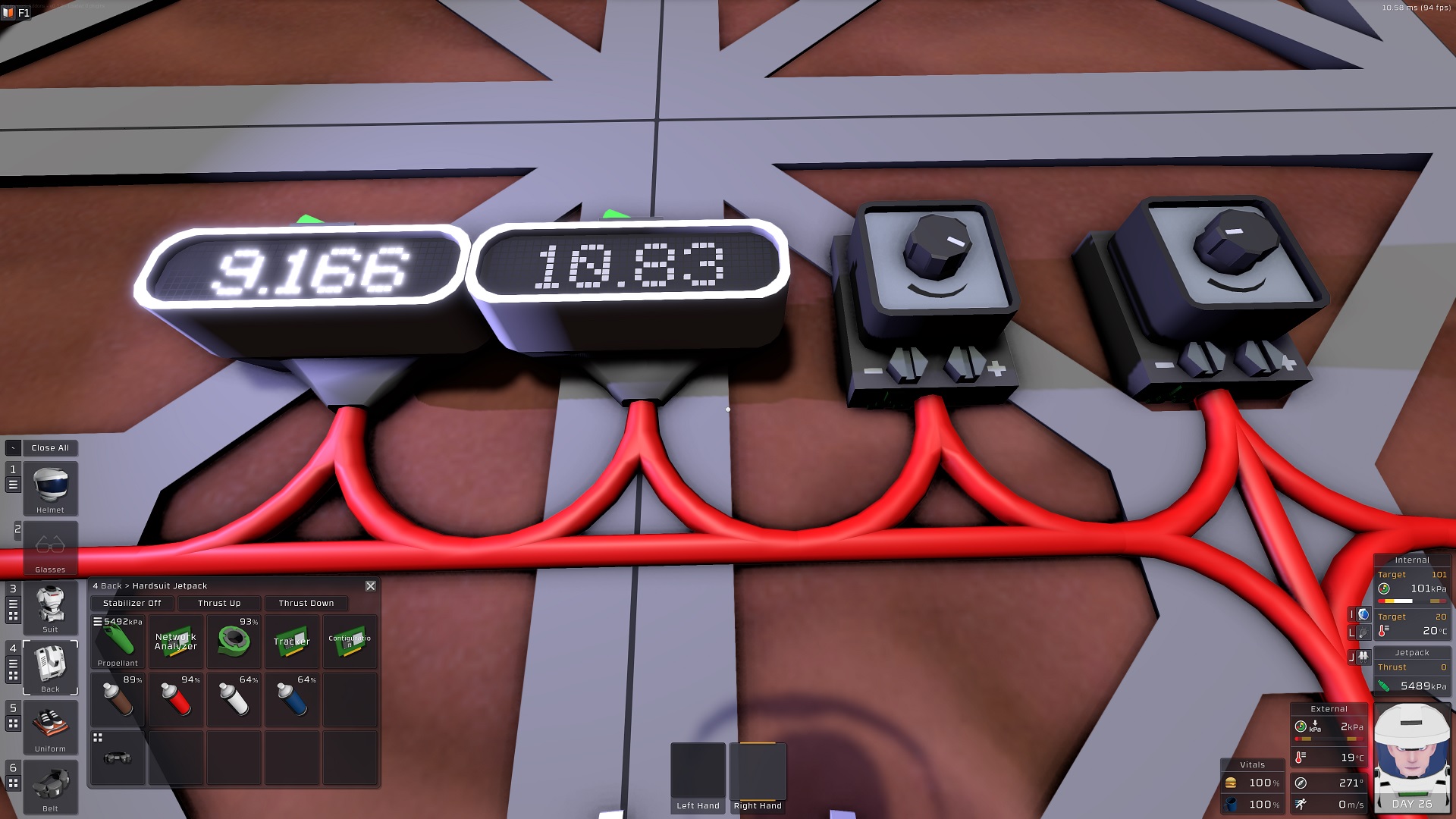
Control grow lights activity with dials. Monitor selected amount of light and darkness in minutes from LED displays.
You have two dials and two LED displays. With the first dial you control at what hour you want the lights to go on. In example 6 at sunrise, 12 at noon, 18 at sunset, 0 at midnight. With the second dial you control at what hour you want the lights to go off.
The both LED displays will display exactly calculated amount of real time minutes in light and in darkness according to your settings.
Note: The script is not using sleep timers. That means you can make changes anytime and they will instantly apply. In example, if you have selected light period between 17 in the evening and 7 in the morning and now its 18 (sunset) the lights will be on because you are now in between the start and the end time. If you change the start time say to 19 the lights will go off instantly (will not wait until sleep timer is over) and then will turn on at 19 (1 hour after sunset).
SETUP: (read carefully)
1. Mount your grow lights where you need them. As many you want.
2. Mount a daylight sensor outside vertically on the wall with its data port pointing down, so that when you face the sensor sunrise is on your left hand side. On MARS it is the north wall. On other planets may be different.
3. Mount two dials (logical switch kit) anywhere you like. Set max value for both with screw driver to 23. Use the labeler to give them different labels. One will be controlling when the lights go on, the other when they go off.
4. Mount two LED displays (console kit) anywhere. Label them. One will indicate selected light time per day in real time minutes, the other selected darkness time.
5. Mount an IC Housing anywhere. Label it (optional). It will be your grow lights controller.
6. Connect everything to same network. Grow Lights must be on the same network. The program will control all grow lights on same network.
7. Configure IC Housing using a screw driver as follows:
d0: daylight sensor d1: dial on d2: dial off d3: LED light minutes d4: LED darkness minutes
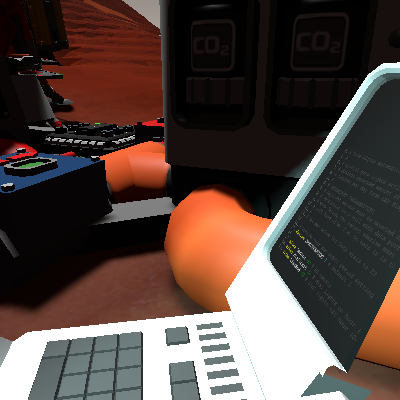
8. Use a computer or laptop with IC Editor Motherboard to upload this program to an integrated IC10 Chip. IMPORTANT: When you are using a different sun orbital period setting then the default 1.0, edit the script and set your custom orbital period in line 15 accordingly. Then confirm and export to the IC10 Chip.
9. Put the programmed IC10 chip into IC Housing and turn it on.
10. Use dials to select start and end hour when you want the grow lights to go on and off. Monitor LED displays to select proper light and darkness duration.
Enjoy.
Adjustable Grow Lights automation on Nxeon
From our catalogue- One-click install
- Not available. One-click install isn't available for this game's mods yet. Download it and upload it to your server in Files.
- Server load
- light
- Smallest plan we suggest
- Stationeers — 4 GB (4 GB RAM). This follows our own load rating above, not a benchmark.
Run Adjustable Grow Lights automation on a Stationeers server
Deploy a server above, then upload the file in Files.
What kind of mod it is
From the catalogTechnology & automation
Machines, power, logistics and automation.
Compatibility
- Game
- Stationeers
- File size
- 226 KB
Verified at the source
- ✓Steam WorkshopOfficial listing, checked 2026-09-24Open ↗
- ✓Authorждун, as published on Steam Workshop
- ✓LicenseNot published by the sourceFree









