






About Advanced Airlock Accelerator
From Steam WorkshopA single-chip solution for tight spaces, like the underutilized floor of your airlock! Tired of sitting around waiting for your airlock to let you out? This vent-mirroring script can be used to…
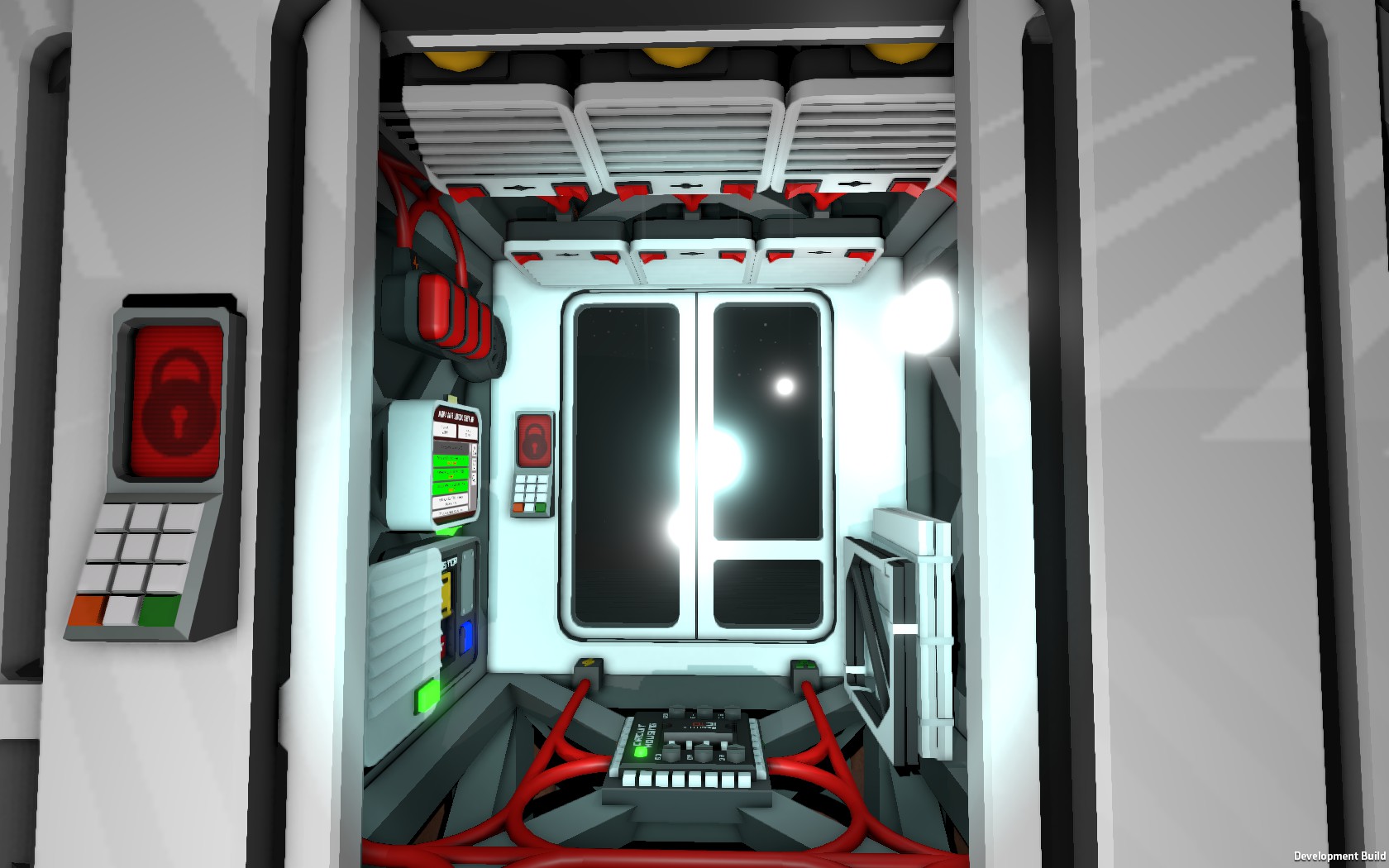
A single-chip solution for tight spaces, like the underutilized floor of your airlock!
Tired of sitting around waiting for your airlock to let you out? This vent-mirroring script can be used to greatly speed up the cycling of an airlock, especially if sufficient stored gas is available for quick repressurization (see tips section below).
Up to two active vents are supported as masters, and each master can have up to two slaves, making it perfect for the advanced airlocks required anywhere that atmosphere exists (or may exist) on both sides of the airlock. Slave vents will be set to do the same thing their master is doing, whatever that may be.
Most scripts I've seen of this type are limited to one master, making them less useful for advanced airlocks, requiring an additional IC (and 50w more power) to accomplish the same task.
Another possible use is to spread out vents between multiple frame cells to make an airlock slightly larger than the typical 1x1, without it taking significantly longer to cycle due to waiting for gas to transfer between cells. (When doing so, it's best to have a gas sensor assigned to the airlock console in every grid cell to ensure that it doesn't leave any trace contaminants in neighboring cells when depressurizing.)
--- Setup ---
The master vent(s) should be those controlled by the advanced airlock console. Ensure that you configure the correct vents as masters and slaves.
For best results, the slaves for each master should be on the same pipe network as that master, with enough room in the pipes to store the evacuated air for quick repressurization. (Dumping it out of a passive vent will typically result in very slow repressurization no matter how many active vents are used!)
d0 = Master 1 d1 = Slave 1 A d2 = Slave 1 B
d3 = Master 2 d4 = Slave 2 A d5 = Slave 2 B
You are not required to use two masters. (On Mars in particular, the exterior side doesn't really need accelerating. You can just set up the airlock console with an external pressure of zero, since the atmosphere is too thin to push you around.)
For each configured master, you may use either one or two slaves.
When activated the IC will halt and flash an error if no slaves are assigned for a master, or if no masters are selected. Reset the IC after configuring the screws by removing it from its housing and reinserting it.
Note: There is an unavoidable one tick delay between the master turning on or off and the slaves responding. This is normal, and should not be the cause of any overpressurization of the airlock, since the airlock console sets the desired external pressure parameter on the active vents it controls and the script mirrors those settings to the slaves.
--- Errors ---
An error code will be displayed on the IC housing if the script discovers certain conditions in which it can't function correctly. The meaning of each code follows.
401: Missing Master. At least one master vent is required. Make sure a vent controlled by the Advanced Airlock console (or by something else, for more creative uses) is assigned to either d0 or d3.
402: Missing Slave. Each master vent must have at least one slave assigned. For a master on d0 the slave(s) must be on d1 and/or d2. For a master on d3 the slave(s) must be on d4 and/or d5.
501: Invalid Device. Something that is not an active vent is assigned to one of the IC housing screws. Only active vents are supported. Set the screw to the desired vent, or cycle through the choices until you find the "no device" setting.
For help with any other error conditions, please report the line number and as many details as you can about the configuration in use and the sequence of events which leads to the error.
--- Airlock Tips ---
Just having a passive vent on the exterior of the airlock will result in very slow pressurization when cycling to external, no matter how many active vents are used on the inside of the airlock. The amount of gas in the pipes can't exceed atmospheric pressure, and even if you use multiple passive vents, each grid cell of external atmosphere can only refill so quickly!
You'll get much faster results if you remove the passive vent(s) and place a few extra sections of pipe to act as a buffer tank (preferably on the base's exterior so they won't affect your internal temperature, though covering them with a wall might work to prevent that). Don't attach a canister, since a few pipe segments can actually hold far more gas under much higher pressure than a canister can store without bursting.
Make sure the airlock is cycled to the exterior, and use an active vent set to Inward to draw in atmosphere until your tablet's Atmospheric cartridge shows several megapascals of pressure in the pipe. You can use one of the exterior slave vents for this -- or if you aren't installing any of those, you can temporarily deselect both active vents from your airlock console's configuration screen to unlock them for manual use. (Don't deselect only the exterior vent -- this may cause a bug where they become swapped when the game is saved and reloaded, even if the configuration appears correct before then!)
Adjust the amount of gas stored as needed based on the number of pipe segments attached, so that the pipes' pressure doesn't drop too much when the airlock is cycled. You could also have a pressure regulator drawing from a passive vent to automatically take in external air and maintain a certain pressure inside these pipes, to ensure it won't ever run out due to temperature changes altering the gas pressure at different times of day.
Highlights
From source dataFootprint
A 1 MB download, rated a light load on a server.
Last update
Its author last shipped an update 7 yr ago.
Advanced Airlock Accelerator on Nxeon
From our catalogue- One-click install
- Not available. One-click install isn't available for this game's mods yet. Download it and upload it to your server in Files.
- Server load
- light
- Smallest plan we suggest
- Stationeers — 4 GB (4 GB RAM). This follows our own load rating above, not a benchmark.
- Latest build
- 2019-12-26, released 2019-12-26, 1 MB
Game versions by loader
| Loader | Game versions | Newest |
|---|---|---|
| Workshop |
From 1 recorded build of Advanced Airlock Accelerator.
Run Advanced Airlock Accelerator on a Stationeers server
Deploy a server above, then upload the file in Files.
What kind of mod it is
From the catalogTechnology & automation
Machines, power, logistics and automation.
Compatibility
- Game
- Stationeers
- File size
- 1 MB
Verified at the source
- ✓Steam WorkshopOfficial listing, checked 2026-10-10Open ↗
- ✓AuthorTallinu, as published on Steam Workshop
- ✓LicenseNot published by the sourceFree









