






About AIMeE Base controller V2
From Steam WorkshopUpdated for wireless batteries and added waypoint. Control AIMeE from a transmitter on your base. Update for use of wireless batteries. Place a wireless charger at the unload point and AIMeE will…
Updated for wireless batteries and added waypoint.
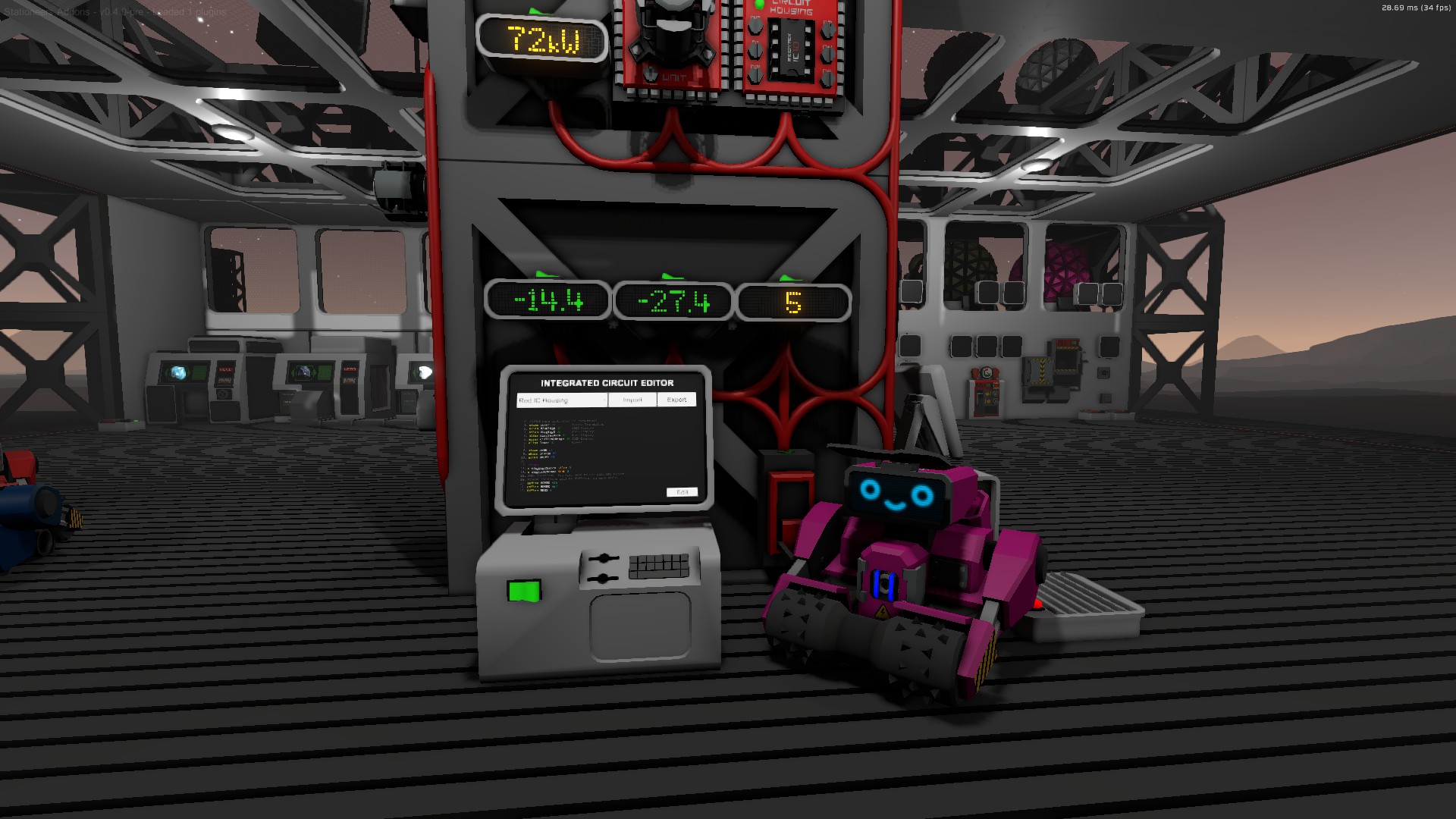
Control AIMeE from a transmitter on your base. Update for use of wireless batteries. Place a wireless charger at the unload point and AIMeE will wait for the battery to charge before returning to mining. No more changing batteries. Recall lever to keep AIMeE safe from storms. Return and shutdown when there are no mineables. Additional waypoint To help AIMeE navigate around your base.
Note: a blank chip needs to be inserted into AIMeE for this to work. The program is exported to a chip on your base. Use your GPS to set locations for the mining location, the unloading location and the home location.
The mining location is where AIMeE will go to mine. Make sure it is not too close to your base or she might want to mine something under your base. The unload location is where AIMeE will go to unload when she is full. Inlet chute or bin. The further away from obstacles the better. The home location is where AIMeE will go to shutdown. An area safe from storms. The waypoint location is where AIMeE will go before mining, unloading or returning home so place the waypoint with a clear path to your home an unloading points and where there is a clear path to the mining location also.
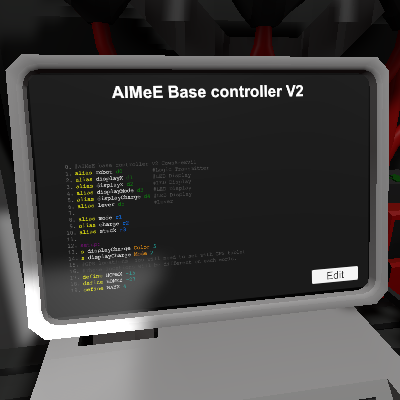
d0: data transmitter d1: LED display d2: LED display d3: LED display d4: LED display d5: Lever
This is using both the pathToTarget and moreToTarget movement modes to try and reduce misbehaviour. The default is to move straight line to target until she gets stuck and then change to the pathing mode to try and get around the obstacle.
If AIMeE does start behaving badly (getting lost, turning in circles), just reinsert the blank chip in her head. I dont know why but it seems to help.
Highlights
From source dataFootprint
A 182 KB download, rated a light load on a server.
Last update
Its author last shipped an update 4 yr ago.
AIMeE Base controller V2 on Nxeon
From our catalogue- One-click install
- Not available. One-click install isn't available for this game's mods yet. Download it and upload it to your server in Files.
- Server load
- light
- Smallest plan we suggest
- Stationeers — 4 GB (4 GB RAM). This follows our own load rating above, not a benchmark.
- Latest build
- 2022-06-11, released 2022-06-11, 182 KB
Game versions by loader
| Loader | Game versions | Newest |
|---|---|---|
| Workshop |
From 1 recorded build of AIMeE Base controller V2.
Run AIMeE Base controller V2 on a Stationeers server
Deploy a server above, then upload the file in Files.
What kind of mod it is
From the catalogWorkshop
Its source category doesn’t say more about what it does, so NxLabs lists it under Other.
Compatibility
- Game
- Stationeers
- File size
- 182 KB
Verified at the source
- ✓Steam WorkshopOfficial listing, checked 2026-10-10Open ↗
- ✓AuthorCowsAreEvil, as published on Steam Workshop
- ✓LicenseNot published by the sourceFree









