






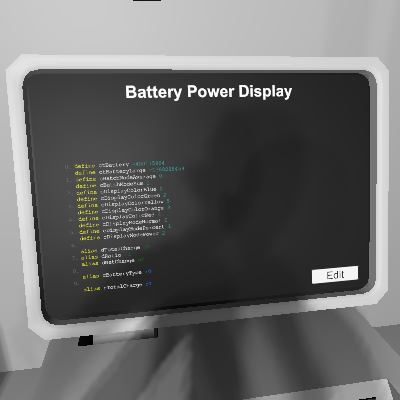
About Battery Power Display
From Steam WorkshopDisplay power level stored in station batteries. Setup: - The IC housing should be on the same network where batteries' data ports are connected. All station batteries and large station batteries…
Display power level stored in station batteries.
Setup: - The IC housing should be on the same network where batteries' data ports are connected. All station batteries and large station batteries will be calculated.
Pins: - d0 (optional): Total charge amount. Color coded. - d1 (optional): Total ratio. Color coded. - d2 (optional): Current charge/discharge rate. Color coded.
Display color for total charge and total ratio: - Blue: 100% - Green: >= 75% - Yellow: >= 50% - Orange: >= 25% - Red: <25%
Display color for current charge/discharge rate: - Blue: Charging. - Red: Discharging.
Additional functionalities for programmers: - The ratio is saved to the IC housing's `Setting`.
Battery Power Display on Nxeon
From our catalogue- One-click install
- Not available. One-click install isn't available for this game's mods yet. Download it and upload it to your server in Files.
- Server load
- light
- Smallest plan we suggest
- Stationeers — 4 GB (4 GB RAM). This follows our own load rating above, not a benchmark.
Run Battery Power Display on a Stationeers server
Deploy a server above, then upload the file in Files.
What kind of mod it is
From the catalogTechnology & automation
Machines, power, logistics and automation.
Compatibility
- Game
- Stationeers
- File size
- 142 KB
Verified at the source
- ✓Steam WorkshopOfficial listing, checked 2026-09-24Open ↗
- ✓AuthorBunstructors, as published on Steam Workshop
- ✓LicenseNot published by the sourceFree









