






About Better Placement Preview
From Steam WorkshopBetter Placement Preview Make construction holograms easier to read without changing how building works. Stationeers' uniformly coloured construction previews can make front panels, gauges, doors,…
Better Placement Preview
Make construction holograms easier to read without changing how building works.
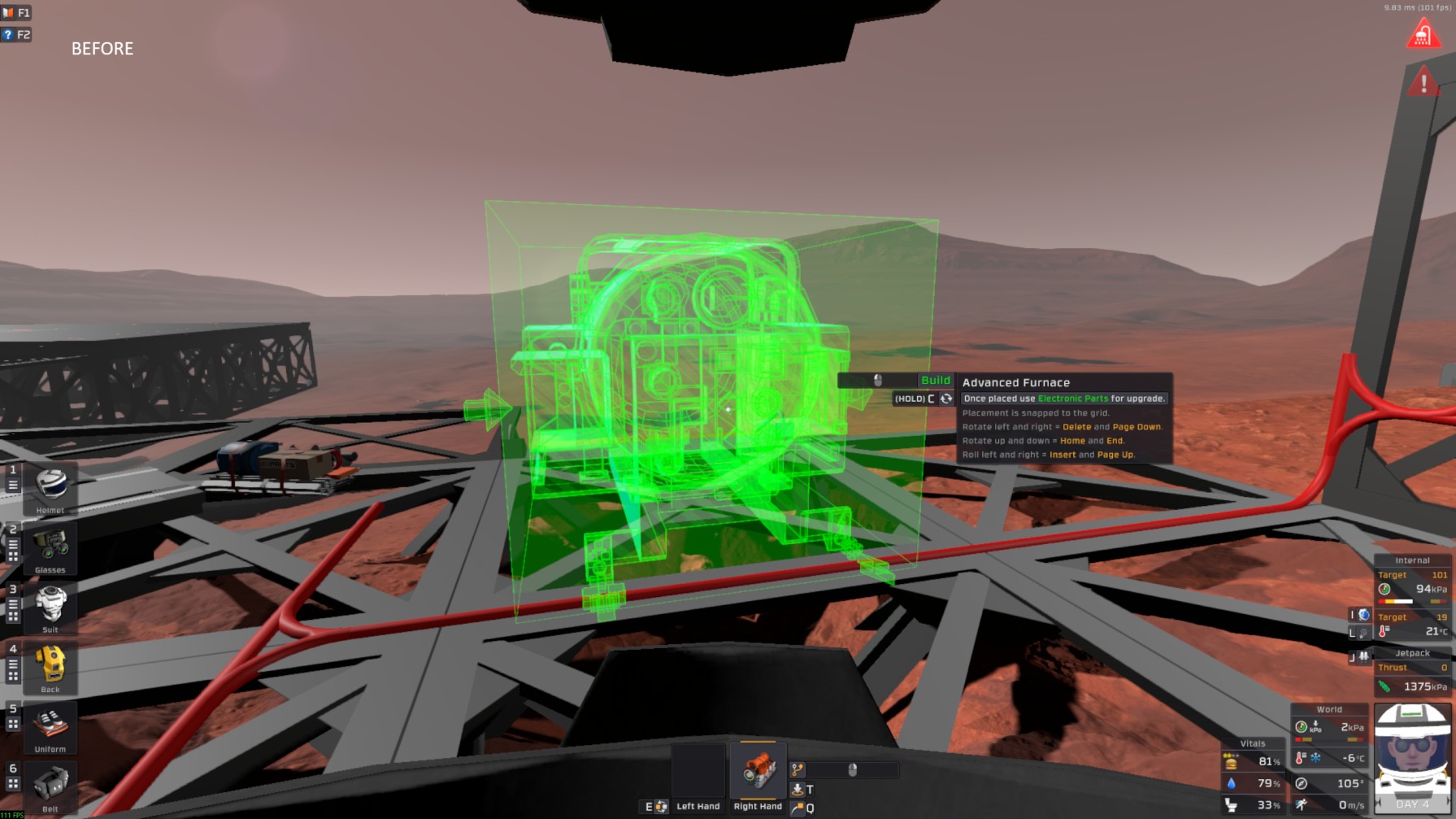
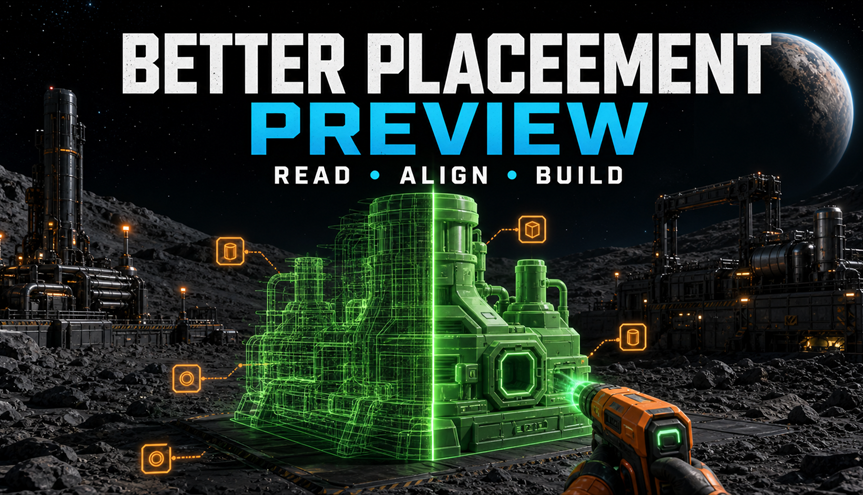
Stationeers' uniformly coloured construction previews can make front panels, gauges, doors, pipework, and other model details blend into a dense x-ray of overlapping lines. Better Placement Preview keeps the familiar placement states while separating visible geometry from hidden geometry and making connection indicators easier to distinguish.
What the mod actually does
- Keeps Stationeers' original green, yellow, and red placement-state colours.
- Uses the preview mesh as a depth mask so front surfaces hide most rear and internal wireframe edges.
- Reduces the filled hologram opacity so panels and major shapes remain readable.
- Keeps the outer placement box but displays it at 60% of its vanilla visibility by default.
- Preserves the original connection arrows, plus symbols, and port indicators.
- Recolours those original indicators to a restrained warm amber so they do not merge into a green preview.
- Shows localized connection names only while Shift is held.
The mod does not add replacement arrows, port rings, custom placement rules, or new construction mechanics.
Requirements
- BepInEx 5
- StationeersLaunchPad
This is a compiled StationeersLaunchPad code mod. It does not work as a vanilla XML-only mod.
Controls
- Hold Left Shift or Right Shift while positioning a structure to display the localized names of its known connections, such as Power Input, Data, Pipe Output, or Waste.
No other controls are changed. Rotation, snapping, placement confirmation, cancellation, and kit selection remain entirely controlled by Stationeers.
Default visual settings
- Ghost fill opacity: 0.18
- Visible edge opacity: 0.72
- Edge brightness: 0.07
- Hide occluded edges: enabled
- Outer placement box visibility: 60% of vanilla
- Original helper opacity: 0.70
- Amber connection indicators: enabled
- Shift labels: enabled
These values can be adjusted in the StationeersLaunchPad configuration window. Occluded-edge filtering, amber indicators, and Shift labels can be disabled independently.
What the mod does not change
- Placement validation or collision checks
- Grid snapping, rotation, or orientation
- Construction recipes, costs, or required tools
- The object that is created after placement
- Networks, atmospherics, logic, or multiplayer synchronization
- Terrain, voxels, world generation, or save data
Save data and backups
Better Placement Preview is visual-only and does not write custom data into the world save. A special save backup is therefore not required solely for using this mod.
Normal backups are still recommended for every important modded world, particularly before game updates or changing a larger mod collection, but backing up is not a prerequisite for this preview mod.
Compatibility protection
Compiled mods can break when Stationeers changes internal game code. Better Placement Preview checks that required game methods still exist before installing its Harmony hooks.
Visual features are protected separately:
- Core construction-cursor integration
- Ghost and placement-box opacity
- Depth-aware hidden-edge filtering
- Visible-edge contrast
- Amber connection indicators
- Shift connection labels
- Cleanup and restoration of vanilla material values
If one optional feature encounters an incompatibility, the mod logs one diagnostic and disables that feature while leaving the remaining enhancements available where possible. If the core placement hook is unavailable, the mod stops its visual integration and leaves vanilla placement untouched.
These protections reduce the chance that a game update will disrupt normal building, but they cannot guarantee compatibility if the game can no longer load the compiled assembly or removes fundamental types used by the mod.
Performance
The mod operates only while a construction cursor exists. Materials and connection metadata are cached per active preview. Hidden-edge filtering adds one depth-only draw of the current preview mesh, so exceptionally complex construction ghosts may have a small additional GPU cost.
The mod is client-side and does not require the multiplayer host or other players to install it.
Known limitations
- Open frames, transparent structures, unusual meshes, or deliberately visible internal parts may lose some rear detail when occluded-edge filtering is enabled. Disable Hide occluded edges for the vanilla x-ray-style wireframe.
- Some uncommon connection indicators may use a shader or renderer that cannot be recoloured safely and may retain their original colour.
- Labels depend on the connection metadata supplied by Stationeers. Objects without suitable metadata cannot receive a meaningful label.
- Several nearby labels may be moved or omitted to avoid covering one another or leaving the screen.
- The Shift control is fixed to keyboard input and is not currently rebindable through this mod.
- Stationeers updates can change internal code and require a new mod build. This version was built against Stationeers build 24014594 dated 3 July 2026 and StationeersLaunchPad 0.4.0.
AI disclosure and disclaimer
This mod, including code, text, and artwork, was created with generative AI assistance under the author's direction. It was author-tested but has not undergone professional QA. Visual defects, incompatibilities, crashes, or performance problems remain possible.
Use at your own risk. The author accepts no responsibility for crashes, lost play time, incompatibilities, performance issues, or other consequences of using the mod.
Highlights
From source dataFootprint
A 2 MB download, rated a light load on a server.
Last update
Its author last shipped an update 3 mo ago.
Better Placement Preview on Nxeon
From our catalogue- One-click install
- Not available. One-click install isn't available for this game's mods yet. Download it and upload it to your server in Files.
- Server load
- light
- Smallest plan we suggest
- Stationeers — 4 GB (4 GB RAM). This follows our own load rating above, not a benchmark.
- Latest build
- 2026-07-19, released 2026-07-19, 2 MB
Game versions by loader
| Loader | Game versions | Newest |
|---|---|---|
| Workshop |
From 1 recorded build of Better Placement Preview.
Run Better Placement Preview on a Stationeers server
Deploy a server above, then upload the file in Files.
What kind of mod it is
From the catalogBuilding & decoration
Blocks, furniture, decorations and building tools.
Compatibility
- Game
- Stationeers
- File size
- 2 MB
Verified at the source
- ✓Steam WorkshopOfficial listing, checked 2026-10-10Open ↗
- ✓AuthorCezary, as published on Steam Workshop
- ✓LicenseNot published by the sourceFree









