






About Controls+
From Steam WorkshopThis is a Plugin Mod. It requires BepInEx with the StationeersLaunchPad plugin. See: https://github.com/StationeersLaunchPad/StationeersLaunchPad Controls Plus Adds four convenient, fully rebindable…
This is a Plugin Mod. It requires BepInEx with the StationeersLaunchPad plugin. See: https://github.com/StationeersLaunchPad/StationeersLaunchPad
Controls Plus
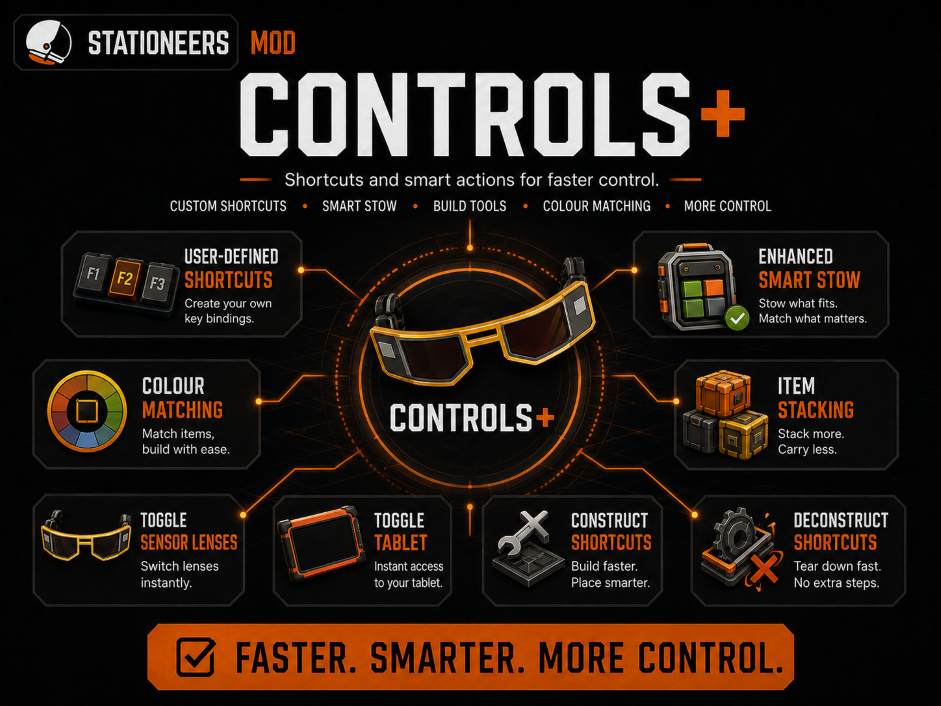
Adds four convenient, fully rebindable controls:
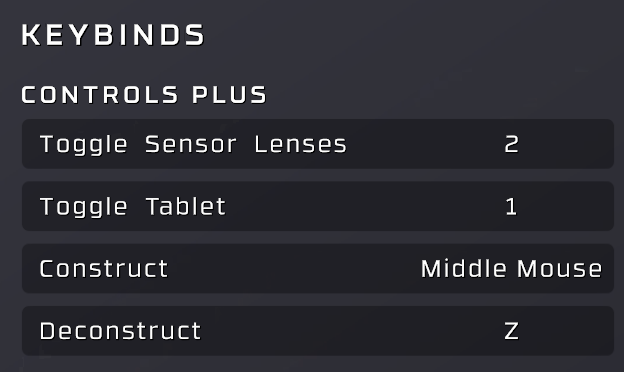
- Toggle worn sensor lenses on or off (default F7)
- Equip or stow the first normal or advanced tablet in your inventory (default F8)
- Equip the tools and materials needed for the next construction stage (default F9)
- Equip the tool needed to deconstruct the current construction stage (default F10)
All four shortcuts appear under the Controls Plus group in the normal Controls settings.
Controls Plus also enhances the game's Smart Stow action. Held items return to the inventory slot they came from when that slot is still available. Stackable items otherwise merge into matching stacks with the same prefab and colour, including across multiple partially filled stacks, before using the normal Smart Stow fallback.
Item hotkeys let you bind exact inventory items to the number row. Activate cursor control, hover an item, and press 1-0 to assign it. Press that number during normal play to toggle the item between a hand and the inventory slot it came from.
Controls Plus is client-side. Dedicated servers and other players do not need to install it.
Source code and issue tracker: github.com/jameslkingsley/ControlsPlus
Highlights
From source dataFootprint
A 18 MB download, rated a light load on a server.
Last update
Its author last shipped an update 2 mo ago.
Controls+ on Nxeon
From our catalogue- One-click install
- Not available. One-click install isn't available for this game's mods yet. Download it and upload it to your server in Files.
- Server load
- light
- Smallest plan we suggest
- Stationeers — 4 GB (4 GB RAM). This follows our own load rating above, not a benchmark.
- Latest build
- 2026-08-15, released 2026-08-15, 18 MB
Game versions by loader
| Loader | Game versions | Newest |
|---|---|---|
| Workshop |
From 1 recorded build of Controls+.
Run Controls+ on a Stationeers server
Deploy a server above, then upload the file in Files.
What kind of mod it is
From the catalogLibraries & compatibility
Foundations and fixes other mods build on. Usually installed because something else needs it.
Compatibility
- Game
- Stationeers
- File size
- 18 MB
Verified at the source
- ✓Steam WorkshopOfficial listing, checked 2026-10-16Open ↗
- ✓AuthorJames, as published on Steam Workshop
- ✓LicenseNot published by the sourceFree









