






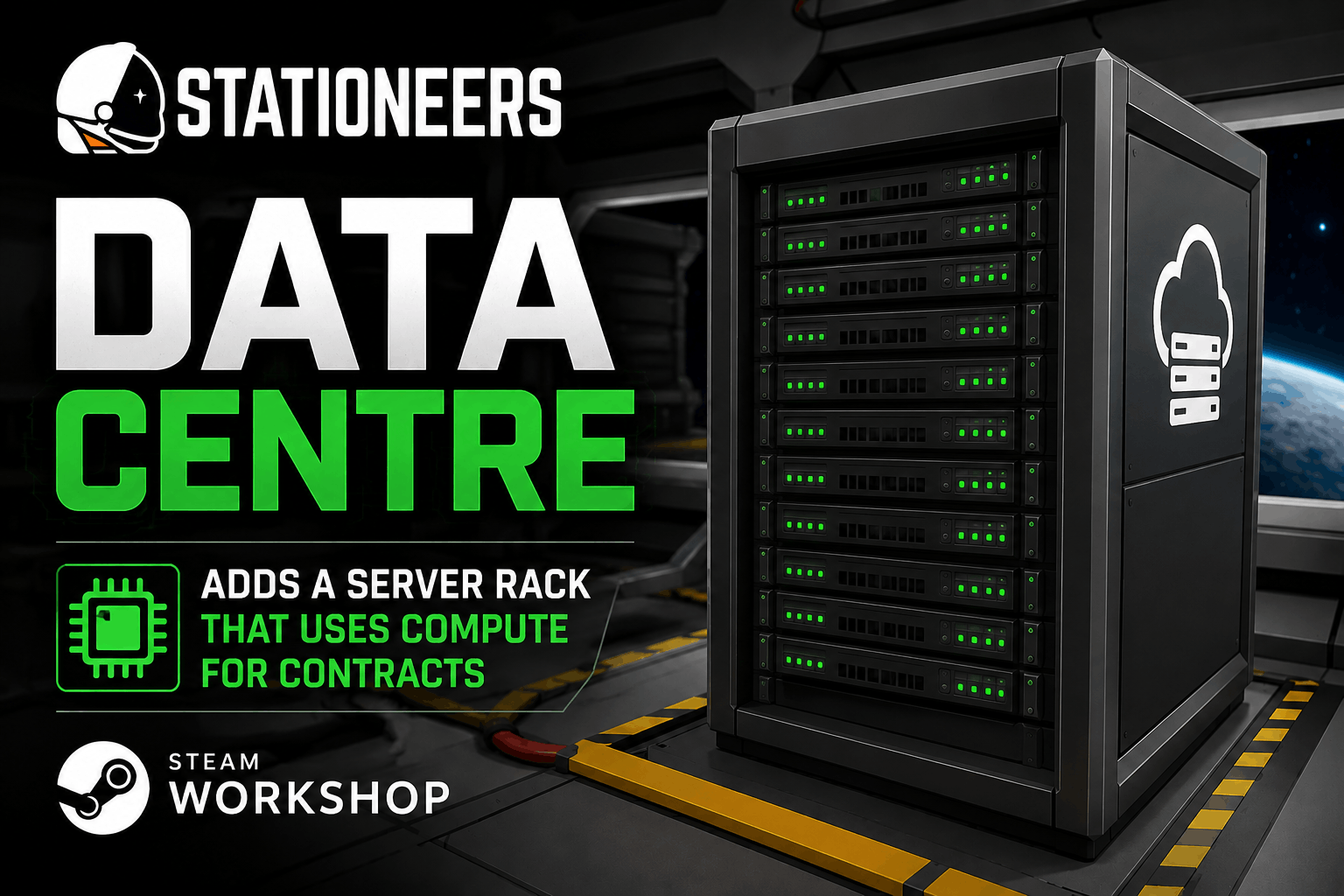
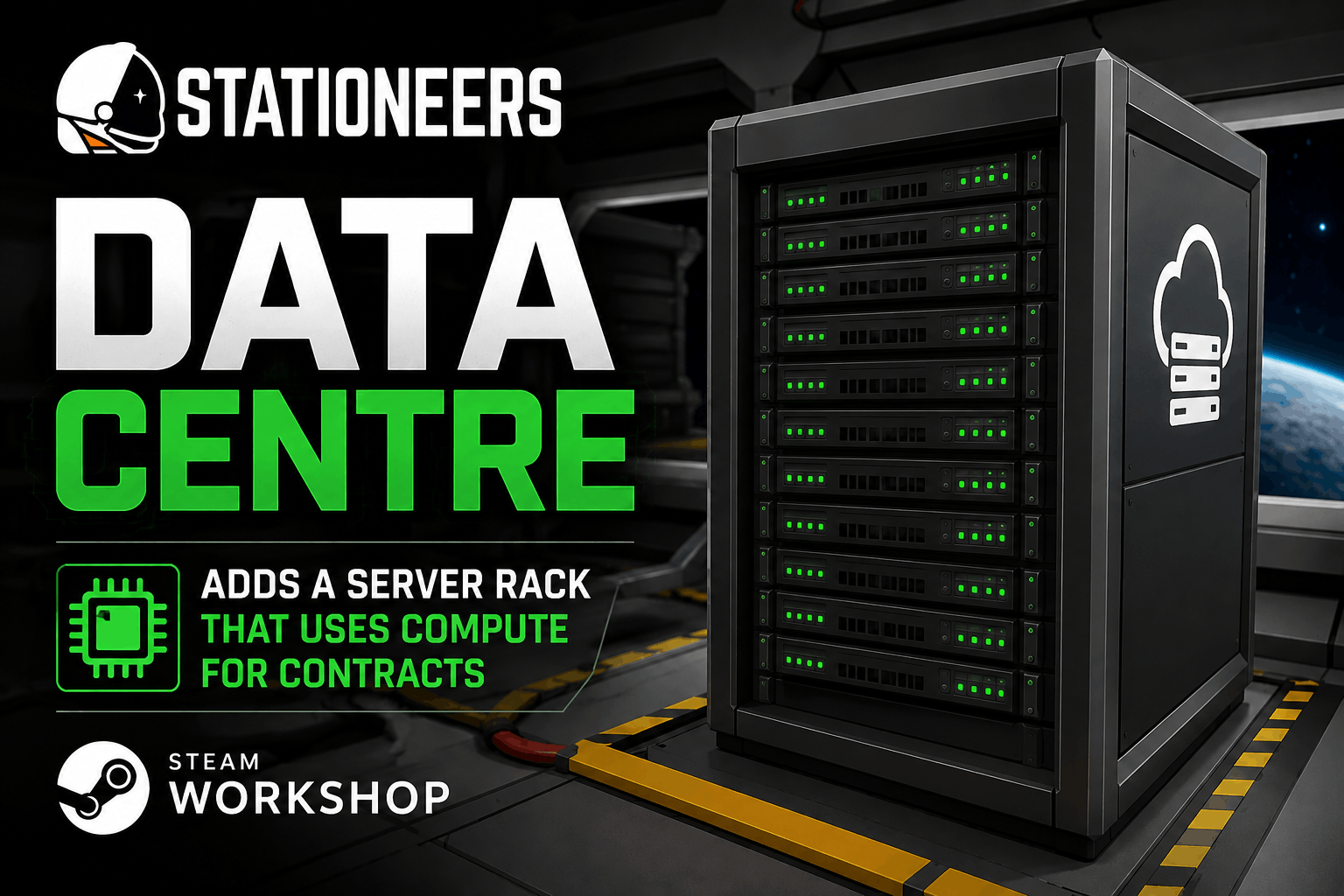
About Data Centre
From Steam WorkshopData Centre Mod ⚠️ Requires BepInEx and StationeersLaunchPad to run ⚠️ In multiplayer, the host and every player must be on the same version of the mod ⚠️ Co-op and dedicated server support is still…
Data Centre Mod
⚠️ Requires BepInEx and StationeersLaunchPad to run ⚠️ In multiplayer, the host and every player must be on the same version of the mod ⚠️ Co-op and dedicated server support is still being tested — please report any issues
Earn credits by running computing contracts on your station!
This mod adds Server Racks that you fill with Server Units to generate compute power (TFLOPS), and lets you take on profitable computing contracts for steady income.
[hr][/hr]
What's New in 0.33
- Power modes: a switch on every rack for Eco, Normal and Overclock.
- Cold-Plate Server Unit: cooled by the rack's liquid coolant alone.
- Rack Display: a status screen that fits a bay.
- Tablet cartridge: farm status on the vanilla tablet.
- A sixth research branch, Station: spare compute speeds up printers (up to 30%), trader scans on satellite dishes and the Plant Genetic Splicer (up to 60%). Each can be switched off in the mod settings for compatibility with other mods.
- Liquid ports are colour coded: blue inlet, red outlet. The research tree now scrolls.
[hr][/hr]
Features
Server Racks
- A rack holds up to nine modules, or four in a half-height rack under a metre tall
- One kit builds every layout: liquid ports on the right or left (Mirrored), and one combined power and data port or two separate ports (Separate Data)
- Full output between 5°C and 75°C at over 80 kPa (configurable)
- All power drawn turns into heat, which warms the room
- Hardware failures: Server Units run more than 10C over their limit wear out and fail, and need a Server Repair Kit. Can be turned off in the settings
- Liquid cooling: connect coolant pipes to the blue inlet and red outlet on the side of the rack
- Power modes: Eco gives 60% compute for 40% power and half the wear; Overclock gives 130% for 160% power and double the wear
What goes in the bays
- Server Unit (blue lights): 2.5 TFLOPS, 100W idle / 250W computing (configurable)
- Advanced Server Unit (yellow lights): 2x compute for 1.6x power
- Quantum Server Unit (violet lights): 4x compute for 2.5x power
- Cold-Plate Server Unit (copper): a standard unit that puts no heat into the room, keeps full output 20C hotter and works in a vacuum, but must have coolant
- Rack Cooling Unit: three spinning fans that add the air cooling of four Server Units
- Rack UPS: a battery that runs a full standard rack for five minutes through a power cut and recharges in thirty
- Storage Array: 10 TB of storage for 60W, shared across the cable network. Some contracts need storage, and they appear once an array is fitted
- Rack Display: a 10W screen showing its rack's name, compute, temperature, power, mode and wear
- Everything but the standard Server Unit and Rack Display is unlocked through research. All fit the same bays and can be mixed.
Research
- A Research tab with a scrolling tree of 42 projects in six branches: Heat, Power, Hardware, Operations, Storage and Station
- Research runs on compute your contracts are not using
- Each branch ends in a repeatable Mastery project with ten levels
- Client Relations unlocks a tablet cartridge that shows the farm's status anywhere on the base
Computing Contracts
- Accept computing jobs from the Contracts tab in a computer
- Four colour-coded tiers: Low, Mid, High and Elite. Elite needs 190 TFLOPS and up and appears once your farm reaches 100 TFLOPS
- Two queue modes: Weighted (prioritises first contract) and Balanced (splits compute evenly); pause and resume at any time
- Filter the list by tier or by what your farm can run, and sort by payout, pay per hour, compute or duration
- In multiplayer, contracts are shared — everyone sees and works on the same list
- Finished contracts show a Claim button — the payout goes to your credit card, or to a new card if you have a free card slot or hand
Satellite Uplink
- Some contracts require uplink bandwidth — you'll need powered satellite dishes on your network
- Three dish sizes: Small (3 uplink), Medium (6) and Large (12)
Status lights and sound
- Server Unit tabs are dark when off, dim when idle, bright when working, amber when throttled and red when giving no compute. Drive lights turn orange as the unit wears.
- The rack hum follows what is fitted, with fan noise, a quantum hum and a UPS beep on battery.
Server Motherboard Interface
- Overview, Contracts, Active, Servers and Research tabs. The Servers tab shows each rack's units, temperature, compute, power and mode, and why it is below full output
In-Game Configuration
- StationeersLaunchPad's mod settings: compute and power per Server Unit, temperature and pressure thresholds, and cooling strength
[hr][/hr]
How It Works
[list=1] [*]Print a Server Rack Kit, Server Units and a Server Motherboard in an Electronics Printer [*]Build and power the rack; the blueprint arrow marks the front [*]Click a bay with a Server Unit in hand to install it [*]Put the motherboard in a computer on the same cable network (on a Separate Data rack, that is the port with the network symbol) [*]Accept contracts on the Contracts tab and keep enough TFLOPS, uplink and storage for them [*]Keep the rack between 5C and 75C at 80 kPa or more; above 85C its Server Units wear out [*]Claim finished contracts on the Active tab, and spend spare compute on the Research tab [/list]
Highlights
From source dataFootprint
A 4 MB download, rated a light load on a server.
Last update
Its author last shipped an update 1d ago.
Data Centre on Nxeon
From our catalogue- One-click install
- Not available. One-click install isn't available for this game's mods yet. Download it and upload it to your server in Files.
- Server load
- light
- Smallest plan we suggest
- Stationeers — 4 GB (4 GB RAM). This follows our own load rating above, not a benchmark.
- Latest build
- 2026-10-14, released 2026-10-14, 4 MB
Game versions by loader
| Loader | Game versions | Newest |
|---|---|---|
| Workshop |
From 6 recorded builds of Data Centre.
Recent builds
| Build | Released | Game versions | Loaders |
|---|---|---|---|
| 2026-10-14 | 2026-10-14 | n/a | Workshop |
| 2026-10-13 | 2026-10-13 | n/a | Workshop |
| 2026-10-10 | 2026-10-10 | n/a | Workshop |
| 2026-10-09 | 2026-10-09 | n/a | Workshop |
| 2026-10-07 | 2026-10-07 | n/a | Workshop |
| 2026-07-11 | 2026-07-11 | n/a | Workshop |
Run Data Centre on a Stationeers server
Deploy a server above, then upload the file in Files.
What kind of mod it is
From the catalogLibraries & compatibility
Foundations and fixes other mods build on. Usually installed because something else needs it.
Compatibility
- Game
- Stationeers
- File size
- 4 MB
Verified at the source
- ✓Steam WorkshopOfficial listing, checked 2026-10-16Open ↗
- ✓Authordizzy, as published on Steam Workshop
- ✓LicenseNot published by the sourceFree









