






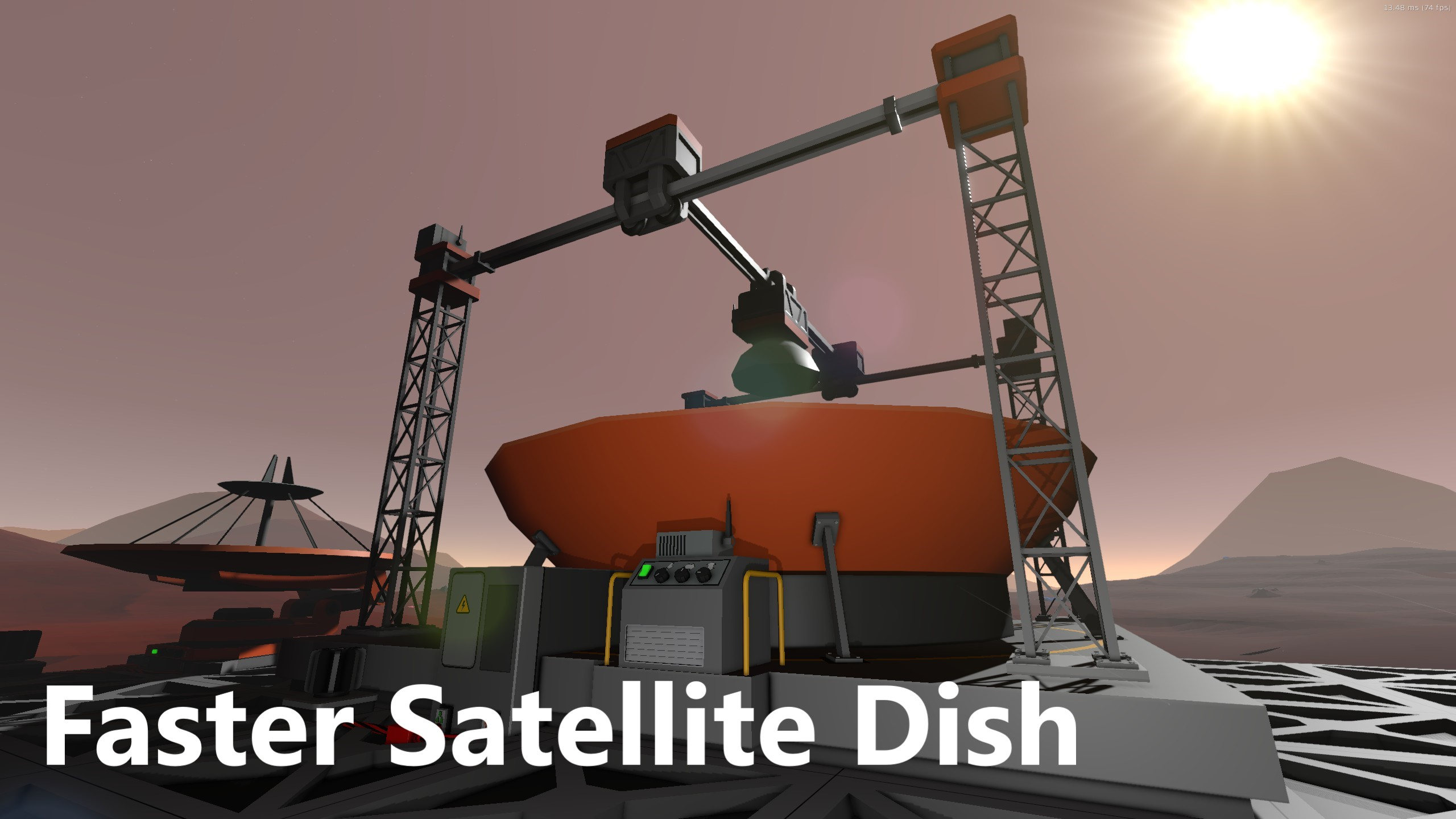
About Faster Satellite Dish - 更快的调整天线 [BepInExMods]
From Steam Workshop将中型天线调整速度修改为原来的5倍,大型天线调整速度为原来的10倍。 使用步骤: 1.该Mod需要依赖BepInEx,若未安装请先安装BepInEx: https://github.com/BepInEx/BepInEx/releases 选择BepInEx_win_x64下载,然后解压到游戏目录下,启动一次游戏并关闭。若BepInEx文件夹内自动生成了plugins文件夹,则安装成功。…
将中型天线调整速度修改为原来的5倍,大型天线调整速度为原来的10倍。
使用步骤: 1.该Mod需要依赖BepInEx,若未安装请先安装BepInEx: https://github.com/BepInEx/BepInEx/releases 选择BepInEx_win_x64下载,然后解压到游戏目录下,启动一次游戏并关闭。若BepInEx文件夹内自动生成了plugins文件夹,则安装成功。 2.安装StationeersLaunchPad以自动加载订阅的mod而无需手动安装: https://github.com/StationeersLaunchPad/StationeersLaunchPad/releases 选择StationeersLaunchPad.zip下载,将其解压到刚刚安装好的BepInEx\plugins\下。 3.订阅mod,开始游戏!
手动安装(若已安装StationeersLaunchPad则无需进行这些步骤,但BepInEx还是需要安装的): 订阅下载后在路径steam\steamapps\workshop\content\544550\3265285927\文件夹内可看到Mod文件,在安装完BepInEx后将FasterSatelliteDish.dll文件放入游戏目录BepInEx\plugins\下即可启用。
Faster Satellite Dish - 更快的调整天线 [BepInExMods] on Nxeon
From our catalogue- One-click install
- Not available. One-click install isn't available for this game's mods yet. Download it and upload it to your server in Files.
- Server load
- light
- Smallest plan we suggest
- Stationeers — 4 GB (4 GB RAM). This follows our own load rating above, not a benchmark.
Run Faster Satellite Dish - 更快的调整天线 [BepInExMods] on a Stationeers server
Deploy a server above, then upload the file in Files.
What kind of mod it is
From the catalogLibraries & compatibility
Foundations and fixes other mods build on. Usually installed because something else needs it.
Compatibility
- Game
- Stationeers
- File size
- 2 MB
Verified at the source
- ✓Steam WorkshopOfficial listing, checked 2026-09-24Open ↗
- ✓Author鲨鱼, as published on Steam Workshop
- ✓LicenseNot published by the sourceFree









