






About FurnaceControl 2.0
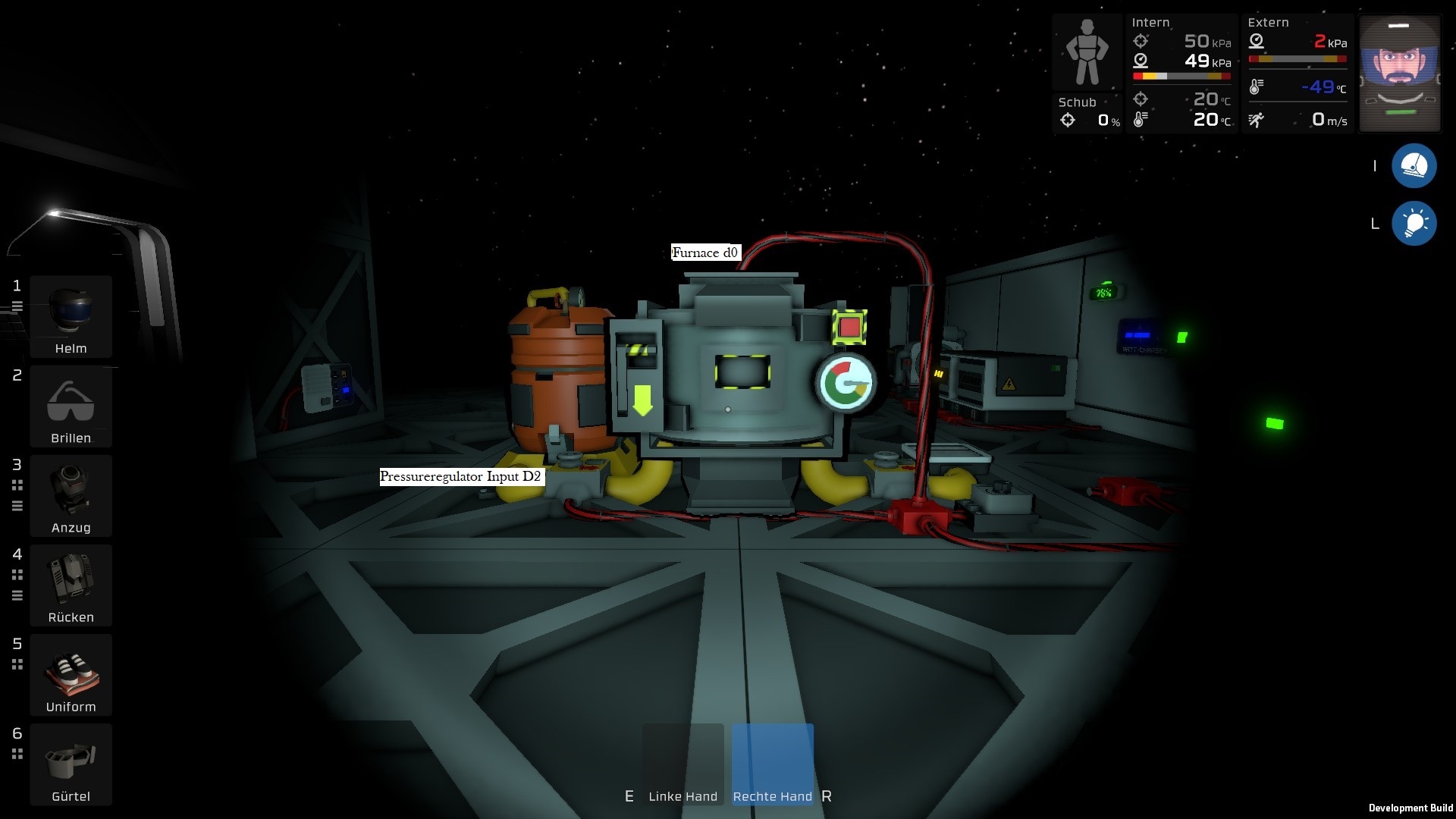
From Steam WorkshopHello dear community. Today I rewrote my little furnace program for you. This Code will help you to use your furnace easily. Use the following Settings. 1. a furnace to screw d0 2. a logic dial to…
Hello dear community. Today I rewrote my little furnace program for you. This Code will help you to use your furnace easily.
Use the following Settings.
1. a furnace to screw d0 2. a logic dial to screw d1 3. a pressure regulator on the Gasinput to screw d2, 4. a overpressure regulator on the output to screw d3 5. a Console Display (Hashdisplay) to screw d4, 6. a Memorykit to screw d5.
Please set up the Hashdisplay with the DataDisk and use the Memorykit as Input.
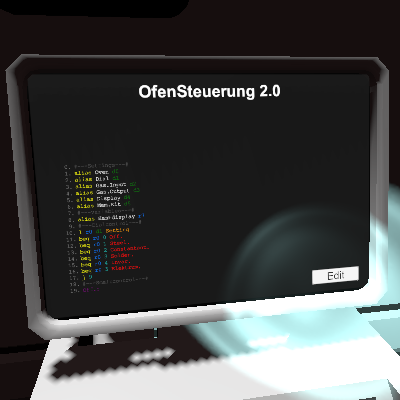
Now you can export the code to the IC chip and you´re ready for it.
With the dial you choose which alloy you want to have. The Console Display will show you your choosen alloy.
0. Emtying the furnace and deactivate the overpressureregulator after that. You can't use the furnace until the clearing is completed.
1. Steel 200g 2. Consantant 100g 3. Solder 100g 4. Invar 100g 5. Elektrum 100g
And when the furnace activate automatically, you throw in the ores. After a short waitingtime you will receive the result in the output slot. Have fun with it :)
FurnaceControl 2.0 on Nxeon
From our catalogue- One-click install
- Not available. One-click install isn't available for this game's mods yet. Download it and upload it to your server in Files.
- Server load
- light
- Smallest plan we suggest
- Stationeers — 4 GB (4 GB RAM). This follows our own load rating above, not a benchmark.
Run FurnaceControl 2.0 on a Stationeers server
Deploy a server above, then upload the file in Files.
What kind of mod it is
From the catalogTechnology & automation
Machines, power, logistics and automation.
Compatibility
- Game
- Stationeers
- File size
- 123 KB
Verified at the source
- ✓Steam WorkshopOfficial listing, checked 2026-09-24Open ↗
- ✓AuthorHoschiTv, as published on Steam Workshop
- ✓LicenseNot published by the sourceFree









