






About LArRE+
From Steam WorkshopThis is a Plugin Mod. It requires BepInEx with the StationeersLaunchPad plugin. See: https://github.com/StationeersLaunchPad/StationeersLaunchPad Source code and issue tracker: GitHub - LArRE+ LArRE+…
This is a Plugin Mod. It requires BepInEx with the StationeersLaunchPad plugin. See: https://github.com/StationeersLaunchPad/StationeersLaunchPad Source code and issue tracker: GitHub - LArRE+
LArRE+
More capable LArRE automation.
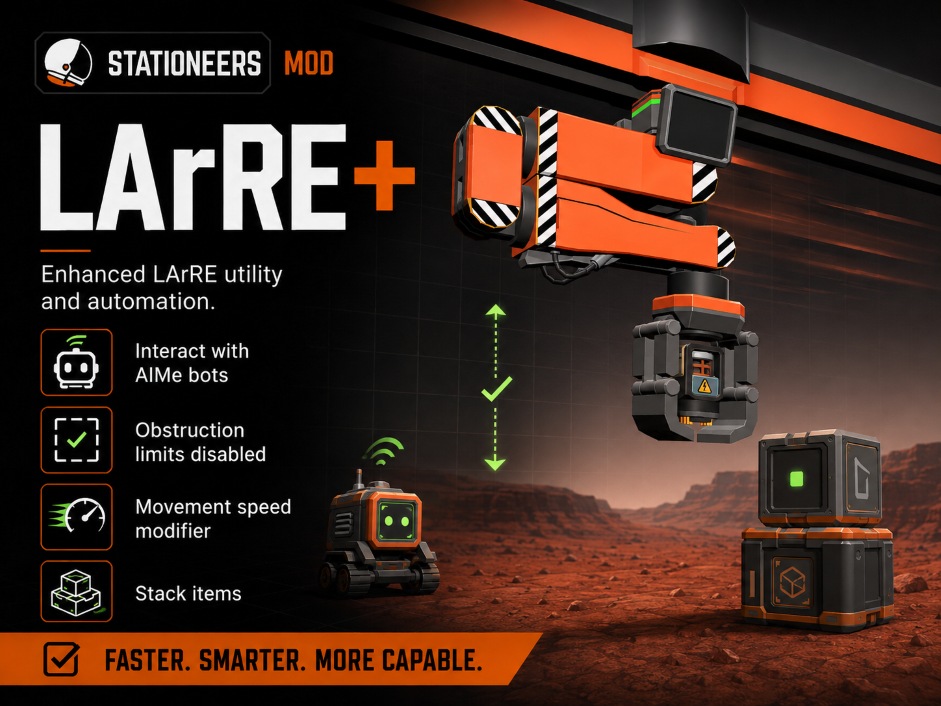
LArRE+ expands the vanilla robotic arms without adding replacement structures. Cargo Large Arms can service or transport a complete live AIMeE, merge matching stacks instead of swapping them, and reach the robot's hidden cargo slots. Every LArRE arm also gains configurable movement speed and unrestricted movement beside obstructions, while Linear Rail Doors can be placed in every grid orientation.
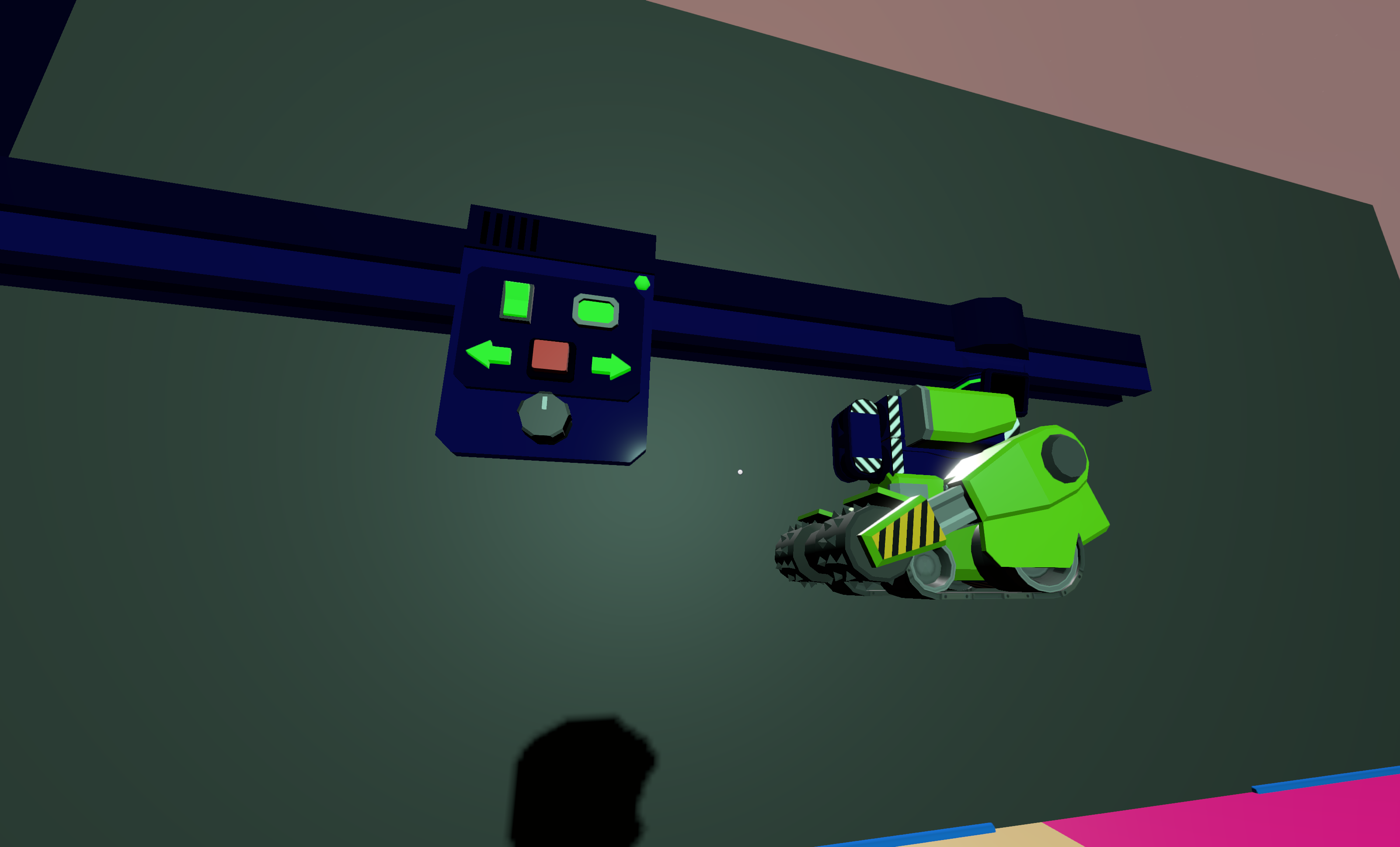
Whole-robot transport keeps the original AIMeE instance intact, including its reference ID, name, battery, IC chip, cargo, configuration, and power state.
[hr]
Features
- Whole-AIMeE transport: pick up, move, and release a complete constructed robot while preserving its battery, IC chip, cargo, identity, configuration, and power state
- AIMeE access: Cargo Large Arms can insert into, extract from, and swap items with an AIMeE parked beneath the arm
- Hidden cargo slots: automation can use AIMeE slots that are hidden from the normal contents panel
- Safe slot selection: unsupported and out-of-range AIMeE indices are denied without exceptions
- Stack merging: matching items in the target slot merge into the Cargo Arm's held stack instead of swapping; overflow remains in the target slot
- Configurable speed: multiply rail, bypass, extension, retraction, and Cargo Arm cycle speed from 0.1x to 10x
- Unrestricted movement: rail collision and extension-face obstruction limits are removed from every LArRE arm
- All-orientation rail doors: place the vanilla Linear Rail Door on wall, floor, and ceiling planes using the normal rotation controls
- Multiplayer support: inventory operations remain server-authoritative and the server's speed setting is synchronized to clients
[hr]
Using AIMeE with a Cargo Large Arm
Leave the arm's ordinary target position free and park AIMeE beneath it. Select an AIMeE inventory slot using the arm's slot-index control or logic, then activate the arm normally.
An empty arm extracts from the selected slot. An occupied arm inserts, swaps, or merges matching stacks. Ordinary stationary targets retain priority, and the transfer is cancelled if AIMeE moves out of reach while the arm is operating.
Picking up and moving a whole AIMeE
- 1. Leave the arm's ordinary target position empty and park a constructed AIMeE directly beneath the arm's interaction point. A stationary device in that position takes priority over AIMeE.
- 2. Ensure the Cargo Large Arm's hand is empty.
- 3. Set TargetSlotIndex to 50 using the arm's control or logic, then set Activate to 1. Keep AIMeE beneath the arm until the transfer occurs.
- 4. Move the arm along its rail while AIMeE is held.
- 5. Set Activate to 1 again to release the complete robot beneath the arm at its new position.
Indices 0 through 49 continue to address AIMeE's inventory slots. The transported robot retains its identity, name, battery, IC chip, cargo, configuration, and power state.
Whole-AIMeE release does not check the release position for obstructions.
[hr]
Linear Rail Door orientations
Select the vanilla Kit (Linear Rail Door) and use the normal placement rotation controls to cycle through wall, floor, and ceiling orientations. LArRE+ upgrades the existing door at runtime, so its recipe, prefab identity, and existing constructed instances remain unchanged.
[hr]
Movement speed configuration
Open StationeersLaunchPad's pre-launch Mod Configuration screen and change LArRE Arms / MovementSpeedMultiplier. The accepted range is 0.1 to 10 and the default is 1. Restart the game or server after changing it.
On multiplayer worlds the dedicated or listen server's value is authoritative. The server and every connecting client must install the same LArRE+ version because the mod extends LArRE join data to synchronize the setting.
Highlights
From source dataFootprint
Rated a light load on a server.
Last update
Its author last shipped an update 2 mo ago.
LArRE+ on Nxeon
From our catalogue- One-click install
- Not available. One-click install isn't available for this game's mods yet. Download it and upload it to your server in Files.
- Server load
- light
- Smallest plan we suggest
- Stationeers — 4 GB (4 GB RAM). This follows our own load rating above, not a benchmark.
- Latest build
- 2026-08-15, released 2026-08-15
Game versions by loader
| Loader | Game versions | Newest |
|---|---|---|
| Workshop |
From 1 recorded build of LArRE+.
Run LArRE+ on a Stationeers server
Deploy a server above, then upload the file in Files.
What kind of mod it is
From the catalogLibraries & compatibility
Foundations and fixes other mods build on. Usually installed because something else needs it.
Compatibility
- Game
- Stationeers
Verified at the source
- ✓Steam WorkshopOfficial listing, checked 2026-10-16Open ↗
- ✓AuthorJames, as published on Steam Workshop
- ✓LicenseNot published by the sourceFree









