






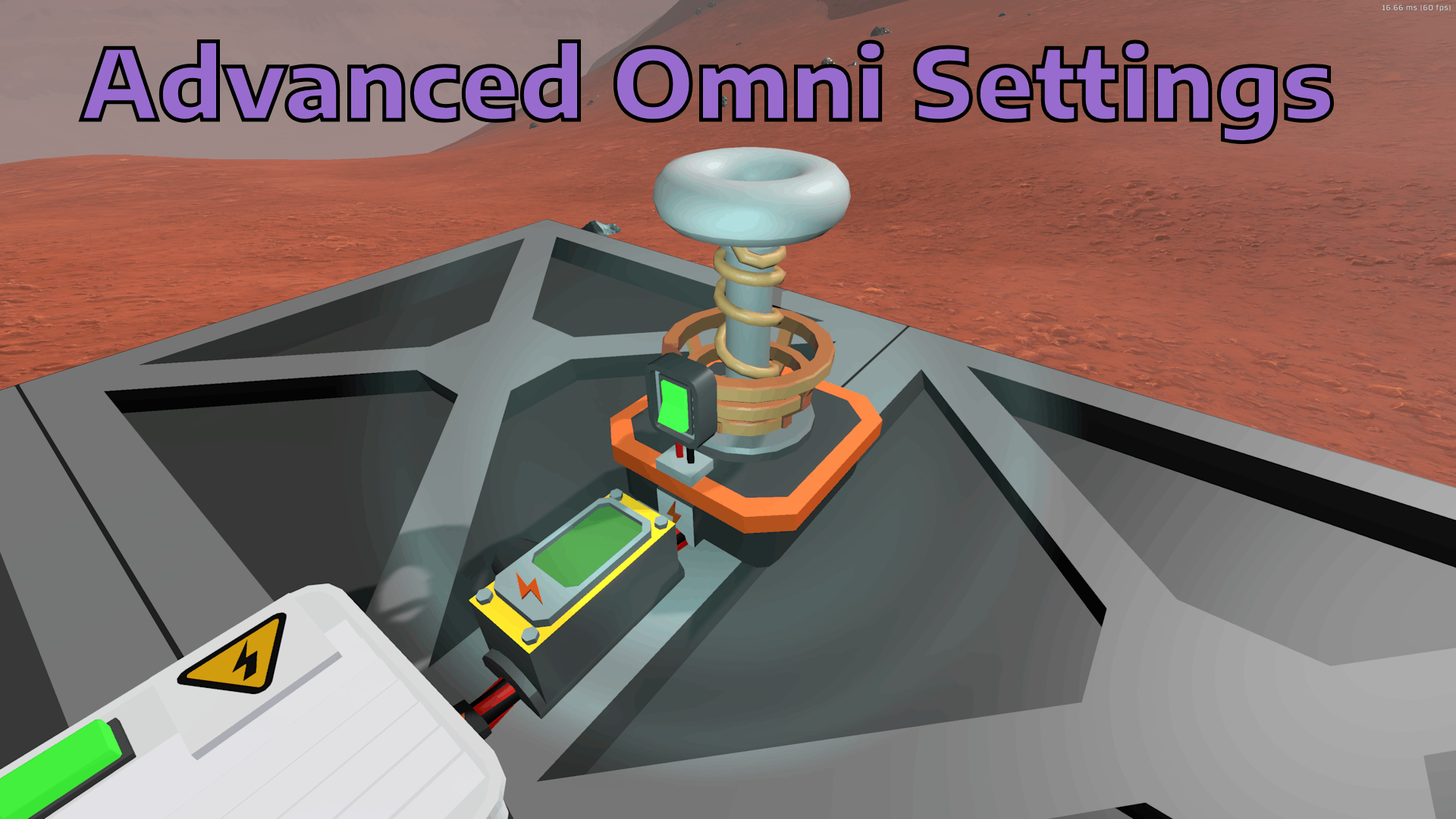
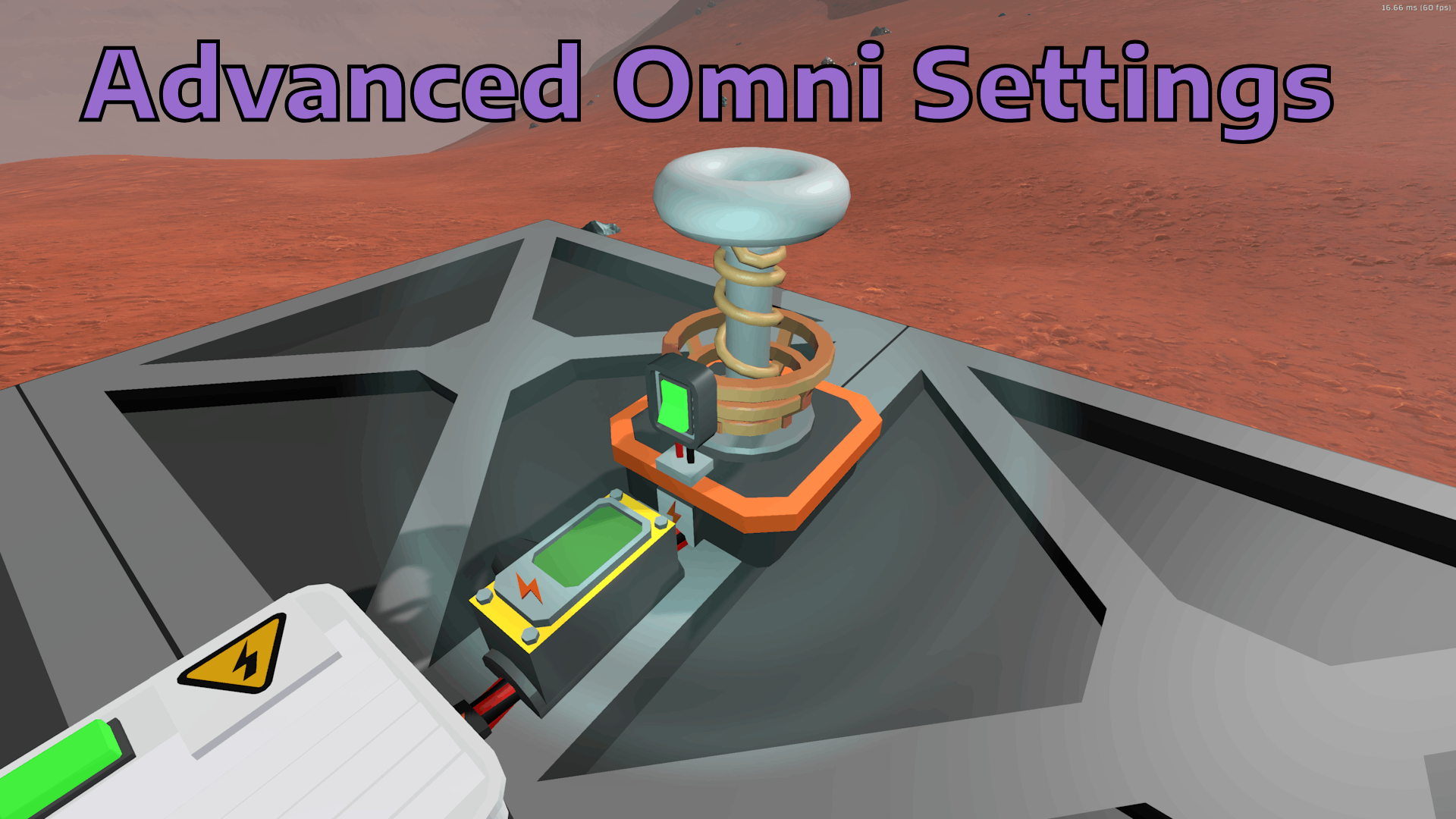
About Omni Transmitter Settings
From Steam WorkshopConfigure the Omni Transmitter to custom distance and behavior Install: 1. Install Launchpad https://github.com/StationeersLaunchPad/StationeersLaunchPad/blob/master/README.md 2. Subscribe this mod…
Configure the Omni Transmitter to custom distance and behavior
Install: 1. Install Launchpad https://github.com/StationeersLaunchPad/StationeersLaunchPad/blob/master/README.md 2. Subscribe this mod
By default the this mods configures the Omni as follows: - Omni can transmit power over the whole map - Charge power is reduced by distance up to 150m away from - minimum power reaching battery is 5% of the applied charge power per battery
You can configure the omni as you want. - In the main menu go to "Workshop" select the mod. - A settings window will be shown on the right side of your screen. - Change the values at your needs. - Use the chart in the images of the steam workshop section to understand how configuration works.
This mod supports multiplayer and dedicated server. Enshure all clients and servers use the same configuration!
SourceCode: https://github.com/RogerWaters/StationeersModCollection/tree/master/RogerWaters.StationeersMods.AdvancedOmniTransmitter
Omni Transmitter Settings on Nxeon
From our catalogue- One-click install
- Not available. One-click install isn't available for this game's mods yet. Download it and upload it to your server in Files.
- Server load
- light
- Smallest plan we suggest
- Stationeers — 4 GB (4 GB RAM). This follows our own load rating above, not a benchmark.
Run Omni Transmitter Settings on a Stationeers server
Deploy a server above, then upload the file in Files.
What kind of mod it is
From the catalogWorkshop
Its source category doesn’t say more about what it does, so NxLabs lists it under Other.
Compatibility
- Game
- Stationeers
- File size
- 1 MB
Verified at the source
- ✓Steam WorkshopOfficial listing, checked 2026-09-24Open ↗
- ✓AuthorRogerWaters, as published on Steam Workshop
- ✓LicenseNot published by the sourceFree









