






About Safe Zone
From Steam WorkshopTHE WHOLE PICTURE ON A TV THAT CUTS THE EDGES OFF. Some televisions show the picture a little larger than the panel and lose the edges, and the cheap ones have no setting to stop it. This pulls the…
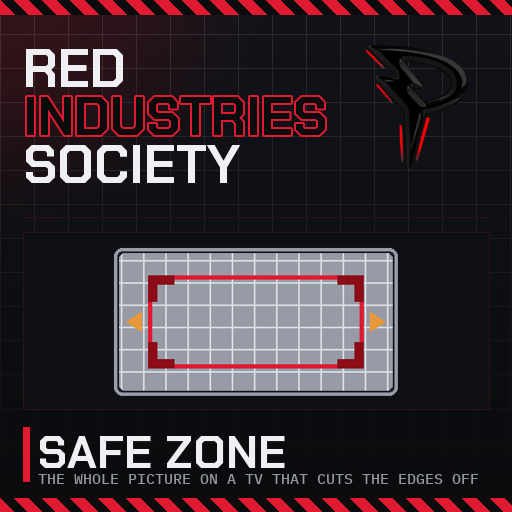
THE WHOLE PICTURE ON A TV THAT CUTS THE EDGES OFF.
Some televisions show the picture a little larger than the panel and lose the edges, and the cheap ones have no setting to stop it. This pulls the game in until every edge is back.

[hr][/hr]
✨ What it does
- 📐 Four numbers. Left, right, top and bottom, in percent of the screen, on the Video page of the game's Settings. The picture shrinks into the rectangle they leave and the band outside is black.
- 🎯 A frame to aim at. While the Video page is open a white frame with red corners marks the edge of the safe zone. Raise the numbers until the whole frame is on your screen, then close Settings.
- 🖥️ Everything moves together. The 3D view, the HUD, every window and tooltip, all shrink into the same rectangle. The crosshair still aims where you hit and the mouse still lands on what it points at.
- 🔘 One switch. Turn it off on the same page and the game is exactly as it was.
📦 How to get it
Settings, Video, at the bottom of the page. Works in the main menu too, so you can set it before you load a world. The values are kept in ris.safezone.cfg.
🧩 Requires
Plugin (code) mod. Install BepInEx with the StationeersLaunchPad plugin first. Client side only: works on any server, nothing to install on the server.
[hr][/hr]
🧰 The rest of them
Every mod I have put on the Workshop, in one list
💬 Something off? Say so
Bugs, odd behaviour, or a thing you wish it did: the comments are the place. What you built and what it did is enough to go on.
Everything here is free and stays free. If one of them saved you an afternoon, there is a button.

Highlights
From source dataFootprint
Rated a light load on a server.
Last update
Its author last shipped an update 28d ago.
Safe Zone on Nxeon
From our catalogue- One-click install
- Not available. One-click install isn't available for this game's mods yet. Download it and upload it to your server in Files.
- Server load
- light
- Smallest plan we suggest
- Stationeers — 4 GB (4 GB RAM). This follows our own load rating above, not a benchmark.
- Latest build
- 2026-09-17, released 2026-09-17
Game versions by loader
| Loader | Game versions | Newest |
|---|---|---|
| Workshop |
From 1 recorded build of Safe Zone.
Run Safe Zone on a Stationeers server
Deploy a server above, then upload the file in Files.
What kind of mod it is
From the catalogWorkshop
Its source category doesn’t say more about what it does, so NxLabs lists it under Other.
Compatibility
- Game
- Stationeers
Verified at the source
- ✓Steam WorkshopOfficial listing, checked 2026-10-16Open ↗
- ✓AuthorPantACRO4life, as published on Steam Workshop
- ✓LicenseNot published by the sourceFree









