






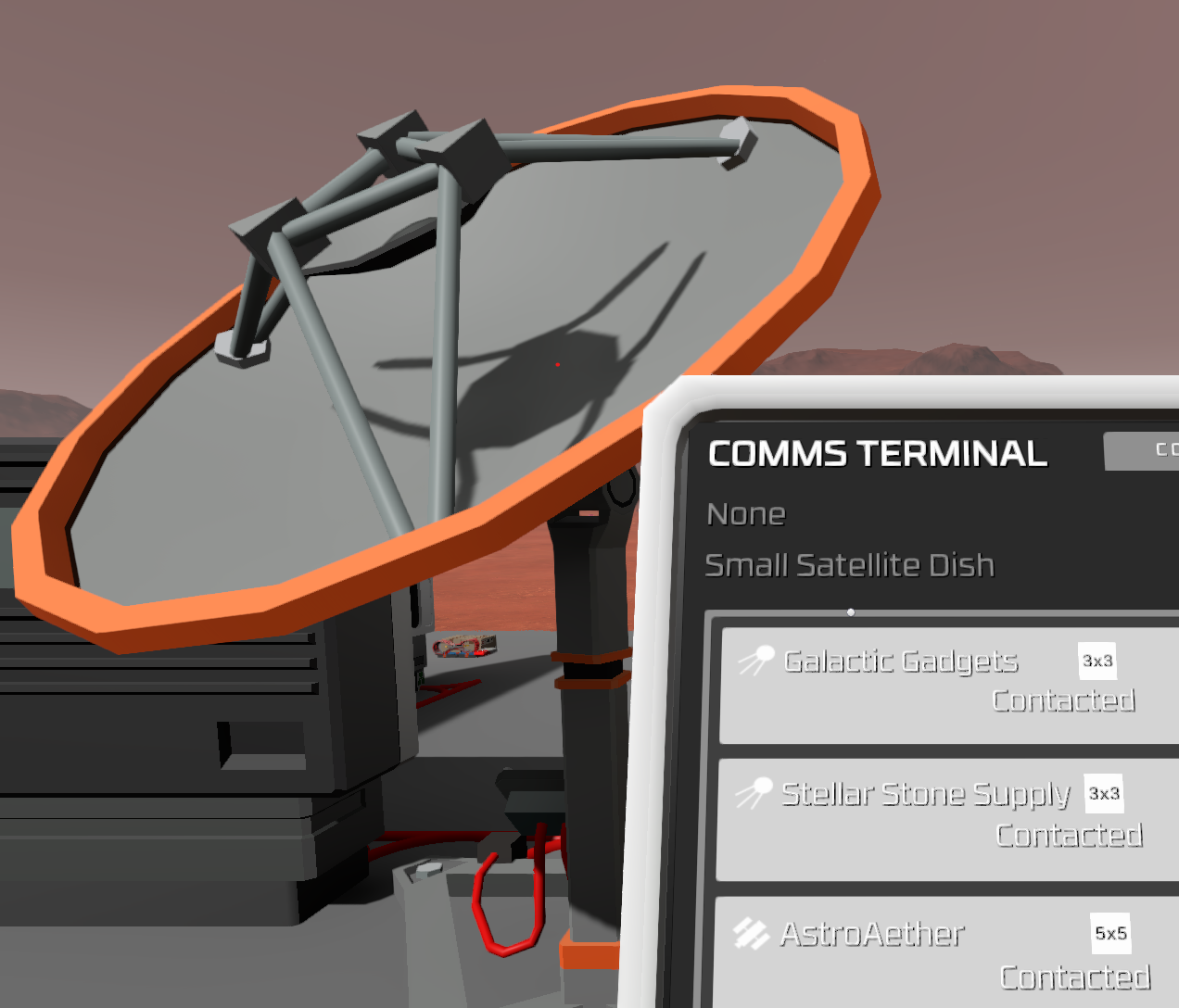
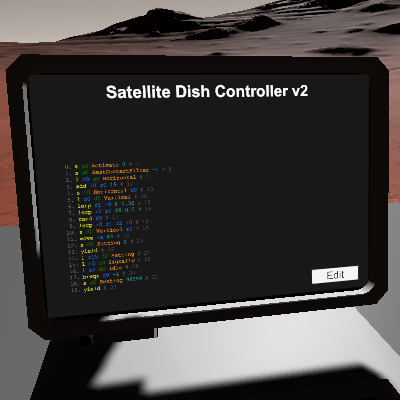
About Satellite Dish Controller v2
From Steam WorkshopFeature-rich single satellite dish script: fast automatic trader tracking, interrogation, and more! This script will automatically scan the sky for all visible trader contacts, locating them quickly…
Feature-rich single satellite dish script: fast automatic trader tracking, interrogation, and more!
This script will automatically scan the sky for all visible trader contacts, locating them quickly with a modified gradient descent algorithm, and record traders and their positions in its internal stack for your use. It will interrogate each located trader if the dish is capable of doing so.
This script is a rewrite of my older Satellite Dish Controller taking advantage of new features. It completely supersedes the old script in functionality, but it is not backwards-compatible if you use the advanced features of the older script.
Usage
d0: Satellite dish (any size) d1: (optional) Companion script (a user-provided IC for custom control)
The dish is expected to be on while this script is running. The script will use the dish's max power setting during interrogation, and will attempt to conserve power otherwise.
This script will not automatically call down traders, nor will it keep contacts visible in general to save power. You are recommended to place a separate vertically oriented dish for those purposes, or make use of this script's more advanced functionality.
Advanced usage
When this script first detects a new contact, it will attempt to yield control to the script located at d1 (see below), or directly enter tracking mode if no such script is found.
During tracking mode, the script will continually update the following values in its internal stack:
[table] [tr] [th]Address[/th] [th]Value[/th] [/tr] [tr] [td]10*S[/td] [td]The last known SignalID of the contact with ContactSlotIndex S[/td] [/tr] [tr] [td]10*S + 1[/td] [td]Current tracking state for the above contact (0: tracking, 1: located, 2: contacted/ignored)[/td] [/tr] [tr] [td]10*S + 2[/td] [td]The last known angle offset (in degrees) between the dish and the above contact, or -1 if unknown[/td] [/tr] [tr] [td]10*S + 3[/td] [td]The Vertical setting of the dish for the above angle[/td] [/tr] [tr] [td]10*S + 4[/td] [td]The Horizontal setting of the dish for the above angle[/td] [/tr] [/table]
The ContactSlotIndex value S is provided by the game and takes the following values:
[table] [tr] [th]ContactSlotIndex[/th] [th]Trader slot[/th] [th]Min. dish size to locate[/th] [th]Min. dish size to interrogate[/th] [/tr] [tr] [td]0[/td] [td]UtilityTrader[/td] [td]Small[/td] [td]Small[/td] [/tr] [tr] [td]1[/td] [td]BasicTrader[/td] [td]Small[/td] [td]Small[/td] [/tr] [tr] [td]2[/td] [td]MediumTrader[/td] [td]Small[/td] [td]Small[/td] [/tr] [tr] [td]3[/td] [td]LargeTrader[/td] [td]Medium[/td] [td]Medium (sometimes)/Large (always)[/td] [/tr] [tr] [td]4[/td] [td]ExoticsTrader[/td] [td]Medium*[/td] [td]Medium (sometimes)/Large (always)[/td] [/tr] [/table]
*A small dish can occasionally use visibility checks to locate an ExoticsTrader, but it will never be able to resolve its location directly.
The following internal constants can be changed freely.
[table] [tr] [th]Line[/th] [th]Code[/th] [th]Value[/th] [/tr] [tr] [td]56[/td] [td]sle r0 r1 <val>[/td] [td]The angle offset (in degrees) beneath which a contact is considered located (default: 5)[/td] [/tr] [tr] [td]63[/td] [td]move r0 <val>[/td] [td]The number of ticks before an attempt to resolve a signal at a given position times out (default: 60)[/td] [/tr] [tr] [td]75[/td] [td]bgt r1 <val> r14[/td] [td]The maximum angle offset (in degrees) between the dish and the current target contact before interrogation is allowed (default: 15).[/td] [/tr] [tr] [td]127[/td] [td]s d1 LineNumber <val>[/td] [td]The entry point line number of the companion script d1 called by this script when a new contact is found (default: 0)[/td] [/tr] [/table]
Companion script
This script will not perform more advanced trader filtering on its own. However, you may provide a companion script as d1, which will be called (with a user-defined entry point LineNumber) when a new contact is found. When this happens, this script will halt execution, the dish will be in an idle state with BestContactFilter set to the currently visible SignalID, and your script can assume control of the dish safely.
To yield control back to this script, your script must write a valid value to this script's LineNumber (and once only). The expected values are:
[table] [tr] [th]LineNumber[/th] [th]Effect[/th] [/tr] [tr] [td]11[/td] [td]Enter tracking mode[/td] [/tr] [tr] [td]81[/td] [td]Flag contact as ignore[/td] [/tr] [/table]
Known issues
Line constraints prevent this script from handling all edge cases.
- (Won't fix) The script will hang if it starts an interrogation but the interrogation never completes, for example because the game was saved/reloaded or a power outage occurs during an interrogation. You can safely fix this by resetting the script manually or by writing 0 to the script's LineNumber.
- (Won't fix) This script is incompatible with mods adding additional trader slots, as it uses internal values that aren't exposed by the dish API.
Satellite Dish Controller v2 on Nxeon
From our catalogue- One-click install
- Not available. One-click install isn't available for this game's mods yet. Download it and upload it to your server in Files.
- Server load
- light
- Smallest plan we suggest
- Stationeers — 4 GB (4 GB RAM). This follows our own load rating above, not a benchmark.
Run Satellite Dish Controller v2 on a Stationeers server
Deploy a server above, then upload the file in Files.
What kind of mod it is
From the catalogEconomy & shops
Currencies, shops, trading and rewards.
Compatibility
- Game
- Stationeers
- File size
- 180 KB
Verified at the source
- ✓Steam WorkshopOfficial listing, checked 2026-09-24Open ↗
- ✓AuthorXyuzhg, as published on Steam Workshop
- ✓LicenseNot published by the sourceFree









