






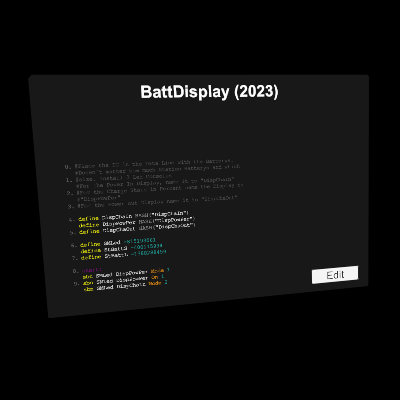
About Station Battery Display (2023)
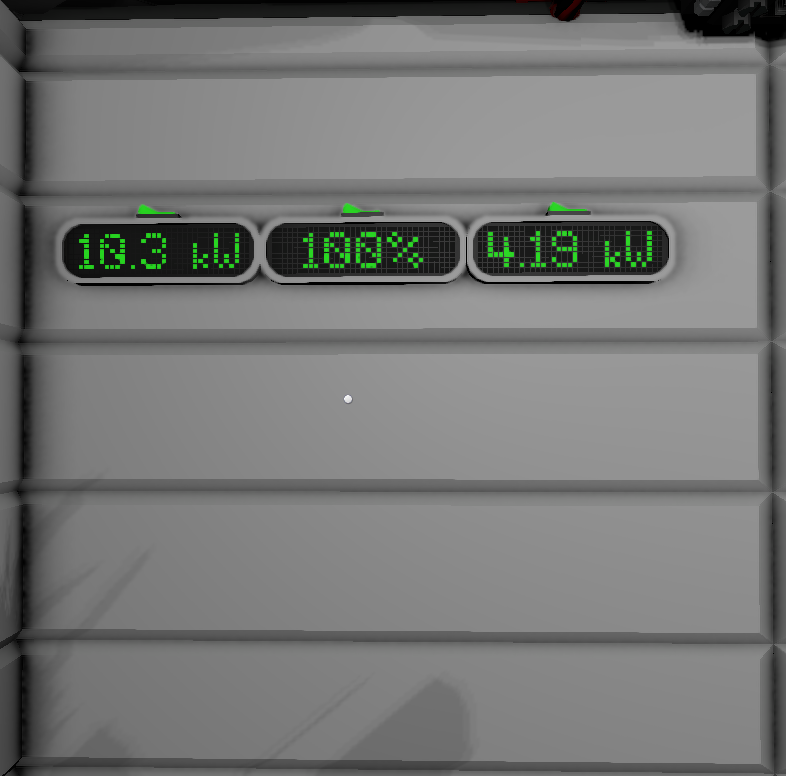
From Steam WorkshopPlace the IC in the Data Line with the Batterys. Dosen`t matter how much Station Batterys and which size. Install 3 Led Consoles. For the Power In Display, name it to "DispChaIn". For the Charge…
Place the IC in the Data Line with the Batterys. Dosen`t matter how much Station Batterys and which size. Install 3 Led Consoles. For the Power In Display, name it to "DispChaIn". For the Charge State in Percent name the Display to "DispPowPer" For the Power out Display name it to "DispChaOut" No IC Pin is needed. But you have to name the 3 Displays correct
DispChaIn DispPowPer DispChaOut
when the name of the Display is not correct set with a labler then it will not function.
needed Parts: Bunch of Cable 1x IC Housing 1x IC 3x Console 1x Labler to give the correct name to the LED Display
Station Battery Display (2023) on Nxeon
From our catalogue- One-click install
- Not available. One-click install isn't available for this game's mods yet. Download it and upload it to your server in Files.
- Server load
- light
- Smallest plan we suggest
- Stationeers — 4 GB (4 GB RAM). This follows our own load rating above, not a benchmark.
Run Station Battery Display (2023) on a Stationeers server
Deploy a server above, then upload the file in Files.
What kind of mod it is
From the catalogTechnology & automation
Machines, power, logistics and automation.
Compatibility
- Game
- Stationeers
- File size
- 40 KB
Verified at the source
- ✓Steam WorkshopOfficial listing, checked 2026-09-24Open ↗
- ✓AuthorKassfaru, as published on Steam Workshop
- ✓LicenseNot published by the sourceFree









