






About StationMCP
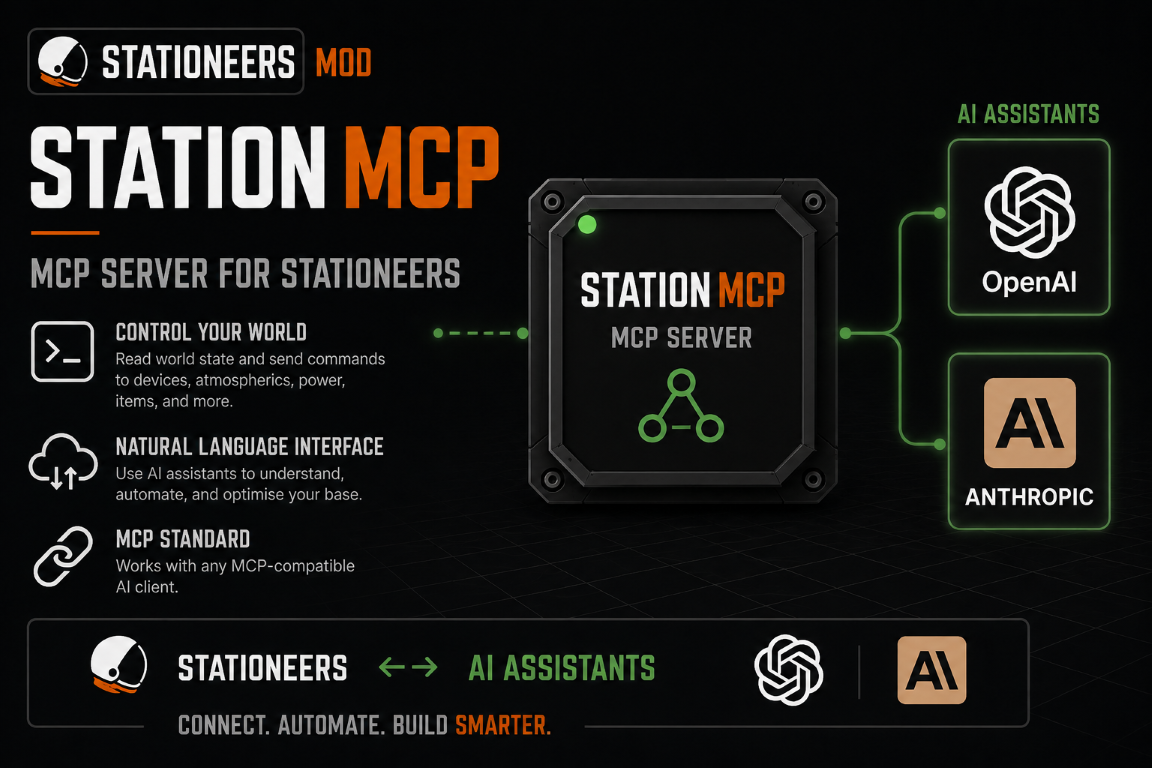
From Steam WorkshopStationMCP Connect an AI agent such as Codex or Claude to a real Stationeers logic network. StationMCP adds a printable StationMCP Gateway . Connect the gateway to a cable data network and an AI…
StationMCP
Connect an AI agent such as Codex or Claude to a real Stationeers logic network.
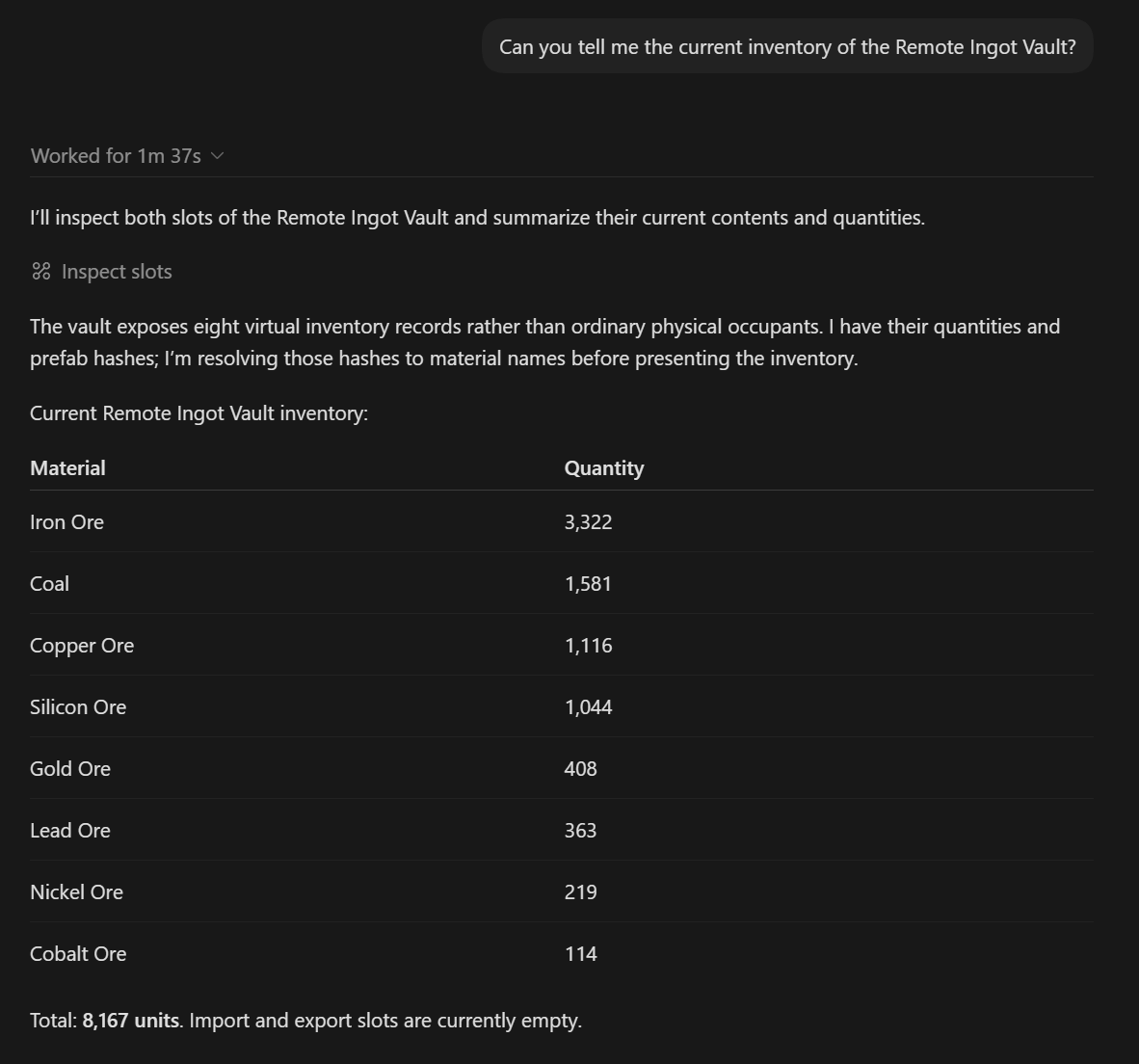
StationMCP adds a printable StationMCP Gateway. Connect the gateway to a cable data network and an AI agent can discover the attached devices, inspect their state, operate their logic values, and work directly with IC10 programs.
The gateway only exposes devices visible on the network to which you connect it. Both of its data ports work, and connecting both ports exposes the combined contents of both networks.
What can it do?
- Discover devices without a hard-coded device list
- Read and write supported logic values
- Inspect inventories, slots, occupants, and memory
- Take filtered network snapshots and observe changing values
- Read, write, compile, and diagnose IC10 programs
- Inspect IC registers, stack memory, aliases, defines, and errors
- Pause, single-step, and resume an IC program
- Connect several agents to the same dedicated server
Example uses
- Ask an agent to discover an unfamiliar network and explain what it does
- Develop and test solar tracking until the panel reports its best efficiency
- Write an IC10 controller for grow lights, furnaces, cargo arms, or an AIMe robot
- Diagnose why an IC program is failing by inspecting its live line, registers, stack, and error
- Monitor tanks, pipes, batteries, gases, liquids, temperatures, and power networks
- Iterate on an automation in-game: observe the result, amend the IC10 code, and test again
Requirements
- BepInEx 5 with StationeersLaunchPad
- This Workshop mod enabled on the server and every player
- An MCP-capable agent such as Codex or Claude Code
- The bundled StationMCP sidecar, configured using the steps below
The sidecar is the small program that carries requests between your AI agent and Stationeers. It is included in this Workshop download; you do not need to find another mod.
Local game setup
Use these steps when Stationeers and your AI agent run on the same Windows computer.
- 1. Install the mod. Subscribe here, ensure BepInEx and StationeersLaunchPad are installed, then enable StationMCP in LaunchPad.
- 2. Place a gateway. Print Kit (StationMCP Gateway) in an Electronics Printer, build it, and connect either port to the data network you want the agent to access. The gateway is passive and needs no power or On switch.
- 3. Find the sidecar. Open your Steam library folder and browse to:
- [code]steamapps\workshop\content\544550\3783225282\Sidecar[/code]
- 4. Extract it. Extract StationMCP.Server-win-x64.zip somewhere permanent, such as [code]C:\StationMCP[/code]. Do not extract it inside any Stationeers mod folder. The portable ZIP is an alternative for users who already have the .NET 8 runtime.
- 5. Configure your agent. Use one of the examples below, replacing the example path with the real location of StationMCP.Server.exe.
- 6. Restart the agent. Start or restart Codex or Claude, then ask it to list the StationMCP gateways.
Codex - local game
Add this to [code]%USERPROFILE%\.codex\config.toml[/code]:
    [code][mcp_servers.stationeers]
command = "C:\\StationMCP\\StationMCP.Server.exe"
startup_timeout_sec = 10
tool_timeout_sec = 40
Restart Codex after saving the file.
Claude Code - local game
Run this once in PowerShell:
    [code]claude mcp add --scope user --transport stdio stationeers -- "C:\StationMCP\StationMCP.Server.exe"[/code]

    Confirm it was added with:

    [code]claude mcp list
Dedicated server setup
Use these steps when Stationeers runs on a dedicated server and the AI agent runs on a player's computer.
On the dedicated server
- 1. Install StationMCP alongside BepInEx and StationeersLaunchPad. Every joining player must use the same StationMCP version.
- 2. Enable remote access in [code]BepInEx\config\com.james.stationmcp.cfg[/code]:
    [code][Remote MCP]
Enabled = true
BindAddress = 0.0.0.0
Port = 8765
Secret = replace-this-with-a-long-random-secret
For Docker, the equivalent environment variables are:
    [code]STATIONMCP_REMOTE_ENABLED=true
STATIONMCP_REMOTE_BIND_ADDRESS=0.0.0.0
STATIONMCP_REMOTE_PORT=8765
STATIONMCP_REMOTE_SECRET=replace-this-with-a-long-random-secret- 3. Expose TCP port 8765 through Docker, the server firewall, and the router if required.
- 4. Start the server, join it normally, then print and connect a StationMCP Gateway to the desired data network.
Codex - connect to a dedicated server
Extract the sidecar on the computer running Codex, then add this to [code]%USERPROFILE%\.codex\config.toml[/code]. Replace the path, server address, and secret:
    [code][mcp_servers.stationeers]
command = "C:\\StationMCP\\StationMCP.Server.exe"
args = ["--host", "YOUR_SERVER_ADDRESS", "--port", "8765"]
startup_timeout_sec = 10
tool_timeout_sec = 40

[mcp_servers.stationeers.env]
STATIONMCP_SECRET = "YOUR_SHARED_SECRET"
Restart Codex after saving the file.
Claude Code - connect to a dedicated server
Run these commands in PowerShell, replacing the path, server address, and secret:
    [code]$env:STATIONMCP_SECRET = "YOUR_SHARED_SECRET"
claude mcp add --scope user --env "STATIONMCP_SECRET=$env:STATIONMCP_SECRET" --transport stdio stationeers -- "C:\StationMCP\StationMCP.Server.exe" --host YOUR_SERVER_ADDRESS --port 8765
Important notes
Highlights
From source dataFootprint
Rated a light load on a server.
Last update
Its author last shipped an update 2 mo ago.
StationMCP on Nxeon
From our catalogue- One-click install
- Not available. One-click install isn't available for this game's mods yet. Download it and upload it to your server in Files.
- Server load
- light
- Smallest plan we suggest
- Stationeers — 4 GB (4 GB RAM). This follows our own load rating above, not a benchmark.
- Latest build
- 2026-08-15, released 2026-08-15
Game versions by loader
| Loader | Game versions | Newest |
|---|---|---|
| Workshop |
From 1 recorded build of StationMCP.
Run StationMCP on a Stationeers server
Deploy a server above, then upload the file in Files.
What kind of mod it is
From the catalogWorkshop
Its source category doesn’t say more about what it does, so NxLabs lists it under Other.
Compatibility
- Game
- Stationeers
Verified at the source
- ✓Steam WorkshopOfficial listing, checked 2026-10-16Open ↗
- ✓AuthorJames, as published on Steam Workshop
- ✓LicenseNot published by the sourceFree









