






About Terrain Smoother
From Steam WorkshopTerrain Smoother Fill terrain holes and create smoother, more driveable surfaces with the standard Terrain Tool. Important: back up your save first Terrain changes are written into the world save.…
Terrain Smoother
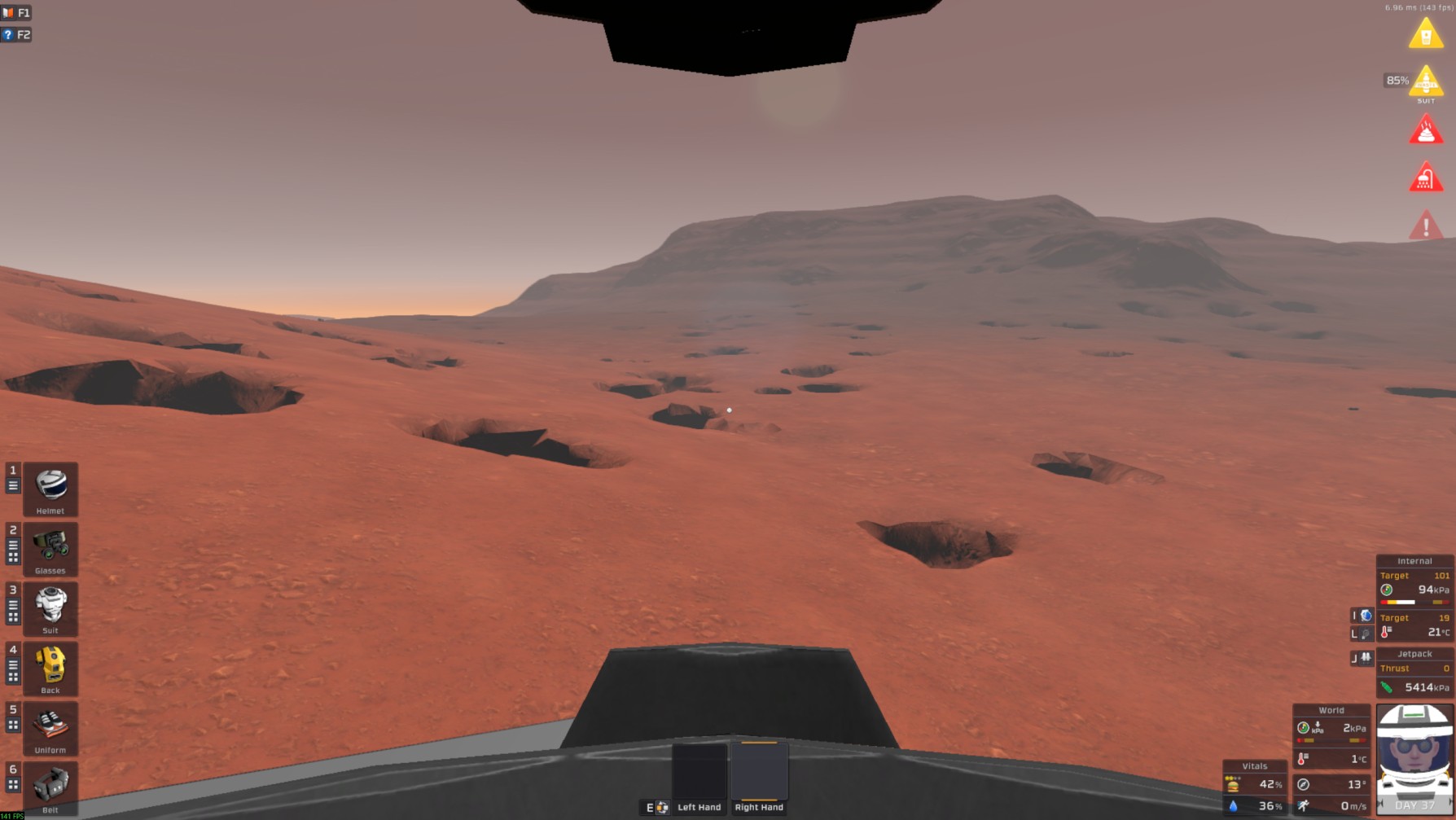
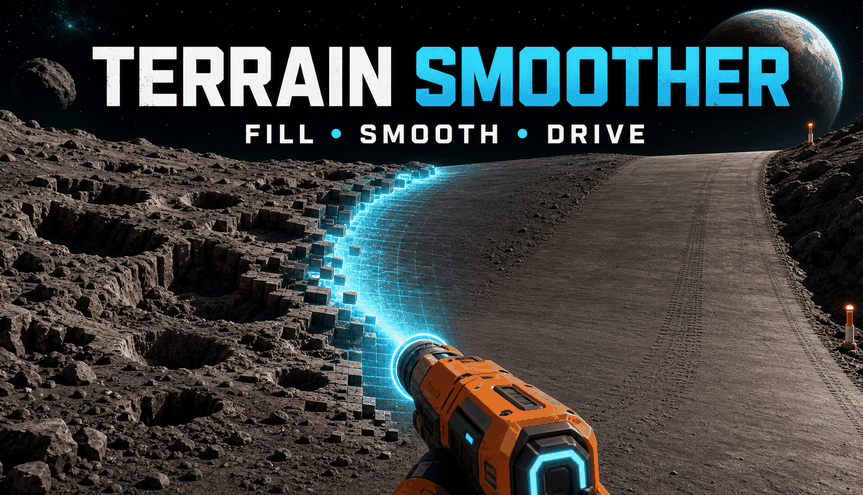
Fill terrain holes and create smoother, more driveable surfaces with the standard Terrain Tool.
Important: back up your save first
Terrain changes are written into the world save. Before use, close the game and make a separate backup. Keep it until you confirm that the repaired area and world are working correctly.
Undo is not a backup: its history is lost when the game or world is closed.
What the mod actually does
Terrain Smoother adds two alternate actions to the handheld Terrain Tool. It samples surrounding intact ground, rejects large outliers, fits an approximate sloped plane, and blends voxel density toward it.
This is not a terrain reset. It cannot know or recreate the original generated surface. Results depend on the aim point, radius, nearby slopes, cliffs, caves, structures, and previous edits.
The terrain material used for newly filled voxels is selected from the dominant material found around the sampled edge.
Requirements
- BepInEx 5
- StationeersLaunchPad
- The standard Terrain Tool, switched on
- A charged battery in the Terrain Tool
- A Dirt Canister containing enough dirt when dirt consumption is enabled
This is a compiled StationeersLaunchPad code mod. It does not work as a vanilla XML-only mod.
Controls
- Shift + Left Click — Safe Fill
- Fills missing terrain toward the calculated surface. It never reduces existing voxel density.
- Shift + X + Left Click — Full Smoothing
- Fills missing terrain and may remove raised terrain near the calculated surface. Use carefully near structures, tunnels, cliffs, roads, and underground rooms.
- Ctrl + Z — Undo
- Restores the last operation. Up to 10 operations are retained for the current session. Resources are not refunded.
- Page Up / Page Down — Brush radius
- Increases or decreases the radius while the Terrain Tool is held in the active hand.
The controls are currently fixed to keyboard and mouse and cannot be rebound through this mod.
Read-only range preview
Hold Shift to display the affected area. The preview changes nothing and consumes no resources. A fresh safety calculation is always performed when you click.
- Green outline — Safe Fill is selected and a valid repair can be calculated.
- Orange outline — Full Smoothing is selected.
- Red outline — the current target does not produce a valid repair plan.
While Shift is held, the standard placement cube is hidden because the mod action replaces it. Releasing Shift restores it. The outline can be disabled in LaunchPad configuration.
Recommended workflow
[list=1] [*]Back up the world before starting the game. [*]Equip the powered Terrain Tool with a charged battery and Dirt Canister. [*]Start with Safe Fill and the default 4 m radius. [*]Aim so that the brush covers the damaged area while the sampling ring still reaches intact terrain around it. [*]Keep yourself and other players outside the coloured outline. When working close to your feet, use the jetpack and rise clear of the affected area. The Protect players option in LaunchPad's Safety settings blocks risky placement by default. [*]Repair large holes in several overlapping passes instead of immediately using the largest radius. [*]Inspect each result before continuing. Press Ctrl + Z immediately if the calculated surface is unsuitable. [*]Use Full Smoothing only when Safe Fill leaves unwanted raised sections. [/list]
Range and default values
- Brush radius: 2-8 m; default 4 m. The affected area is approximately 4-16 m across, with influence fading toward its edge.
- Sampling ring: brush radius +1 m through +4 m. At the default radius, samples are sought approximately 5-8 m from the target.
- Vertical search: 5-30 m above and below; default 14 m. Larger values may find unrelated heights; smaller values may find too few samples.
- Maximum fill depth: 1-12 m; default 5 m. Terrain may be added this far below the calculated surface. Full Smoothing removes terrain only near the surface, from approximately 2 m below it and above.
- Maximum slope: default 0.65 rise/m, approximately 33 degrees; range 0.05-2.0. This is a cap, not a guaranteed result.
- Surface softness: default 1.5 m; range 0.6-3 m. Controls the voxel-density transition width.
- Change limit: 100-5000 voxel samples; default 1800. Oversized operations are cancelled before changing terrain.
- Action cooldown: default 0.35 seconds; minimum effective value 0.05 seconds.
Dirt and power usage
Every successful repair consumes exactly 50% of one standard Terrain Tool placement's dirt cost, regardless of operation size. Rejected operations consume no dirt. Consumption can be disabled in LaunchPad configuration.
The Terrain Tool must be powered and each successful repair also uses tool power. Undo does not return consumed resources.
Safety features
- Safe Fill mode only adds voxel density.
- Fill depth and near-surface removal are limited.
- Structure protection is enabled by default.
- Player protection is enabled by default and can be disabled in LaunchPad configuration.
- Oversized operations are cancelled before applying changes.
- Only the world host may apply or undo terrain repairs in multiplayer.
- The last 10 operations can be undone during the current session.
Highlights
From source dataFootprint
A 2 MB download, rated a light load on a server.
Last update
Its author last shipped an update 3 mo ago.
Terrain Smoother on Nxeon
From our catalogue- One-click install
- Not available. One-click install isn't available for this game's mods yet. Download it and upload it to your server in Files.
- Server load
- light
- Smallest plan we suggest
- Stationeers — 4 GB (4 GB RAM). This follows our own load rating above, not a benchmark.
- Latest build
- 2026-07-23, released 2026-07-23, 2 MB
Game versions by loader
| Loader | Game versions | Newest |
|---|---|---|
| Workshop |
From 1 recorded build of Terrain Smoother.
Run Terrain Smoother on a Stationeers server
Deploy a server above, then upload the file in Files.
What kind of mod it is
From the catalogWorld generation
Changes or adds to how new terrain, biomes and structures are created.
Compatibility
- Game
- Stationeers
- File size
- 2 MB
Verified at the source
- ✓Steam WorkshopOfficial listing, checked 2026-10-16Open ↗
- ✓AuthorCezary, as published on Steam Workshop
- ✓LicenseNot published by the sourceFree









