About 2Fort Rainstorm (ctf_2fort_rainstorm)
From Steam WorkshopDescription 2Fort has recently faced a flash flood which has caused irreversible damage. The sewer systems are overflowing and both teams' bases have lost power due to a combination of destroyed…
Description
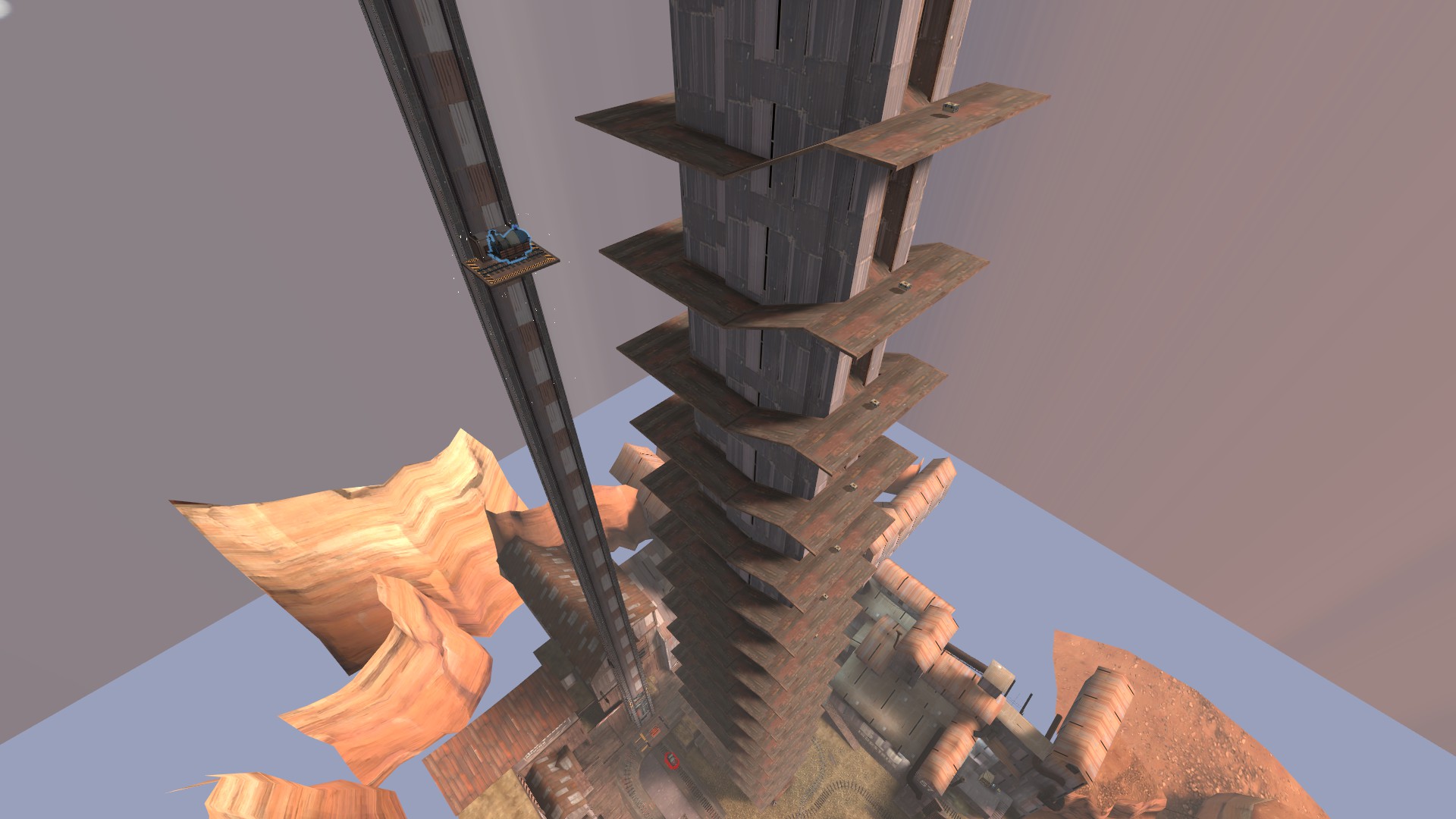
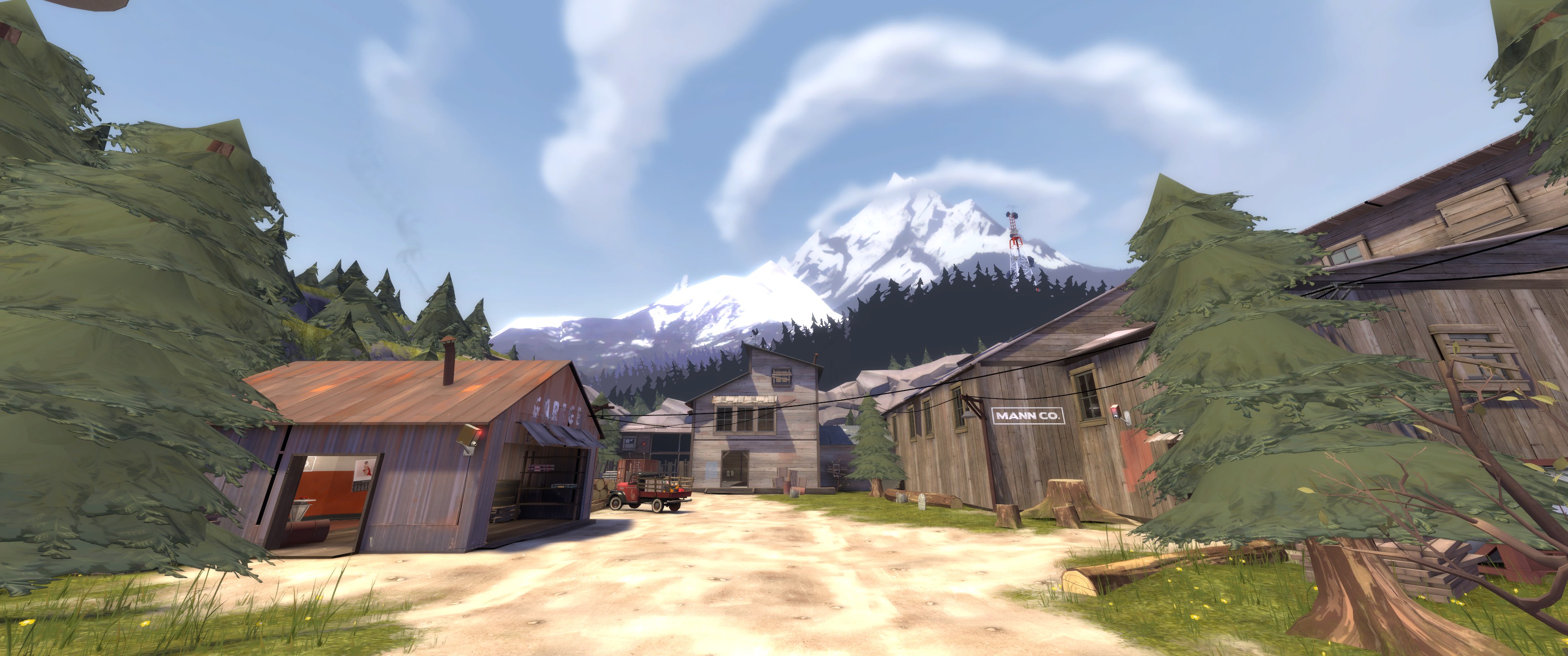
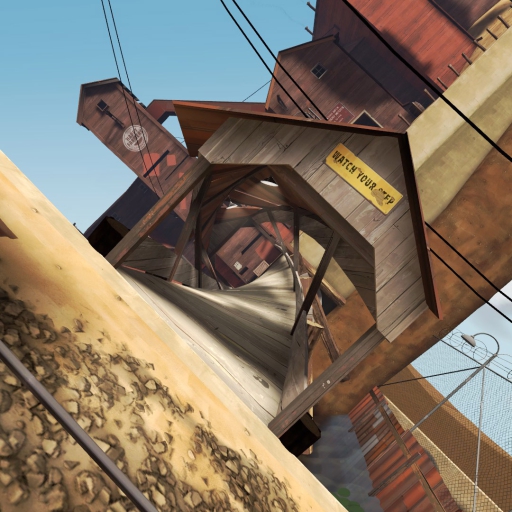
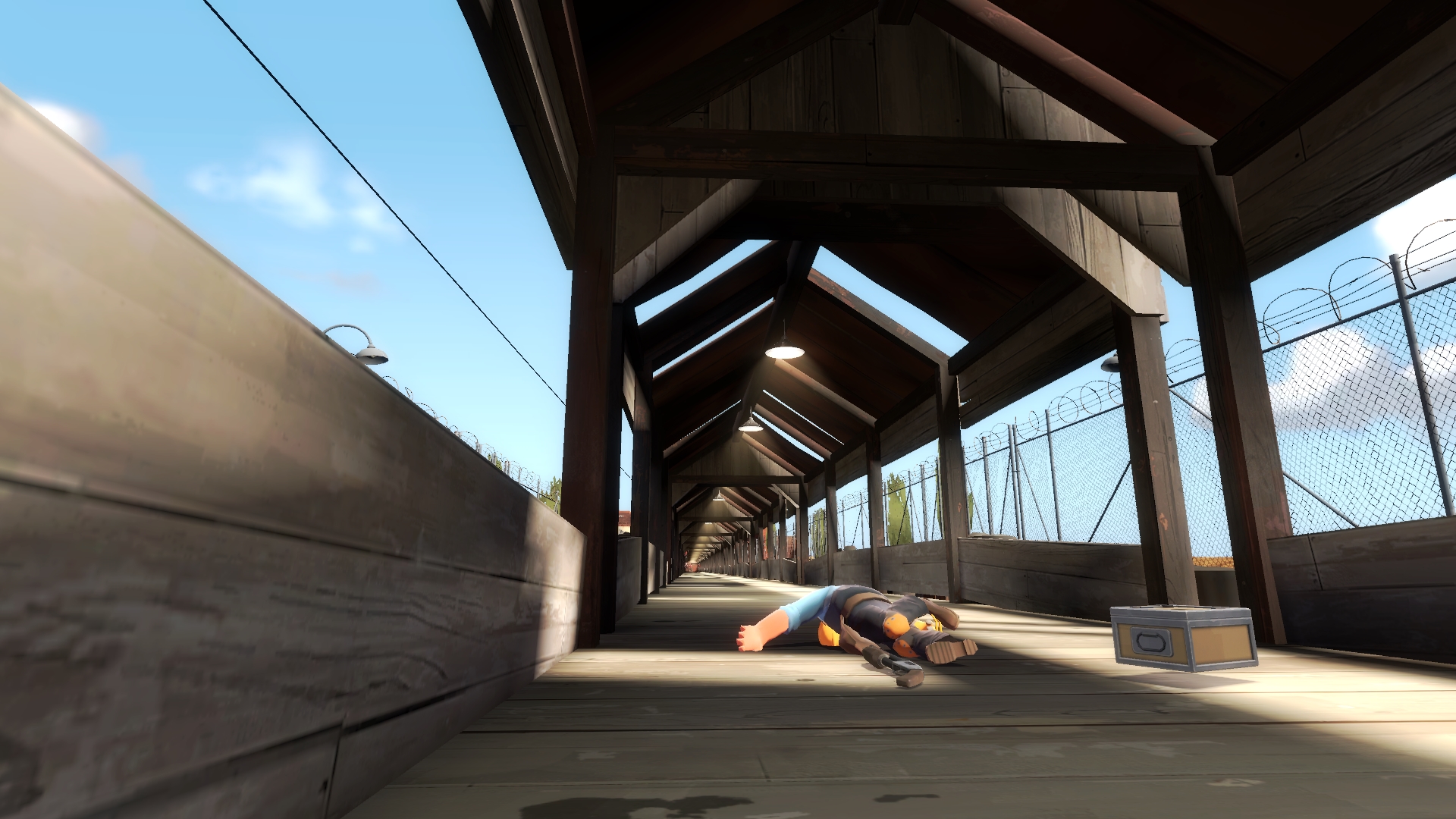
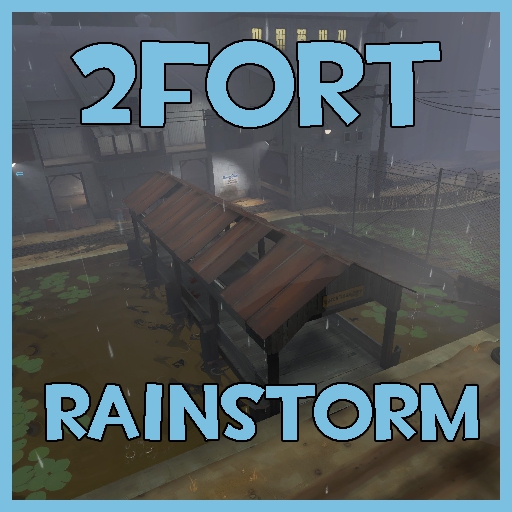
2Fort has recently faced a flash flood which has caused irreversible damage. The sewer systems are overflowing and both teams' bases have lost power due to a combination of destroyed power lines and flooding. The sound of birds chirping and machines humming has been replaced with distant thunder and eerie silence.
Playing With Bots
1. Go to the advanced tab in settings and check the box that says "Enable Developer Console" 2. Press the `~ key (under the ESC key) and type "map workshop/3532167437" 3. Once you have loaded into the map, open the developer console and type "nav_generate" (Only needs to be done once, after it's generated it will automatically save to your computer and will be used when you load up the map again) 4. Wait for the navmesh to generate 5. After navmesh has generated and the map has reloaded, type "tf_bot_quota 24" 6. Now you're ready to play this map with bots! 7. (EXTRA) If you want to make sure no one joins your game (because TF2 now enables steam networking by default) type "sv_lan 1" and "hide_server 1" into the developer console
The reason you need to generate your own navmesh is due to TF2 not allowing you to upload a .nav file with your .bsp file. It is possible to combine the .bsp and the .nav by using pakrat but when I tried doing that it caused my game to crash whenever I loaded up the map. It seems like some others have also had problems with packing the navmesh into the map file so I decided to just not upload the map with the navmesh. I'll keep trying to get it to work but for now you'll have to settle with generating the navmesh yourself.
Playing With Friends
1. Make sure your friends have downloaded the map 2. (If you're currently playing TF2) Exit out of TF2 3. Right click TF2 in your steam library and click on Properties 4. Add "-enablefakeip" (no commas) to your Launch Options and load up TF2 again 5. Go to the developer console and type "sv_lan 0" to ensure your using steam networking, then type "map workshop/3532167437" into the developer console 6. After the map has loaded, go to the developer console and scroll up until you see "FakeIP allocation succeeded: <ip address> (The ip should look similar to this 169.254.237.133:9872 but not exactly the same) 7. Share the the ip address to your friends and tell them to join by typing "connect <ip address>" in the Developer Console 8. Now you're ready to play this map with your friends!
Also if you're wondering the ip address that you find after loading into the map isn't your real ip address. It's a steam networking ip address that allows people to join your game without having to share your ip address.
Map Info
- HDR support - Cube maps - Nice looking rain effects - Better looking water with real-time reflections - Minor gameplay changes like removal of basement resupply room and the drop down from the second spawn getting replaced with stairs
Highlights
From source dataFootprint
Rated a light load on a server.
Last update
Its author last shipped an update 16 mo ago.
2Fort Rainstorm (ctf_2fort_rainstorm) on Nxeon
From our catalogue- One-click install
- Supported on Nxeon Team Fortress 2 servers. We download it from Steam Workshop, place it, and restart the server.
- Server load
- light
- Smallest plan we suggest
- Team Fortress 2 — 2 GB (2 GB RAM). This follows our own load rating above, not a benchmark.
- Latest build
- 2025-07-23, released 2025-07-23
Game versions by loader
| Loader | Game versions | Newest |
|---|---|---|
| Workshop |
From 1 recorded build of 2Fort Rainstorm (ctf_2fort_rainstorm).
Run 2Fort Rainstorm (ctf_2fort_rainstorm) on a Team Fortress 2 server
Pick a server or deploy a new one above; it is installed in one click.
What kind of mod it is
From the catalogTechnology & automation
Machines, power, logistics and automation.
Compatibility
- Game
- Team Fortress 2
Verified at the source
- ✓Steam WorkshopOfficial listing, checked 2026-11-01Open ↗
- ✓Authorsicalic, as published on Steam Workshop
- ✓LicenseNot published by the sourceFree