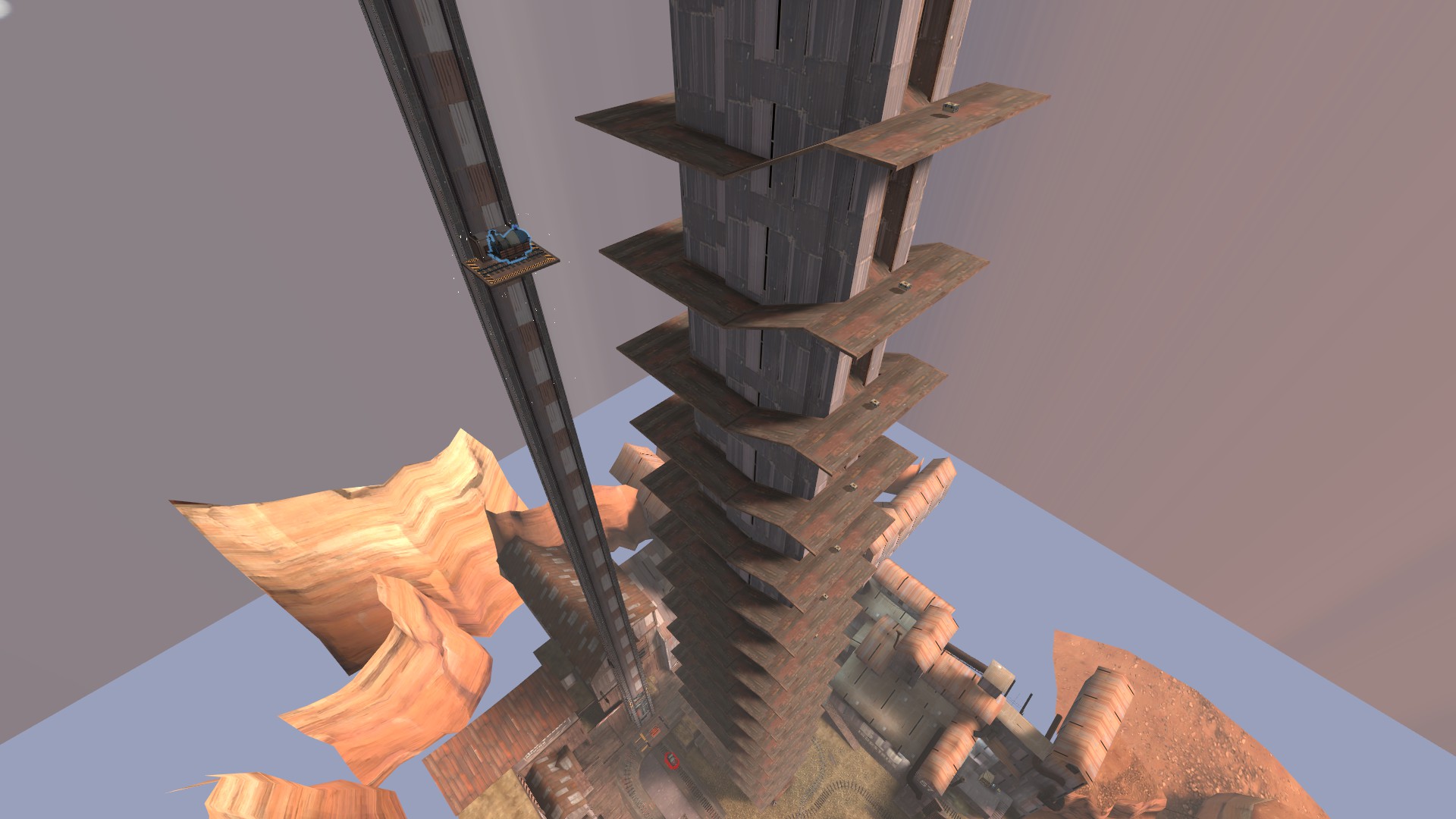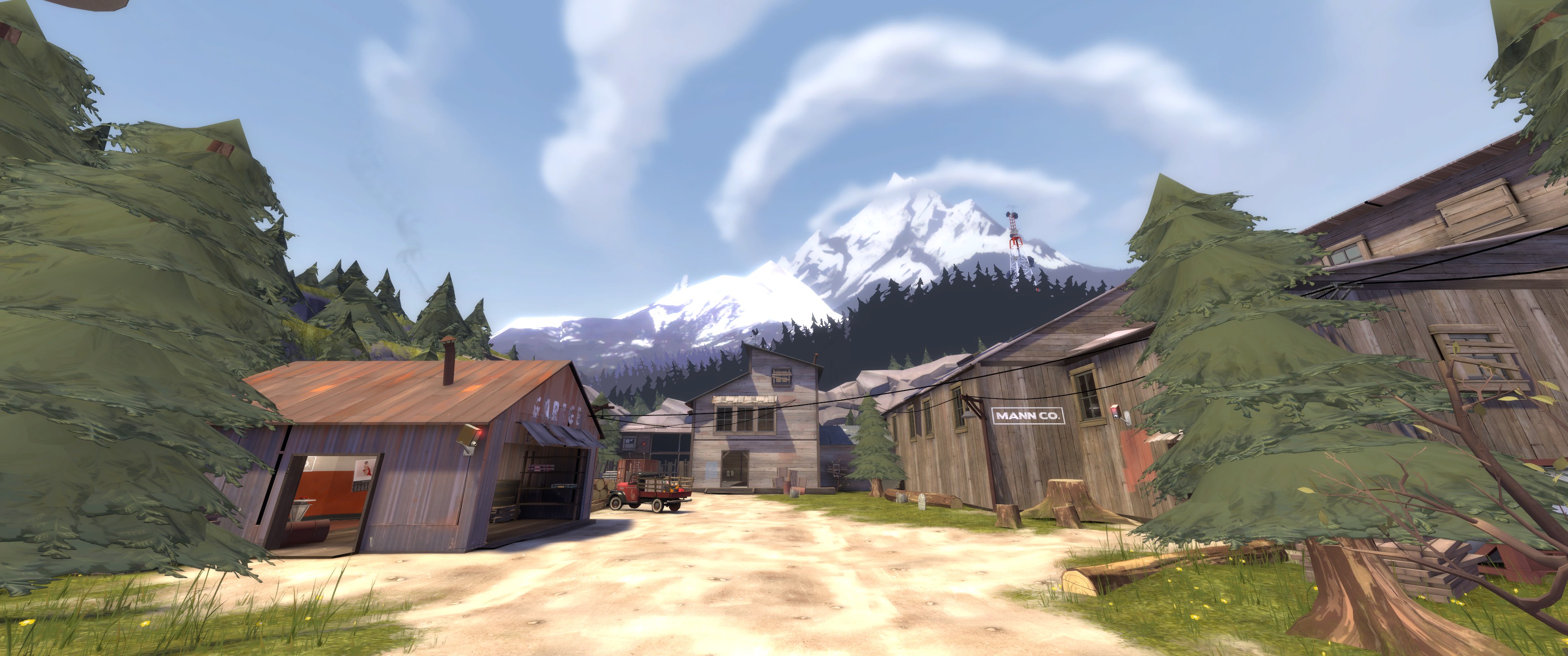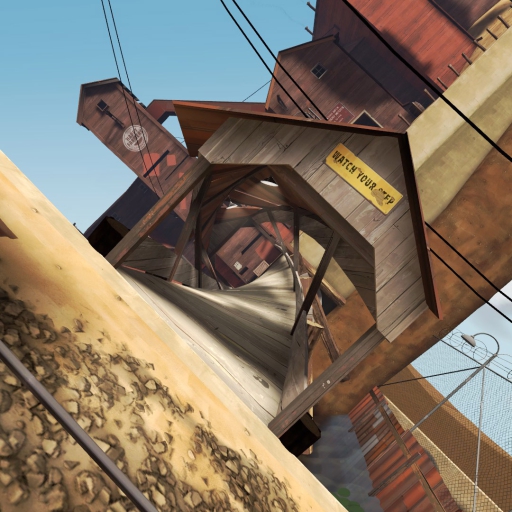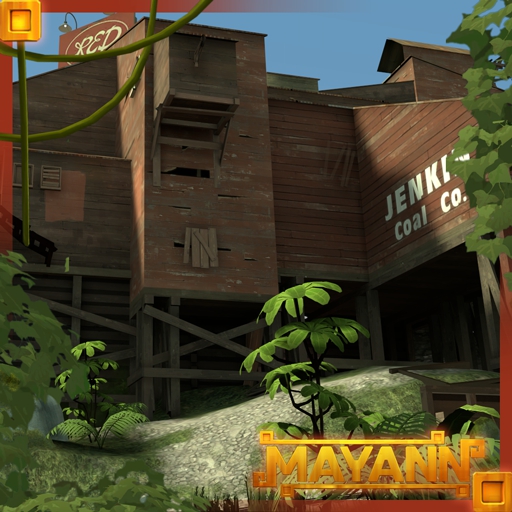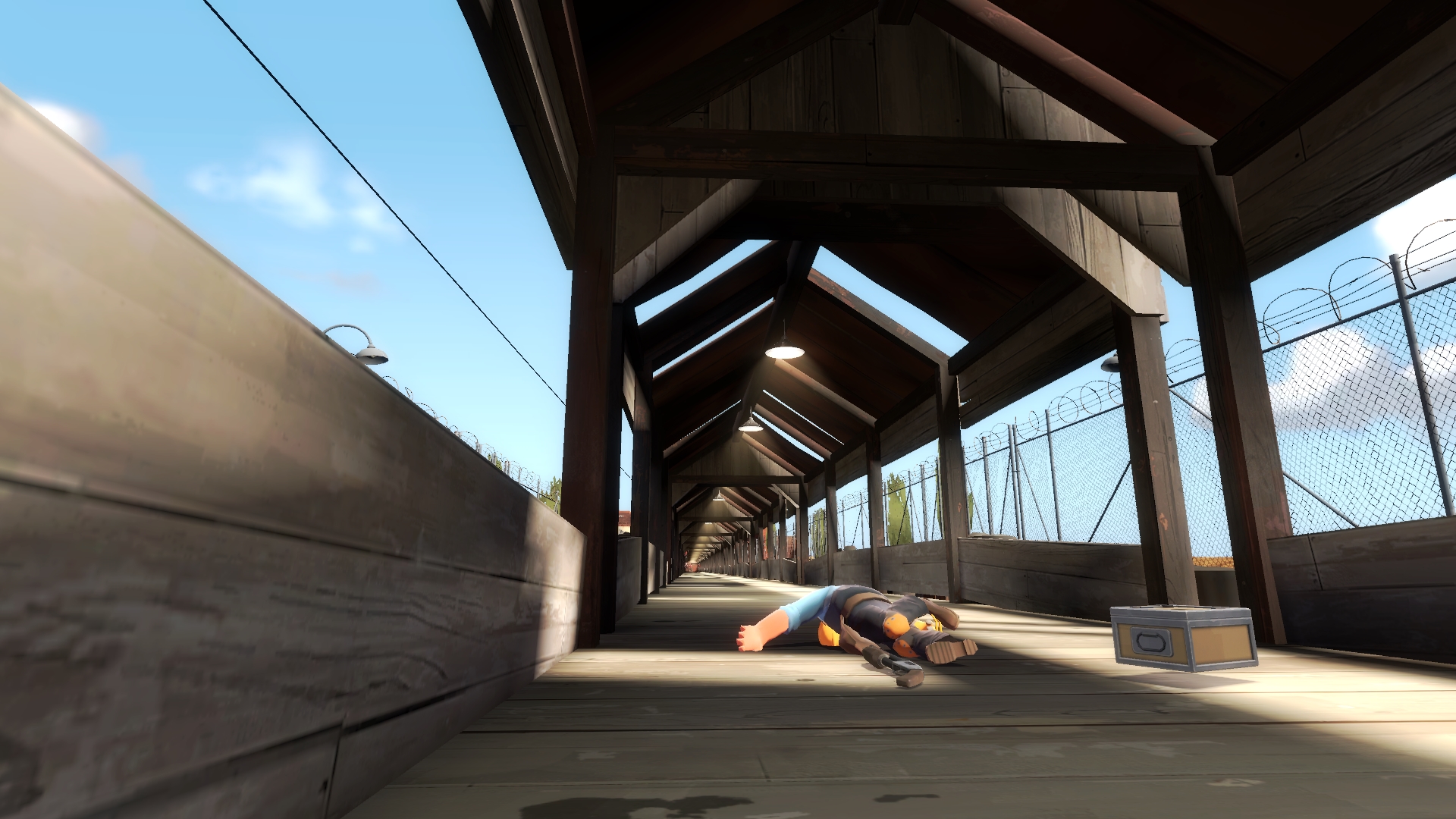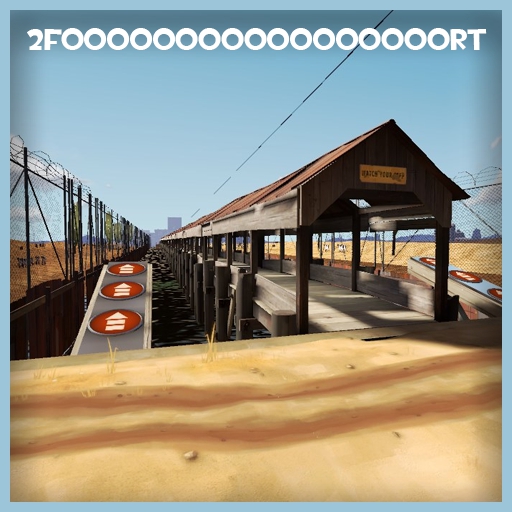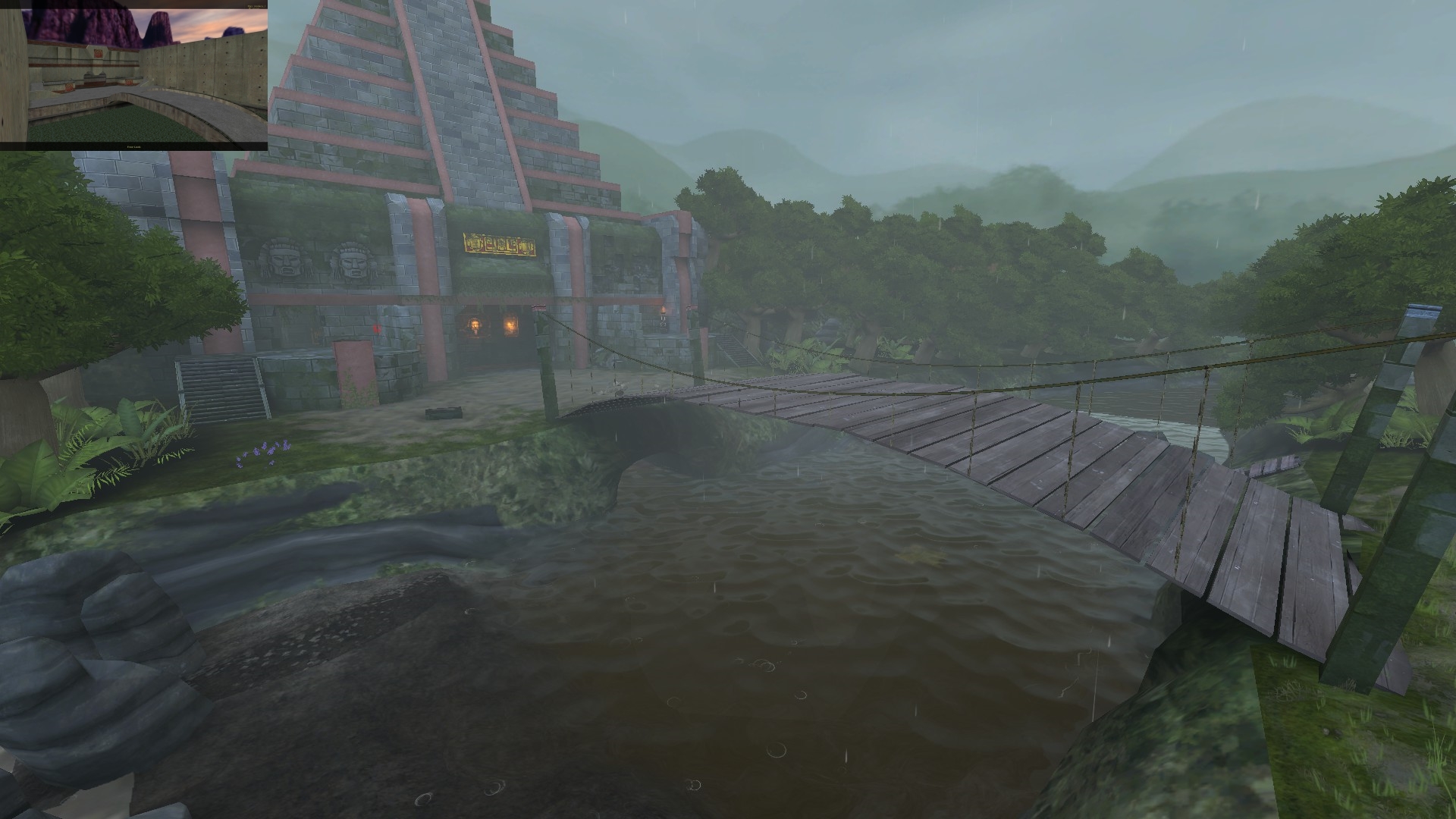
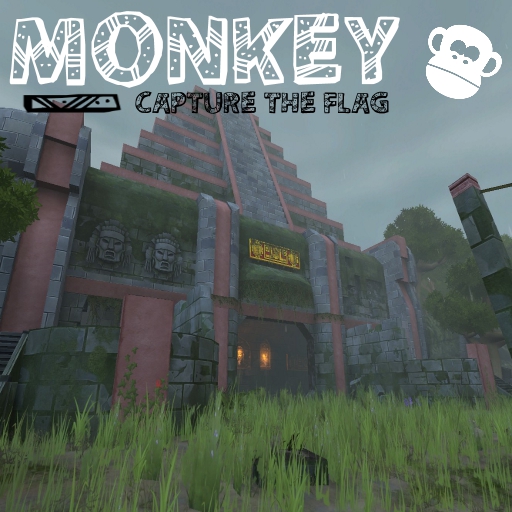
About Monkey_l (CTF) [FF Port]
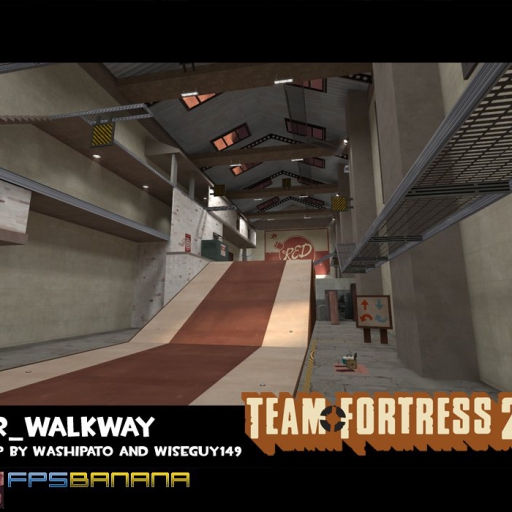
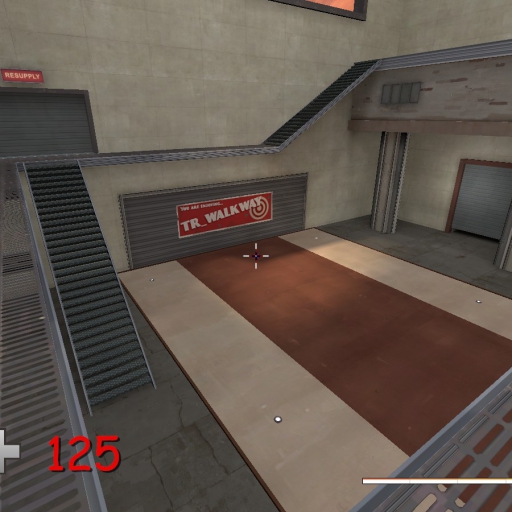
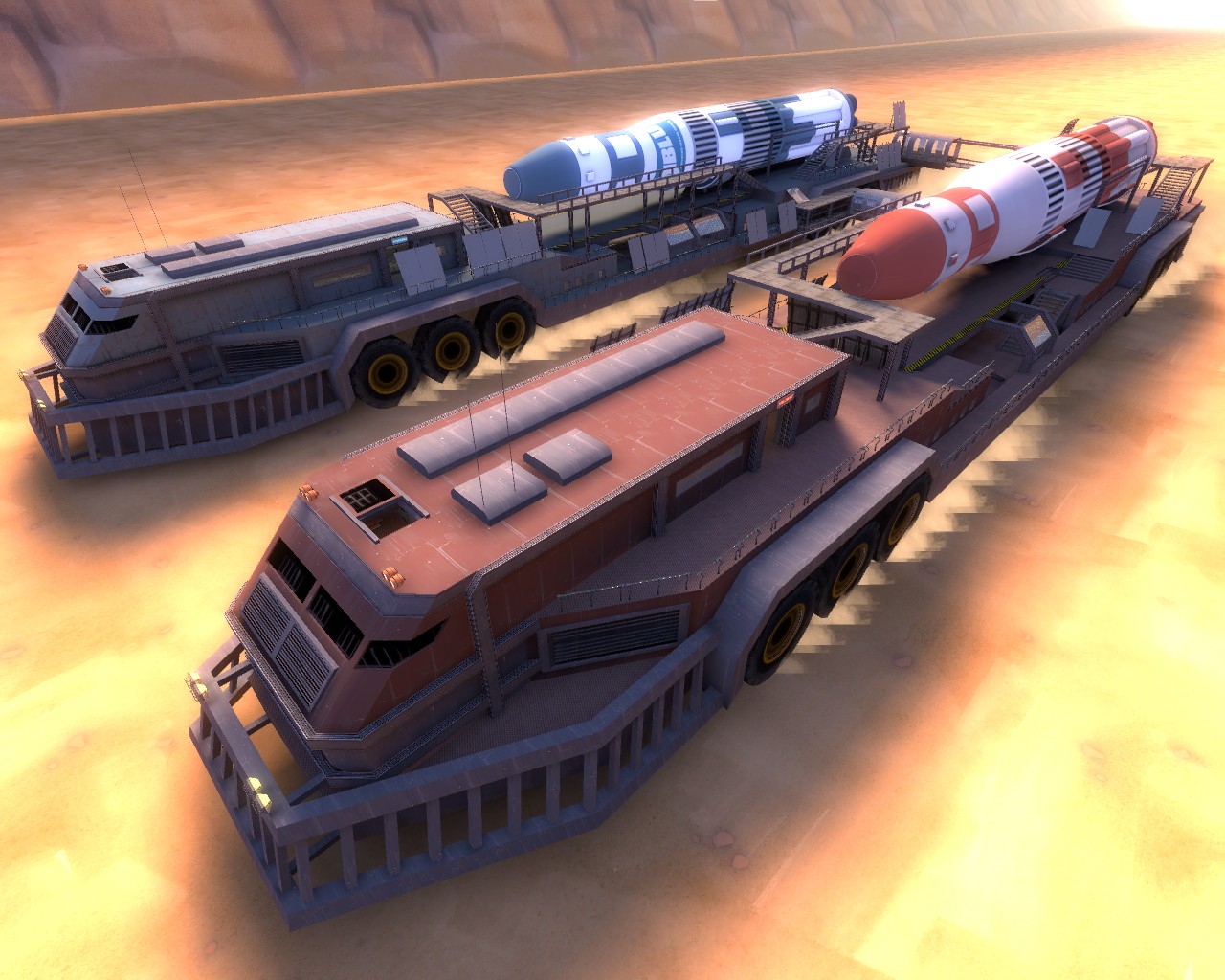
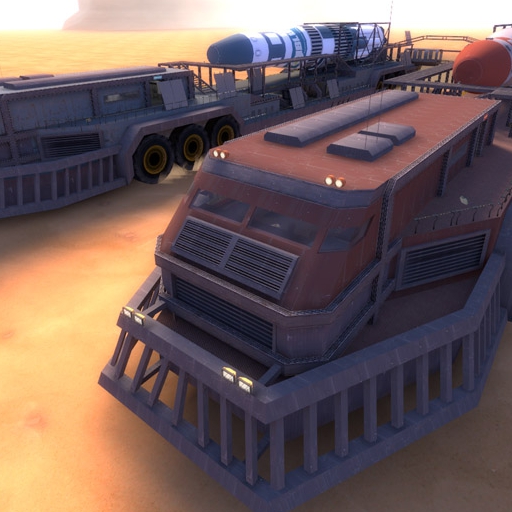
From Steam WorkshopOnce a classic Team Fortress classic community map, now revived for Team Fortress 2. Subscribe to this map, and expierience the Team Fortress feeling! (Map's Layout and theme ported from Fortress…
Once a classic Team Fortress classic community map, now revived for Team Fortress 2. Subscribe to this map, and expierience the Team Fortress feeling! (Map's Layout and theme ported from Fortress Forever)


__________________________________________________________
Variation of Capture the Flag:
Dropped Flags return after 80 seconds. Your flag can only be captured if the enemy's flag is either dropped or back at their base. Grab the enemy's flag, und run it to your raised square in the main hall to score a capture. __________________________________________________________
Features: - HDR - overhauled theme - improvements - custom ctf - mayann assets __________________________________________________________
Due to regular questions on how to install workshop maps. How to install the map properly:
1. Click subscribe.
2. Go to your "steam/steamapps/workshop/content/440/ " folder
3. Search each subfolder for the map "ctf_monkey_a1.bsp"
4. Copy the map "ctf_monkey_a1.bsp"
5. Head on to your "steam/steamapps/common/Team Fortress 2/tf/" dictory
6. Paste the map into the "maps" folder
7. Launch Team Fortress 2 and click on "Create Server". The map should now be shown in your maps list now
8. DONE! __________________________________________________________


Highlights
From source dataFootprint
Rated a light load on a server.
Last update
Its author last shipped an update 10 yr ago.
Monkey_l (CTF) [FF Port] on Nxeon
From our catalogue- One-click install
- Supported on Nxeon Team Fortress 2 servers. We download it from Steam Workshop, place it, and restart the server.
- Server load
- light
- Smallest plan we suggest
- Team Fortress 2 — 2 GB (2 GB RAM). This follows our own load rating above, not a benchmark.
- Latest build
- 2017-01-23, released 2017-01-23
Game versions by loader
| Loader | Game versions | Newest |
|---|---|---|
| Workshop |
From 1 recorded build of Monkey_l (CTF) [FF Port].
Run Monkey_l (CTF) [FF Port] on a Team Fortress 2 server
Pick a server or deploy a new one above; it is installed in one click.
What kind of mod it is
From the catalogGame modes & minigames
Game modes, minigames and competitive formats for your server.
Compatibility
- Game
- Team Fortress 2
Verified at the source
- ✓Steam WorkshopOfficial listing, checked 2026-11-01Open ↗
- ✓AuthorPJX, as published on Steam Workshop
- ✓LicenseNot published by the sourceFree