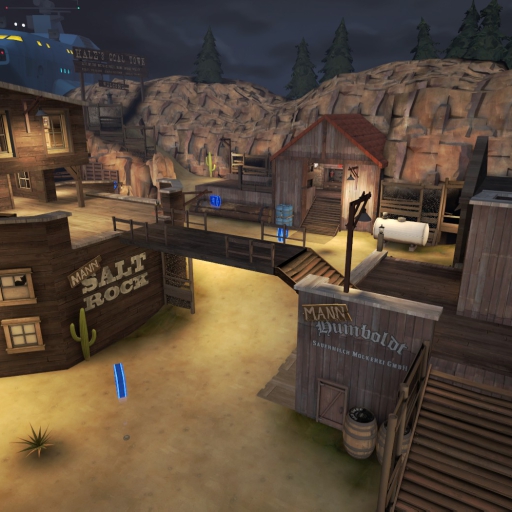
About MvM Highground
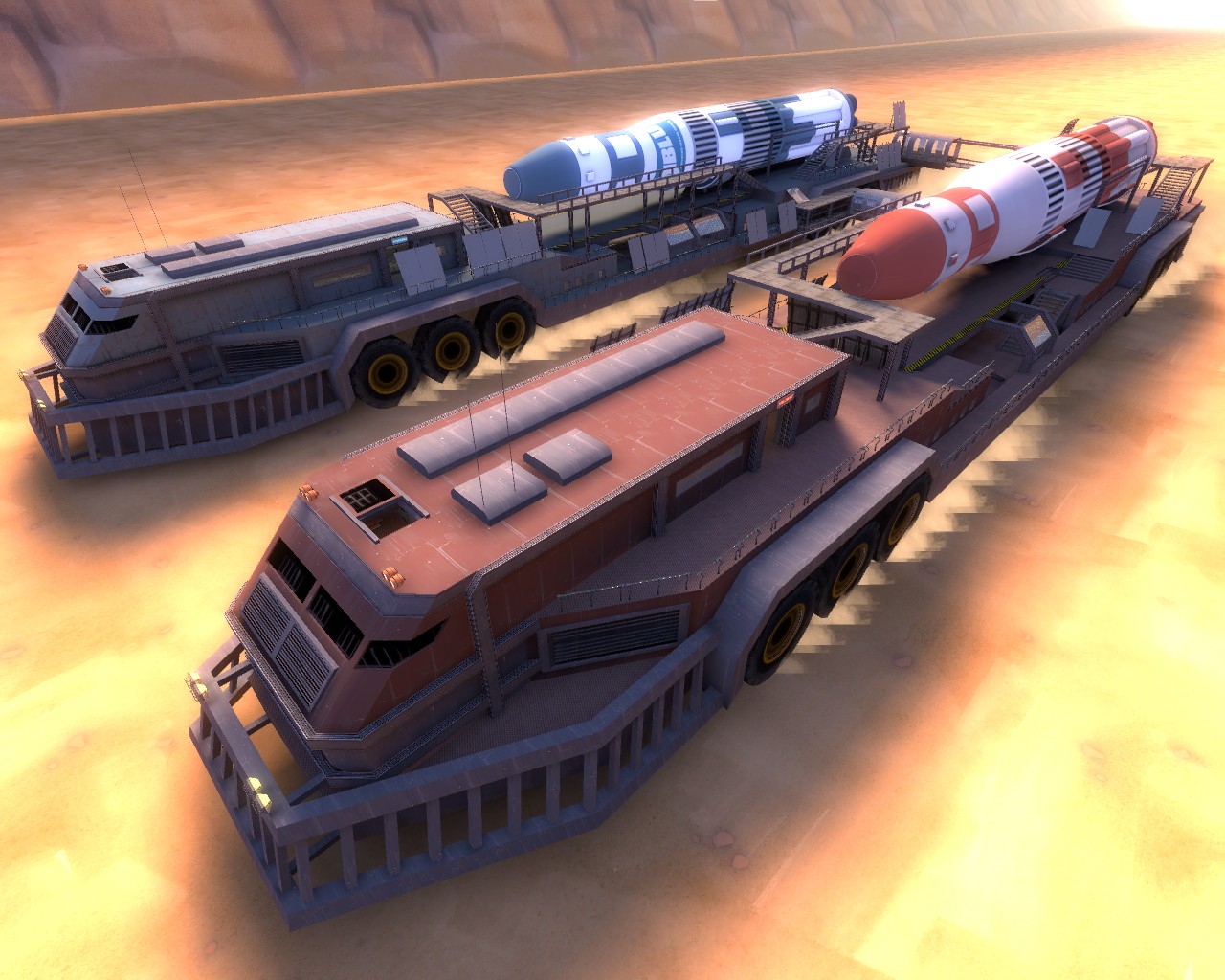
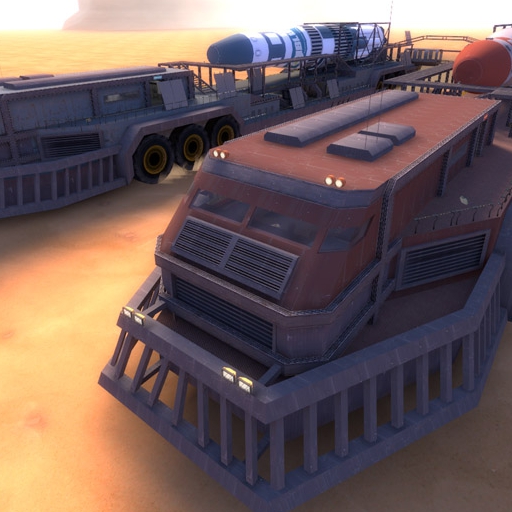
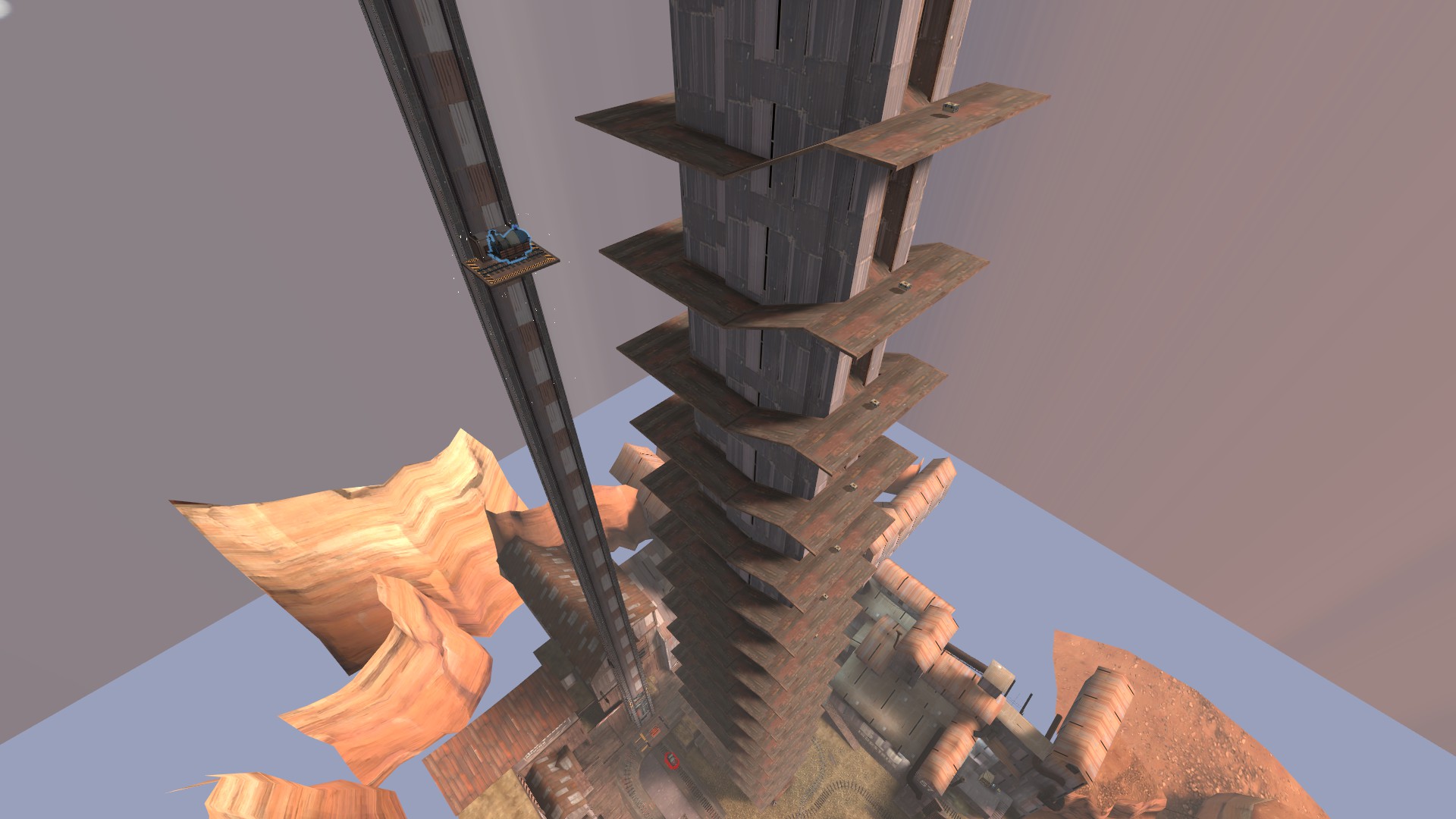
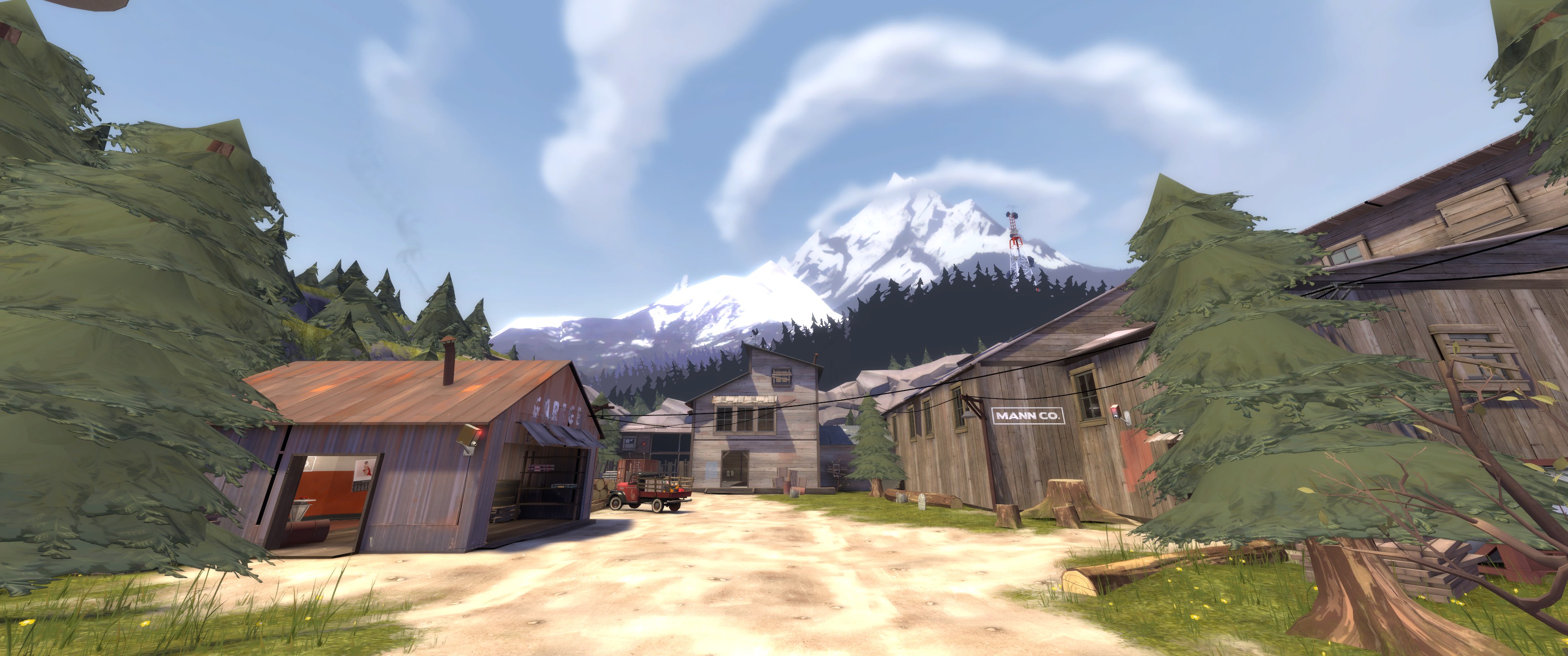
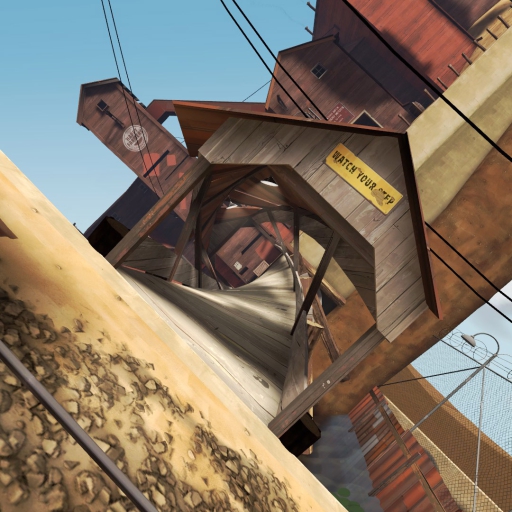
From Steam WorkshopThis is the first map I have ever made in TF2. This is a medium sized MvM map that somehow works well even though I've only used Hammer for four days total, and I had to learn most of it on my own.…
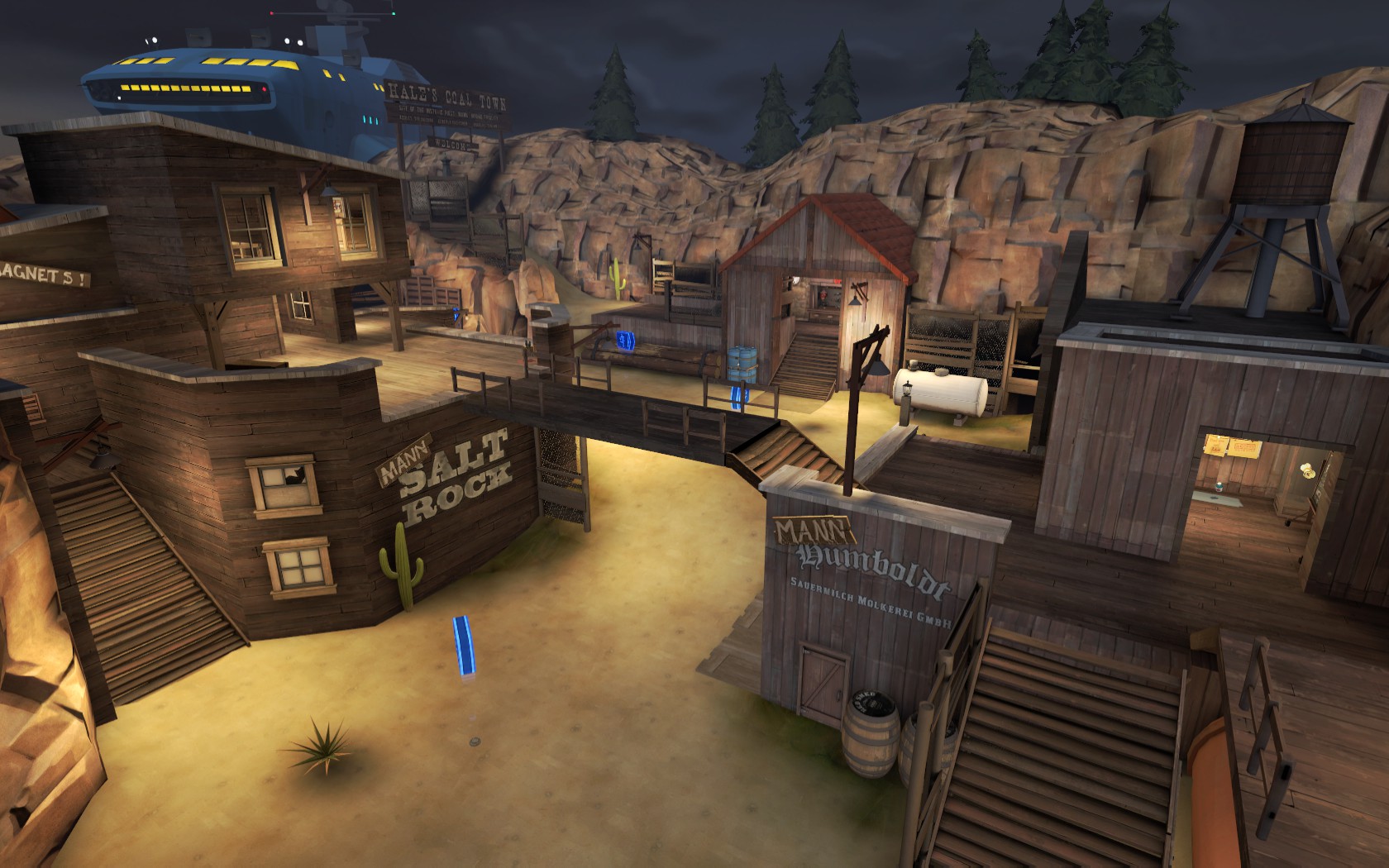
This is the first map I have ever made in TF2. This is a medium sized MvM map that somehow works well even though I've only used Hammer for four days total, and I had to learn most of it on my own. This map is no longer in its beta stage, but please still let me know of any bugs/glitches in the comments below. The new map and nav files are in the link below as well. Enjoy!
- I have just added the extemely advanced difficulty!!! Fight off 7 advanced waves then fight wave 666 on the 8th wave!!! Try it out if you can! --------------------------------------------------------------------------------------------------------------------------------------- (You can change the game mode by voting to switch modes from the esc menu) (You can also start MvM with fewer people with this command in the console: tf_mvm_min_players_to_start 1)
Here are the .pop, .bsp and .nav files required to play MvM Highground: Copy to browser:
((http://www.mediafire.com/file/1m01iszammpqhig/Pop+and+Nav+Highground.rar)) (remove the parenthesis and anything else not part of the link you see here for it to work.) The link DOES work
Instructions to install Each ---------------------------------------------------------------------------------------------------------------------------------------
.pop file:
This PC > C Drive > Program Files (x86) > Steam > steamapps > common > Team Fortress 2 > tf Once you are in the tf file, you will have to create a new folder called "custom." You may already have a custom folder. put the "custom" folder inside the "tf" folder. Then, inside the "custom" folder make another new folder called "pop." Then make another new folder called "scripts" inside the "pop" folder. Then lastly, create a new folder called "population" within the "scripts" folder. Now place the .pop files in the population folder. Done!
.nav file and .bsp (map file):
This PC > C Drive > Program Files (x86) > Steam > steamaps > common > Team Fortress 2 > tf > maps All you have to now is place the .nav and .bsp files in the "maps" folder and thats it!
If you have trouble instaling the files, comment below and I will try to help. --------------------------------------------------------------------------------------------------------------------------------------- I want to thank everyone for the very positive feedback! I am very excited to see that so many people enjoy this map even though its my first map and its not perfect. I was really not expecting it! - Also, I am big into MvM so all of my future maps will most likely be MvM maps.
Highlights
From source dataFootprint
Rated a light load on a server.
Last update
Its author last shipped an update 6 yr ago.
MvM Highground on Nxeon
From our catalogue- One-click install
- Supported on Nxeon Team Fortress 2 servers. We download it from Steam Workshop, place it, and restart the server.
- Server load
- light
- Smallest plan we suggest
- Team Fortress 2 — 2 GB (2 GB RAM). This follows our own load rating above, not a benchmark.
- Latest build
- 2021-02-22, released 2021-02-22
Game versions by loader
| Loader | Game versions | Newest |
|---|---|---|
| Workshop |
From 1 recorded build of MvM Highground.
Run MvM Highground on a Team Fortress 2 server
Pick a server or deploy a new one above; it is installed in one click.
What kind of mod it is
From the catalogMaps & scenarios
Custom maps, arenas and scenarios to play on.
Compatibility
- Game
- Team Fortress 2
Verified at the source
- ✓Steam WorkshopOfficial listing, checked 2026-11-01Open ↗
- ✓AuthorIndustrialBacon7, as published on Steam Workshop
- ✓LicenseNot published by the sourceFree