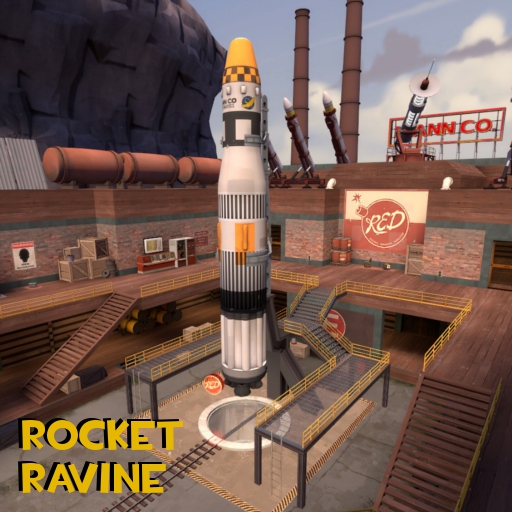
About Rocket Ravine
From Steam WorkshopBLU must deliver the payload to RED's base on the other side of the ravine and blow up RED's rocket before it launches! There are a total of five control points, including the launch pad. Each…
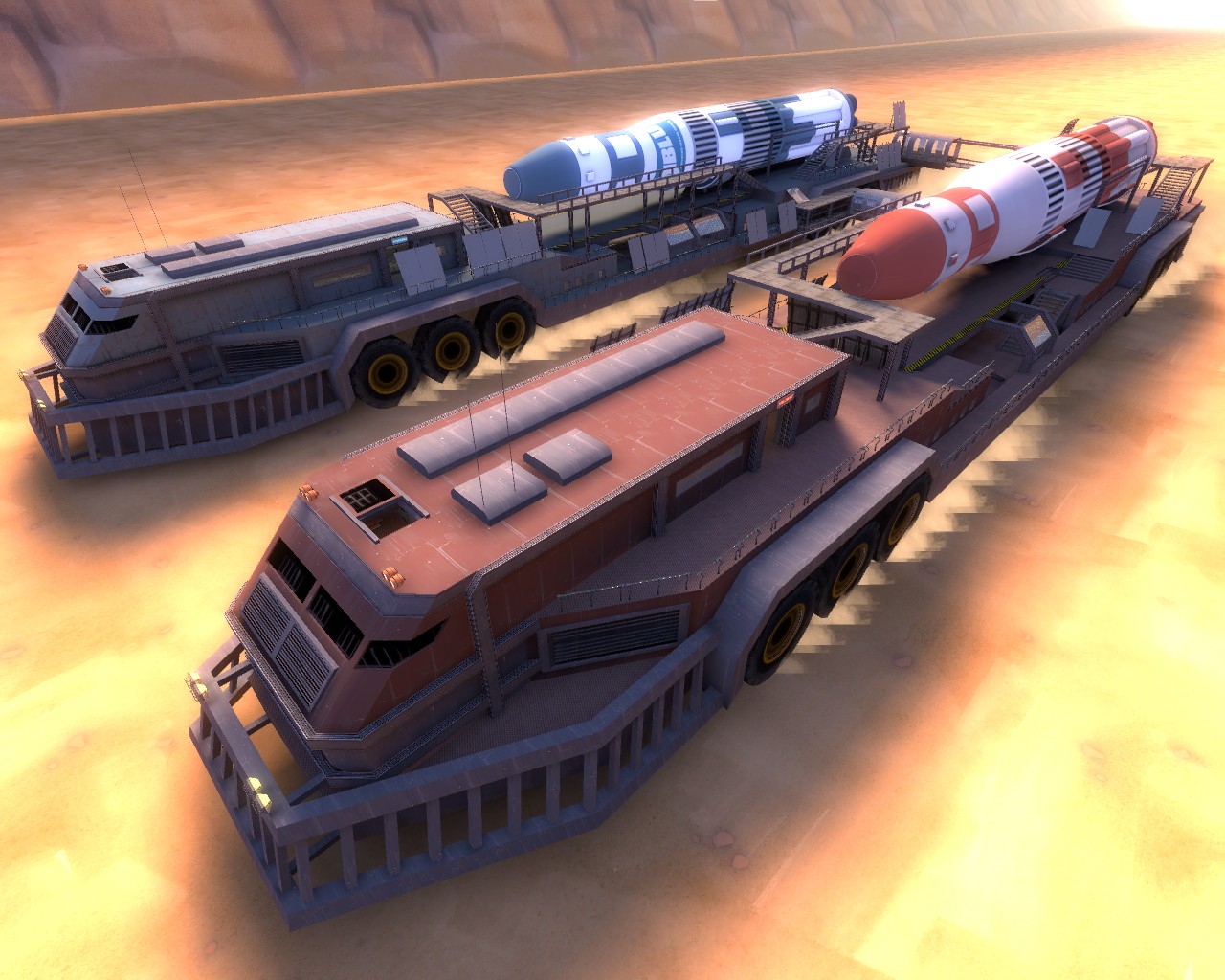
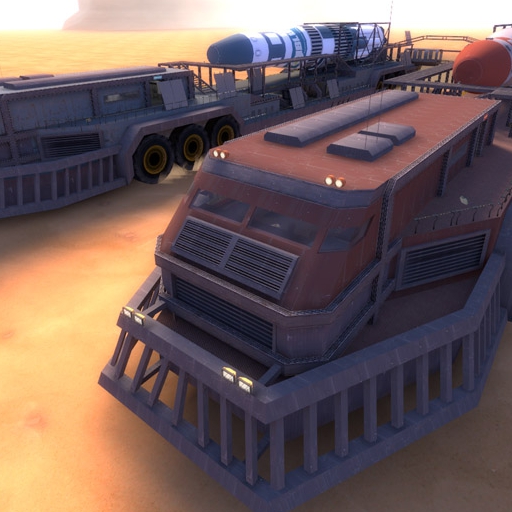
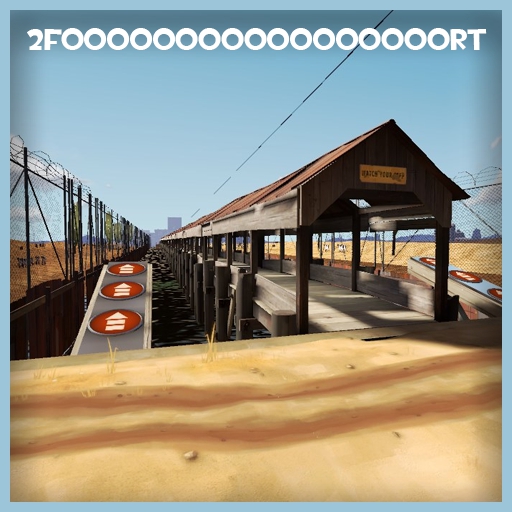
BLU must deliver the payload to RED's base on the other side of the ravine and blow up RED's rocket before it launches!
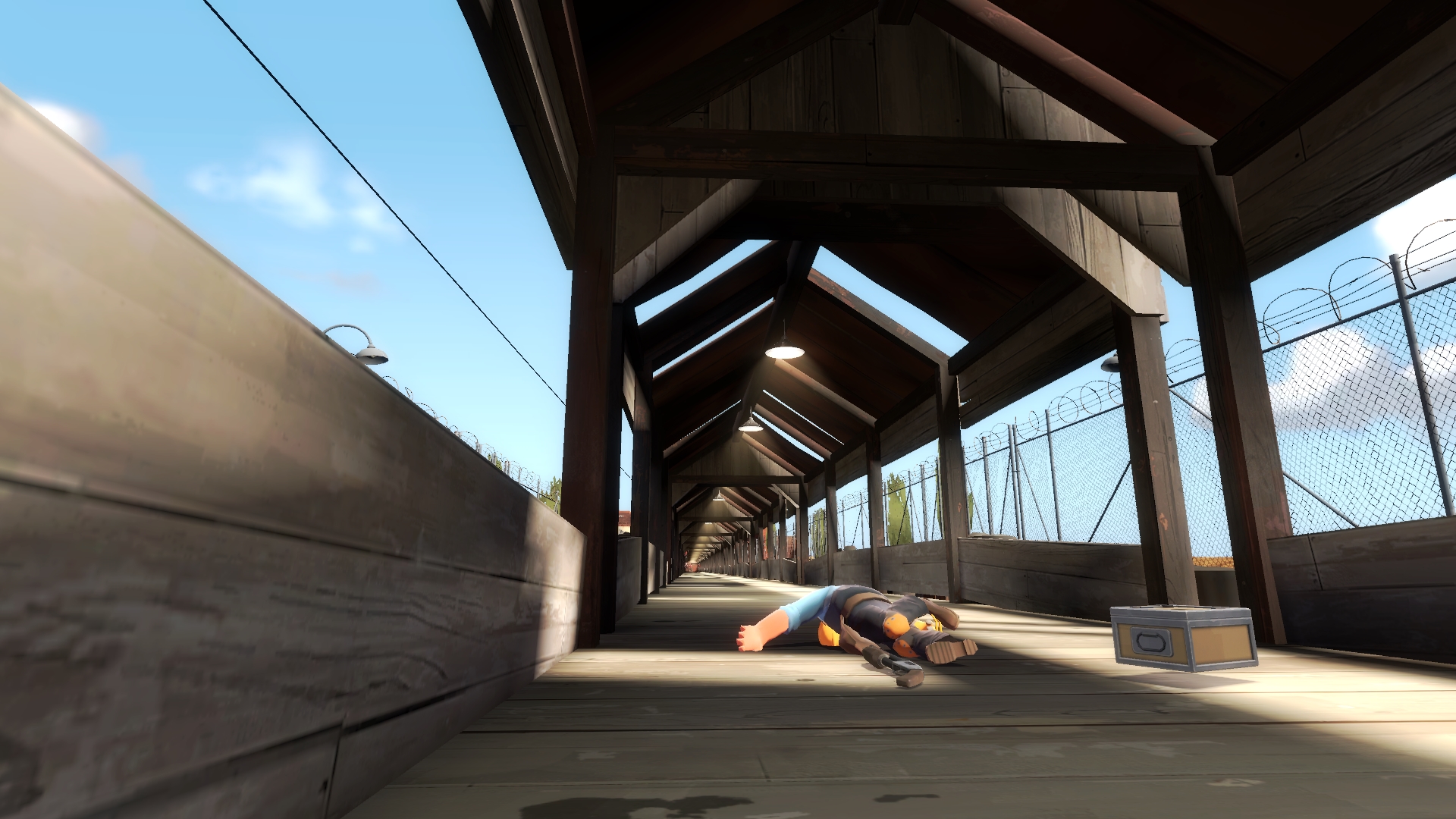
There are a total of five control points, including the launch pad. Each control point captured will earn BLU team 1 point and delays the rocket launch by a few minutes. Each captured control point will also help BLU team move up as they infiltrate RED base on their way to the rocket launch.
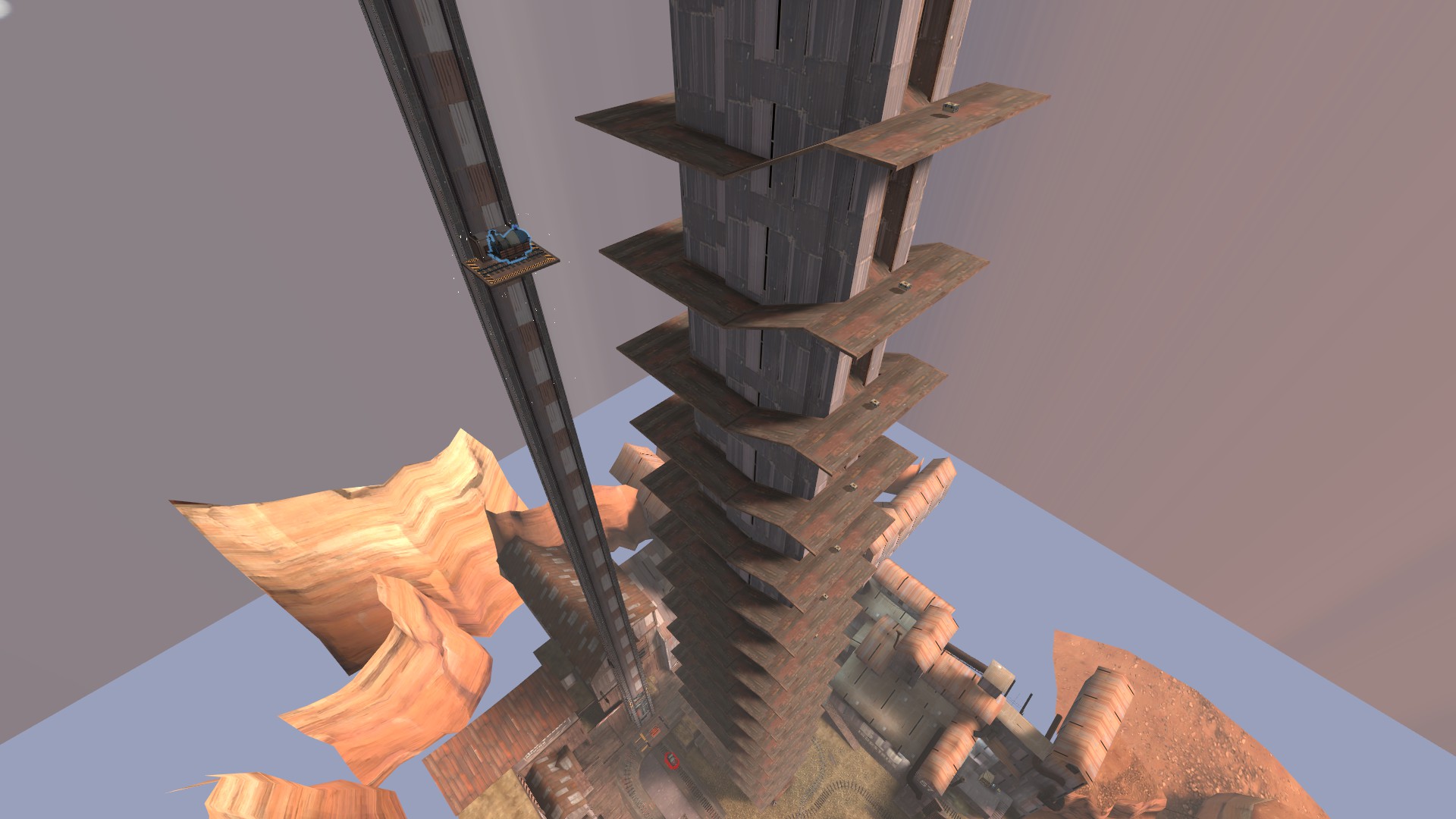
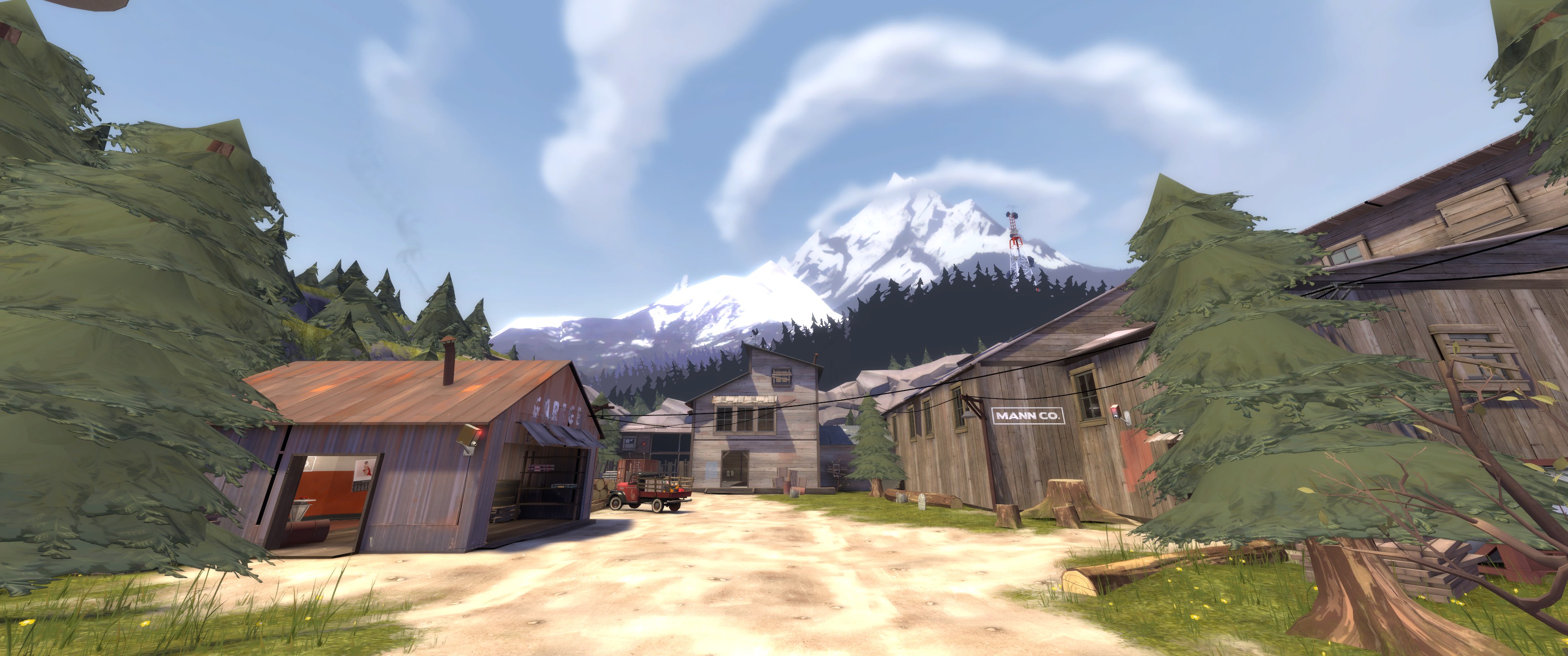
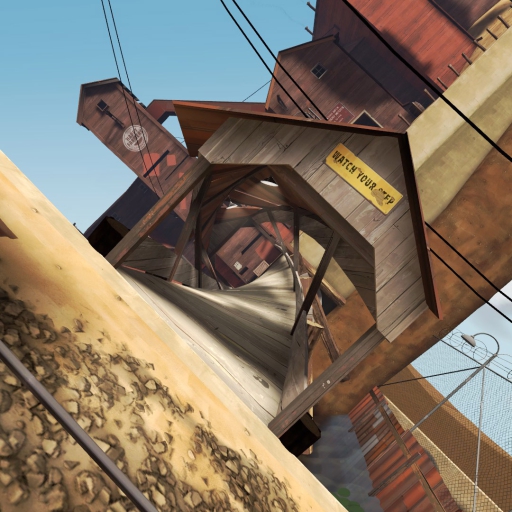
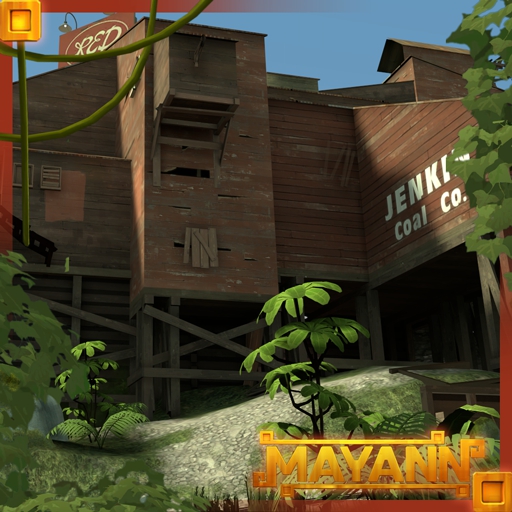
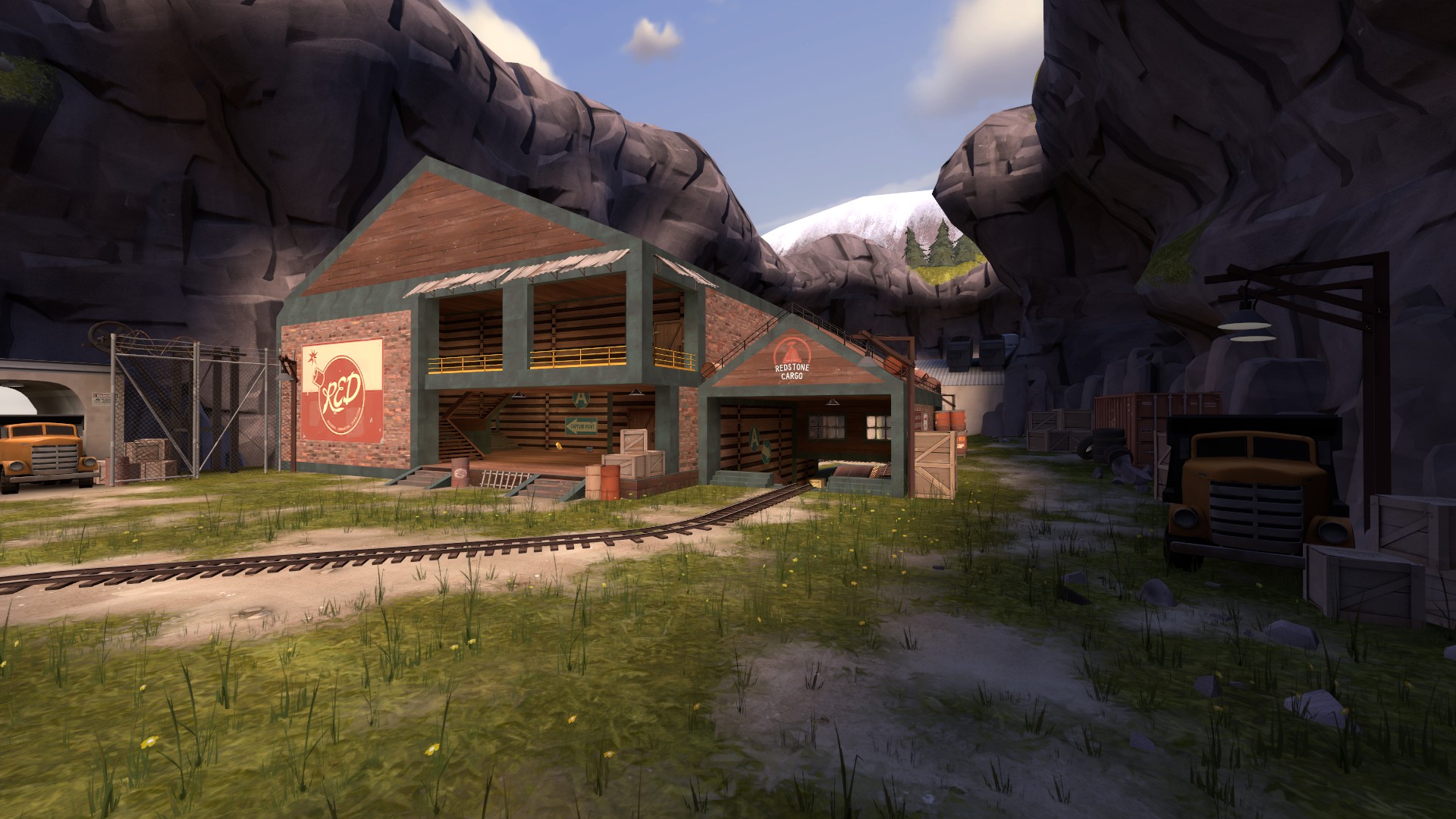
The Rocket Ravine Base is set in a photogenic apline area with large rock walls, dark caves, pristine lakes, and beautiful waterfalls. But be careful! There are many cliffs and other hazards along the way! MannCo has also introduced new Tube Technology (TM): a new and space-age means of transportation! MannCo will not be held responsible for any broken limbs or fractured spines. Use at your own risk.
Bsp.bz2 file format for servers available for download via the TF2maps website http://tf2maps.net/resources/rocket-ravine.259/
This map now offers built-in bot support!
To host a solo session with bots: 1. Make sure the bsp file (pl_rocketravine_b6.bsp) is either in the steam\steamapps\common\Team Fortress 2\tf\maps or tf\downloads folders.
(1b. The workshop may put the file somewhere in steam\steamapps\workshop\content\440 so look for it there if you don't see it in the maps or downloads folder mentioned. Once you find it, copy it over to the maps folder.)
2. Load up TF2 and either create a session from the main menu or simply type "map pl_rocketravine_b6" in console.
3. Once level is loaded, to add bots, first set the bot difficulty level by entering "tf_bot_difficulty" followed by a number between 0-3. 3 being most difficult and 0 being easiest. For example, "tf_bot_difficulty 2" would set the bots to "hard" difficulty. I would recomend setting this to 2 or 3 to make it as challenging as a real game.
4. Once the difficulty is set, enter "tf_bot_quota" followed by the number of bots you want. 22 is probably the max in most cases.
5. That's it! Note that when you are hosting a local session that you may experience fps drops on account of you both hosting and playing at the same time.
Highlights
From source dataFootprint
Rated a light load on a server.
Last update
Its author last shipped an update 11 yr ago.
Rocket Ravine on Nxeon
From our catalogue- One-click install
- Supported on Nxeon Team Fortress 2 servers. We download it from Steam Workshop, place it, and restart the server.
- Server load
- light
- Smallest plan we suggest
- Team Fortress 2 — 2 GB (2 GB RAM). This follows our own load rating above, not a benchmark.
- Latest build
- 2015-11-17, released 2015-11-17
Game versions by loader
| Loader | Game versions | Newest |
|---|---|---|
| Workshop |
From 1 recorded build of Rocket Ravine.
Run Rocket Ravine on a Team Fortress 2 server
Pick a server or deploy a new one above; it is installed in one click.
What kind of mod it is
From the catalogWorkshop
Its source category doesn’t say more about what it does, so NxLabs lists it under Other.
Compatibility
- Game
- Team Fortress 2
Verified at the source
- ✓Steam WorkshopOfficial listing, checked 2026-11-01Open ↗
- ✓AuthorDannBo, as published on Steam Workshop
- ✓LicenseNot published by the sourceFree