About Salvador
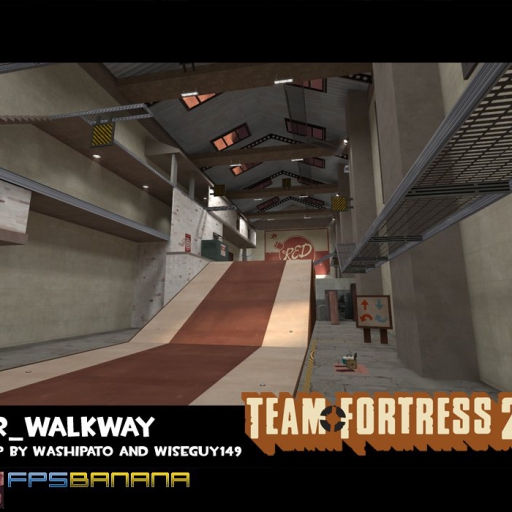
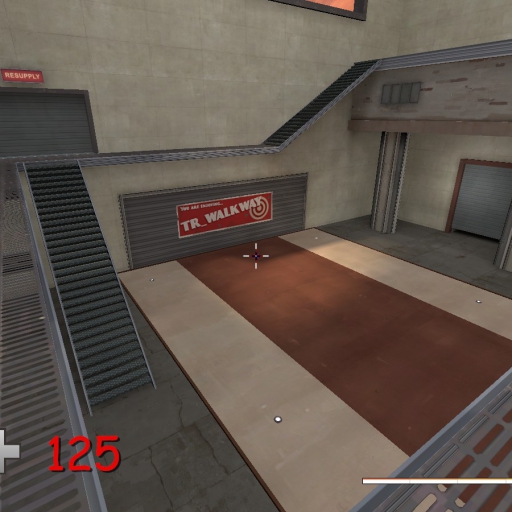
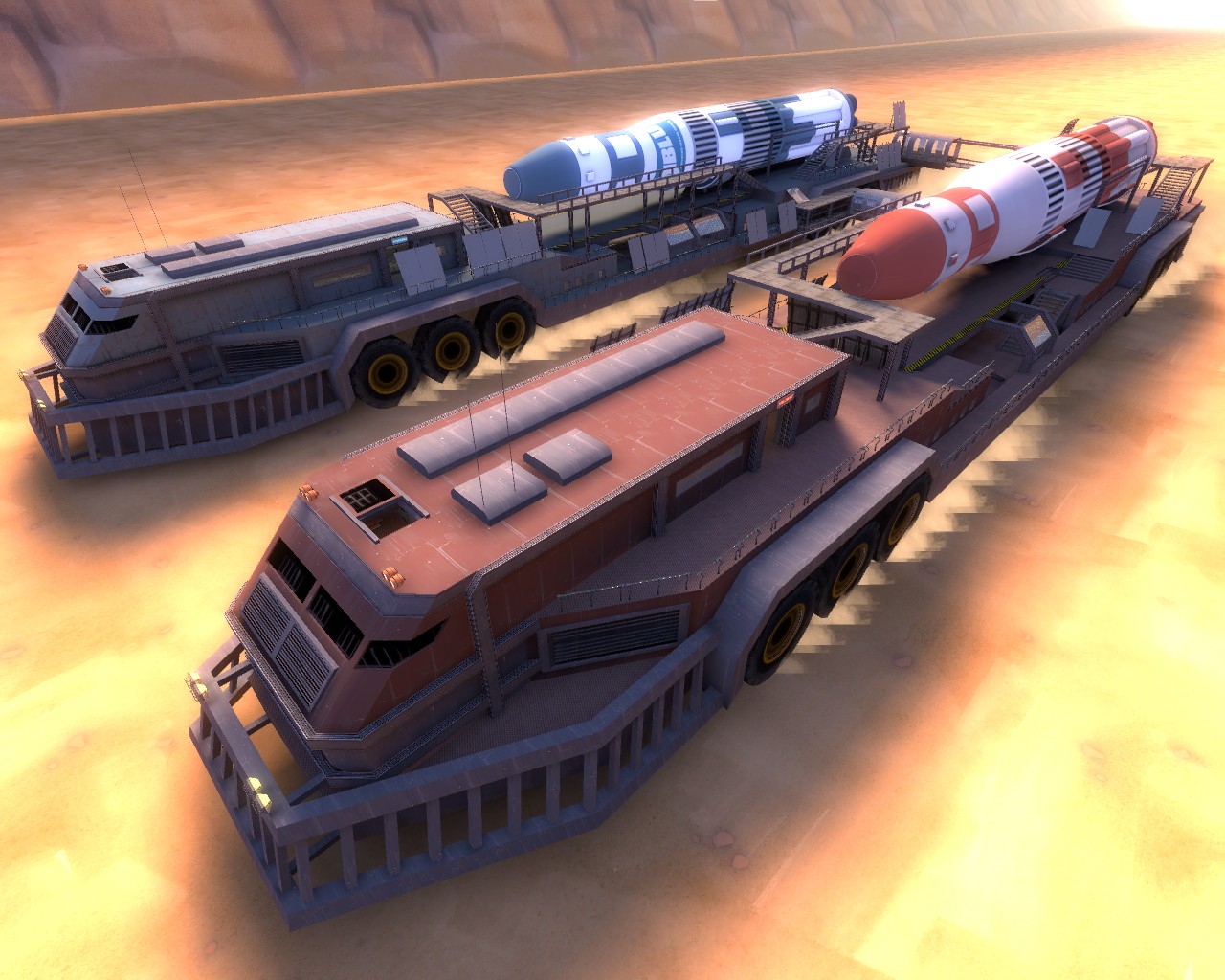
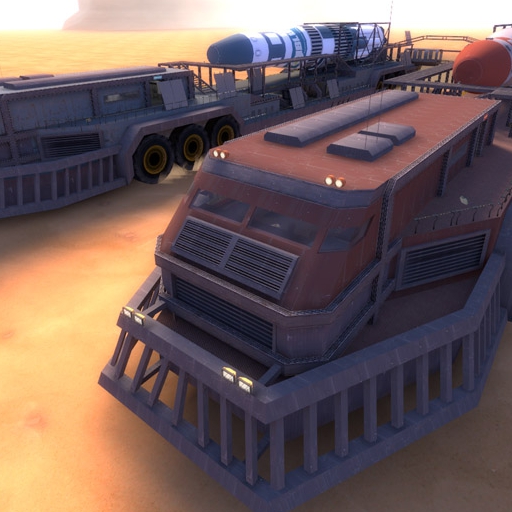
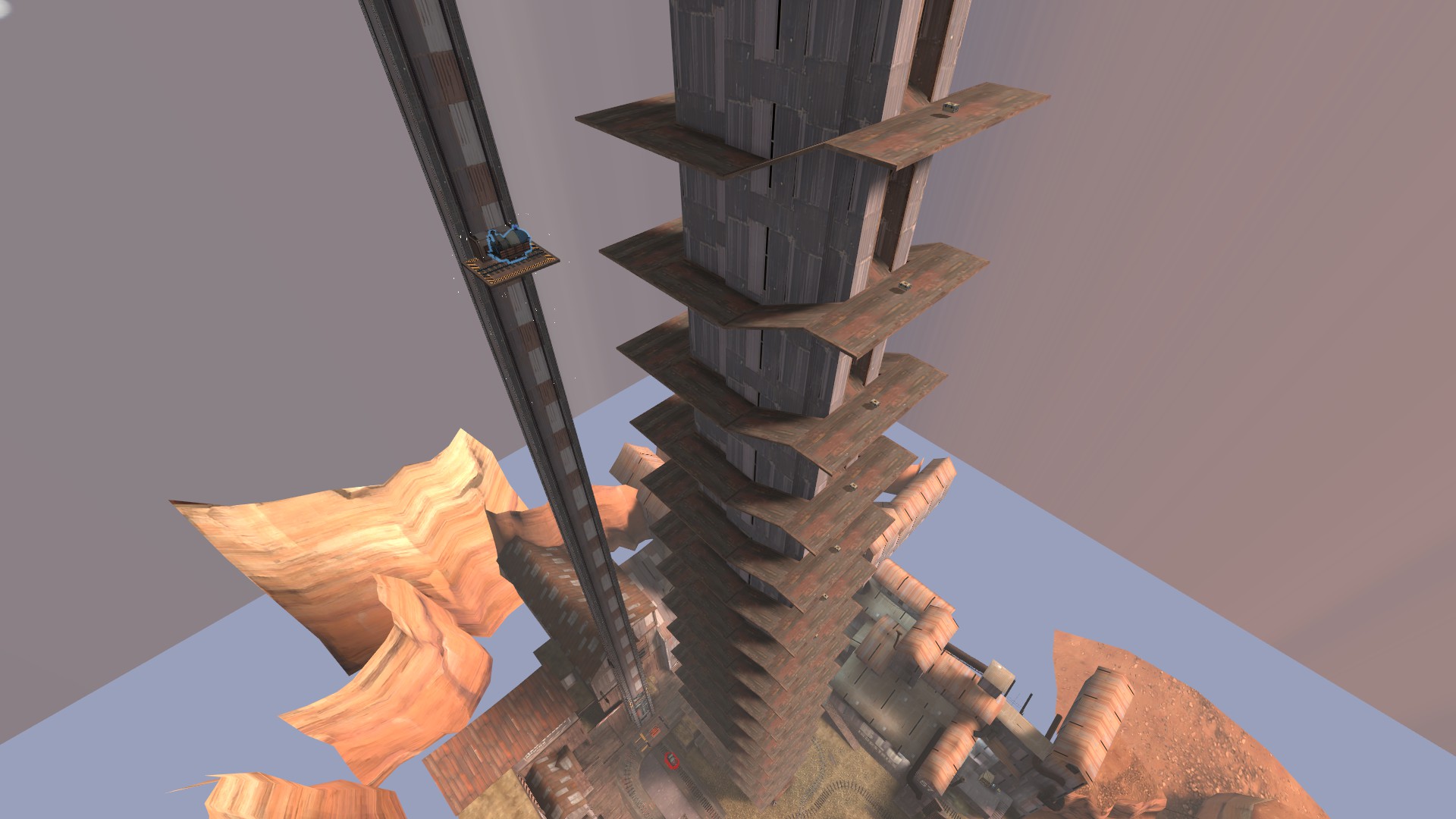
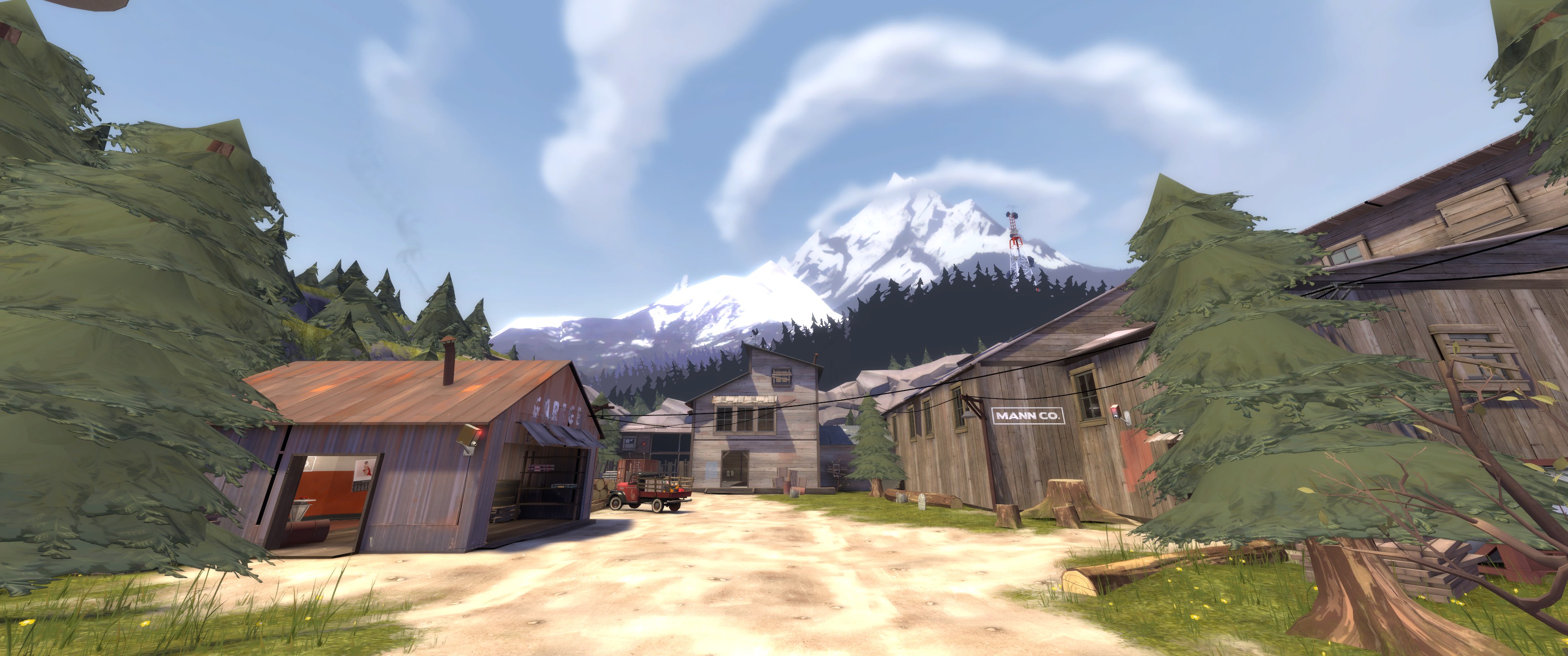
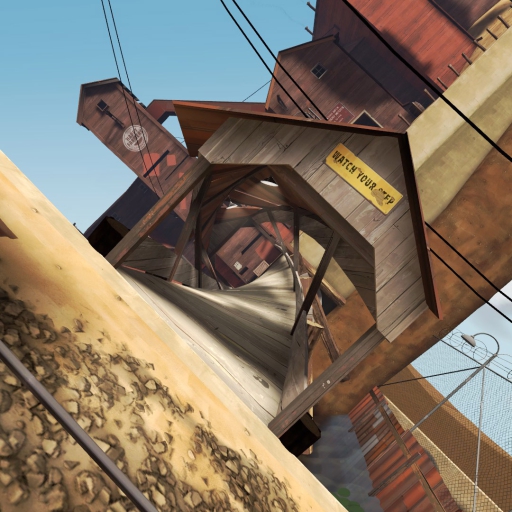
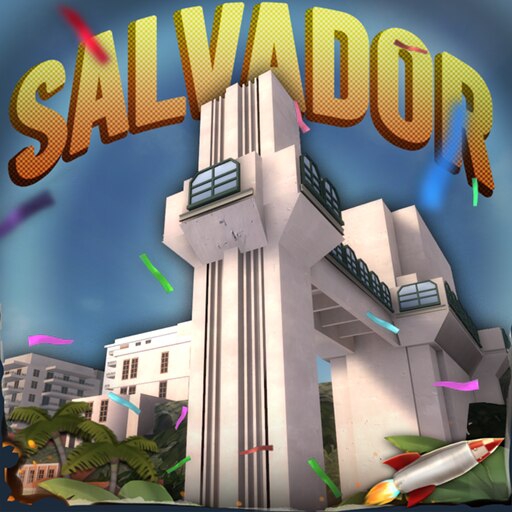
From Steam Workshophttps://i.imgur.com/a4z6H0O.png https://i.imgur.com/H4CMQiW.png Welcome to the historical town of Salvador, Bahia. Where the sea is blu and the giant factory in the other side is glowing green, thanks to the immense consumption of Brazilium. Mercenaries ar
Highlights
From source dataFootprint
Rated a light load on a server.
Last update
Its author last shipped an update 2 yr ago.
Salvador on Nxeon
From our catalogue- One-click install
- Supported on Nxeon Team Fortress 2 servers. We download it from Steam Workshop, place it, and restart the server.
- Server load
- light
- Smallest plan we suggest
- Team Fortress 2 — 2 GB (2 GB RAM). This follows our own load rating above, not a benchmark.
Run Salvador on a Team Fortress 2 server
Pick a server or deploy a new one above; it is installed in one click.
What kind of mod it is
From the catalogListed on Steam Workshop as “Workshop”
Technology & automation
Machines, power, logistics and automation.
Compatibility
- Game
- Team Fortress 2
Verified at the source
- ✓Steam WorkshopOfficial listing, checked 2026-09-20Open ↗
- ✓AuthorJonnhy, as published on Steam Workshop
- ✓LicenseNot published by the sourceFree