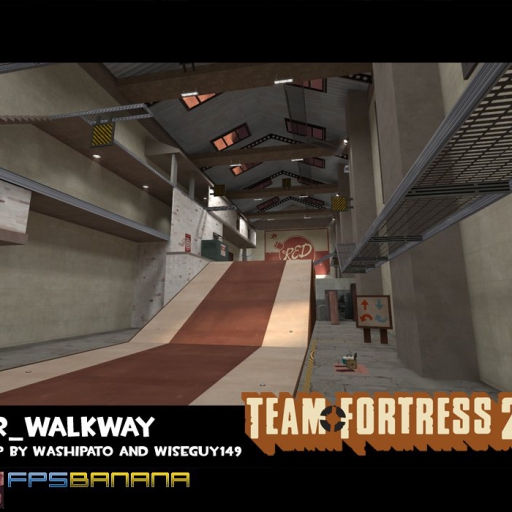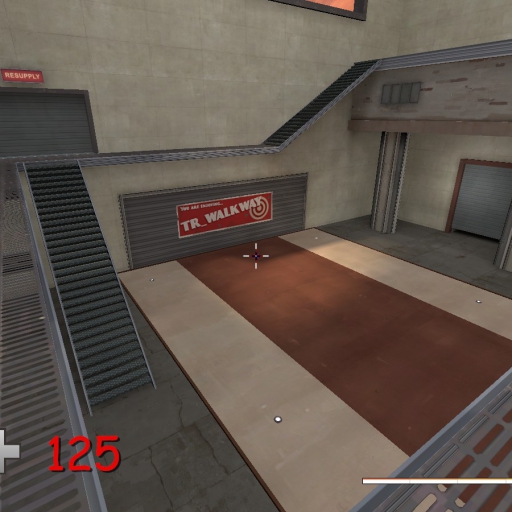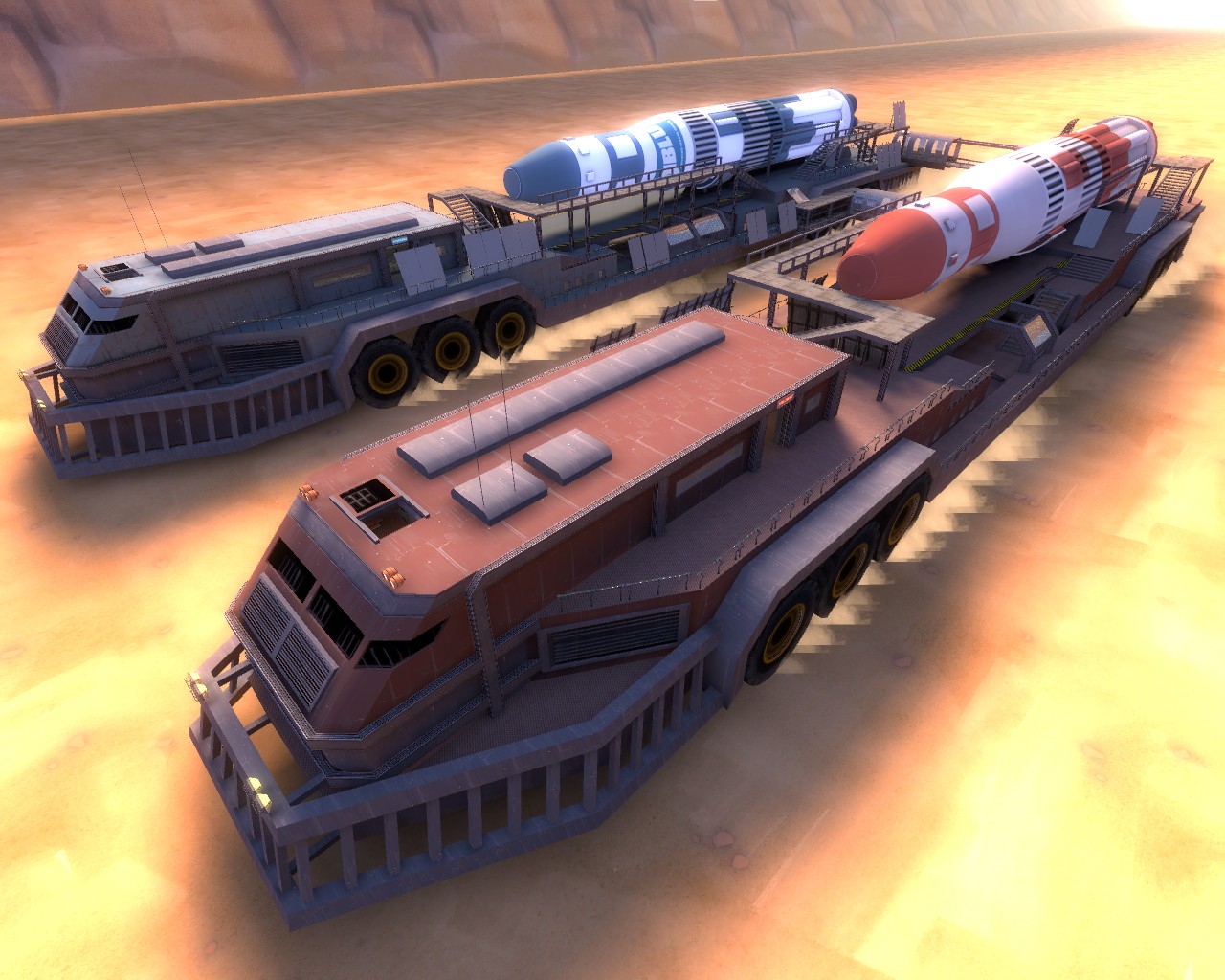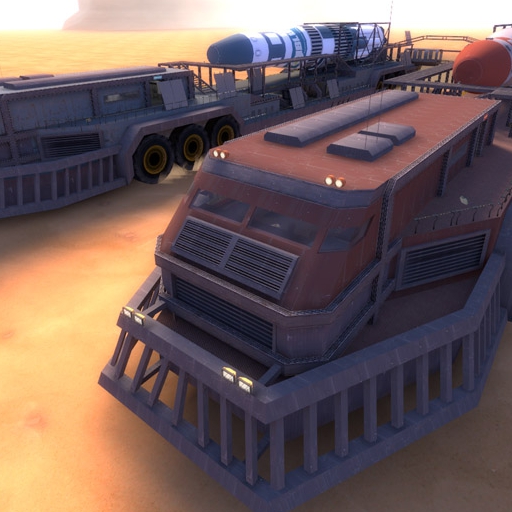
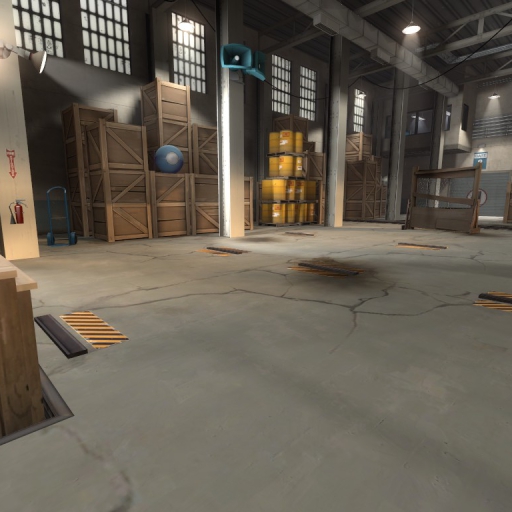
About Target Weaponref
From Steam WorkshopTarget Weaponref Test your weapons and cosmetics and have fun IMPORTANT ANNOUNCEMENT This map is no longer supported, it may don't work anymore ¡ATTENTION! Read all the text to avoid problems, if you…
Target Weaponref
Test your weapons and cosmetics and have fun
IMPORTANT ANNOUNCEMENT
This map is no longer supported, it may don't work anymore
¡ATTENTION!
Read all the text to avoid problems, if you want to do like weapons review, please download the weapon.ref if you need it.
¡WARNING!
If you use the weapon.ref config it will use a custom options in your HUD, resolution, game settings, graphics etc... make a backup before to avoid this problem because it don't have an undo botton. You can also get the default config putting -autoconfig in launch options the next time you open Team Fortress 2
¿How to use the map?
If you want to get config of the map please read all and download the files (like a weapons review videos) If you only want open the map, please only subscribe
Offside
1. Subcribe map 2. If you want to get config of the map please check this file 3. Download the file 4. Uncompress weaponref.7z 5. Go to weaponref.7z\the_contents_of_this_folder_go_in_tf_custom\weaponref\cfg 6. The weaponref.cfg file go into <your team fortress 2 folder>/tf/cfg, if don't works, try put the file in <your team fortress 2 folder>/tf/custom 7. Open TF2 and read the next information to learn how to use the file In-Game
In-Game
1. Load the map using "map tr_target_weaponref" (Wait for the map to load) 2. Join to BLU Team (Recommended) 3. Activate sv_cheats in the console using the key ` or your configurated key and write "sv_cheats 1" 4. Write "exec weaponref" in the console to run the file and bind keys
List of keys:
- LSHIFT = Critical HIT
- B = Get ammo
- K = Suicide
- P = Pause
- N = Noclip (Read the commands)
List of other Commands:
- sv_cheats 1/0 = Activate Cheats/Desactivate Cheats.
- itemtest = Display itemtest settings (Bots, Weapons, Hats etc...).
- noclip = Fly and through walls/Stop Flying and through walls.
- cl_drawhud 1/0 = Show HUD/Hide HUD.
- god = Player becomes invulnerable.
- mp_switchteams = Reorganize Teams.
- r_cleardecals = Clears all decals (blood and bullet holes) from the map.
- getpos = Displays the current position and rotation of the player in x, y, and z coordinates.
- bot -team -class -name = Adds a puppet bot with the specified parameters (Example: bot -team blu -class medic -name "Friendly Medic").
- bot_teleport namebot x y z x1 y1 z1 (delate the letters and uses the same coordinates in x1 y1 and z1).
NOTES
To generate again bots use "exec weaponref" in the console to reverse the changes only removes the file and use your settings in TF2
Highlights
From source dataFootprint
Rated a light load on a server.
Last update
Its author last shipped an update 5 yr ago.
Target Weaponref on Nxeon
From our catalogue- One-click install
- Supported on Nxeon Team Fortress 2 servers. We download it from Steam Workshop, place it, and restart the server.
- Server load
- light
- Smallest plan we suggest
- Team Fortress 2 — 2 GB (2 GB RAM). This follows our own load rating above, not a benchmark.
- Latest build
- 2022-01-28, released 2022-01-28
Game versions by loader
| Loader | Game versions | Newest |
|---|---|---|
| Workshop |
From 1 recorded build of Target Weaponref.
Run Target Weaponref on a Team Fortress 2 server
Pick a server or deploy a new one above; it is installed in one click.
What kind of mod it is
From the catalogMaps & scenarios
Custom maps, arenas and scenarios to play on.
Compatibility
- Game
- Team Fortress 2
Verified at the source
- ✓Steam WorkshopOfficial listing, checked 2026-11-01Open ↗
- ✓AuthoriVan21, as published on Steam Workshop
- ✓LicenseNot published by the sourceFree