About Weeeeeeeeeeeeeeeeell
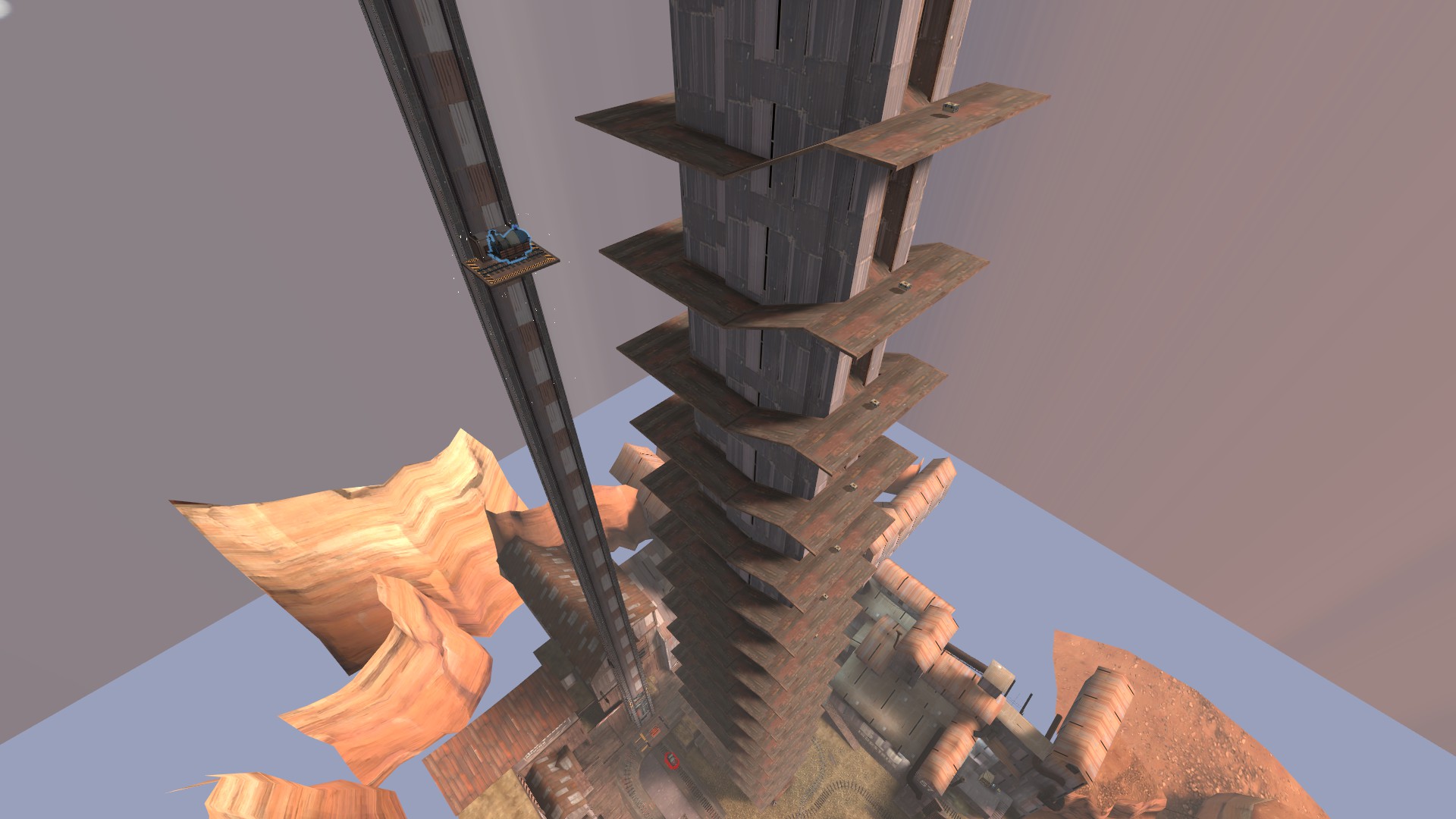
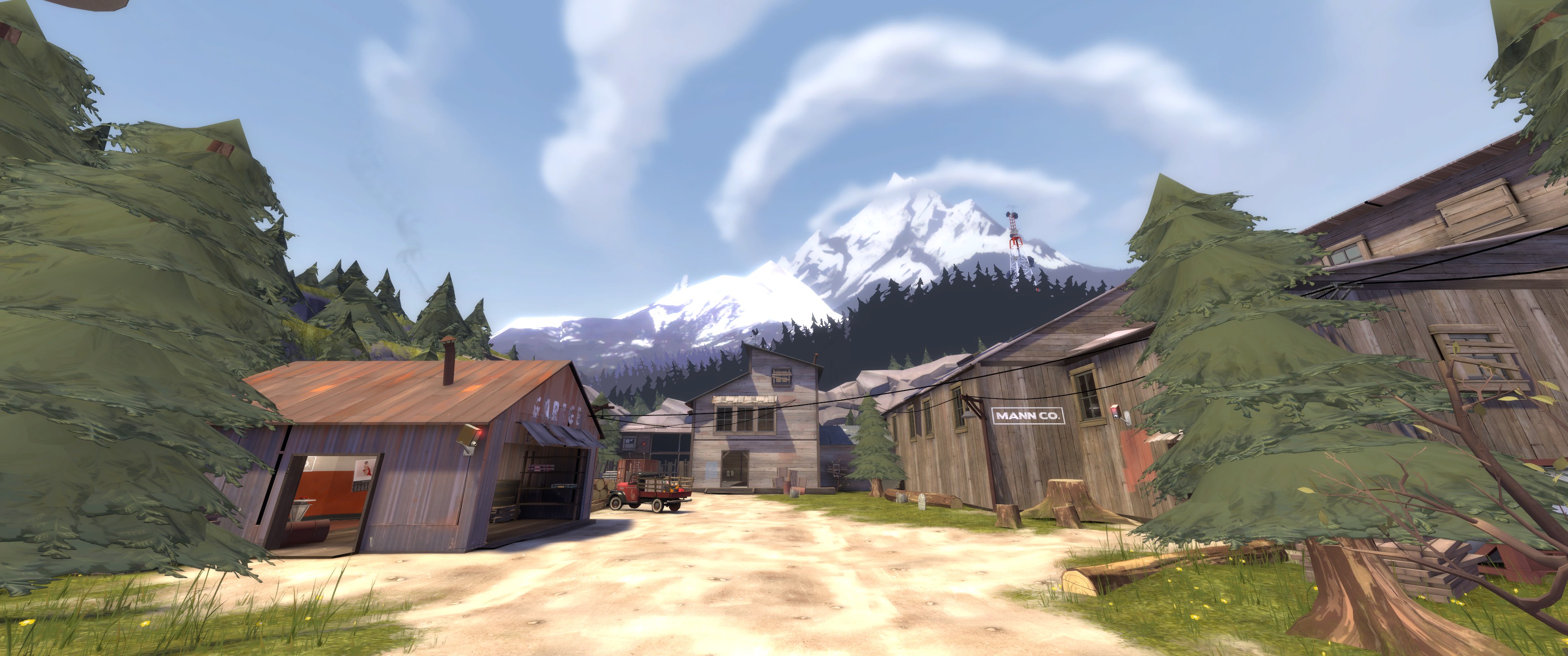
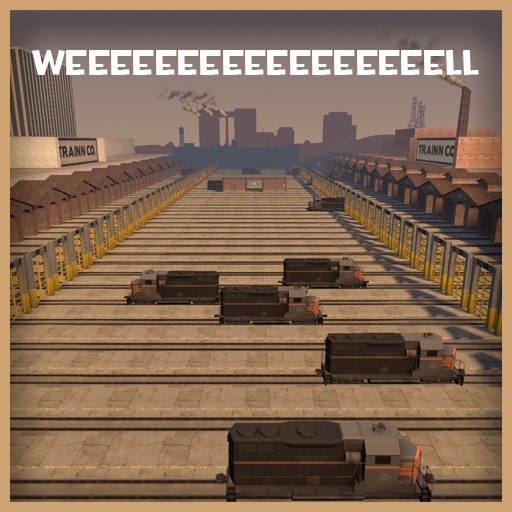
From Steam WorkshopEveryone remembers well for the trains, so why not have more of them? koth_weeeeeeeeeeeeeeeeell (that's 17 e's, 1 for every 3 trains) is a ma.. oh hang on a sec, I know what you're thinking;…
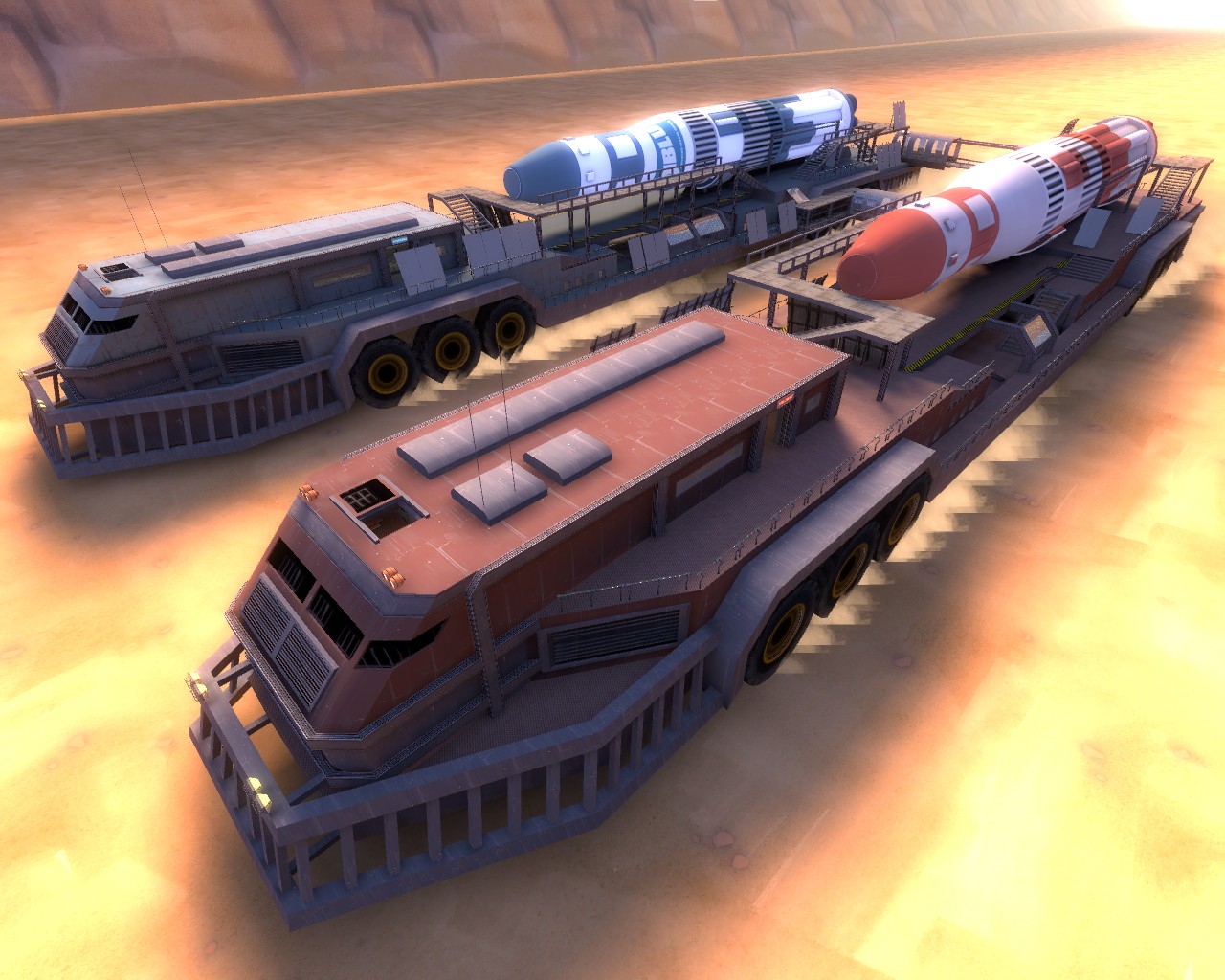
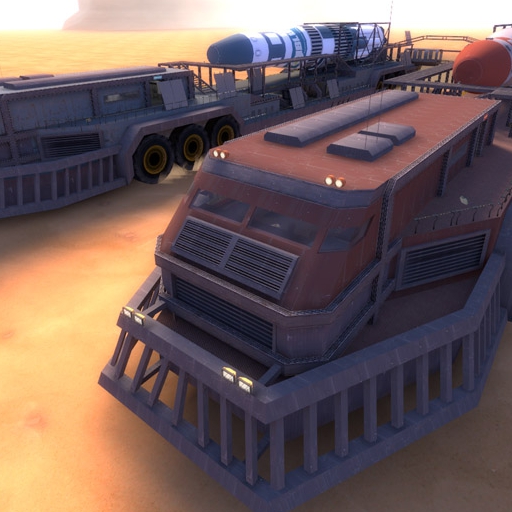
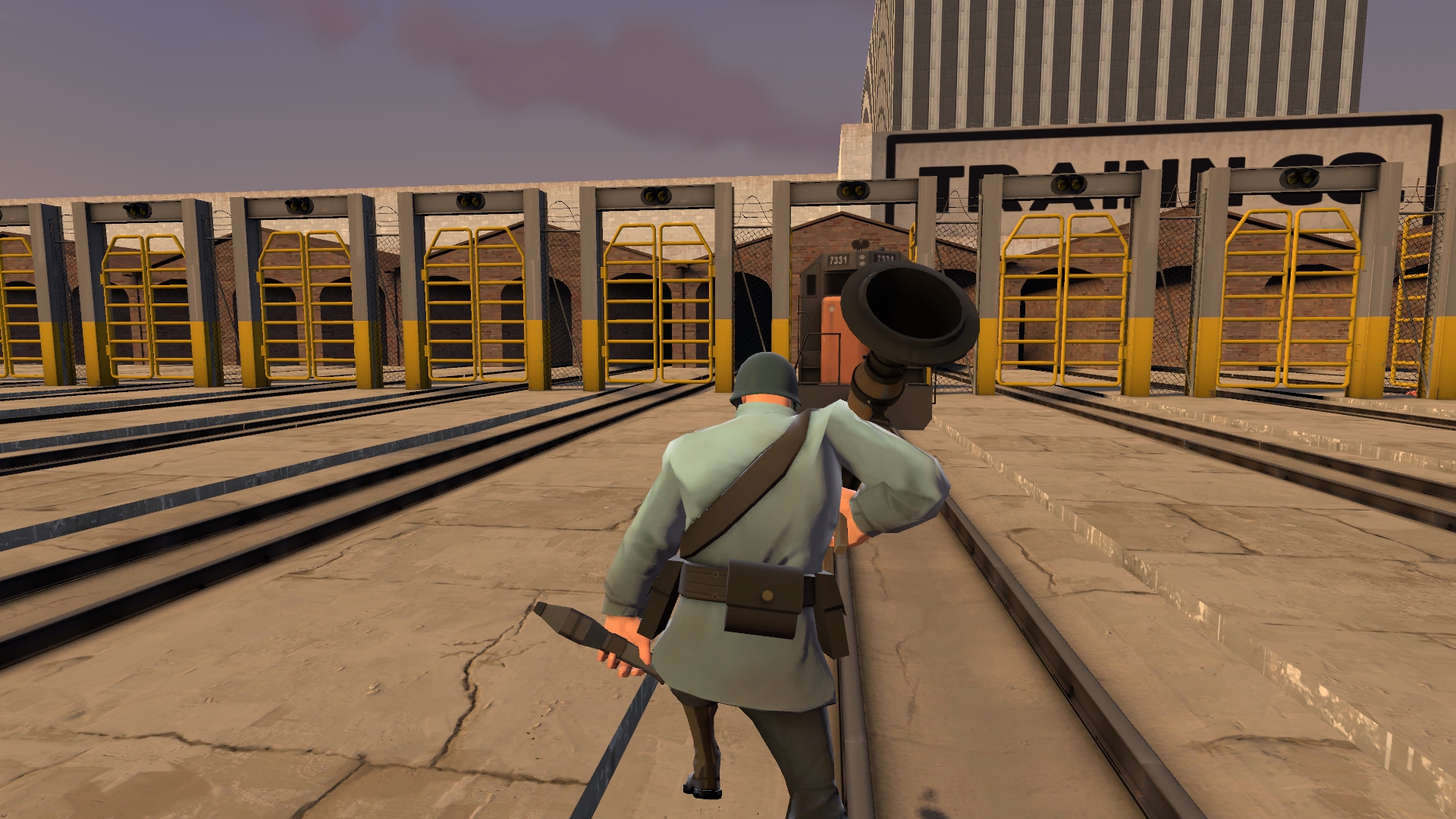
Everyone remembers well for the trains, so why not have more of them?
koth_weeeeeeeeeeeeeeeeell (that's 17 e's, 1 for every 3 trains) is a ma.. oh hang on a sec, I know what you're thinking; "Whomobile, koth_well isn't an official map? Why didn't you stretch out the CP or CTF version of well?" Well my friend there's this thing called the entity limit I kept hitting while trying to make this map, so I made the arena version into a KOTH map. Even after I did that I had to take the skybox trains out just to get the map to run.
Seriously this map to forever to get working.
Have fun. I'm not making any more of these kind of maps.
How do I run this map?
To load maps from the steam workshop in tf2:
1. Get the url (web address) from the page (in the steam browser, right click and press "copy page url" and paste the address somewhere), find the numbers that make up the last part of the url and copy them
2. If you don't know how to open the console in Source engine games, navigate to the options menu, goto keyboard options, click advanced, tick enable console and press the ~ key to open console.
3. Open up the TF2 console and type "map workshop/insert map number here" without quotation marks in the text box at the bottom of the console. Press enter and the map should run. For this map, you type "map workshop/909199961"
This works for any map on the workshop.
Latest version is _rc3, please remove all old versions and update before reporting bugs.
Highlights
From source dataFootprint
Rated a light load on a server.
Last update
Its author last shipped an update 9 yr ago.
Weeeeeeeeeeeeeeeeell on Nxeon
From our catalogue- One-click install
- Supported on Nxeon Team Fortress 2 servers. We download it from Steam Workshop, place it, and restart the server.
- Server load
- light
- Smallest plan we suggest
- Team Fortress 2 — 2 GB (2 GB RAM). This follows our own load rating above, not a benchmark.
- Latest build
- 2017-05-11, released 2017-05-11
Game versions by loader
| Loader | Game versions | Newest |
|---|---|---|
| Workshop |
From 1 recorded build of Weeeeeeeeeeeeeeeeell.
Run Weeeeeeeeeeeeeeeeell on a Team Fortress 2 server
Pick a server or deploy a new one above; it is installed in one click.
What kind of mod it is
From the catalogVehicles & ships
Cars, boats, aircraft, ships and other things to drive or fly.
Compatibility
- Game
- Team Fortress 2
Verified at the source
- ✓Steam WorkshopOfficial listing, checked 2026-11-01Open ↗
- ✓AuthorWhomobile, as published on Steam Workshop
- ✓LicenseNot published by the sourceFree