About Unturned 建造對齊|Build Snap v1.3|繁體中文・简体中文・English
From Steam WorkshopUnturned 建造對齊|Build Snap|v1.3 三語版本 側邊吸附、頂部九點、中心圓周與壁掛平行排列,搭配固定網格微調距離、高度及普通物品角度。 v1.3:整合三語與效能改善,統一安裝包、模組與工作坊版本;舊版保留供回溯。 【安裝】 1. 關閉遊戲,解壓縮 ZIP。將 payload\Modules\BuildEdgeSnap 合併複製到遊戲…
Unturned 建造對齊|Build Snap|v1.3 三語版本
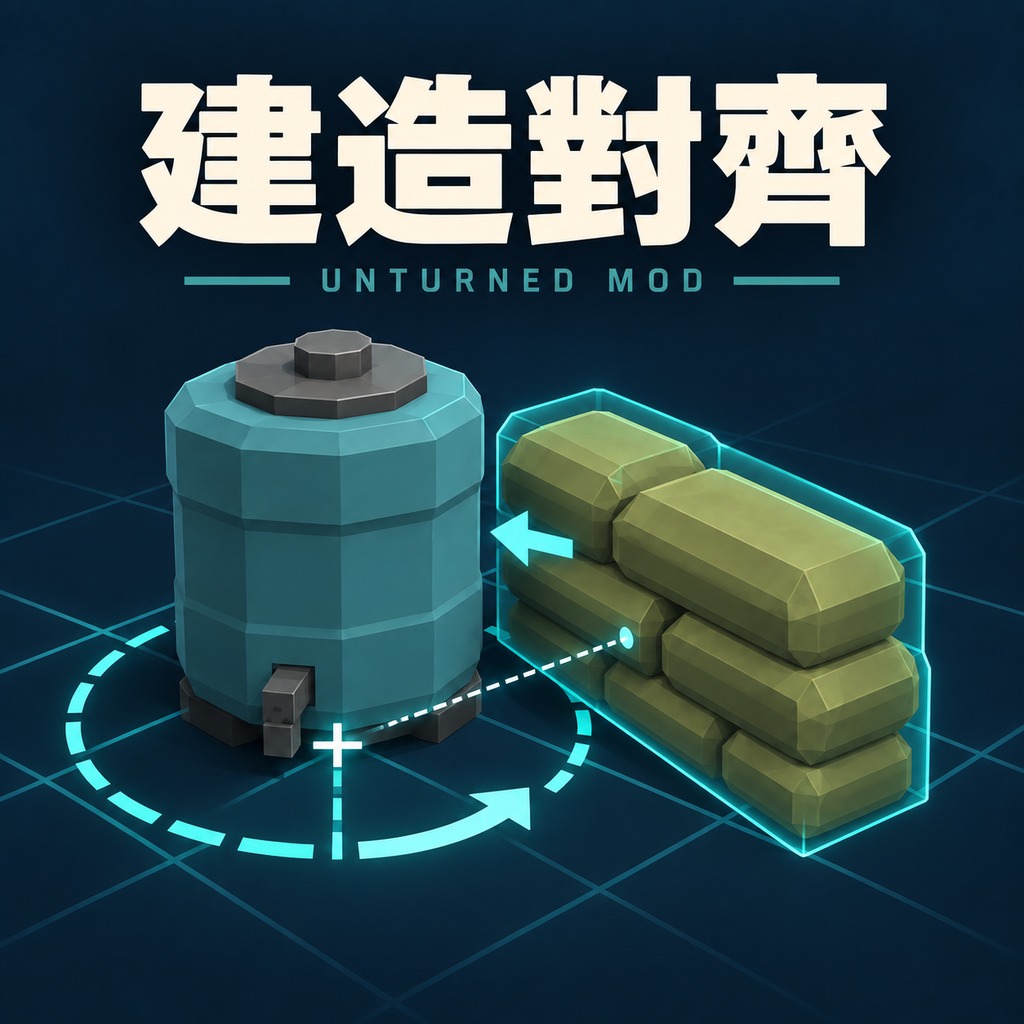
側邊吸附、頂部九點、中心圓周與壁掛平行排列,搭配固定網格微調距離、高度及普通物品角度。
v1.3:整合三語與效能改善,統一安裝包、模組與工作坊版本;舊版保留供回溯。
【安裝】
1. 關閉遊戲,解壓縮 ZIP。將 payload\Modules\BuildEdgeSnap 合併複製到遊戲 Modules\BuildEdgeSnap,覆蓋同名本體檔案。不要刪除原資料夾,也不要並裝兩版。
2. 或用模組管理器匯入 ZIP,再勾選「建造對齊」並執行安裝/更新。匯入不代表已安裝。
3. 以「不使用 BattlEye」啟動。只需玩家端安裝;實際放置仍由遊戲及伺服器判定。
【操作】
• F1 功能開關;Ctrl+F1 展開/收合提示。
• F2 普通物品選自動/頂面/側面;壁掛物選牆/柱或壁掛物。Ctrl+F2 切換排列;F6 指定普通物品側面。
• F3 普通物品中心圓周;Ctrl+F3 提示線開關。壁掛只沿垂直面平行排列,不提供圓周或右鍵旋轉。
• F4 微調;Ctrl+F4 水平/垂直;中鍵逐格移動;F5 格距 5/1/10 公分。網格原點固定,標記跟隨物品。
• 普通物品右鍵旋轉;Ctrl+F5 選 90/45/30/15/5/1 度/自由。Backspace 歸零,Alt 自由擺放。
【語言】
同一份程式支援繁體中文(預設)、簡體中文、英文,不依賴遊戲語言,也不需要漢化。
關閉遊戲,選下列一個 Language.txt 複製到已安裝的 Modules\BuildEdgeSnap,覆蓋同名檔案後重新啟動:
Languages\繁體中文\Language.txt
Languages\简体中文\Language.txt
Languages\English\Language.txt
沒有語言檔時使用繁中。更新本體時不刪除原模組資料夾;管理器的本體更新清單不包含玩家自選的 Language.txt。
【限制與回報】
• 複雜、曲面、中空或缺少可瞄準碰撞的物品可能無法吸附;門窗專用插槽、原版結構插槽維持原行為。
• 碰撞、領地、距離及伺服器規則仍適用,預覽有效不保證伺服器接受。此版只調整重複計算與語言介面,未降低更新頻率或增加等待。
• 尚未量測遊戲 FPS、Unity 物理與多人效能。請回報版本、物品 ID、語言、重現步驟、影片及 Logs 的 [BuildEdgeSnap] 紀錄。
本 mod 使用 OpenAI GPT AI 協助開發與撰寫說明。
[hr]
Build Snap | Edge Snapping, Wall Alignment & Grid Adjustment | Test Build
Snap building items to edges, choose nine top positions, arrange around an object center, and place wall items in parallel. Adjust distance, height and supported item rotations on a fixed grid.
Version 1.3 aligns the Workshop, module and installer versions, including the multilingual performance improvements.
Installation
1. Close Unturned and extract the ZIP. Merge payload\Modules\BuildEdgeSnap into the game's Modules\BuildEdgeSnap. Replace the included module files; do not delete the existing folder or install two copies.
2. Alternatively, import the ZIP into Unturned Mod Manager, select Build Snap and run Install/Update. Importing alone does not install it.
3. Start Unturned without BattlEye. Client installation only; the game and server still decide whether placement is allowed.
Controls
• F1: enable/disable. Ctrl+F1: expand/collapse help.
• F2: Auto/Top/Side, or Wall/Pillar vs. Wall Items. Ctrl+F2: alignment. F6: choose a reference side for ordinary items.
• F3: center radial placement for ordinary items. Ctrl+F3: guides. Wall items remain parallel on vertical supports and have no radial or right-mouse rotation.
• F4: adjustment. Ctrl+F4: horizontal/vertical. Middle-drag: whole grid cells. F5: 5/1/10 cm spacing. The grid stays fixed while the item marker moves.
• Right-drag: rotate supported ordinary items. Ctrl+F5: 90/45/30/15/5/1 degrees or Free. Backspace: reset. Alt: free placement.
Languages
One module supports Traditional Chinese (default), Simplified Chinese and English. No game-language setting or separate translation mod is required.
Close the game. Copy your chosen Language.txt from Languages/English, Languages/繁體中文 or Languages/简体中文 into the installed Modules/BuildEdgeSnap folder, overwrite the existing Language.txt and restart.
Without a language file, Traditional Chinese is used. Keep the existing module folder when updating. The manager's module-file manifest does not overwrite the player's Language.txt.
Limits and feedback
• Complex, hollow, curved or non-targetable objects may not snap. Native structure and door/window sockets remain unchanged.
• Collision, claim, distance and server rules still apply. A valid preview does not guarantee placement. Update frequency, wait times and guide detail have not been reduced.
• In-game FPS, Unity physics and multiplayer performance have not been measured for this build. Report the version, item ID, language, steps, video and [BuildEdgeSnap] log entries.
Developed and documented with assistance from OpenAI GPT AI.
Highlights
From source dataFootprint
Rated a light load on a server.
Last update
Its author last shipped an update 4d ago.
Unturned 建造對齊|Build Snap v1.3|繁體中文・简体中文・English on Nxeon
From our catalogue- One-click install
- Supported on Nxeon Unturned servers. We download it from Steam Workshop, place it, and restart the server.
- Server load
- light
- Smallest plan we suggest
- Unturned — 2 GB (2 GB RAM). This follows our own load rating above, not a benchmark.
- Latest build
- 2026-10-31, released 2026-10-31
Game versions by loader
| Loader | Game versions | Newest |
|---|---|---|
| Workshop |
From 5 recorded builds of Unturned 建造對齊|Build Snap v1.3|繁體中文・简体中文・English.
Recent builds
| Build | Released | Game versions | Loaders |
|---|---|---|---|
| 2026-10-31 | 2026-10-31 | n/a | Workshop |
| 2026-10-31 | 2026-10-31 | n/a | Workshop |
| 2026-10-29 | 2026-10-29 | n/a | Workshop |
| 2026-10-08 | 2026-10-08 | n/a | Workshop |
| 2026-10-08 | 2026-10-08 | n/a | Workshop |
Run Unturned 建造對齊|Build Snap v1.3|繁體中文・简体中文・English on a Unturned server
Pick a server or deploy a new one above; it is installed in one click.
What kind of mod it is
From the catalogBuilding & decoration
Blocks, furniture, decorations and building tools.
Compatibility
- Game
- Unturned
Verified at the source
- ✓Steam WorkshopOfficial listing, checked 2026-11-04Open ↗
- ✓Author芋頭先生, as published on Steam Workshop
- ✓LicenseNot published by the sourceFree