About Spyglass
From ThunderstoreAdds a craftable and functional spyglass that doubles as a weapon. Use it to bash your enemies or to see their cowardly faces up close... but from a safe distance! Uses custom mesh, textures, and logic. Configurable and includes gamepad support.
| Description | Keybinds | Installing | Contact Author | Other Info | Config | Source | Screenshots | |---|---|---|---|---|---|---|---|
Description
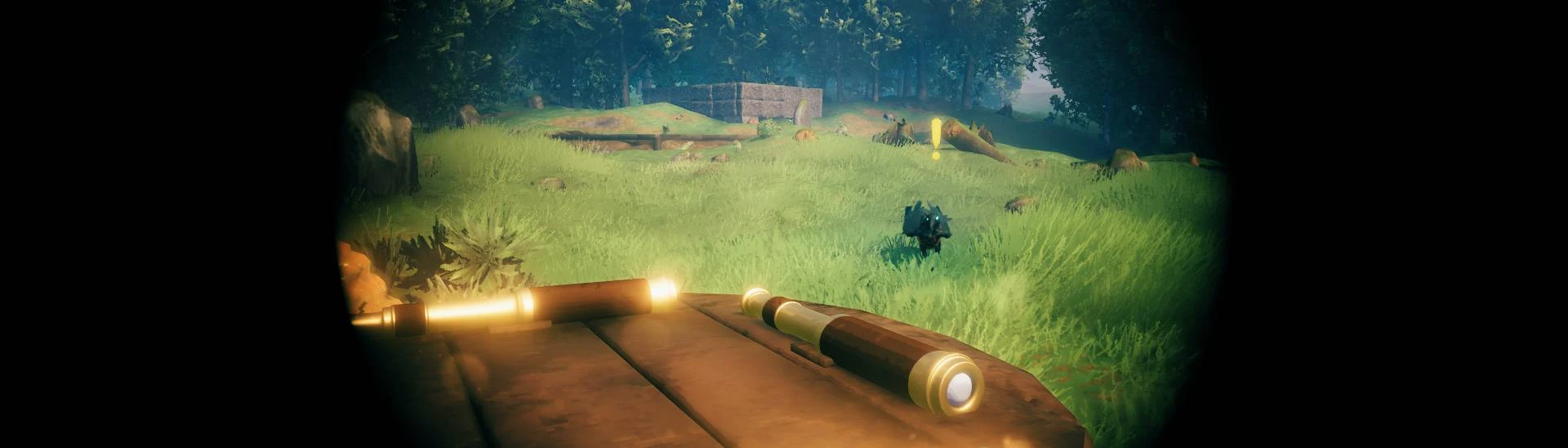
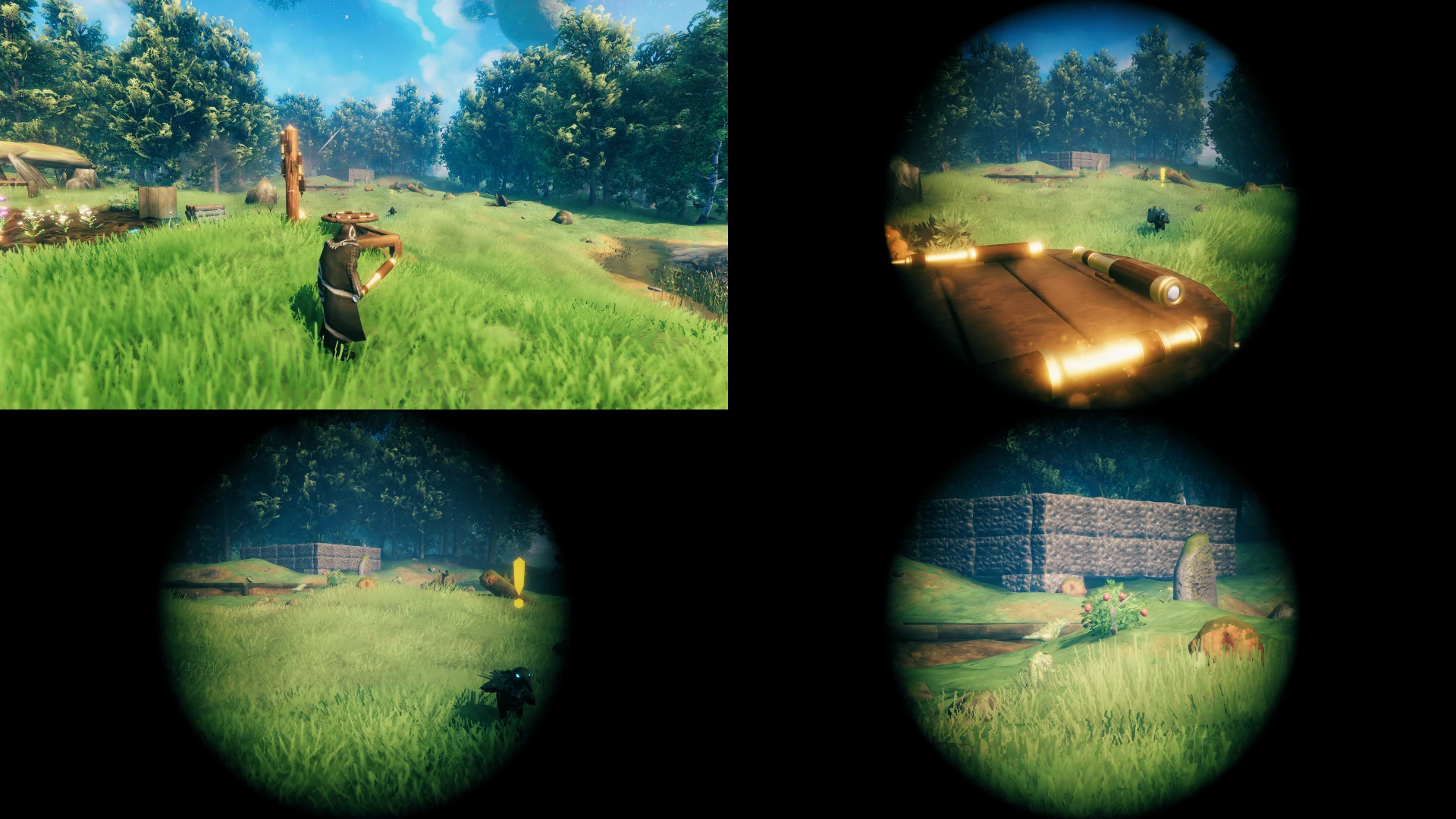
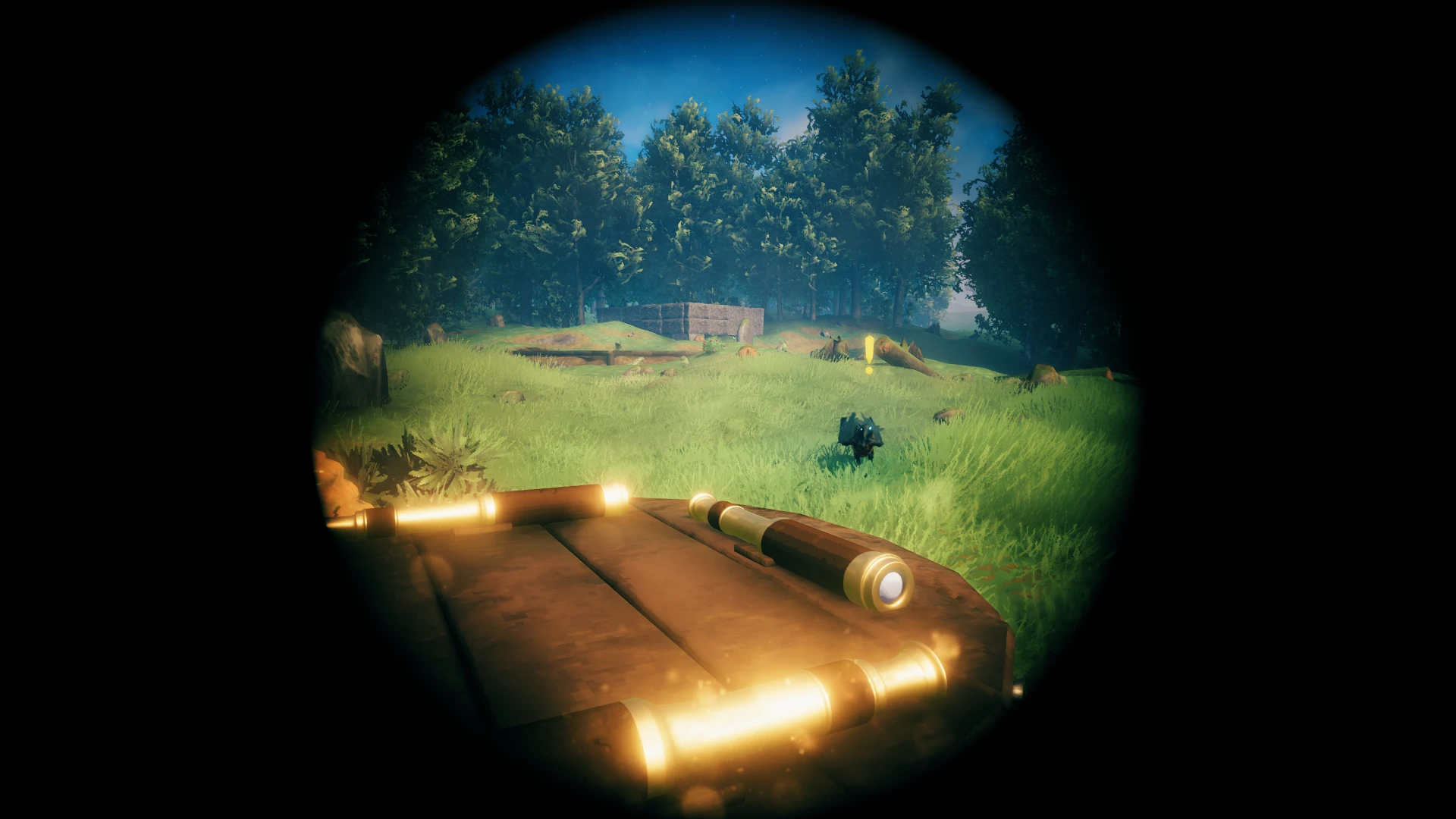
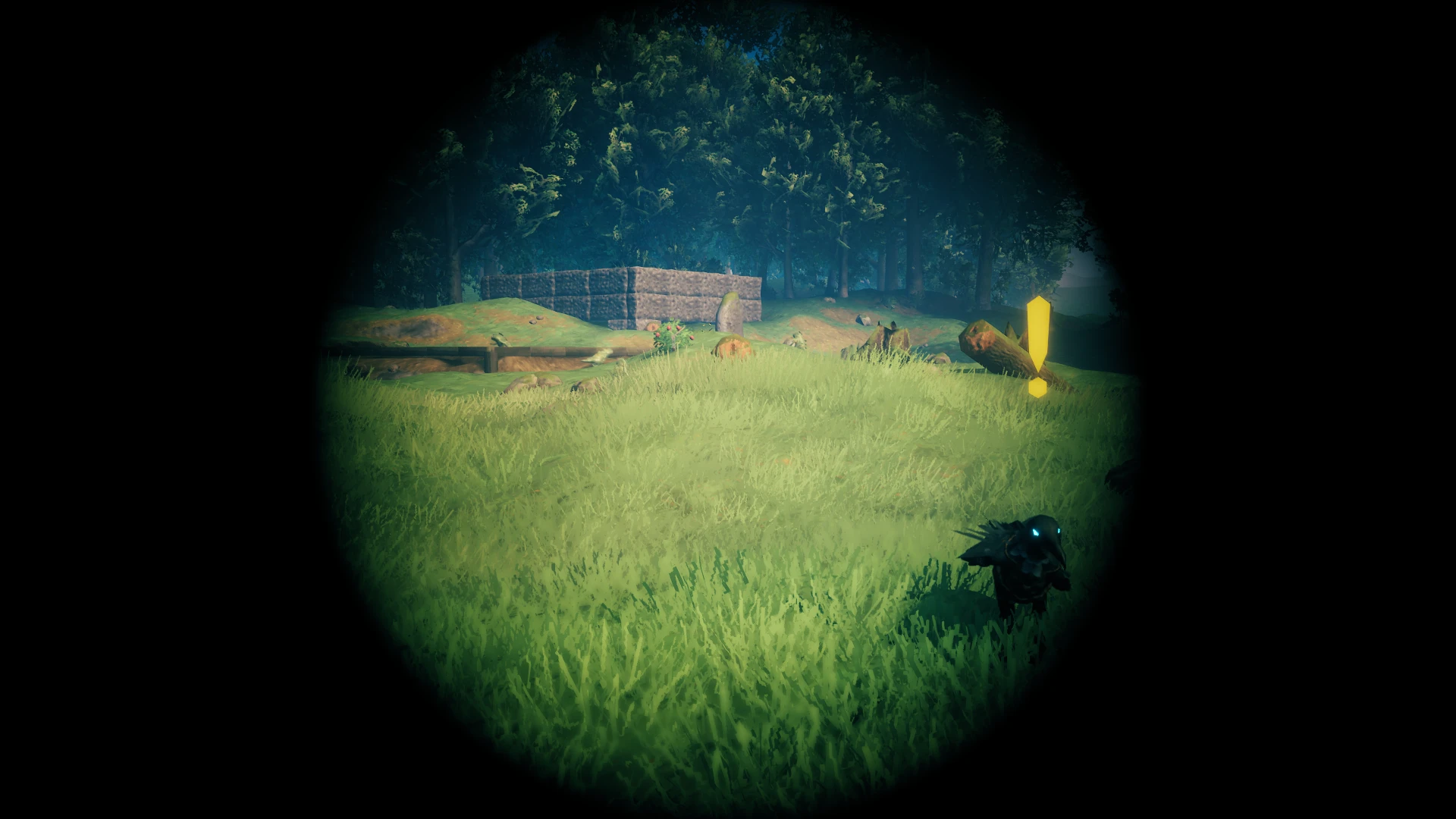
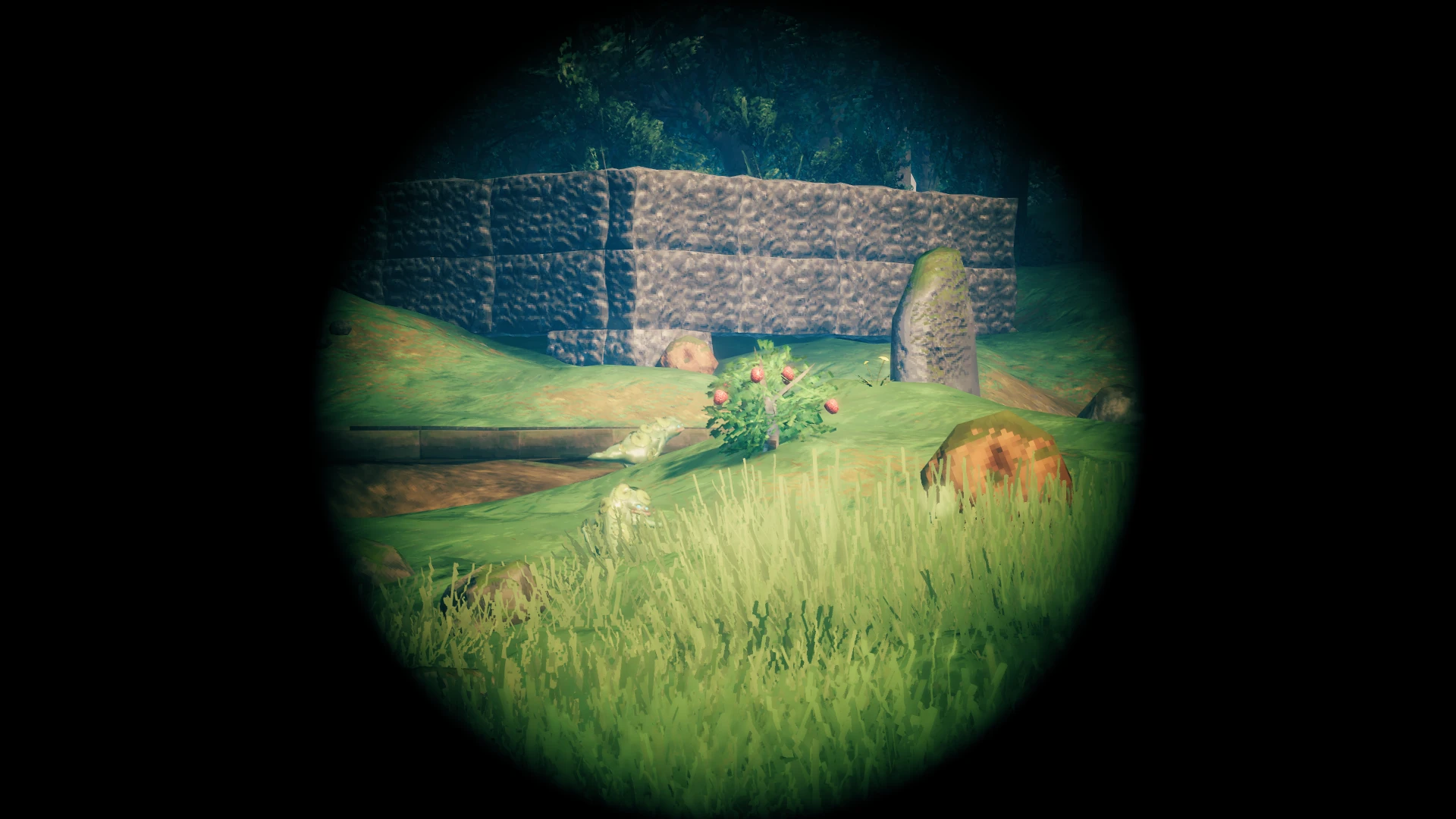
Adds a craftable and functional spyglass that doubles as a weapon. Use it to bash your enemies or to see their cowardly faces up close... but from a safe distance! The spyglass has 3 zoom levels that you can cycle through. Uses custom mesh, textures, and logic. Configurable and includes gamepad support.
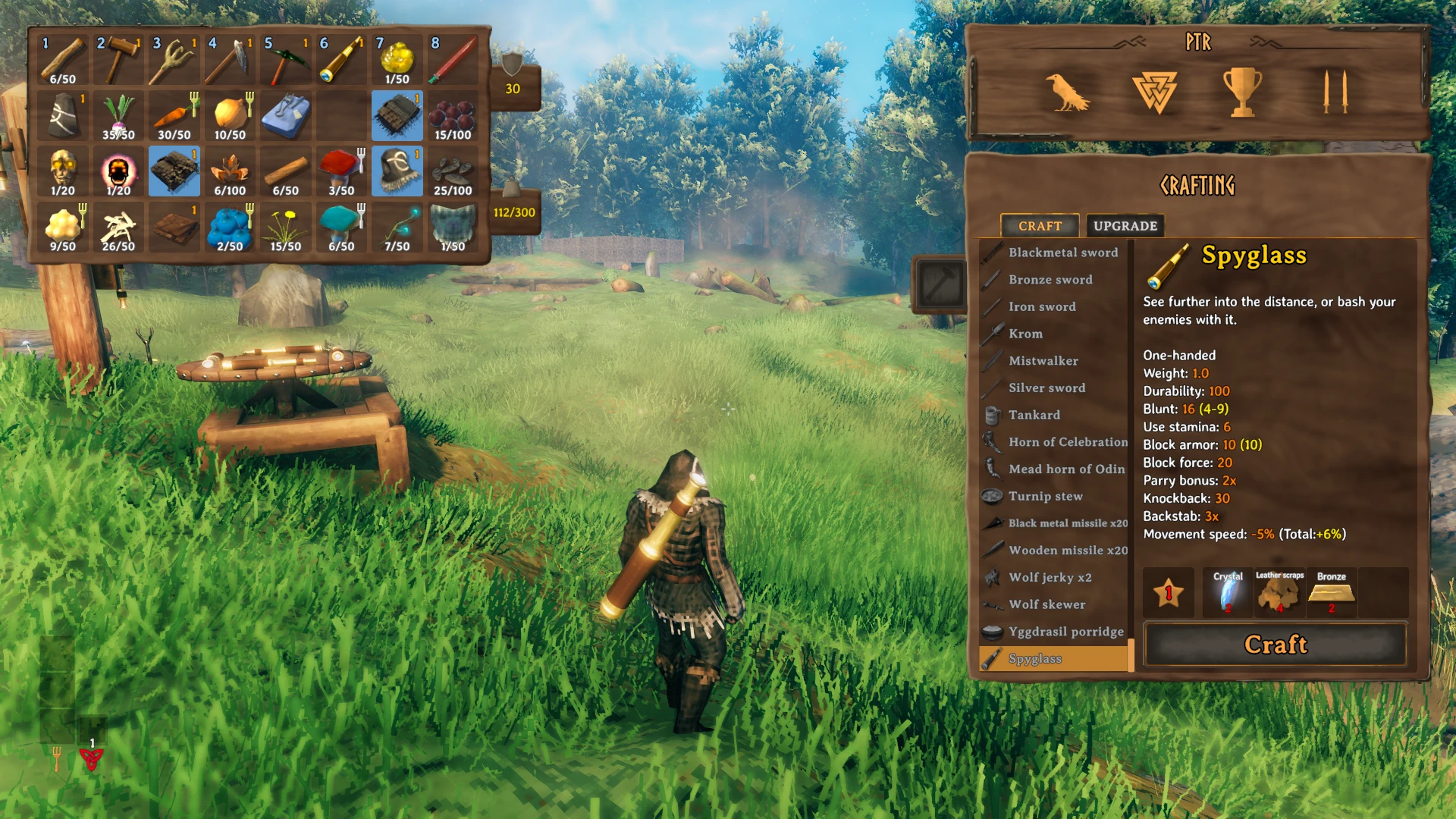
The spyglass can be crafted and upgraded at a workbench.
Recipe is: 2x Obsidian, 2x Bronze, 1x Crystal.
Alternatively, you can spawn the item with the console command spawn AdvizeSpyglass.
Default Keybinds
Keyboard and Mouse:
Right Mouse Click will increase zoom level by 1.
Left Shift + Right Mouse Click will decrease zoom level by 1.
An optional keybind may be set to fully zoom out.
Gamepad:
Left Trigger/L2 will increase zoom level by 1.
Left Bumper/L1 + Left Trigger/L2 will decrease zoom level by 1.
When not zoomed, holding left bumper/L1 before pressing left trigger/L2 will allow you to block with the spyglass.
All configurable keybinds support keyboard combinations (e.g. Left Ctrl + F8).
Support Me!
Thank you to everyone who has used my mods at any time during early access. It was your collective passion, not mine alone, that fueled me these 5 long years.
If you would like to keep supporting the development and maintenance of my mods you can do this through the paypal image link below.
Looking for a Valheim server? I have partnered with SurvivalServers.com. For a limited time you can get 25% off with the code VALHEIM25! Order through my affiliate link by clicking on the image below and I will receive a portion of the proceeds.


Installing
Manual Install
Extract the Advize_Spyglass.dll file into your BepinEx/plugins folder. Directory structure should look like this:
BepInEx ->
    plugins ->
        Advize_Spyglass.dll
In multiplayer environments:
This mod uses a version handshake to ensure all other connected clients have the mod. Install the mod on the server (if dedicated) as well as on all connected clients.
Contact Author
You can reach me on NexusMods to provide bug reports or feedback https://www.nexusmods.com/valheim/mods/2620
For further mod or mod dev support, I can be found at the following Discord server:

Config and Other Info:
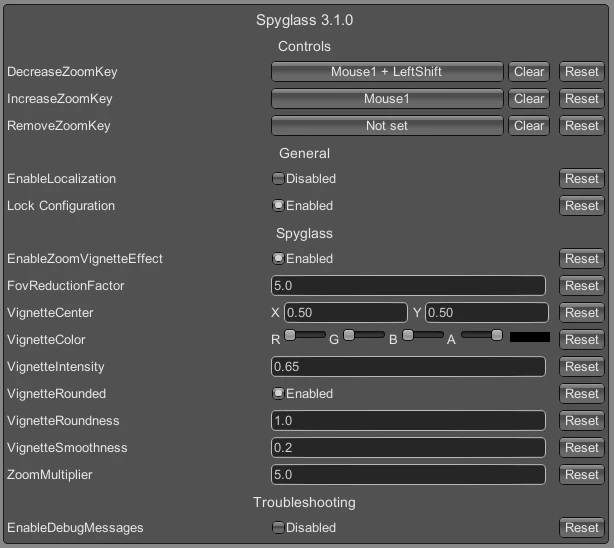
The mod is configurable. A config file will be generated after first loading the mod and can be found in BepInEx/config/advize.Spyglass.cfg
The config can be edited out of game with a text editor, or modified in game using the Configuration Manager mod.
Note: In multiplayer environments, configuration settings will sync between connected clients using ServerSync. Install the mod on the server (if dedicated) to ensure its configuration file remains authoritative.
Localization Support: A file named Advize_Spyglass.json will be generated in the config\Spyglass directory after the game is first launched while [General]EnableLocalization is set to true. In it you will find the ability to change the item name and description text. I will be improving upon this later.
Config
Default Config File:
Please see Nexus mod page for the default configuration.Source
Github Repo: Advize_ValheimMods
Screenshots
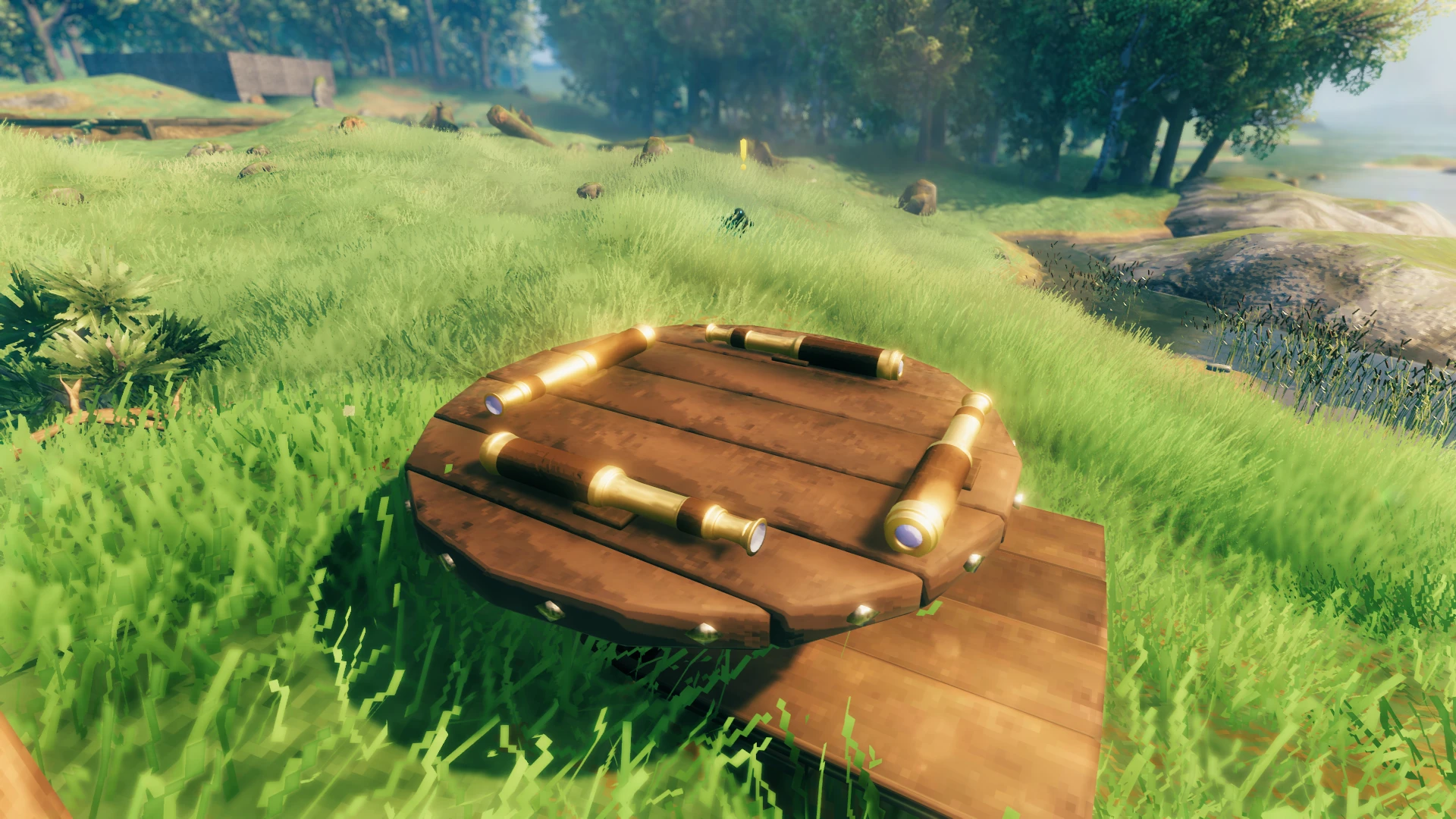
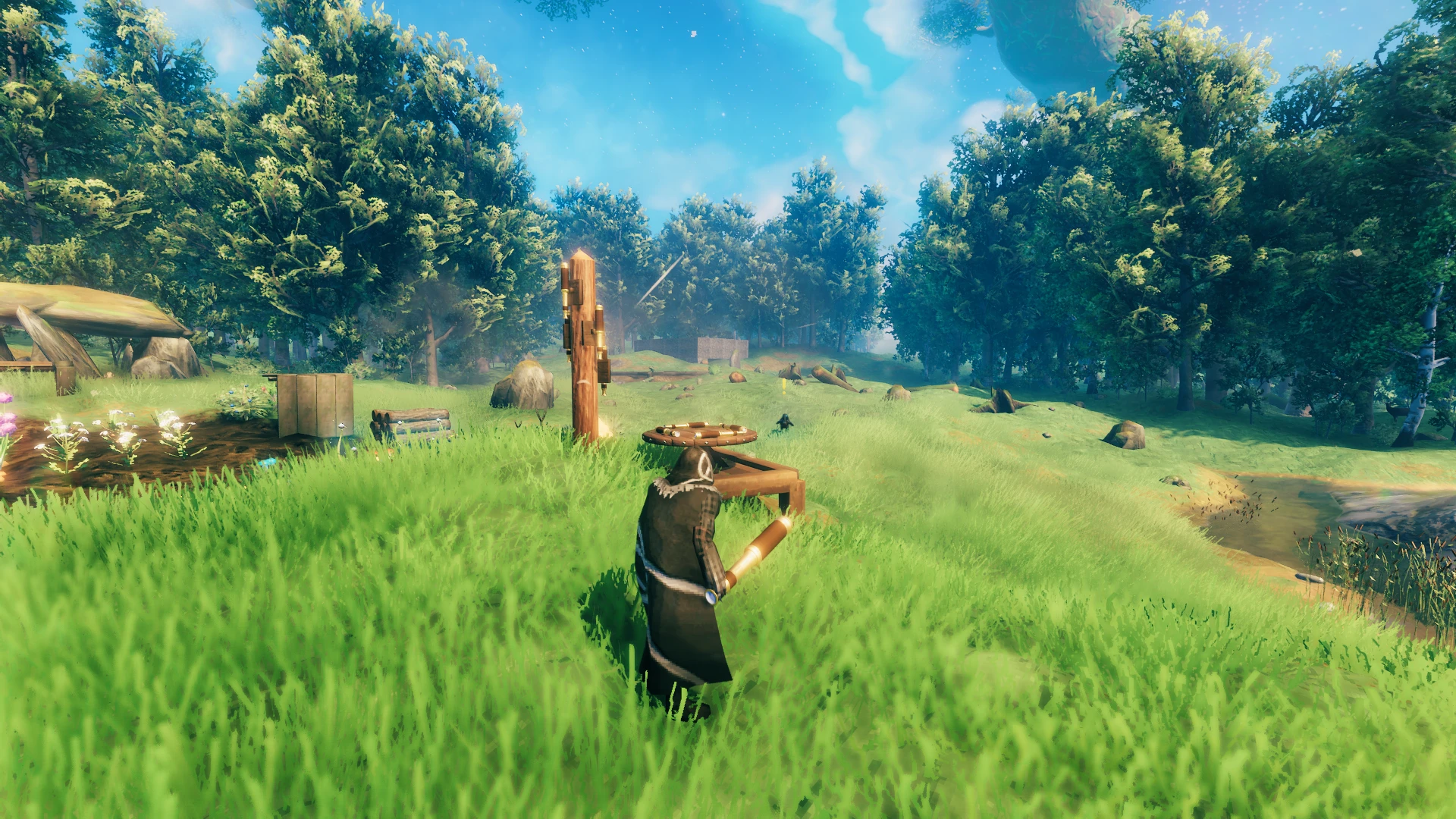
Spyglass 3D Model
Spyglass Item Tooltip & Recipe
Zoom Level Comparison With Vignette Postprocessing Effect
Zoom Level Comparison Without Vignette Postprocessing Effect
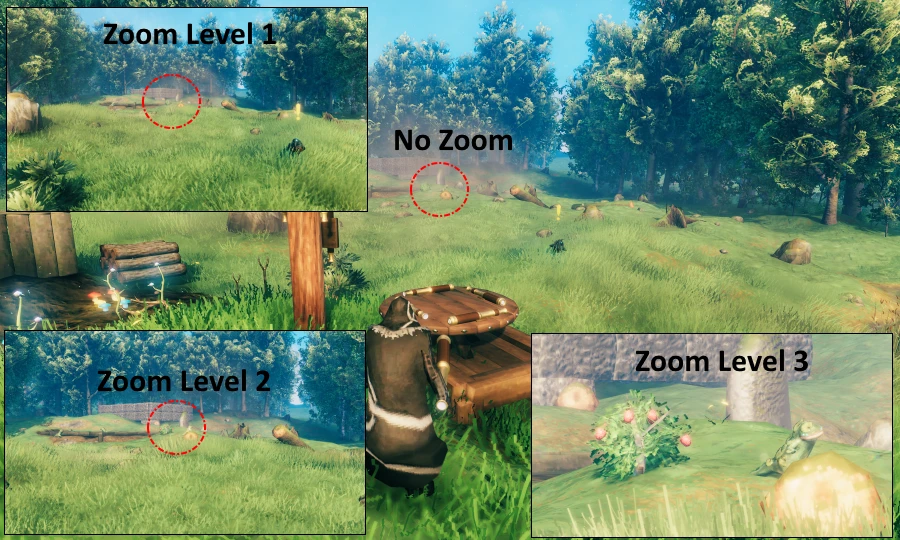
No Zoom
1st Zoom Level
2nd Zoom Level
3rd Zoom Level
Config Options
Highlights
From source dataLoaders
Runs on BepInEx.
Footprint
Rated a light load on a server.
Last update
Its author last shipped an update 34d ago.
Spyglass on Nxeon
From our catalogue- One-click install
- Supported on Nxeon Valheim servers, for BepInEx servers. We download it from Thunderstore, place it, and restart the server.
- Server side
- Optional on the server
- Server type needed
- BepInEx
- Server load
- light
- Smallest plan we suggest
- Valheim — 4 GB (4 GB RAM). This follows our own load rating above, not a benchmark.
- Latest build
- 3.2.0, released 2026-09-11
Game versions by loader
| Loader | Game versions | Newest |
|---|---|---|
| BepInEx |
From 5 recorded builds of Spyglass.
Recent builds
| Build | Released | Game versions | Loaders |
|---|---|---|---|
| 3.2.0 | 2026-09-11 | n/a | BepInEx |
| 3.1.1 | 2025-03-09 | n/a | BepInEx |
| 3.1.0 | 2023-12-15 | n/a | BepInEx |
| 3.0.1 | 2023-12-10 | n/a | BepInEx |
| 3.0.0 | 2023-12-08 | n/a | BepInEx |
Dependencies
- Required: BepInExPack Valheim
Declared by the newest build that lists any. Required ones are installed with it on one-click installs.
Run Spyglass on a Valheim server
Pick a server or deploy a new one above; it is installed in one click.
What kind of mod it is
From the catalogCreatures & NPCs
Adds or changes creatures, NPCs and how they behave.
Works on a server
From source side supportThunderstore lists server-side support for Spyglass as optional: it can run on a server, but isn’t required there.
Compatibility
- Game
- Valheim
- Loaders
- BepInEx
- Runs on
- Serveroptional on the server
- Requires
- One-click install needs a BepInEx server.
Verified at the source
- ✓ThunderstoreOfficial listing, checked 2026-10-02Open ↗
- ✓AuthorAdvize, as published on Thunderstore
- ✓LicenseNot published by the sourceFree