






About Legacy Build Menu
From ThunderstoreBrings back the pre-1.0 build menu, with a search bar (@modname, !material) and a movable, resizable window. Works with PieceManager and Jotunn pieces.

You have several ways you can set up your legacy build menu now.
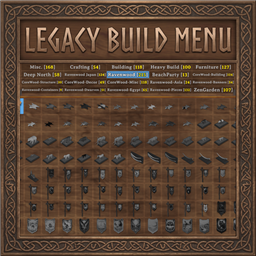
Without a search bar like below.

With the search bar you can also search @modname to quickly find specific mod items.


You can also search ! for resource or prefab name items. Below I searched for items that used Copper Coins from my currency mod.
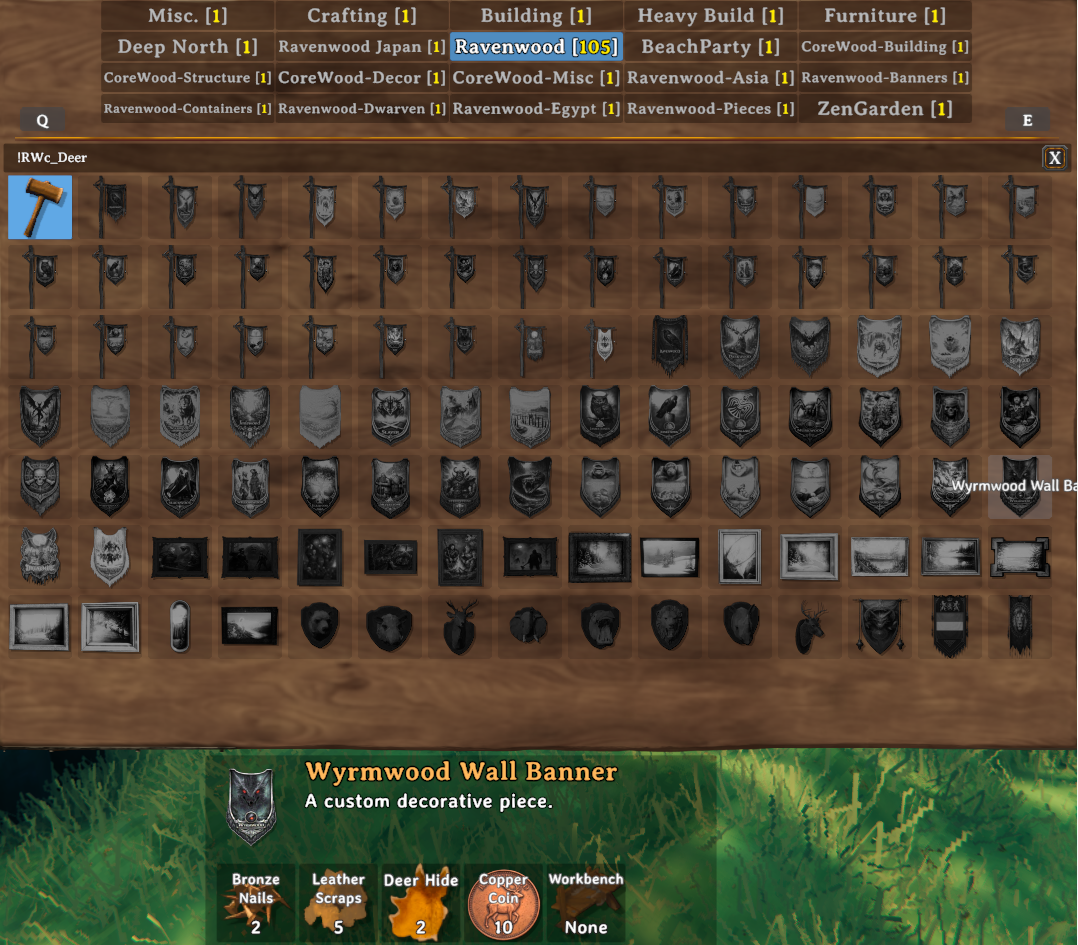
You can easily change the menu width and height with the bottom right corner and move the menu around with the bottom left corner.

You also no longer have any need for SearsCatalog now. This mod also adds in the scroll future.

You can also switch back to the new build menu if you prefer.
Legacy Build Menu
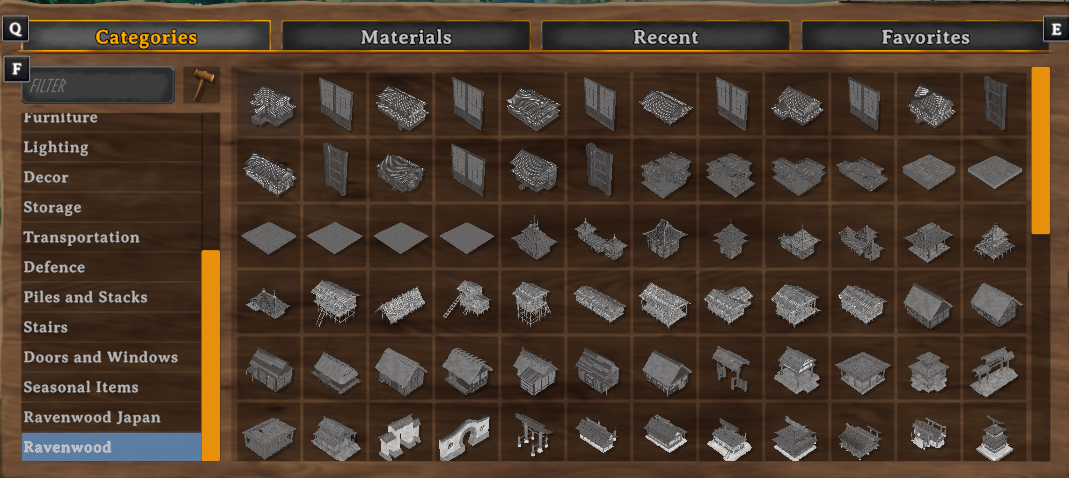
Valheim 1.0 replaced the build menu. This puts the old one back, the way it was before 1.0: category tabs across the top, the icon grid under them, Q/E and the mouse wheel to switch tabs. Nothing added on top.
Features
- The pre-1.0 build menu, open with your usual build menu key.
- Keyboard, mouse and gamepad controls from before 1.0.
- A search bar above the pieces (AAABuildMenu's look, SearchableBuildMenu's tricks). Every tab filters down to what
matches and the tab counts show where the hits are.
@ravenwood- pieces from a mod. Matches the mod's name, its GUID or its dll name.!stone- pieces that cost that material.- anything else matches the piece name or description.
- Mix them,
@ravenwood !stone wallneeds all three to match. - Move the menu by dragging its bottom-left corner, resize it from the bottom-right one. The grips show when you hover
them. The grid adds columns as it gets wider and scrolls when a tab has more than fits, so no more 90-piece cap per tab.
- Pieces and category tabs from PieceManager and Jotunn mods show up like they used to.
- The new Deep North category gets a proper tab name.
- A modded piece with a broken recipe no longer breaks the whole menu. The log names the piece instead.
- Switch it off in the config (
Use Legacy Build Menu) to get the 1.0 menu back, no restart needed.
Notes
- Client side only. Nothing to install on the server.
- Don't run it next to AAABuildMenu or SearchableBuildMenu. AAABuildMenu has its own classic menu option and
LegacyBuildMenu steps aside when it finds it. SearchableBuildMenu's search is built in here.
@search works out a piece's mod from the asset bundle it was loaded from, or from Jotunn's registry. A piece a mod
builds by cloning a vanilla one without Jotunn has nothing to trace it back with, so @ won't find it.
Credits & Feedback: Azumatt
- You can also find other awesome mods that Azumatt has made at https://thunderstore.io/c/valheim/p/Azumatt/
- You can also donate to Azumatt at https://buymeacoffee.com/azumatt
For questions or suggestions for Azumatt, please join one of these discords:
<table width="100%"> <tr> <td align="center">  </td>
<td align="center">  </td> <td align="center">
 </td> </tr> </table>
Recommended Mods:

The above mods help ensure you have the best experience in Valheim while managing your mods.
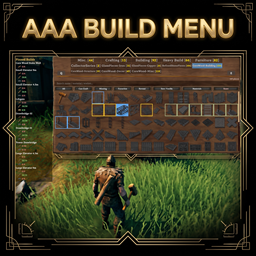
Pick one of the mods below for your build menu needs, but only one. They are basically the same thing. Legacy Build Menu has the old build menu enabled by default and has an @modname search. AAA Build Menu has more features and uses the new build menu by default. Both mods add a scroll bar to make sure you can always use all build pieces.

The Ravenwood TV Community

Highlights
From source dataLoaders
Runs on BepInEx.
Footprint
Rated a light load on a server.
Last update
Its author last shipped an update 41d ago.
Legacy Build Menu on Nxeon
From our catalogue- One-click install
- Supported on Nxeon Valheim servers, for BepInEx servers. We download it from Thunderstore, place it, and restart the server.
- Server type needed
- BepInEx
- Server load
- light
- Smallest plan we suggest
- Valheim — 4 GB (4 GB RAM). This follows our own load rating above, not a benchmark.
- Latest build
- 1.0.1, released 2026-09-24
Game versions by loader
| Loader | Game versions | Newest |
|---|---|---|
| BepInEx |
From 2 recorded builds of Legacy Build Menu.
Recent builds
| Build | Released | Game versions | Loaders |
|---|---|---|---|
| 1.0.1 | 2026-09-24 | n/a | BepInEx |
| 1.0.0 | 2026-09-11 | n/a | BepInEx |
Dependencies
- Required: BepInExPack Valheim
Declared by the newest build that lists any. Required ones are installed with it on one-click installs.
Run Legacy Build Menu on a Valheim server
Pick a server or deploy a new one above; it is installed in one click.
What kind of mod it is
From the catalogQuality of life & UI
Small conveniences, tweaks and interface improvements players notice straight away.
Compatibility
- Game
- Valheim
- Loaders
- BepInEx
- Requires
- One-click install needs a BepInEx server.
Verified at the source
- ✓ThunderstoreOfficial listing, checked 2026-10-01Open ↗
- ✓AuthorJamesJonesTV, as published on Thunderstore
- ✓LicenseNot published by the sourceFree












