






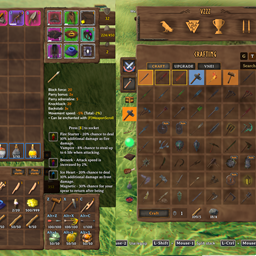
About InventorySlots
From ThunderstoreEquipment/quick slots, multicraft, progressive rows, keep-on-death, favorites, scrollable tooltips, crafting grid/list/search/sort, container stack/restock/sort, item comparison and controller support. Compatible with EpicLoot and Jewelcrafting.
InventorySlots
More room for your gear, easier crafting, and fewer trips between chests. InventorySlots adds equipment and quick slots, favorites, a searchable crafting browser, item comparisons, and inventory tools to Valheim.
User guide · Controller controls
Click any image or animation to view the original.

See it in action
Inventory and quick slots
| Progressive inventory | Hotbar switching | | --- | --- | | 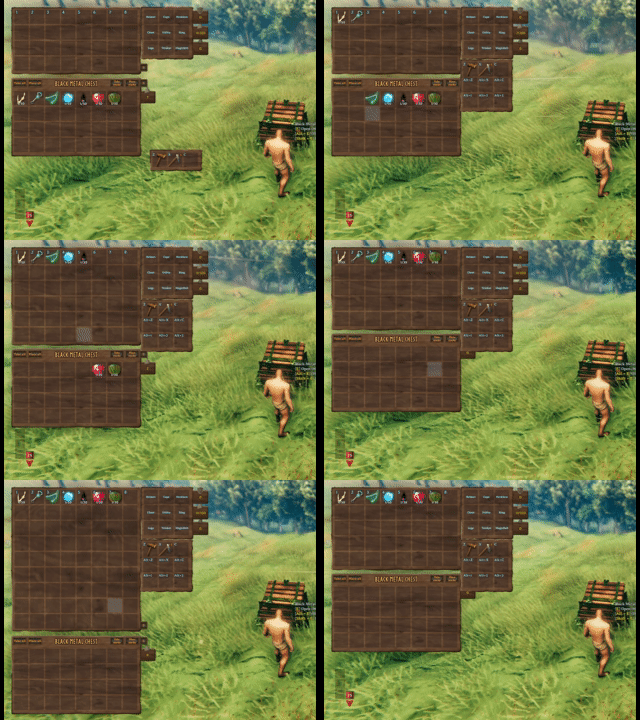 |
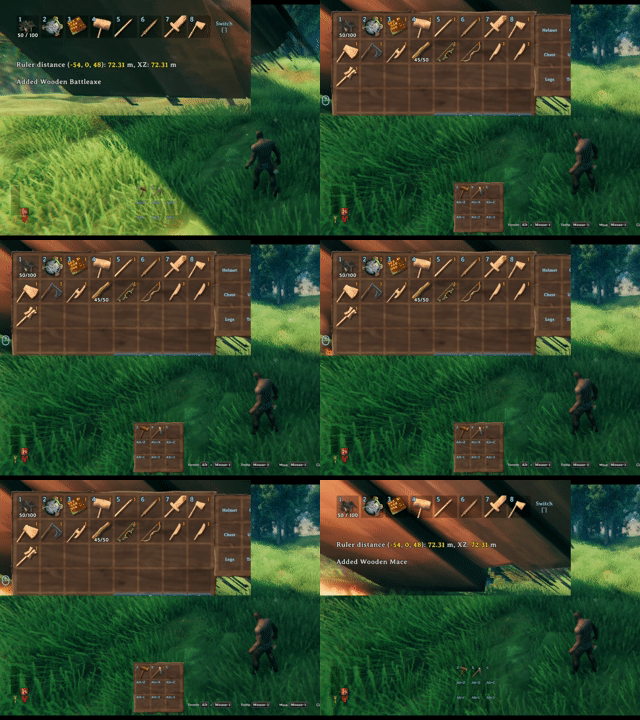 |
Unlock rows and quick slots without reshuffling saved items, and switch hotbar rows to keep more items within reach.
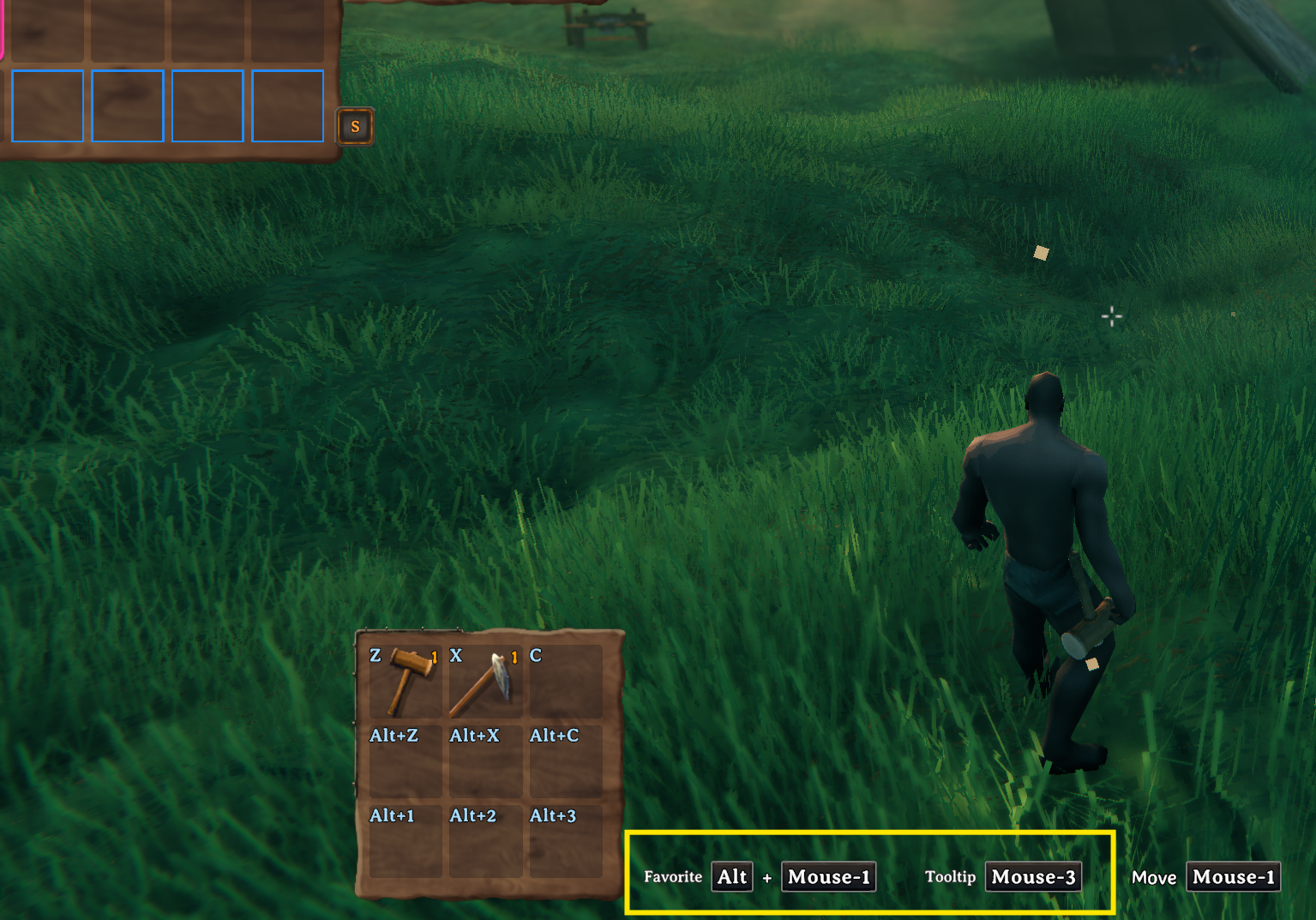
Crafting and upgrades
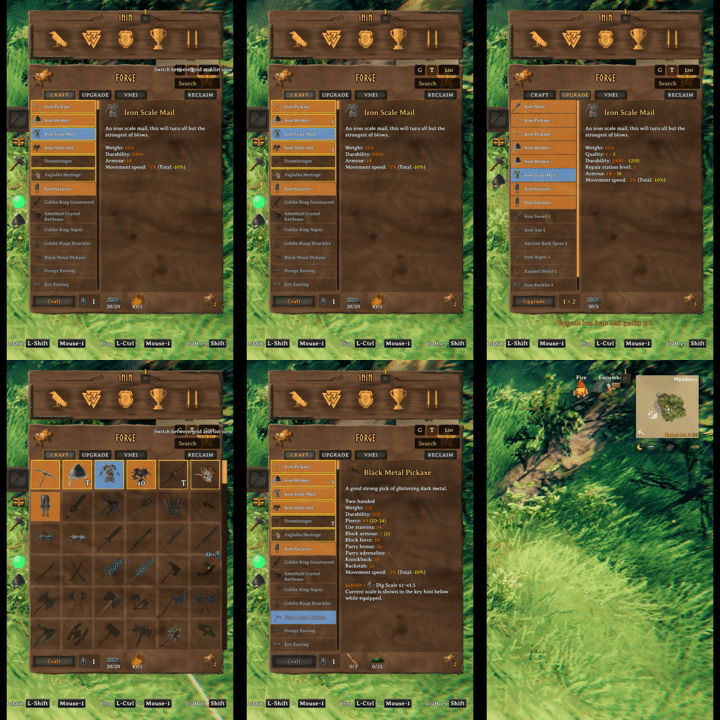
Start in List view, or switch to Grid with the button beside Search. Your choice is saved locally.

| Favorites and grid size | Sorting and multicraft | | --- | --- | | 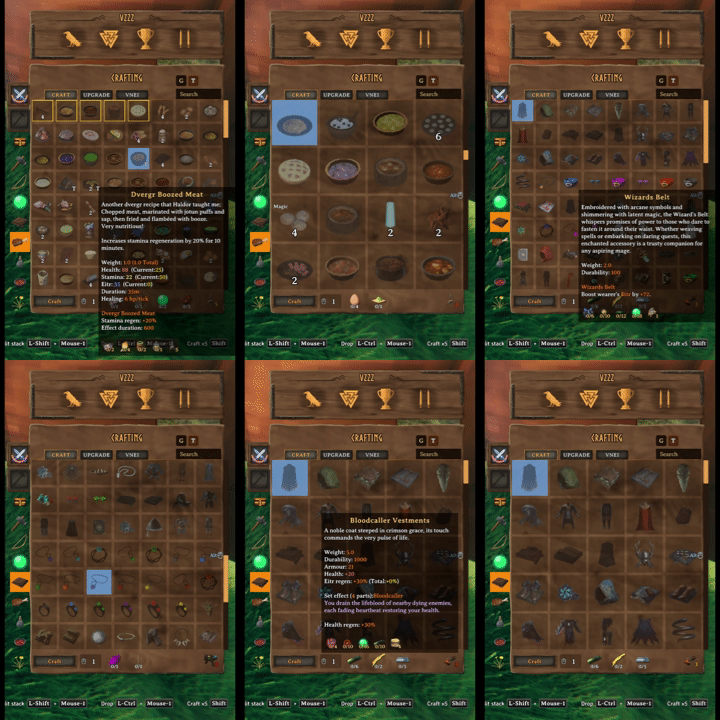 |
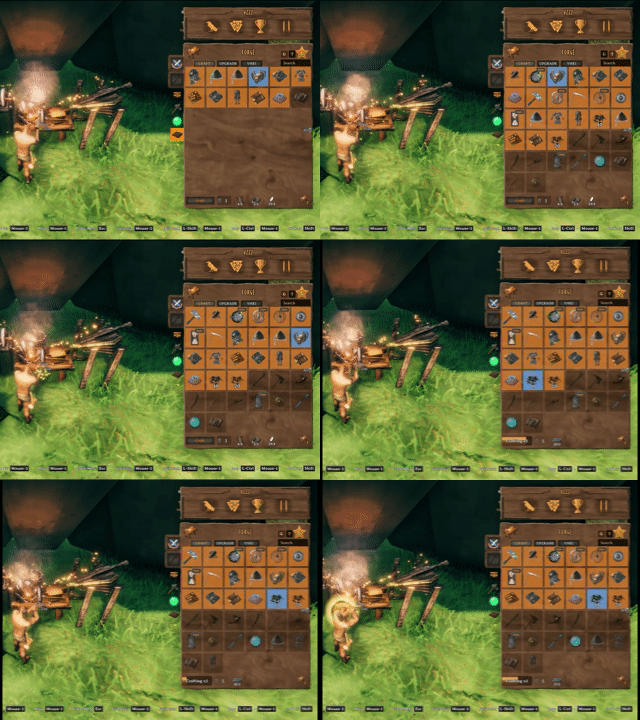 |
Favorite recipes, adjust the grid, and sort your choices before queuing multiple crafts.
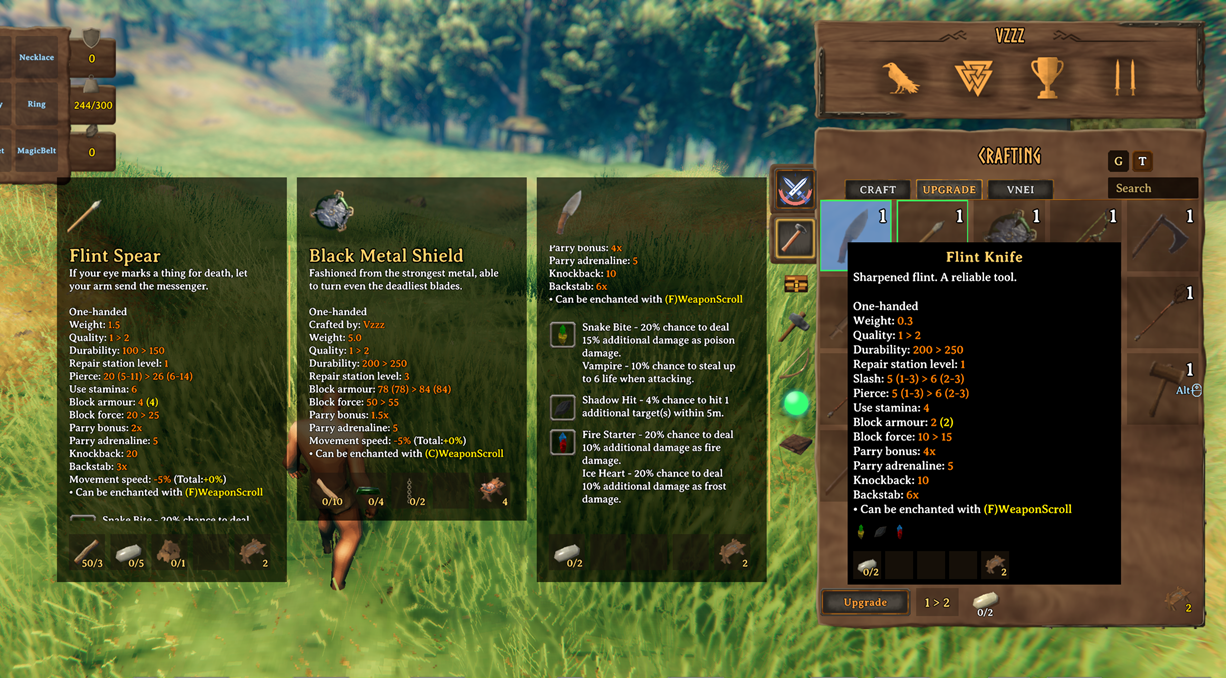
Preview the stat changes from an upgrade before crafting it.
Item details and comparisons
| Scroll and pin | Browse with details | | --- | --- | | 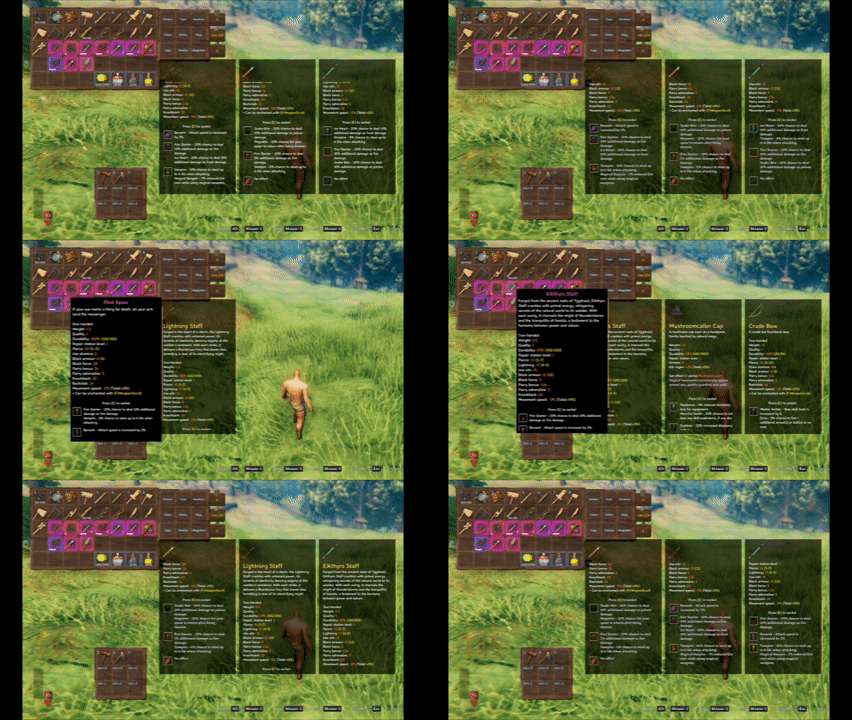 |
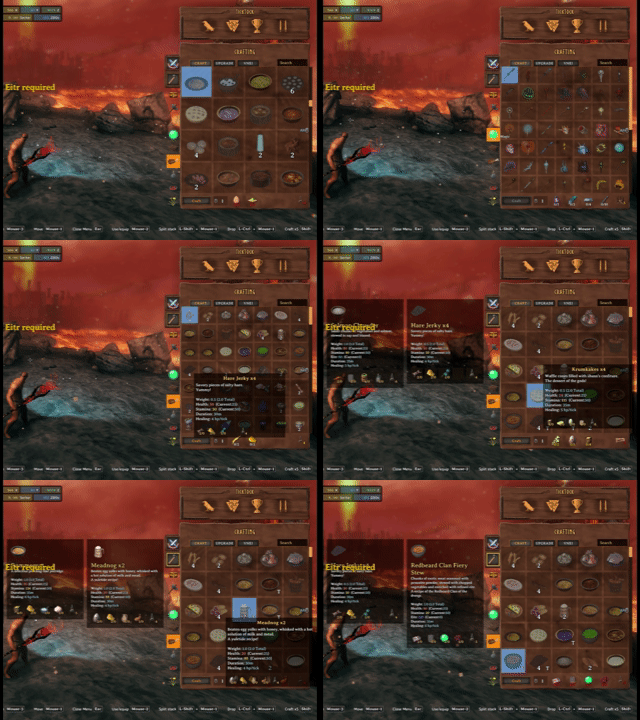 |
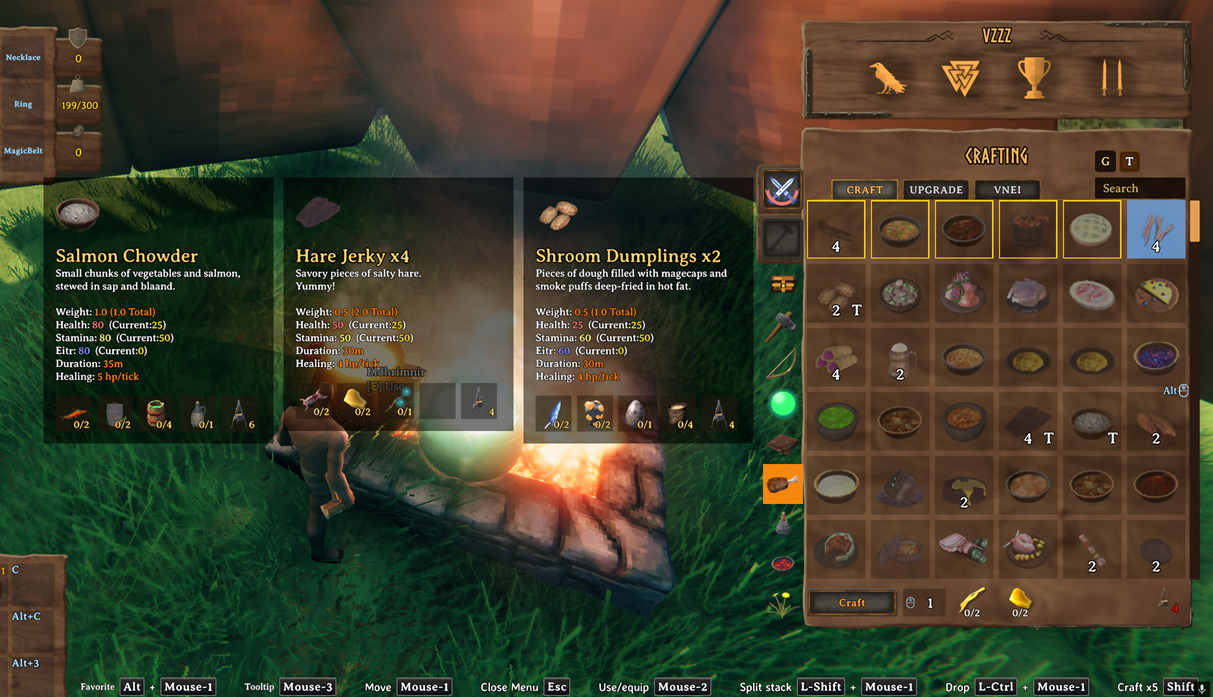
Scroll long descriptions and pin up to three tooltips for comparison.
Use the chat button on a pinned inventory or container item tooltip to share its details. It adds an item link to your chat draft; press Enter when ready. Hover a received link with chat open, then press Mouse3 to pin it. Item links
| Compare potions | Compare meals | | --- | --- | |  |
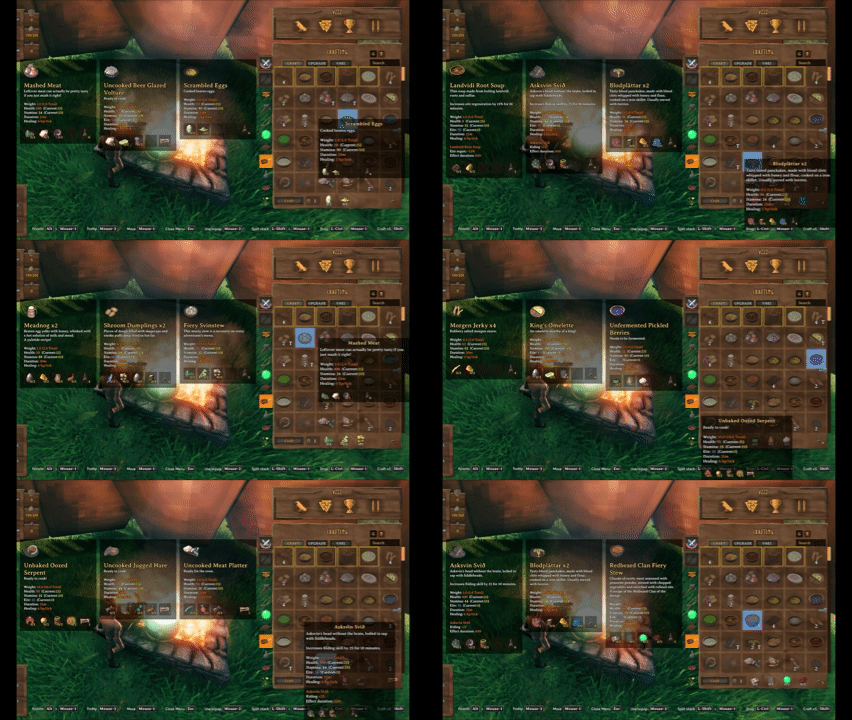 |
| Compare equipment | Compare food | | --- | --- | | 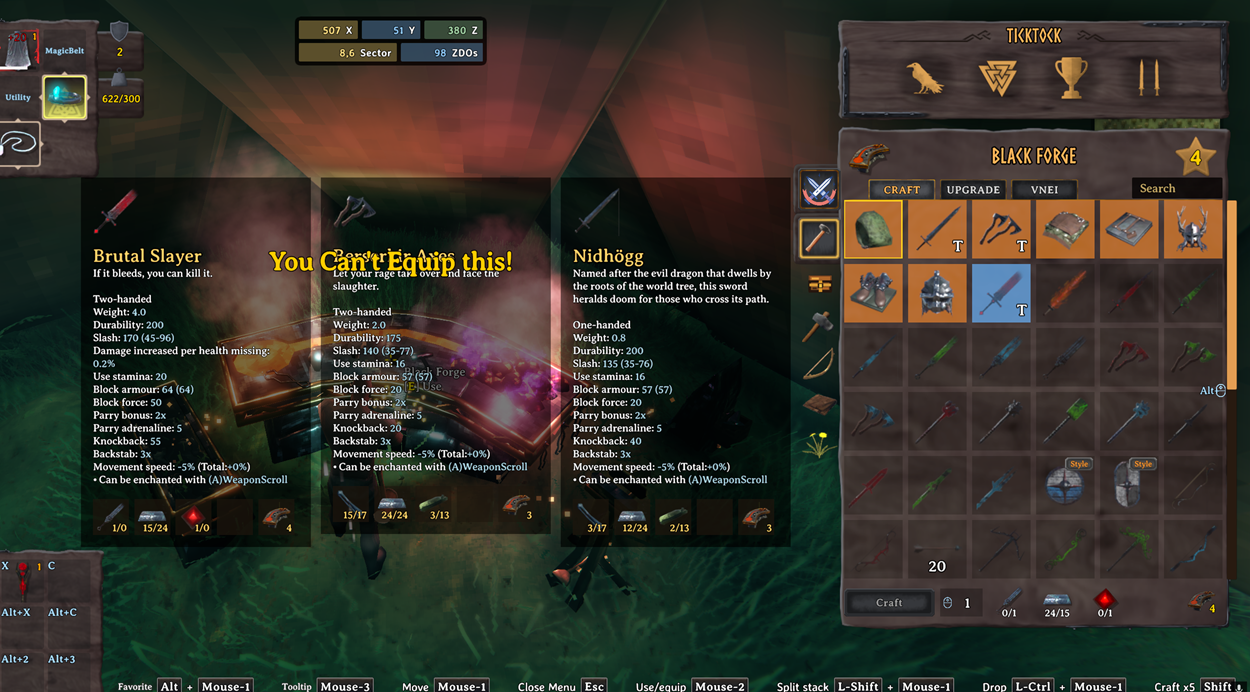 |
 |
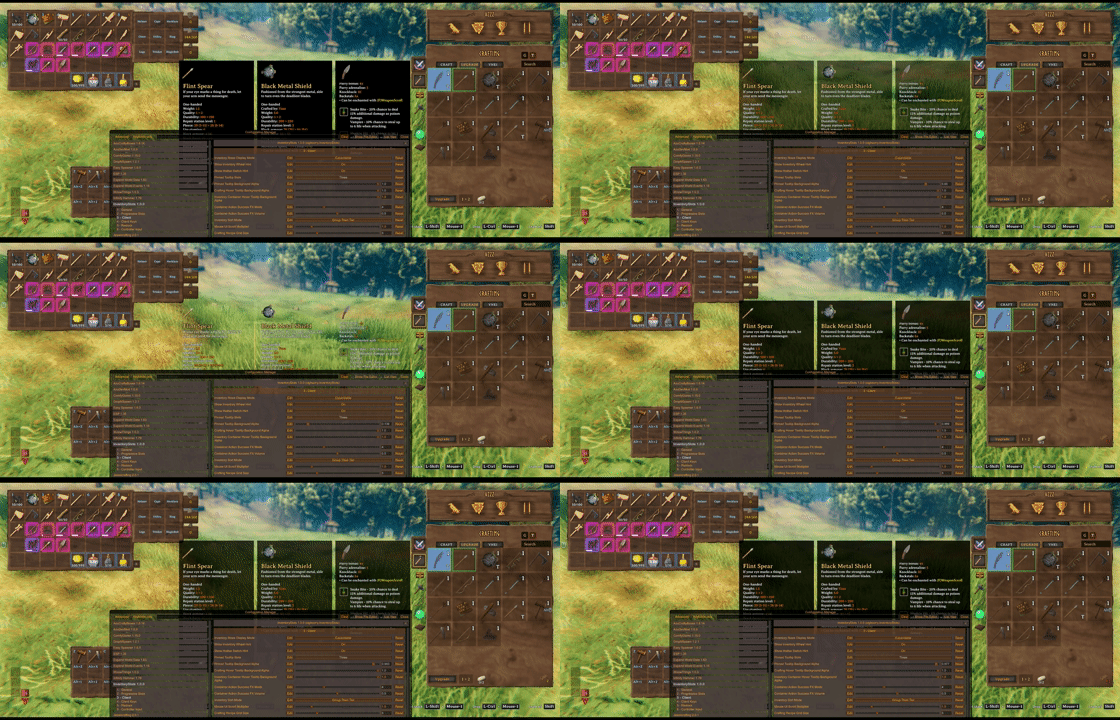
Adjust tooltip opacity to suit your screen.
Store, restock, and organize
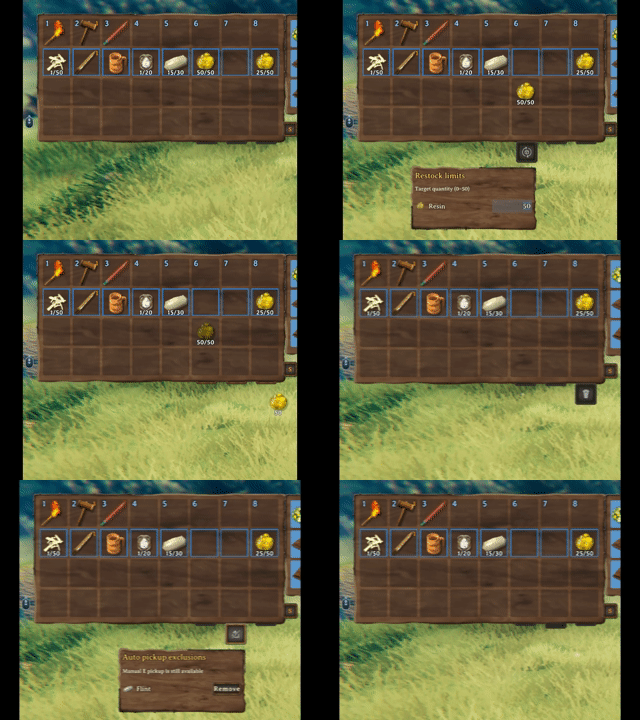
Hover a button or select it with a controller to set restock targets, manage automatic pickup, or delete an unwanted item with confirmation.
| Quick stack | Restock favorites | | --- | --- | |  |
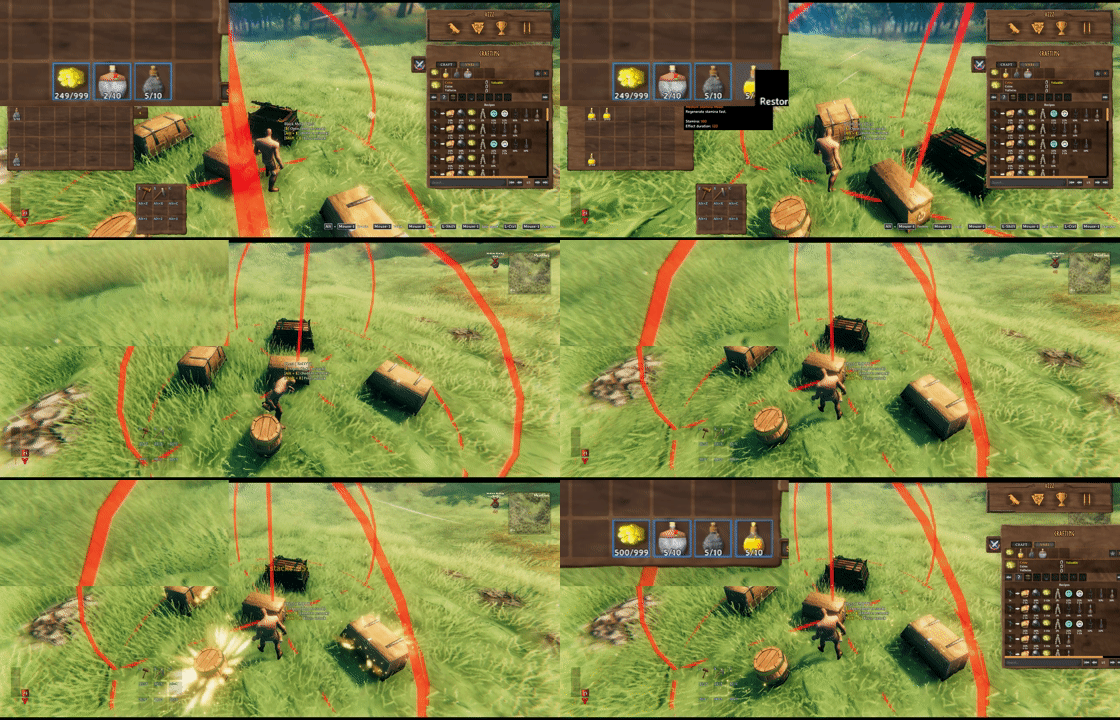 |
Look at a chest and hold E to store matching items, or hold Alt + E to refill favorites. Both actions include that chest and nearby eligible chests.
| Chest actions | Restock targets | | --- | --- | | 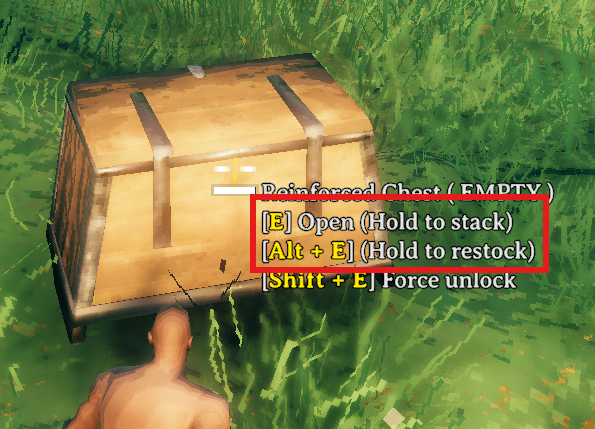 |
 |
Highlights
From source dataLoaders
Runs on BepInEx.
Footprint
Rated a light load on a server.
Dependencies
Needs 1 other project installed alongside it.
InventorySlots on Nxeon
From our catalogue- One-click install
- Supported on Nxeon Valheim servers, for BepInEx servers. We download it from Thunderstore, place it, and restart the server.
- Server side
- Optional on the server
- Server type needed
- BepInEx
- Server load
- light
- Smallest plan we suggest
- Valheim — 4 GB (4 GB RAM). This follows our own load rating above, not a benchmark.
- Latest build
- 1.6.25, released 2026-10-27
Game versions by loader
| Loader | Game versions | Newest |
|---|---|---|
| BepInEx |
From 30 recorded builds of InventorySlots.
Recent builds
| Build | Released | Game versions | Loaders |
|---|---|---|---|
| 1.6.25 | 2026-10-27 | n/a | BepInEx |
| 1.6.24 | 2026-10-26 | n/a | BepInEx |
| 1.6.23 | 2026-10-25 | n/a | BepInEx |
| 1.6.22 | 2026-10-25 | n/a | BepInEx |
| 1.6.21 | 2026-10-25 | n/a | BepInEx |
| 1.6.20 | 2026-10-25 | n/a | BepInEx |
Dependencies
- Required: BepInExPack Valheim
Declared by the newest build that lists any. Required ones are installed with it on one-click installs.
Run InventorySlots on a Valheim server
Pick a server or deploy a new one above; it is installed in one click.
What kind of mod it is
From the catalogQuality of life & UI
Small conveniences, tweaks and interface improvements players notice straight away.
Works on a server
From source side supportThunderstore lists server-side support for InventorySlots as optional: it can run on a server, but isn’t required there.
Compatibility
- Game
- Valheim
- Loaders
- BepInEx
- Runs on
- Serveroptional on the server
- Requires
- One-click install needs a BepInEx server. 1 other project installed alongside it.
Verified at the source
- ✓ThunderstoreOfficial listing, checked 2026-10-27Open ↗
- ✓Authorsighsorry, as published on Thunderstore
- ✓LicenseNot published by the sourceFree












