About BiomeLords
From ThunderstoreAdds a boss-tier Lord to every biome, summoned with the Lord's Horn after you've proven yourself a hunter. Defeat them for Forsaken Powers, and keep their trophies for permanent blessings.
BiomeLords
Every biome hides a Lord — a towering, named version of one of its creatures, waiting for a worthy hunter to call it out.
What this mod adds
- One Lord per biome. Meadows, Black Forest, Swamp, Mountain, Plains, Mistlands, Ashlands, and the Deep North each have their own Lord, scaled up and far tougher than anything else that biome throws at you.
- A relic that summons them. Craft the Lord's Horn, hunt enough of that biome's regular creatures to prove yourself, then use the Horn at night in that biome to call the Lord out.
- A trophy worth keeping. Defeat a Lord and it drops a unique trophy. Mount it on a Lord's Pedestal to receive that Lord's Blessing — a permanent passive perk for as long as the trophy stays on display.
- A power you carry into battle. Landing the killing blow on a Lord also grants its Forsaken Power, usable like any other Forsaken Power from a fallen boss.
- A fight that grows with you. Lords scale up in toughness based on how many Lords you've already defeated, so even an early-game Lord can still be a real fight for a veteran — without one-shotting a newcomer.
- A storage window you can put where you want. Click and drag any open chest window anywhere on screen; where you drop it is remembered between sessions. Configurable numerically too, per player.
Why hunt them
Each Lord offers its own flavor of reward — some make daily life easier (better fishing, longer-lasting food, faster crops, bonus crafting output), some make you tougher to fight (less weight, more carrying capacity), and their Forsaken Powers each open up a different way to turn the tide of a fight. Full details on where to find each Lord, what their Blessings and Powers do, and how the scaling works are in the Wiki.
Getting started
- Craft a Lord's Horn.
- Go hunt the regular creatures of a biome until you've proven yourself.
- Return to that biome at night and use the Horn.
- Survive the fight, claim the trophy and the Power, and bring the trophy home to a Lord's Pedestal.
See the Wiki for the full hunter's guide.
Compatibility
BiomeLords is built entirely from vanilla Valheim assets — every Lord, item, and effect is a cloned/retinted vanilla prefab, with no custom models or asset bundles. This keeps the footprint small and avoids clashing with most other mods.
Known interactions with other mods:
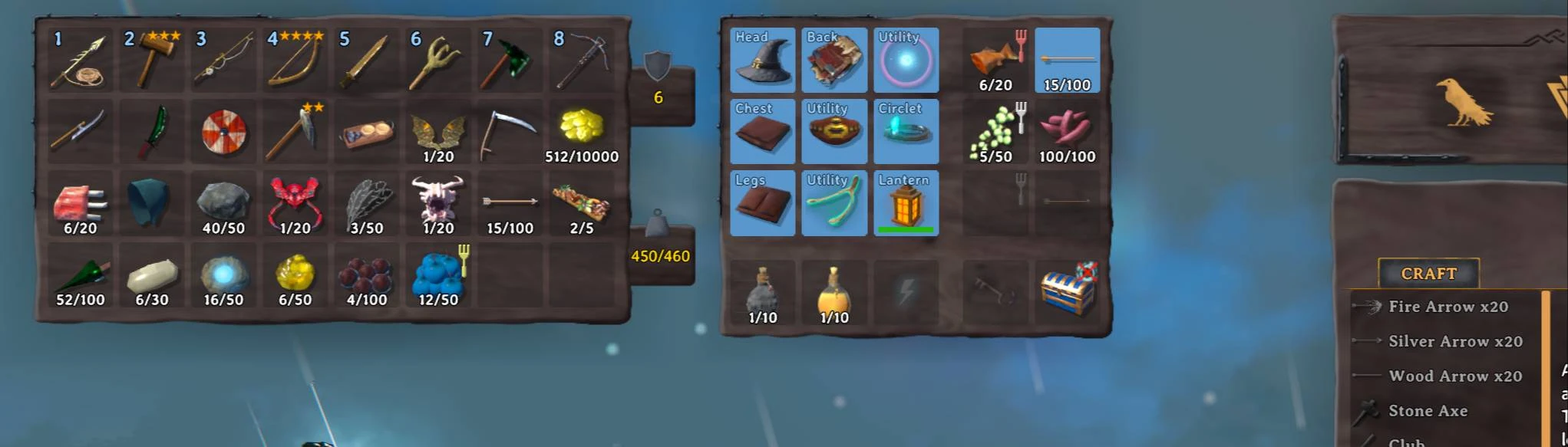
- ComfyQuickSlots — fully compatible as of v0.6.1, with a further fix in v0.6.7. ComfyQuickSlots expands the player inventory by a 5th row for armor + quickslot bindings; BiomeLords' Featherweight blessing (Fallen Valkyrie Lord) detects that layout and adapts its own extra-row math around it. Before 0.6.1, having both mods installed could crash on opening the inventory, spill equipped armor into a crate when switching blessings, or lose Featherweight's extra-row items on logout. Before 0.6.7, ComfyQuickSlots' own "find a free slot" routine only looked at the first five rows, so with both mods installed the Featherweight rows showed up and took hand-dragged items but auto-pickup, manual pickup and crafting output all reported "inventory full" — all fixed.
- Chest/storage window placement — as of v0.6.5 this is no longer tied to mod detection at all. The window sits wherever you drag it (or wherever the
UI.StorageUiOffsetColumns/StorageUiOffsetRowssettings put it), and behaves identically with or without ComfyQuickSlots installed. Those two settings are local to each player and are never overwritten by a server. - Shudnal ExtraSlots and AzuExtendedPlayerInventory — as of v0.6.2, detected automatically. Both of these mods grow the player inventory and manage that space themselves, so Featherweight no longer tries to add its own rows (or resize the inventory window) when either is installed — you still get the blessing's raised carry-weight cap, just without the extra-row buff, since these mods already provide extra slots of their own.
- Other inventory/UI mods that resize, rename, or otherwise hook the player inventory grid haven't all been tested. If you find a conflict, please open an issue with your modlist and the error log (

LogOutput.log) so it can be diagnosed. - Valheim 1.0's purchasable inventory rows — rows bought from Haldor are treated as part of your normal inventory, and the Featherweight blessing's extra rows stack below them, so the two add up and buying a row while blessed disturbs nothing you're carrying. Fixed in v0.6.14: before that, the game's own row reset dropped the Featherweight rows on the ground on every login and on every purchase, and BiomeLords could shrink a bought inventory back to four rows and crate what was in the rows you'd paid for. Update if you have bought rows.
- Server-authoritative config —
BiomeLordsrequires every client to have the mod (EveryoneMustHaveMod) and matching major.minor version; admin-set config values are pushed from the server to clients automatically. The one exception is theUIsection (storage window placement), which is deliberately client-side so each player keeps their own layout. - Joining a server without BiomeLords — you are refused at the connect screen, with Jötunn's mod-compatibility window in place of the usual error box (BiomeLords appears under Additional Mods Loaded). That's the
EveryoneMustHaveModsetting doing its job: you never spawn in, and neither your character nor that server's world is touched. Use a profile without BiomeLords to play on such a server.
Highlights
From source dataLoaders
Runs on BepInEx.
Footprint
Rated a light load on a server.
Last update
Its author last shipped an update 20d ago.
BiomeLords on Nxeon
From our catalogue- One-click install
- Supported on Nxeon Valheim servers, for BepInEx servers. We download it from Thunderstore, place it, and restart the server.
- Server type needed
- BepInEx
- Server load
- light
- Smallest plan we suggest
- Valheim — 4 GB (4 GB RAM). This follows our own load rating above, not a benchmark.
- Latest build
- 0.6.15, released 2026-09-26
Game versions by loader
| Loader | Game versions | Newest |
|---|---|---|
| BepInEx |
From 15 recorded builds of BiomeLords.
Recent builds
| Build | Released | Game versions | Loaders |
|---|---|---|---|
| 0.6.15 | 2026-09-26 | n/a | BepInEx |
| 0.6.14 | 2026-09-20 | n/a | BepInEx |
| 0.6.13 | 2026-09-19 | n/a | BepInEx |
| 0.6.12 | 2026-09-10 | n/a | BepInEx |
| 0.6.11 | 2026-09-10 | n/a | BepInEx |
| 0.6.10 | 2026-09-07 | n/a | BepInEx |
Dependencies
- Required: BepInExPack Valheim
- Required: Jotunn
Declared by the newest build that lists any. Required ones are installed with it on one-click installs.
Run BiomeLords on a Valheim server
Pick a server or deploy a new one above; it is installed in one click.
What kind of mod it is
From the catalogCreatures & NPCs
Adds or changes creatures, NPCs and how they behave.
Compatibility
- Game
- Valheim
- Loaders
- BepInEx
- Requires
- One-click install needs a BepInEx server.
Verified at the source
- ✓ThunderstoreOfficial listing, checked 2026-10-01Open ↗
- ✓AuthorTaegukGaming, as published on Thunderstore
- ✓LicenseNot published by the sourceFree