






About AFKManager
From ThunderstoreStops AFK players from holding up your Valheim dedicated server: announces who is AFK, AFK players do not block sleep, no new random raids on AFK-only bases. Server-side only: players install nothing.
AFKManager
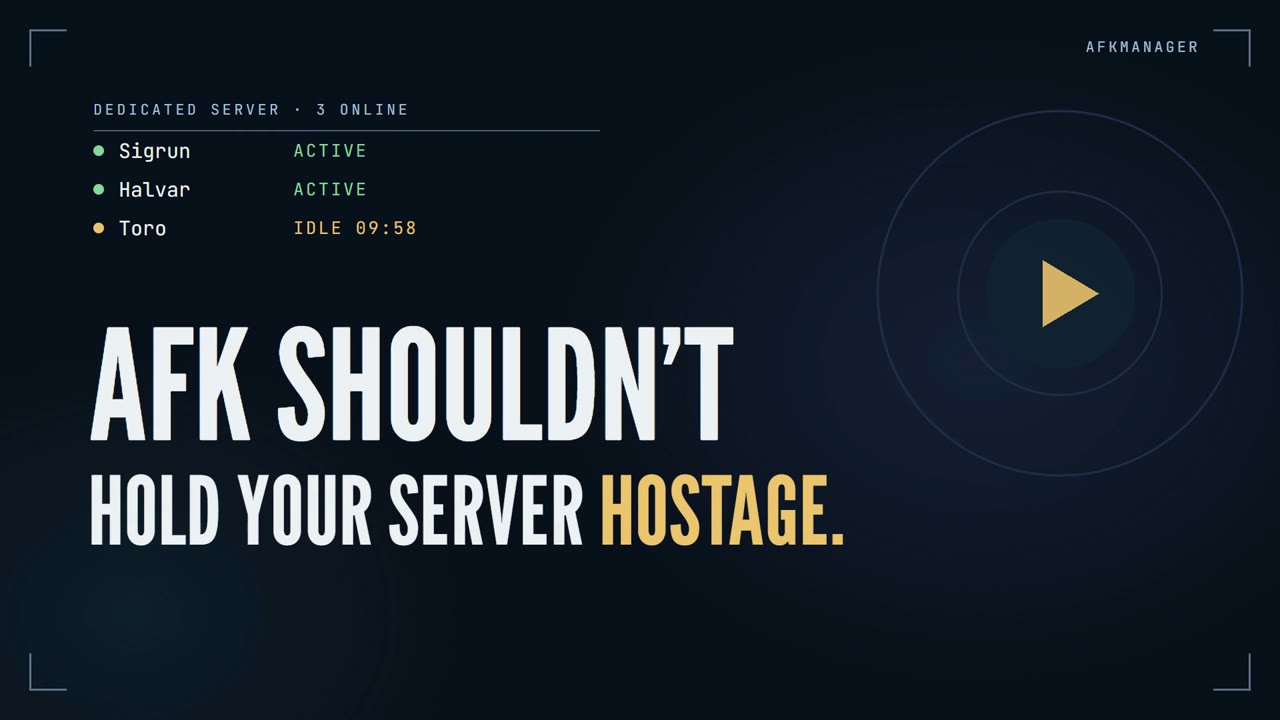
One idle player shouldn’t hold your whole Valheim server hostage.
AFKManager is a plugin for Valheim dedicated servers. It notices when a player has stepped away, tells everyone, and makes sure the AFK player doesn’t get in the way of the people who are still playing. It is installed only on the server: players join with a completely vanilla game and install nothing.
What it does
- Everyone knows who is AFK. When a player goes idle, the server says so in chat and in the top-left message feed:
AFKManager: Toro is now AFK. — and Toro is no longer AFK. when they are back.
- AFK players don’t block sleep. The night skips as soon as everyone who is still playing is in bed. A player idling
in the base no longer keeps the whole server awake. (At least one player still has to be in bed.)
- No new random raids on AFK-only bases. If every player in a raid area is AFK, no new random raid starts there.
An active teammate nearby keeps raids working as usual, and a raid that is already running is never cancelled.
- Going AFK on purpose. Type
/restin chat before stepping away and you are marked AFK straight away. - A moving ship is not activity. Movement is measured relative to the ship, so a passenger standing still on a sailing
ship still counts as idle.
- Nothing for players to install. No BepInEx, no mod, no config on the client. Works on Steam and crossplay servers.
Everything is on by default, with a 10-minute AFK timeout. Each part can be switched off on its own.
Installation
AFKManager goes on the server only.
Mod manager / hosting panel: install AFKManager from Thunderstore on the server. The package depends on BepInExPack Valheim.
Manual:
- Install BepInExPack Valheim on the dedicated server.
- Copy the DLL to
BepInEx/plugins/AFKManager/AFKManager.dllon the server. - Restart the server.
Players don’t need to do anything. Installing it on a client does nothing.
Main settings
BepInEx/config/torokal.afkmanager.cfg is created on the first start. The settings most servers care about:
| Setting | Default | What it does | |---|---|---| | AfkAfterMinutes | 10 | How long a player can be idle before they are marked AFK. | | AnnounceInChat / AnnounceNotification | true | Announce in the chat window and/or the top-left message feed. | | ExcludeAfkFromSleep | true | AFK players don’t block the night skip. | | ExcludeAfkFromRandomRaids | true | No new random raids in areas where every player is AFK. | | ManualAfkEmote | rest | The emote players type to go AFK on purpose. Empty = off. |
All settings are listed under Full configuration.
How it works
The rest of this page explains the details: what counts as activity, exactly when sleep and raids are affected, and why players need nothing installed.
Server side
AFKManager is a BepInEx plugin that runs on the dedicated server, so the server needs BepInEx. Players join with a completely vanilla game: no BepInEx, no AFKManager, no configuration. AFKManager adds no custom network messages, no handshake and no version check, and it never rejects clients. It only reads data every vanilla client already sends to the server, and it announces through messages every vanilla client already understands.
Installing it on a client does nothing. On a player-hosted (non-dedicated) game the host is not tracked.
What counts as activity
| Activity | Notes | |---|---| | Moving | More than 0.5 m between two checks. Slow physics drift (e.g. sliding on a slope, bobbing in water) is ignored. | | Moving on a ship | Measured relative to the ship: a passenger standing still on a sailing ship is idle; walking on deck is activity. | | Looking around | Turning the view by more than 10°. | | Emotes | Starting (or ending) an emote such as /wave or /sit. Staying seated does not count. | | Equipment | Equipping, unequipping or swapping gear. | | Crafting stations | Opening or closing a workbench, forge, etc. Leaving the window open does not count. | | Going to bed | Getting into a bed. |
Logging in, dying, respawning, boarding or leaving a ship and getting out of bed are neutral: they never count as activity and never mark anyone AFK. The AFK timer starts when the player's character first appears in the world after login, and it is paused while a player is dead or loading.
Chat, attacks, jumping, eating, building, inventory management, the map and other menus do not count. They are either invisible to a dedicated server or would need invasive hooks that hurt compatibility with other mods. (Valheim does not send chat to a dedicated server at all — see Manual AFK.)
Announcements
When a player becomes AFK or returns, everyone is told once, through two independent channels:
| Channel | Setting | What players see | |---|---|---| | Chat | AnnounceInChat | A line in the normal chat window: AFKManager: Toro is now AFK. | | Notification | AnnounceNotification | The small message feed in the top-left corner (the one used for "World saved"). |
Use both, only one, or neither. AnnounceAfk / AnnounceReturn switch the two kinds of announcement on or off. Nothing is announced on login, logout, death or respawn.
Valheim shows every chat message also as a short floating text in the world; AFKManager places it above the player the message is about. The sender "AFKManager" is not a player, and no real player is impersonated.
Sleep
Highlights
From source dataLoaders
Runs on BepInEx.
Footprint
Rated a light load on a server.
Last update
Its author last shipped an update 41d ago.
AFKManager on Nxeon
From our catalogue- One-click install
- Supported on Nxeon Valheim servers, for BepInEx servers. We download it from Thunderstore, place it, and restart the server.
- Server side
- Required on the server
- Server type needed
- BepInEx
- Server load
- light
- Smallest plan we suggest
- Valheim — 4 GB (4 GB RAM). This follows our own load rating above, not a benchmark.
- Latest build
- 0.3.1, released 2026-09-24
Game versions by loader
| Loader | Game versions | Newest |
|---|---|---|
| BepInEx |
From 5 recorded builds of AFKManager.
Recent builds
| Build | Released | Game versions | Loaders |
|---|---|---|---|
| 0.3.1 | 2026-09-24 | n/a | BepInEx |
| 0.3.0 | 2026-09-20 | n/a | BepInEx |
| 0.2.1 | 2026-09-19 | n/a | BepInEx |
| 0.2.0 | 2026-09-19 | n/a | BepInEx |
| 0.1.0 | 2026-09-19 | n/a | BepInEx |
Dependencies
- Required: BepInExPack Valheim
Declared by the newest build that lists any. Required ones are installed with it on one-click installs.
Run AFKManager on a Valheim server
Pick a server or deploy a new one above; it is installed in one click.
What kind of mod it is
From the catalogBuilding & decoration
Blocks, furniture, decorations and building tools.
Runs on your server
From source side supportThunderstore lists AFKManager as required on the server. Check its Thunderstore page to see whether players need it too.
Compatibility
- Game
- Valheim
- Loaders
- BepInEx
- Runs on
- Serverrequired on the server
- Requires
- One-click install needs a BepInEx server.
Verified at the source
- ✓ThunderstoreOfficial listing, checked 2026-10-01Open ↗
- ✓AuthorTorokal, as published on Thunderstore
- ✓LicenseNot published by the sourceFree















