






About VRSAutomation
From ThunderstoreRust-style automation for Valheim: connect chests and machines with pipes, conveyors, splitters and adapters. Server-driven, works while you are away.
VRSAutomation
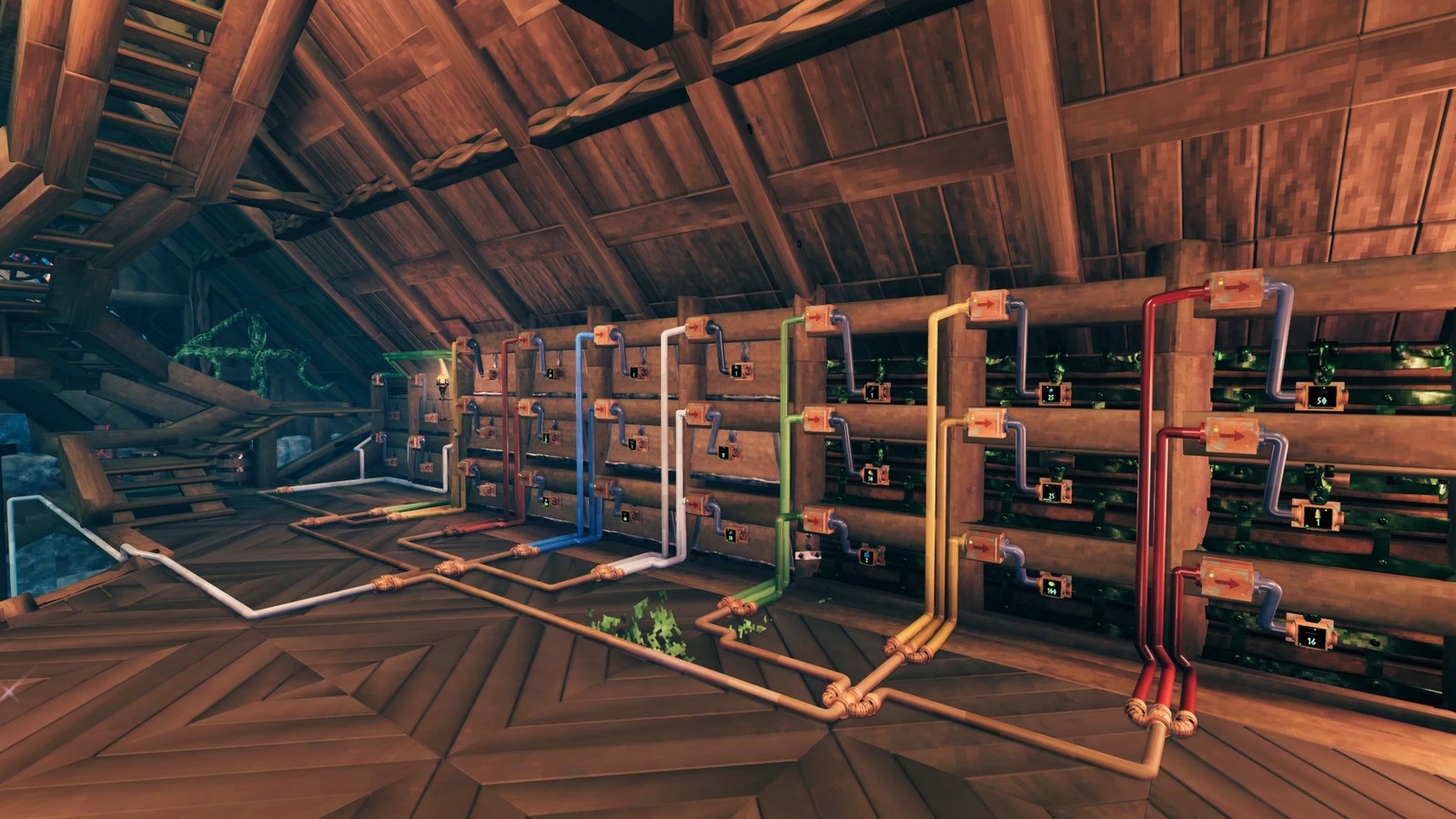
Item automation for Valheim, in the style of Rust's industrial pipes. Connect chests and crafting machines with visible pipes, put conveyors in the line, and items move on their own. It is built for dedicated servers: everything is calculated on the server and keeps running while nobody is nearby.
- Pipes, conveyors, splitters and combiners
- Adapters that bolt onto chests and machines
- Filters per conveyor, with minimum and maximum amounts
- Furnaces, kilns and other machines that work as storage boxes
- Machines that keep working while you are far away or logged out (on a server)
- Everything is shared: anyone can use, change or remove any pipe, conveyor or machine setup. Only the game's own wards apply.
Installing
Install with Gale or r2modman, or copy VRSAutomation.dll into BepInEx/plugins/VRSAutomation/.
Requires BepInEx and Jotunn.
Everyone must run the same version. Install it on the server and on every player's game. A player without the mod, or with a different version, cannot join a server that has it.
Getting started
- Craft the Link tool at a workbench (10 bronze, 2 wood by default).
- Build with the hammer. Open the Automation tab and place:
- Storage adapter on a chest. It has one input port and one output port.
- Input adapter and Output adapter on machines.
- Conveyor, Splitter and Combiner wherever you want them.
- Hold the Link tool (the pipe wrench) and draw pipes between ports.
- Turn the conveyor on with E. New conveyors start switched off.
Drawing pipes
- Click a port to start, click surfaces to place bends, click a compatible port to finish. Output ports are orange and input ports are green, with arrows showing the pipe flow.
| Input port | Output port | |---|---| | 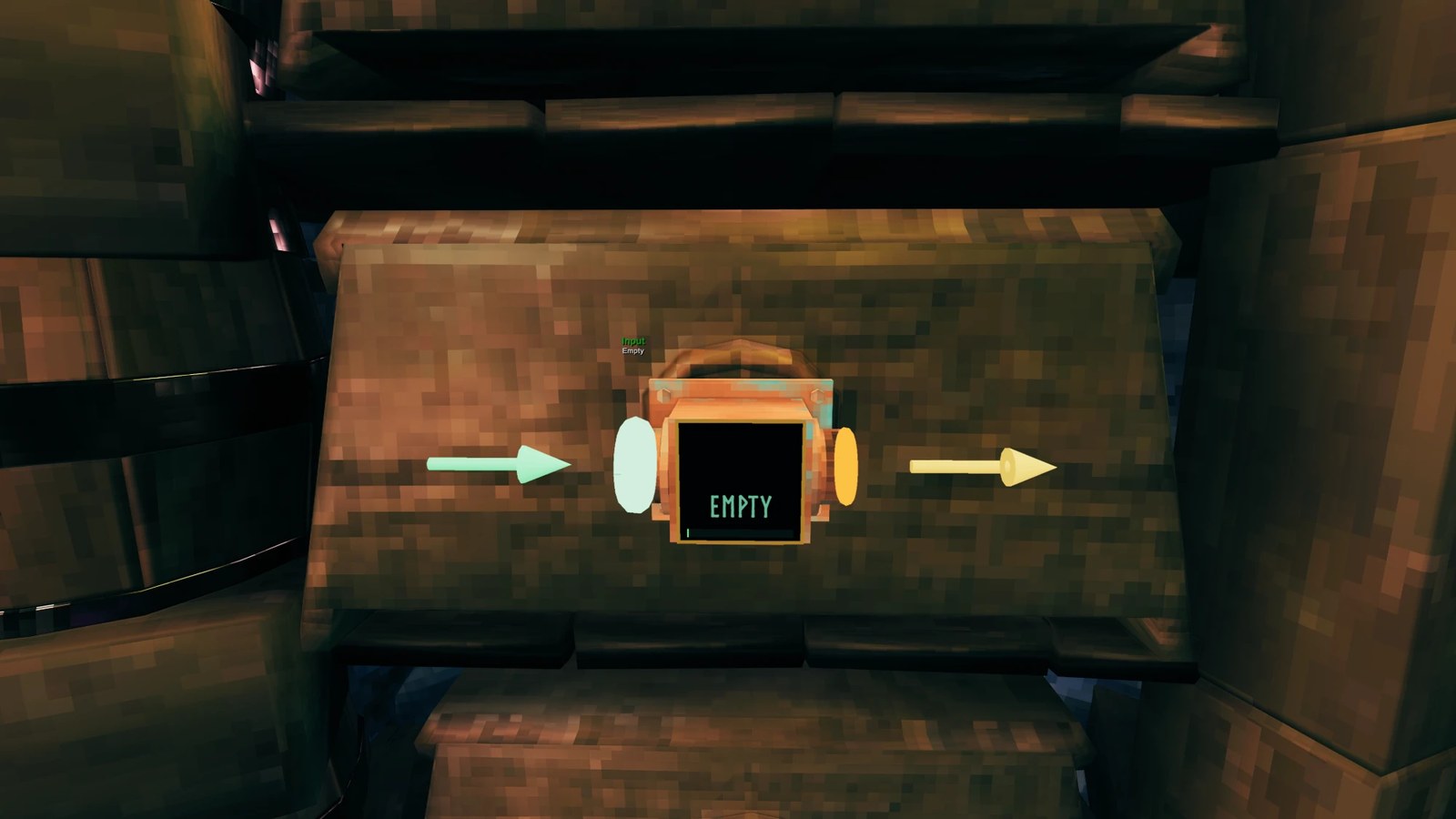 |
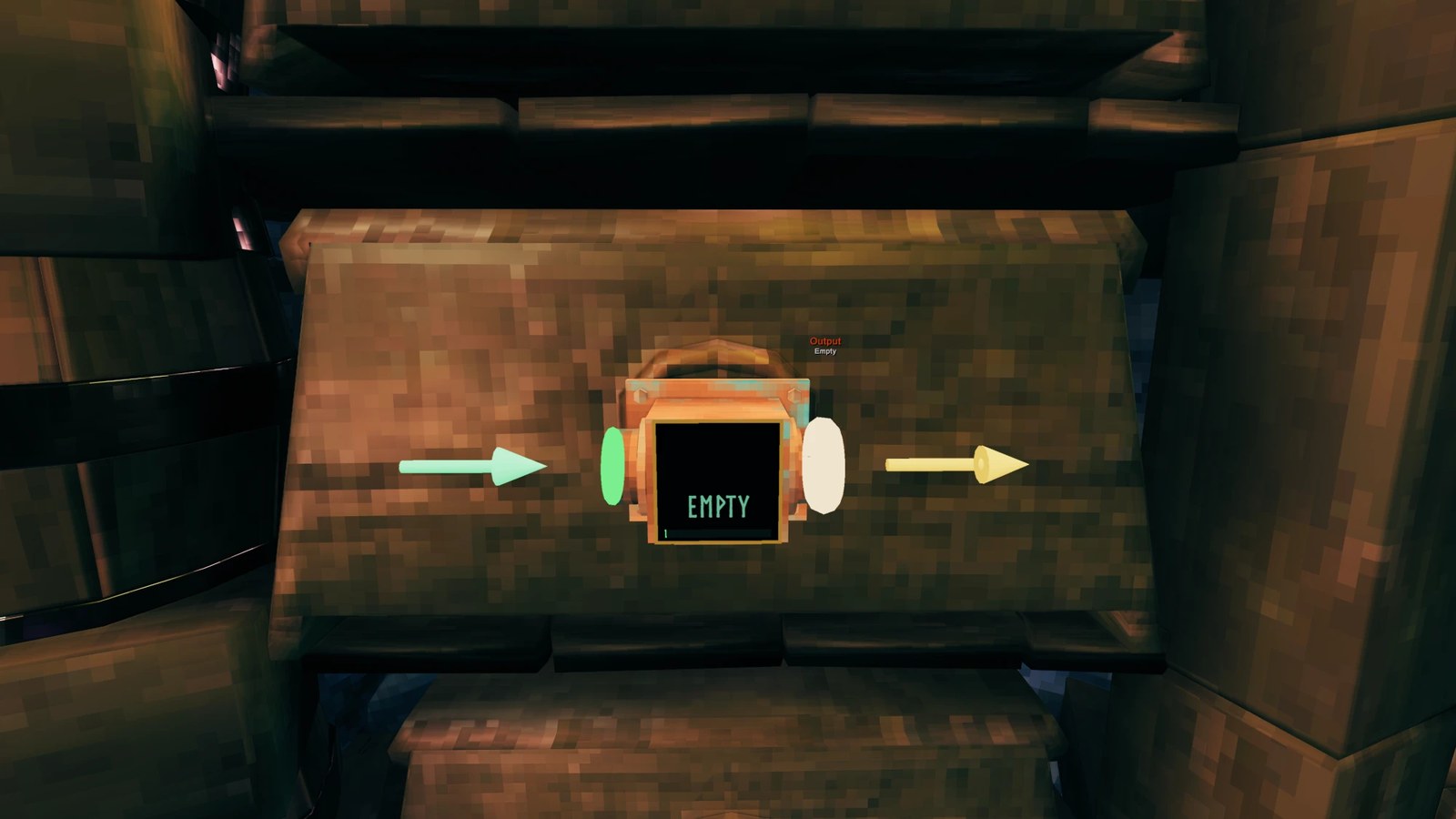 |
- Hold Shift to lock the pipe to a straight axis.
- Press Z to turn pipe hop on or off. With it on, a pipe lifts itself over any pipe it would cross.
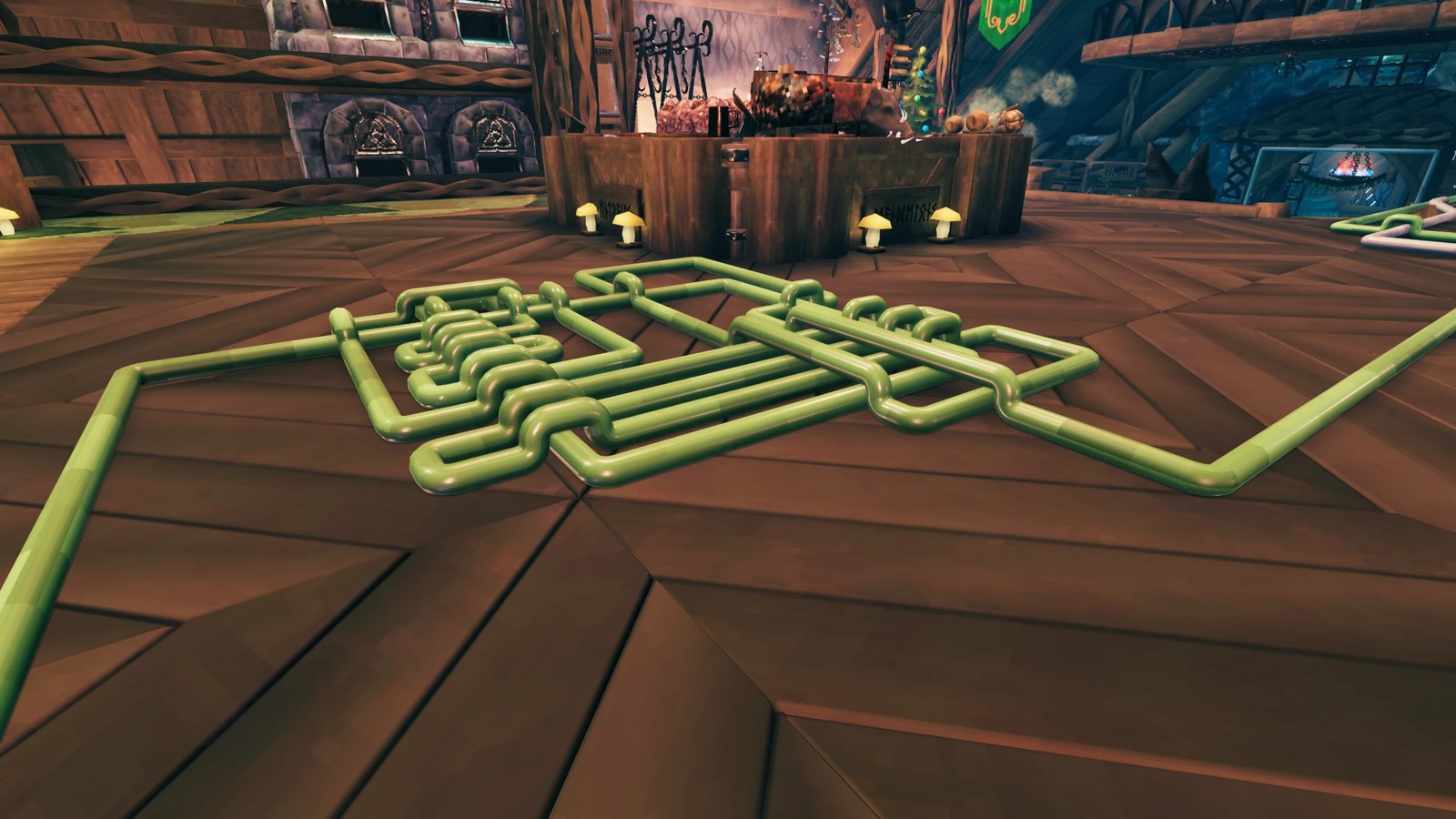
- Right-click undoes the last bend. Tap a placed pipe's end to pick it up again. Hold right-click to remove a pipe.
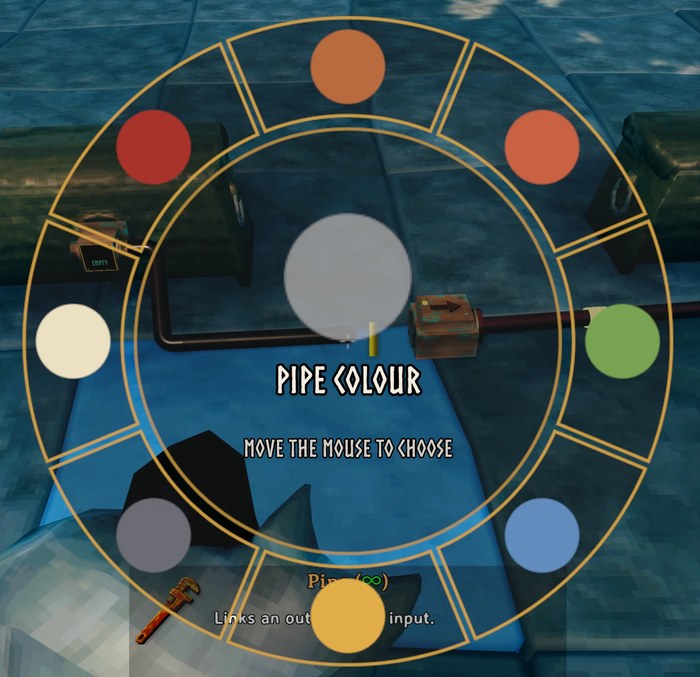
- Hold R for the color wheel. Alternatively, hold R to select a pipe color, then hold Ctrl and click an already placed pipe segment to recolor it.
Conveyors
- Tap E to turn a conveyor on or off. Hold E on a conveyor to open the radial menu: turn on or off, or change item filters.
- Shift + tap E switches on/off every conveyor linked to it via pipe/combiner/splitter chains.
- The light on top shows the state: red is off, green is moving items, amber is on but waiting.
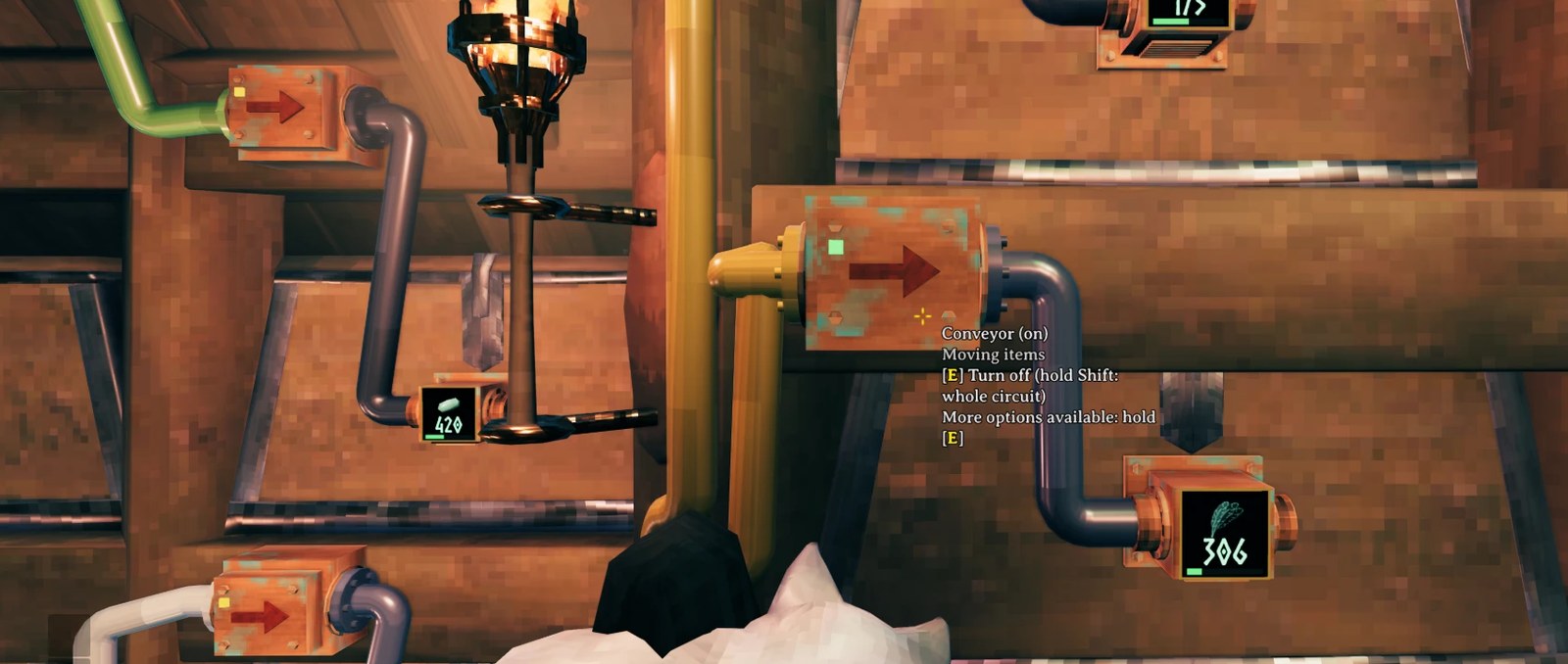
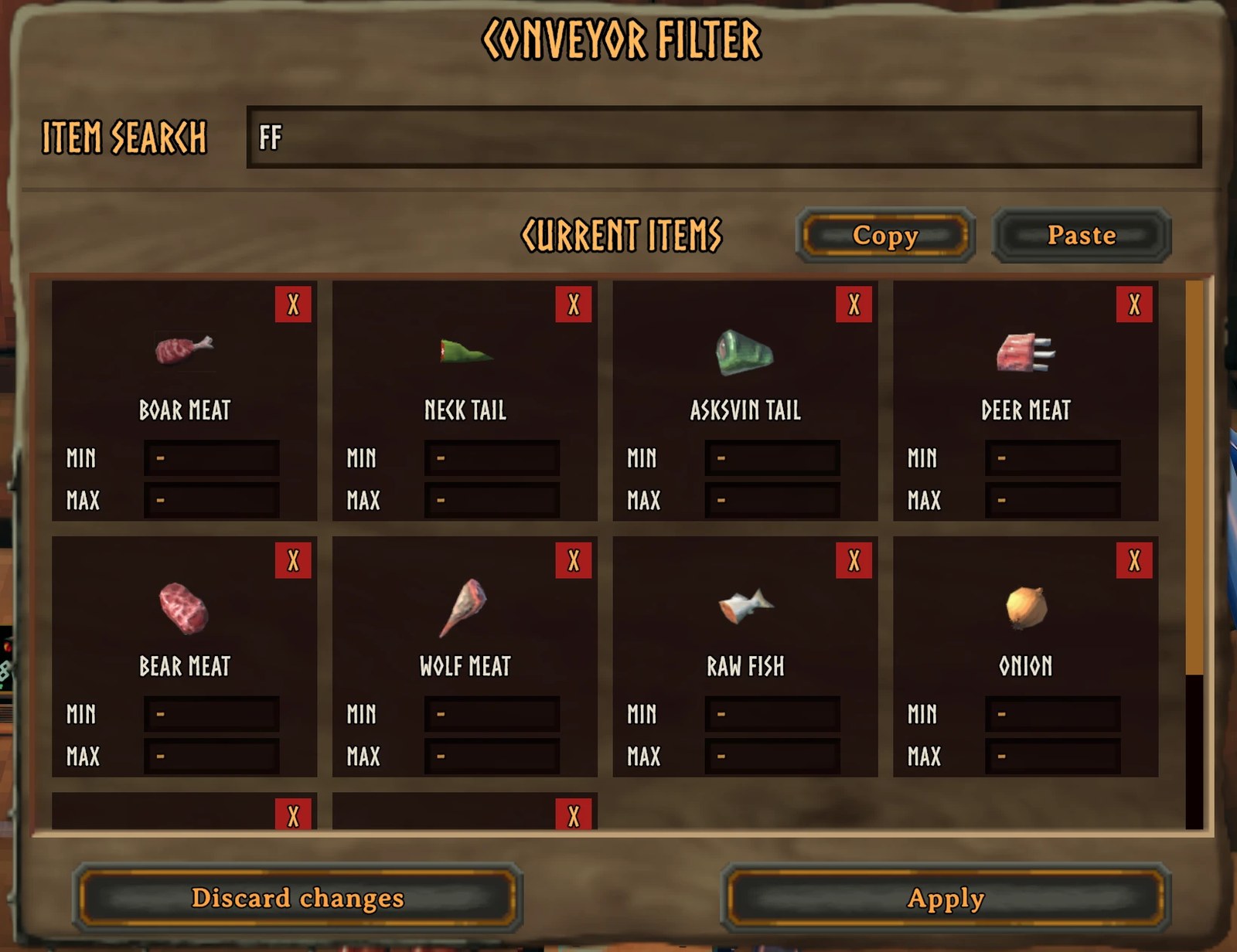
- The filter lets you list items or whole groups, with a minimum (amount to leave behind) and a maximum (amount the destination may hold) for single items.
- A conveyor moves a set number of items from each slot of the source box every few seconds. A box with wood, stone and coal in three slots moves one of each per move. These values can be changed in the config.
- Splitters, as their name suggests, split a conveyor's items between up to three outputs. Combiners bring up to three inputs into one.
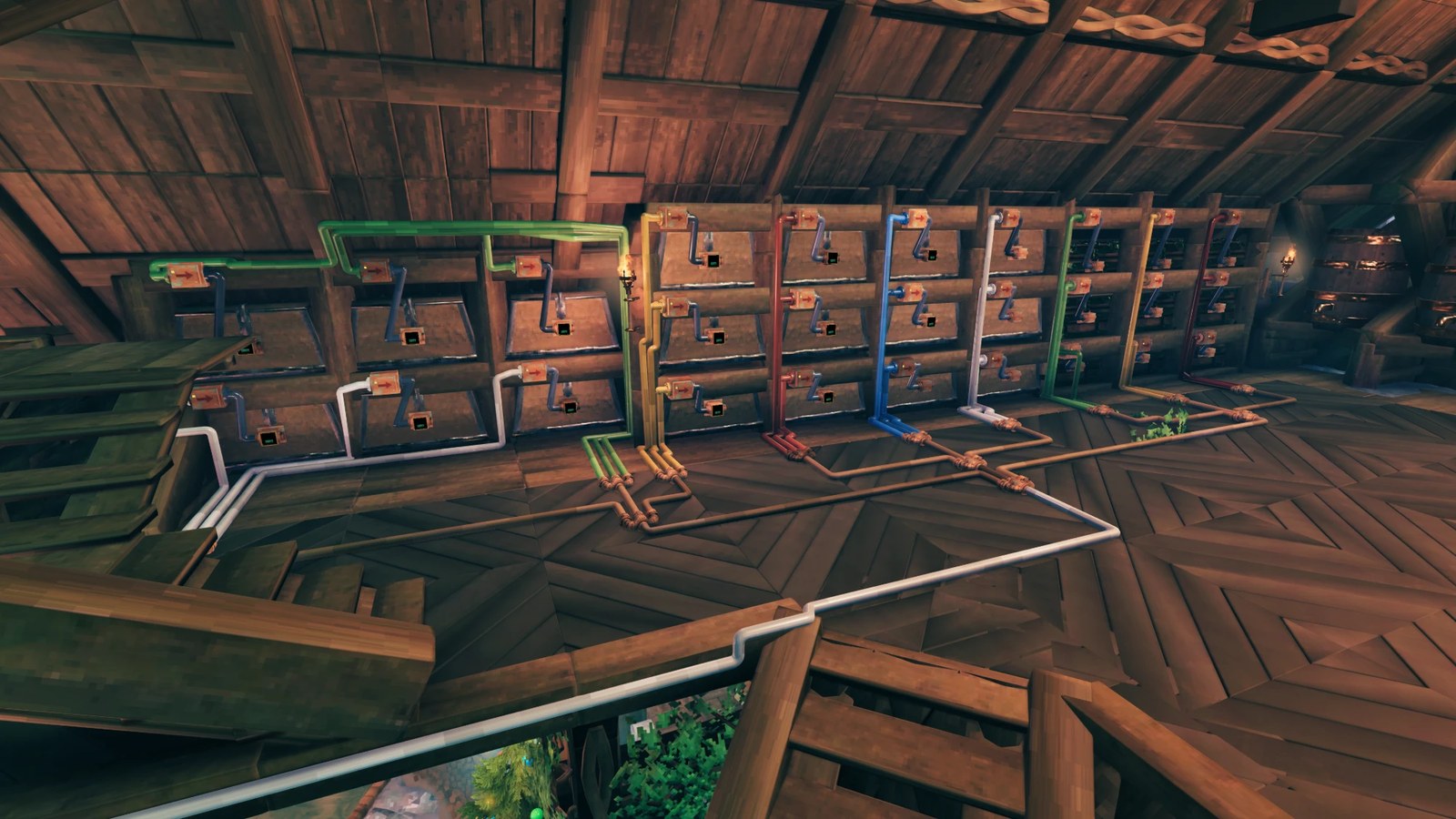
- Hold Shift while placing to snap conveyors, splitters and combiners to invisible rails, lined up with their neighbors with room left for pipes.
Machines
Supported: chests (wood, reinforced, black metal), furnace, blast furnace, charcoal kiln, eitr refinery, frigid kiln, spinning wheel, windmill, beehive, bird nest and sap extractor.
- Machines act as containers, pressing E on any of them open up their inventory slots (fuel/input/output). Finished items go to the output slots where they can either be grabbed manually or siphoned via an attached pipe/conveyor system
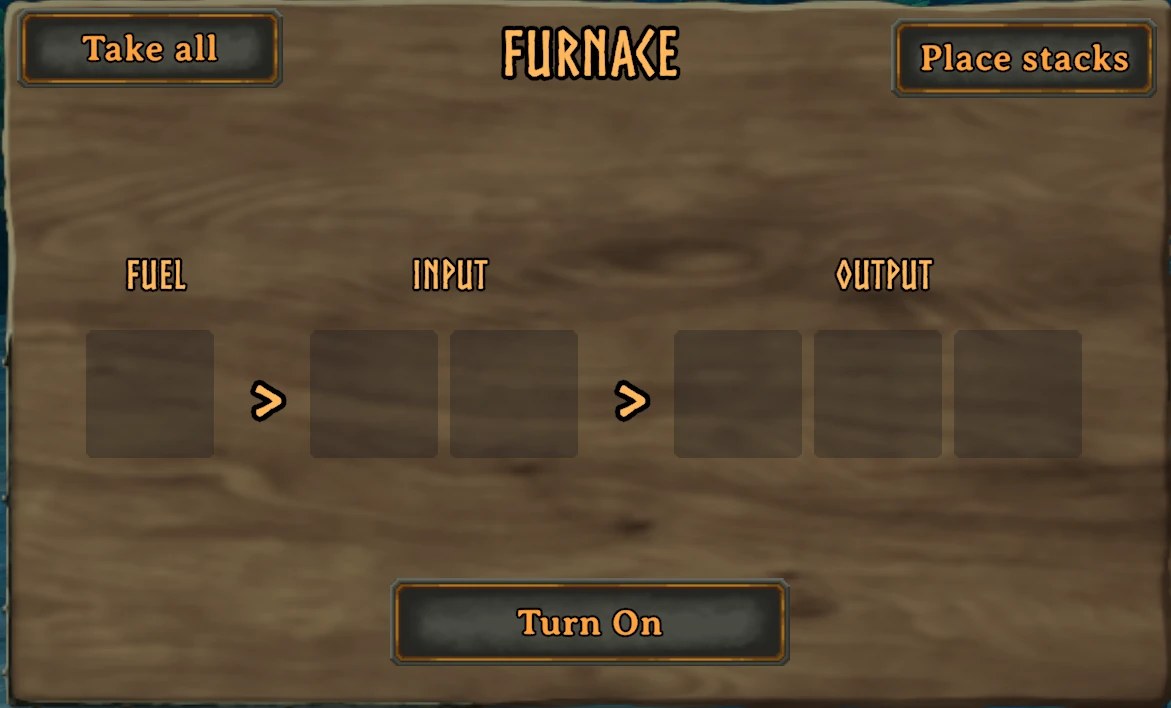
- Furnaces, blast furnaces, kilns, the eitr refinery and the frigid kiln have an on/off switch. Hold E for a radial menu to toggle on/off or view its inventory. The machines start "off" when placed initially.
- A machine that runs out of fuel switches itself off and switches itself back on when fuel arrives (this can be turned off).
- Machines with two inputs, such as the furnace, are sorted: one input takes ore, the other takes fuel. Look at a spot with the hammer or the Link tool and a label shows which.
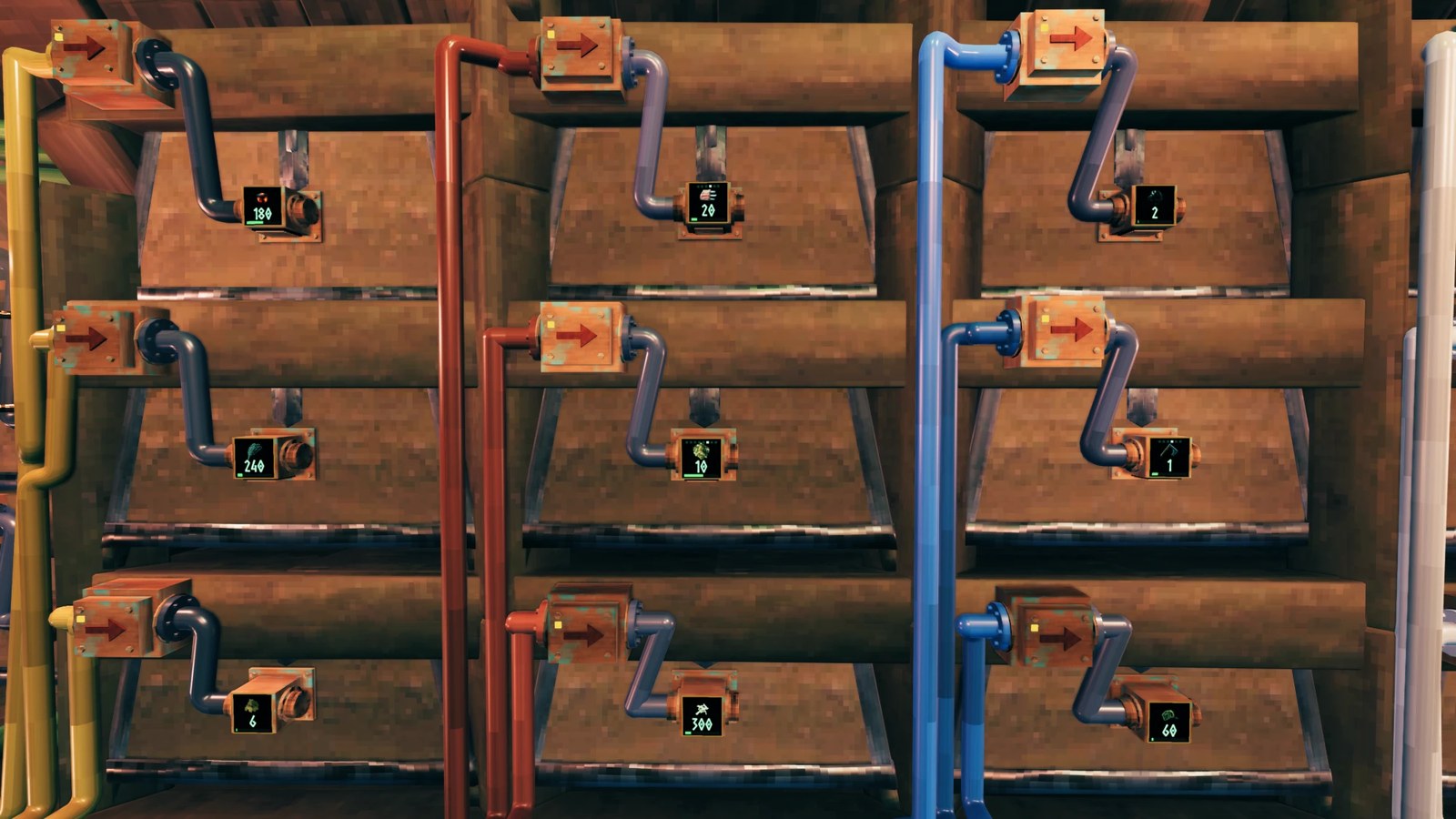
- Adapters on chests show the item and count on their top (can be turned off in the confid).
On a server
Highlights
From source dataLoaders
Runs on BepInEx.
Footprint
Rated a light load on a server.
Last update
Its author last shipped an update 8d ago.
VRSAutomation on Nxeon
From our catalogue- One-click install
- Supported on Nxeon Valheim servers, for BepInEx servers. We download it from Thunderstore, place it, and restart the server.
- Server side
- Optional on the server
- Server type needed
- BepInEx
- Server load
- light
- Smallest plan we suggest
- Valheim — 4 GB (4 GB RAM). This follows our own load rating above, not a benchmark.
- Latest build
- 0.7.3, released 2026-10-27
Game versions by loader
| Loader | Game versions | Newest |
|---|---|---|
| BepInEx |
From 2 recorded builds of VRSAutomation.
Recent builds
| Build | Released | Game versions | Loaders |
|---|---|---|---|
| 0.7.3 | 2026-10-27 | n/a | BepInEx |
| 0.7.2 | 2026-10-27 | n/a | BepInEx |
Dependencies
- Required: BepInExPack Valheim
- Required: Jotunn
Declared by the newest build that lists any. Required ones are installed with it on one-click installs.
Run VRSAutomation on a Valheim server
Pick a server or deploy a new one above; it is installed in one click.
What kind of mod it is
From the catalogBuilding & decoration
Blocks, furniture, decorations and building tools.
Works on a server
From source side supportThunderstore lists server-side support for VRSAutomation as optional: it can run on a server, but isn’t required there.
Compatibility
- Game
- Valheim
- Loaders
- BepInEx
- Runs on
- Serveroptional on the server
- Requires
- One-click install needs a BepInEx server.
Verified at the source
- ✓ThunderstoreOfficial listing, checked 2026-10-28Open ↗
- ✓AuthorVRSMLTD, as published on Thunderstore
- ✓LicenseNot published by the sourceFree











