
Switching hosts shouldn't cost you a weekend or your uptime. Here's how Nxeon's free migration works, what to prepare, and how the low-risk DNS cutover keeps you online.
Switching hosts is the task everyone puts off — the fear of downtime, broken links and a lost weekend. Nxeon offers free migration help to remove that friction: the heavy lifting is handled for you, and a careful DNS cutover keeps your site online throughout. Here's how it works and what to prepare.
Why people avoid migrating (and why they shouldn't)
The usual blockers are fear of downtime, the effort of moving files and databases, and worry about breaking something. But staying on a slow, oversold or overpriced host costs more over time — in performance, reliability and money. Free migration removes the effort, and a tested cutover removes the downtime risk. If you're weighing the move, our honest how much web hosting costs breakdown helps.
What free migration covers
Migration help typically moves the things that make a switch tedious:
- Website files — your WordPress install, static site, or app.
- Databases — MySQL/MariaDB dumps restored on the new server.
- Email and DNS guidance so nothing gets left behind.
- A tested setup on the new VPS before anything goes live.
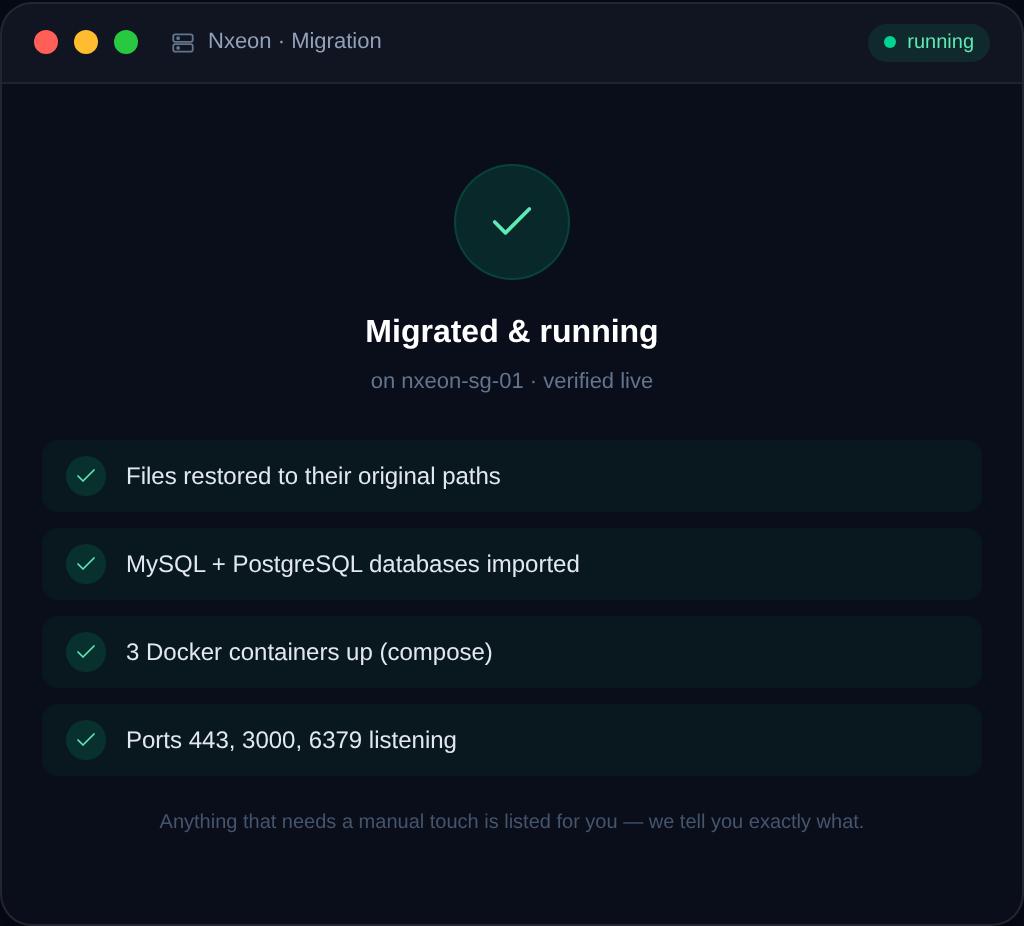
The goal is a like-for-like copy running on faster NVMe hardware, verified before you switch.
What to prepare
To make the move smooth, gather:
- Access to your current host (or a recent backup / export of files and database).
- A list of your domains and where DNS is managed.
- Any custom configuration — cron jobs, environment variables, special server settings.
- Your email setup, so mail keeps flowing.

The low-risk cutover
The reason a good migration is downtime-free is the order of operations: your site is built and tested on Nxeon before DNS changes. Then:
- Lower your DNS TTL a day ahead so changes propagate quickly — see DNS propagation explained.
- Update your domain's A record to the new server — see how to point a domain to your VPS.
- Keep the old host running until propagation completes.
- Re-issue HTTPS on the new server.
Because the new site is verified before the switch, visitors never see an outage. For the manual mechanics behind a WordPress move, see how to migrate WordPress to a new VPS.
What actually moves — and what to double-check
A website is more than a folder of files, so a good migration accounts for every moving part. Knowing the full list helps you confirm nothing gets left behind:
- Files — your site's code, themes, plugins, uploads and media.
- Databases — the content, settings, users and (for a store) orders and customers.
- Configuration — cron jobs, environment variables, redirects and any custom server settings.
- SSL certificates — reissued fresh on the new server once DNS points to it, so HTTPS keeps working.
- Email — if your domain handles mail, the DNS records that route it need to come across correctly. Our email DNS explained guide covers SPF, DKIM and DMARC.
- DNS records — beyond the main A record, any subdomains, MX and TXT records that make your domain work.
The verification step is where a careful migration earns its keep: test pages, forms, logins, media and email on the new server *before* you rely on it, so you catch anything missing while the old site is still live.
After the move: a stronger foundation
The point of migrating isn't just to switch hosts — it's to land somewhere better and take advantage of it. Once you're on a faster NVMe VPS with full root, a few quick wins compound the benefit:
- Add proper caching if you're on WordPress — see how to speed up WordPress on a VPS with caching.
- Harden the server with a firewall, SSH keys and automatic updates, following securing your first Linux VPS.
- Set up automatic backups so you're protected from day one.
- Right-size the plan now and resize later as you grow, rather than paying for capacity you don't yet need.
You end up not just moved, but on a faster, more controllable, more scalable footing than before — which is the whole reason to switch. New to the platform afterwards? How to deploy your first server on Nxeon helps you get oriented.
Where Nxeon fits
Nxeon runs NVMe KVM VPS with full root and one-click images, and offers free migration help to bring your site across without the hassle or downtime. Whether it's a WordPress site, a web app or a small business site, the team handles the move. Compare plans on pricing, and if you're switching from a specific provider, see the comparison hub. New here? Our how to deploy your first server on Nxeon guide gets you oriented.
FAQ
Is Nxeon migration really free?
Yes — Nxeon offers free migration help to move your site across. It's designed to remove the cost and effort barrier so switching to faster hosting is easy.
Will my website go down during migration?
No, when done correctly. Your site is built and tested on the new server before any DNS change, and the old host stays live until propagation completes — so there's no downtime window for visitors.
What do I need to provide for a migration?
Access to your current host (or a backup of files and database), your list of domains and where DNS is managed, any custom server configuration, and your email setup so nothing gets missed.
How long does a website migration take?
It depends on site size and complexity, but the actual switch is quick once everything is tested. Because the DNS cutover is planned with a lowered TTL, propagation to the new server is fast.
Ready to switch? Start your free migration or compare plans on pricing.
Web hosting
Deploy in seconds, not weekends
Nxeon · Nxeon editorial
★★★★★ Straight-talking guides from the team that runs the servers.
