






The Nxeon Blog
Guides for people who run their own servers.
Straight-talking tutorials and comparisons on VPS hosting, game servers, Linux and security. No fluff, just what actually works. 346 guides from the team that runs the servers.
Search results
8 guides for “server-admin” in Game servers · Clear search
How to Set Up a Headless Factorio Server on a VPS
Run a Factorio headless server the right way: direct download (no SteamCMD needed), port 34197, mod syncing, and why this is the game where RAM barely matters.
Best VPS for a Rust Server
Rust is one of the most demanding survival games to host. Here's how to choose a VPS that keeps a wipe day smooth — CPU, RAM, and storage sizing explained.
Automate Game Server Restarts with systemd and cron
Keep your game server rock-solid: a systemd service that auto-restarts on crash and boot, plus a scheduled nightly restart with player warnings.

Rust Server Admin Commands and Wipe Management
Run your Rust server like a pro. The essential RCON and console commands for admin, moderation and scheduling map wipes players actually turn up for.

The Best Valheim Server Mods (and How to Install Them)
Level up your Valheim server with BepInEx mods — quality-of-life, bigger builds, more storage and server-wide tweaks, plus how to keep clients in sync.
How to Back Up Your Game Server (Automatically)
Never lose a world again. Set up automated, off-server game server backups with a cron job, tar and rotation — plus how to test a restore.

The Best Minecraft Server Plugins (and What They Do)
The essential Paper/Spigot plugins for any Minecraft server — permissions, land claims, anti-grief, performance and admin tools worth installing first.
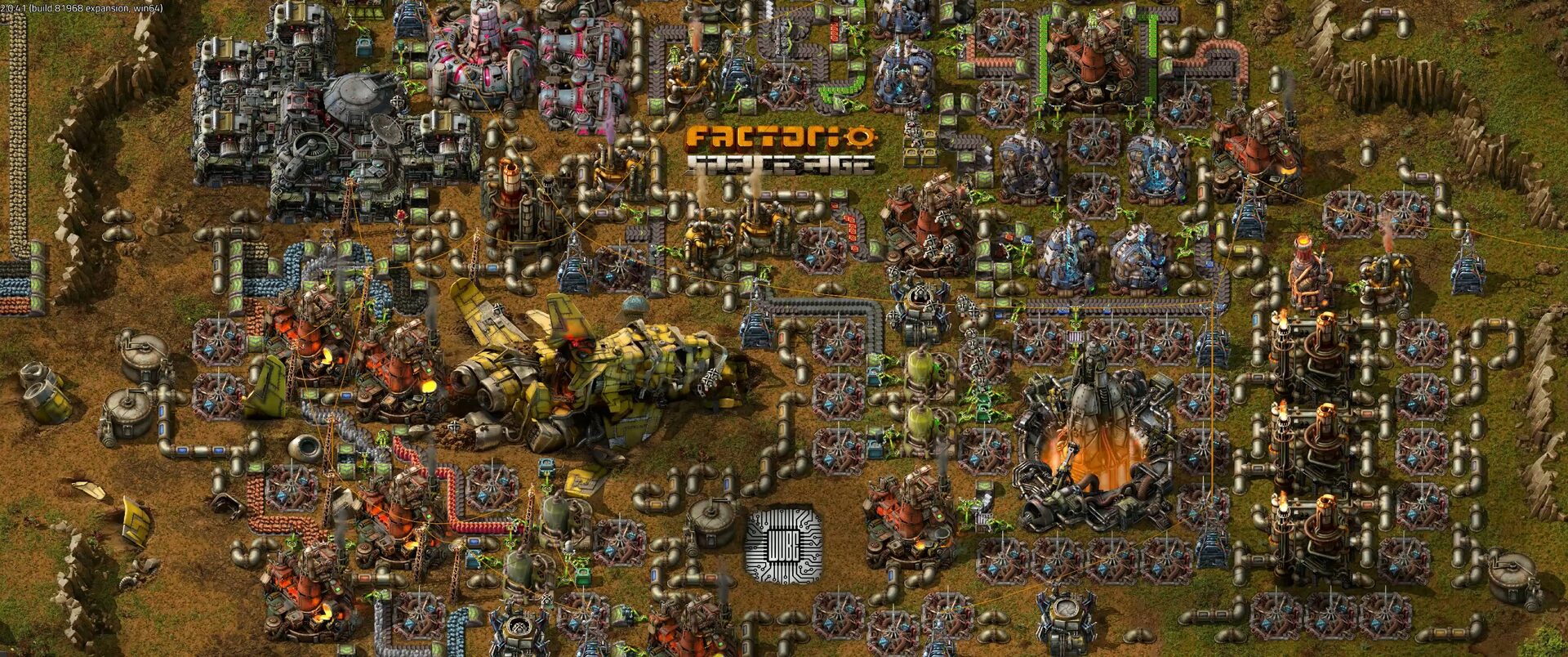
How to Set Up a Factorio Server
Run a lightweight, always-on Factorio server for your megabase. Install the headless server, load a save and open UDP port 34197.
Deploy your first server in under a minute.
Creating an account is free and takes no card details. Every guide here runs on a Nxeon VPS or game server.