






The Nxeon Blog
Guides for people who run their own servers.
Straight-talking tutorials and comparisons on VPS hosting, game servers, Linux and security. No fluff, just what actually works. 346 guides from the team that runs the servers.
Search results
57 guides for “control panel” in Tutorials · Clear search
How to Host a Node.js (discord.js) Bot on a VPS
Deploy a discord.js bot on a VPS from scratch: install Node.js, structure the project, register slash commands, secure the token, and run it with PM2.
How to Host a Python Discord Bot on a Linux VPS
Deploy a discord.py bot on a Linux VPS the right way: virtualenv, dependencies, a .env token, and a systemd service that restarts on crash and boot.
How to Keep a Discord Bot Online with PM2
Use PM2 to keep your Node.js Discord bot running 24/7 on a VPS: auto-restart on crash, start on boot, log management, and zero-downtime restarts.
How to Host a Discord Bot on a VPS 24/7
Move your Discord bot off your laptop and onto a VPS so it stays online around the clock. Covers Node.js and Python, a process manager, and auto-restart.
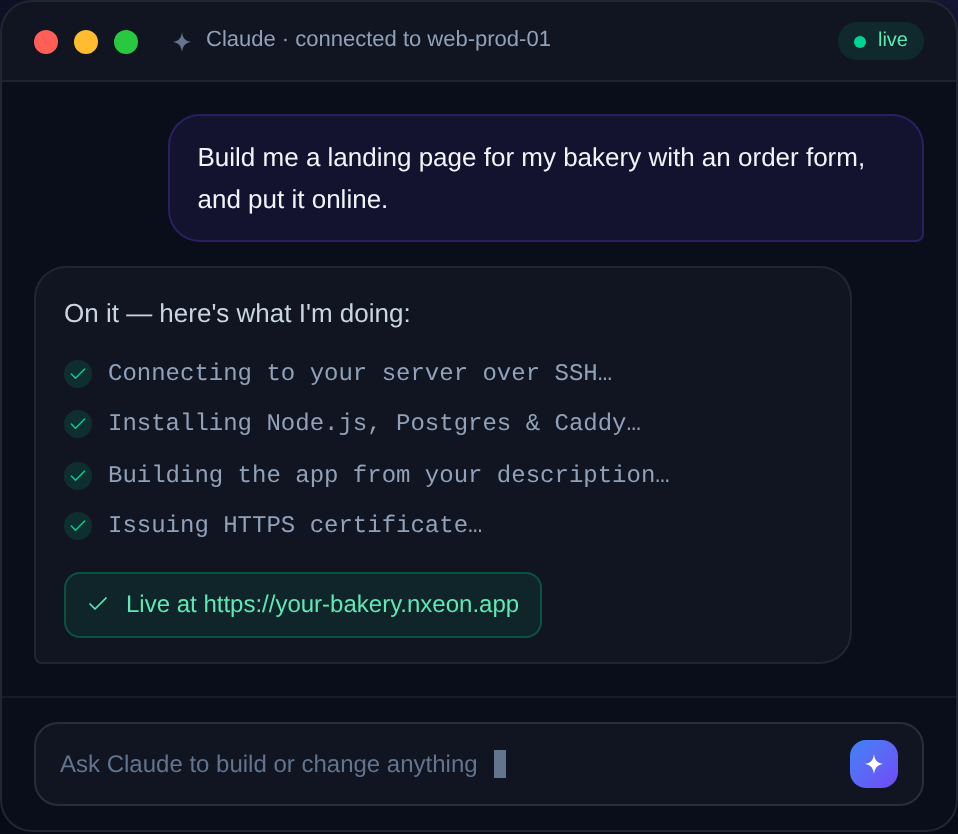
How to Build a Website with AI on Nxeon
You don't need to hand-code a site anymore. Here's how to use AI tooling on a Nxeon VPS to build and deploy a real website — from prompt to live, on your own server.
How to Install WordPress on a VPS (LEMP Stack)
A complete, copy-paste walkthrough to install WordPress on Ubuntu with Nginx, MariaDB and PHP — the fast LEMP stack — plus free HTTPS at the end.
How to Install code-server (VS Code in the Browser)
Run VS Code in your browser from your VPS: install code-server on Ubuntu 24.04, secure it behind Nginx with HTTPS, and code from anywhere.
How to Run Staging and Production on One VPS
Host both a staging and production environment on a single VPS: separate directories, ports, subdomains, databases, and Nginx server blocks.
How to Host a Static Website with Nginx
Serve a fast static site — plain HTML or a built React/Vue/Hugo bundle — with Nginx on Ubuntu 24.04, with correct caching and HTTPS.
How to Set Up a Cron Job on Linux
Automate anything on a schedule with cron: crontab syntax explained, real examples, logging output, and how to avoid the common gotchas.
How to Install Gitea (Self-Hosted Git) on a VPS
Run your own lightweight GitHub alternative: install Gitea on Ubuntu 24.04 with its own user, a database, systemd, and an Nginx reverse proxy.
How to Set Up Git-Based Deploys on a VPS
Deploy by pushing to your server: set up a bare Git repo with a post-receive hook so 'git push' builds and reloads your app.
Deploy your first server in under a minute.
Creating an account is free and takes no card details. Every guide here runs on a Nxeon VPS or game server.