






The Nxeon Blog
Guides for people who run their own servers.
Straight-talking tutorials and comparisons on VPS hosting, game servers, Linux and security. No fluff, just what actually works. 346 guides from the team that runs the servers.
Search results
37 guides for “logs” in Tutorials · Clear search
How to Set Up Health Checks and Auto-Restart for Services
Services crash. With systemd restart policies, watchdogs and simple health checks, yours come back automatically instead of staying down until you notice.
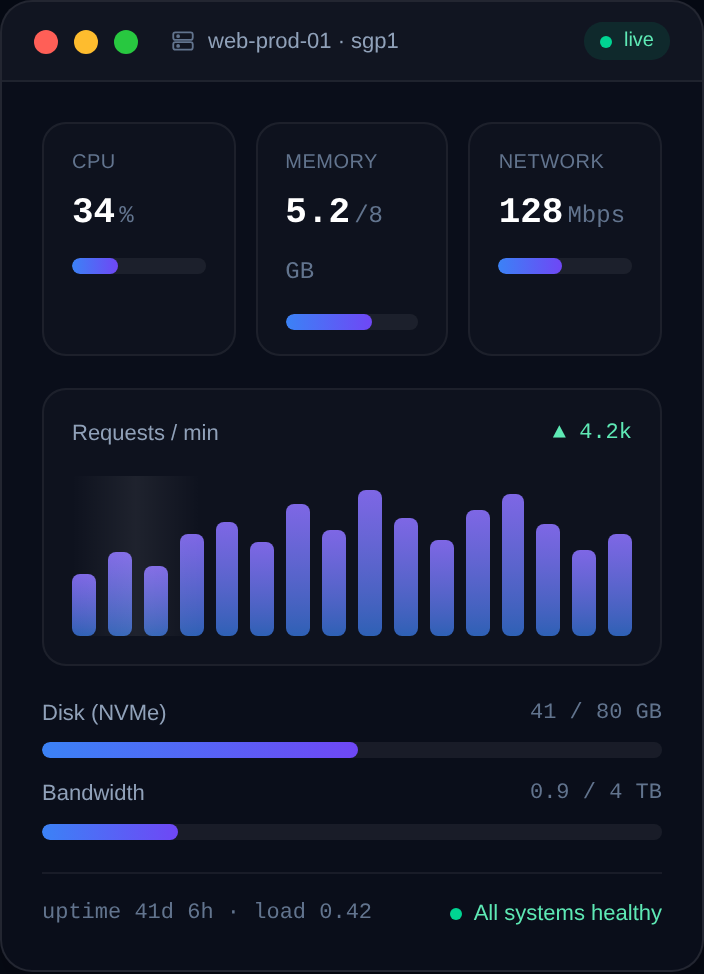
How to Check and Free Up Disk Space on Linux
A full disk breaks databases, deploys and logins. Learn to find what's eating your space with df and du, and safely reclaim it — logs, caches and old kernels.
Essential Linux Commands Every VPS Owner Should Know
New to the command line? This is the practical toolkit — navigation, files, permissions, processes, services, networking and disk — that runs a VPS day to day.
How to Create a Non-Root Sudo User on a VPS
Working as root all the time is dangerous. Create a dedicated sudo user, give it your SSH key, and adopt least-privilege as your default way of working.
How to Read and Manage Linux Logs with journalctl
systemd's journal holds nearly every log on a modern Linux server. Learn to filter, follow, and prune it with journalctl so you can debug fast.
How to Monitor a Linux VPS (htop, netdata and more)
You can't fix what you can't see. Learn the essential Linux monitoring tools — from quick htop checks to a full netdata dashboard with alerts.
How to Self-Host FreshRSS on a VPS
Take back control of your reading with a self-hosted RSS reader. Install FreshRSS on a VPS with Docker and sync it to your favourite mobile app.
How to Self-Host Nextcloud on a VPS
For anyone who wants Dropbox-style file sync without the subscription or the snooping: install Nextcloud on your own VPS with Docker Compose and HTTPS.
How to Deploy a Discord Bot with Docker
Containerize your Discord bot with a Dockerfile and run it on a VPS: build the image, pass the token as an env var, and auto-restart with a restart policy.
How to Host a Node.js (discord.js) Bot on a VPS
Deploy a discord.js bot on a VPS from scratch: install Node.js, structure the project, register slash commands, secure the token, and run it with PM2.
How to Host a Python Discord Bot on a Linux VPS
Deploy a discord.py bot on a Linux VPS the right way: virtualenv, dependencies, a .env token, and a systemd service that restarts on crash and boot.
How to Keep a Discord Bot Online with PM2
Use PM2 to keep your Node.js Discord bot running 24/7 on a VPS: auto-restart on crash, start on boot, log management, and zero-downtime restarts.
Deploy your first server in under a minute.
Creating an account is free and takes no card details. Every guide here runs on a Nxeon VPS or game server.