






The Nxeon Blog
Guides for people who run their own servers.
Straight-talking tutorials and comparisons on VPS hosting, game servers, Linux and security. No fluff, just what actually works. 346 guides from the team that runs the servers.
Search results
43 guides for “permissions” · Clear search
How to Manage Secrets and Environment Variables on a VPS
Hardcoded API keys and passwords in code are a breach waiting to happen. Learn to store secrets in env files, systemd, and vaults — the right way.
How to Set Up Automated Backups on a VPS
A backup you never tested isn't a backup. Build an automated, offsite, restorable backup routine for files and databases with rsync, cron and the 3-2-1 rule.
How to Secure a Self-Hosted WordPress Site
WordPress powers a huge share of the web, which makes it a huge target. Harden your self-hosted install at the server, app, and login layers.
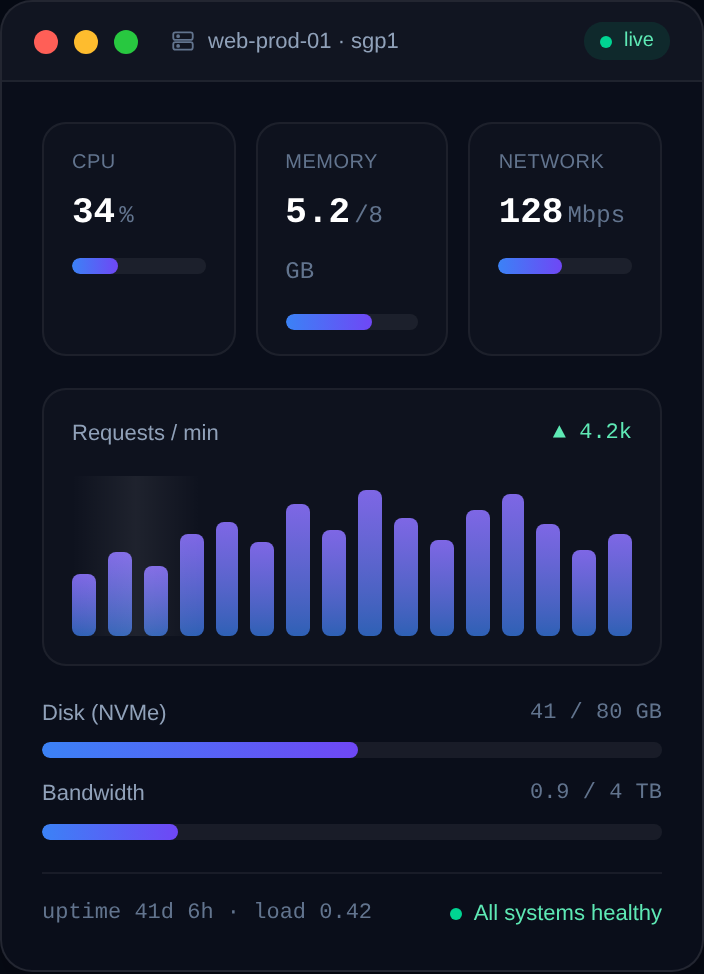
How to Create a Swap File on a Linux VPS
Small VPS plans run out of RAM fast. A swap file gives the kernel breathing room and prevents the OOM killer from killing your app. Here's how to add one.
How to Set Up SSH Key Authentication and Disable Passwords
Stop relying on passwords. Generate an SSH key pair, install your public key on the VPS, and turn password logins off for good.
How to Harden SSH on a Linux VPS
A practical, copy-paste guide to locking down the SSH daemon on your VPS — the single most important service to secure on a public server.

How to Install Oxide/uMod Plugins on a Rust Server
Turn a vanilla Rust server into a modded one: install the Oxide/uMod framework, add and configure plugins, grant permissions, and keep everything updated.
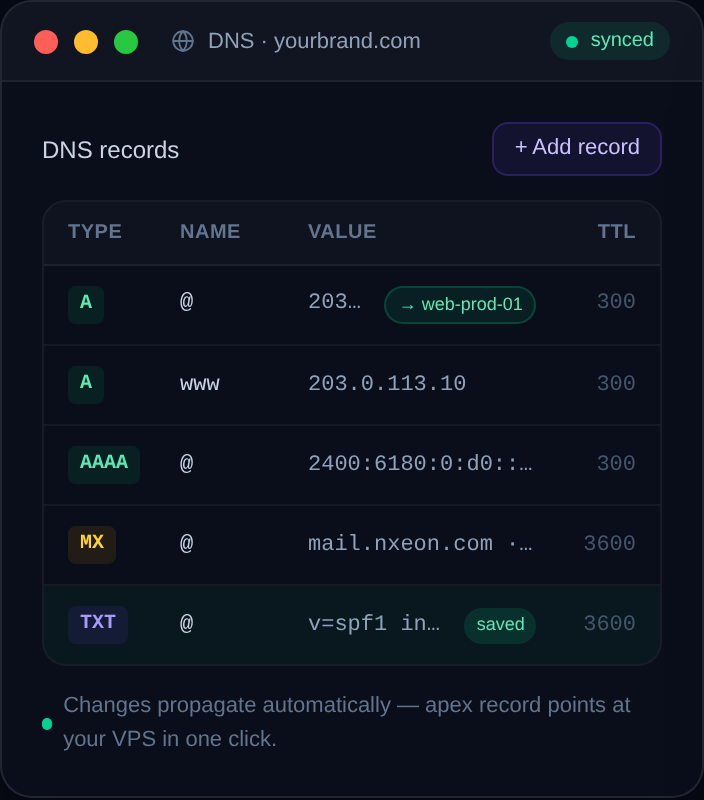
How to Set Up a Wildcard Subdomain on a VPS
A wildcard subdomain catches every subdomain at once — ideal for multi-tenant apps and dynamic subdomains. Here's the DNS record, the wildcard SSL cert, and the Nginx config.
How to Self-Host a Password Manager on a VPS
Which self-hosted password manager should you run, and how? Compare Vaultwarden, KeePass sync and Passbolt, then deploy your pick on a VPS with HTTPS.
How to Host Multiple Game Servers on One VPS
Run several game servers on a single VPS without them clashing: separate users, unique ports, systemd services, resource limits, and a clean firewall.
How to Set Up a TeamSpeak 3 Server on a VPS
Install a TeamSpeak 3 server on a Linux VPS: download the server, create a user, grab the admin token and ServerQuery password, open the ports, and run it with systemd.
How to Set Up a Mumble (Murmur) Voice Server
Host your own low-latency Mumble voice server with the Murmur daemon on a Linux VPS: install, configure mumble-server.ini, set the SuperUser password, and secure it.
Deploy your first server in under a minute.
Creating an account is free and takes no card details. Every guide here runs on a Nxeon VPS or game server.